Best PC Gaming Set Up Ideas For Every Space
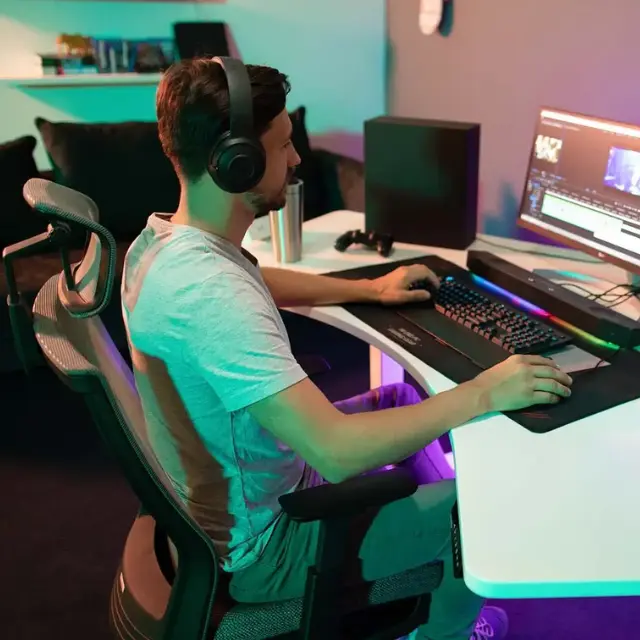
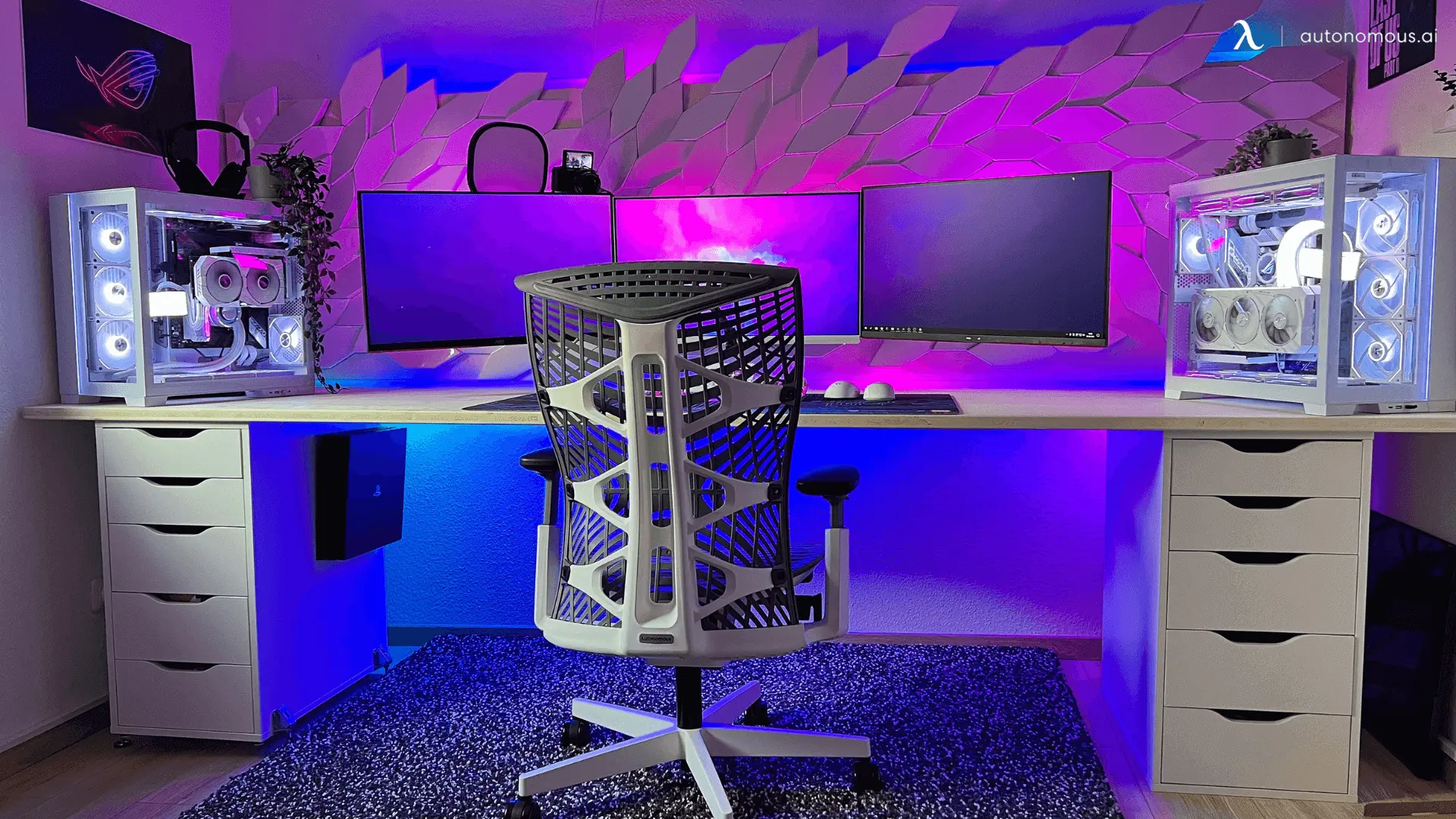
A good PC gaming set up comes down to a few measurements made in the right order: where the tower sits, how deep the desk is, how far the monitor is from your eyes, and how the chair height lines up with the desk. Get those right and the lighting, accessories and style choices fall into place on top of a computer set up that is comfortable for long sessions.
The ideas below work for a full RGB battlestation, a quiet white minimalist build or a corner of a spare room. Each section of this PC gaming set up guide gives the number or check to use before you buy or move anything.
1. Start With The Heart Of The Setup: Your PC
Decide where the tower goes before anything else, because it is the largest object on or near the desk, it needs air on two sides, and every cable in the setup starts at its back panel. A full ATX case with three front fans asks for far more room and clearance than a mini-ITX build you could hold in one hand.
If you are still choosing parts, settle the case size together with the budget. Knowing how much it costs to build a gaming PC at each tier tells you whether you are planning around a compact case or a full tower.
Pick The Right Spot For Your Tower
Every gaming desk setup has three realistic places for the tower, and each one trades desk space against airflow and dust.
| Placement | Works when | Watch for |
|---|---|---|
| On the desk | The top is deep enough and you want to see the build | Lost surface; the case weight counts toward a standing desk's lift capacity |
| On the floor beside the desk | You want a clear surface and a short reach to the front ports | Carpet blocking bottom intakes; more dust in the filters |
| In a cabinet or closed nook | You want the case out of sight | Trapped heat unless the back and top stay open |
Measure your case before you commit to the desk. Mid-tower cases are often 16 to 19 inches deep (check the spec sheet for yours), so on a 24-inch-deep top a tower leaves little room behind it for cables. On the floor, set the case on a hard board or small stand if it sits on carpet, and keep a few inches of clear space behind the rear exhaust fan.
Balance Visibility and Space
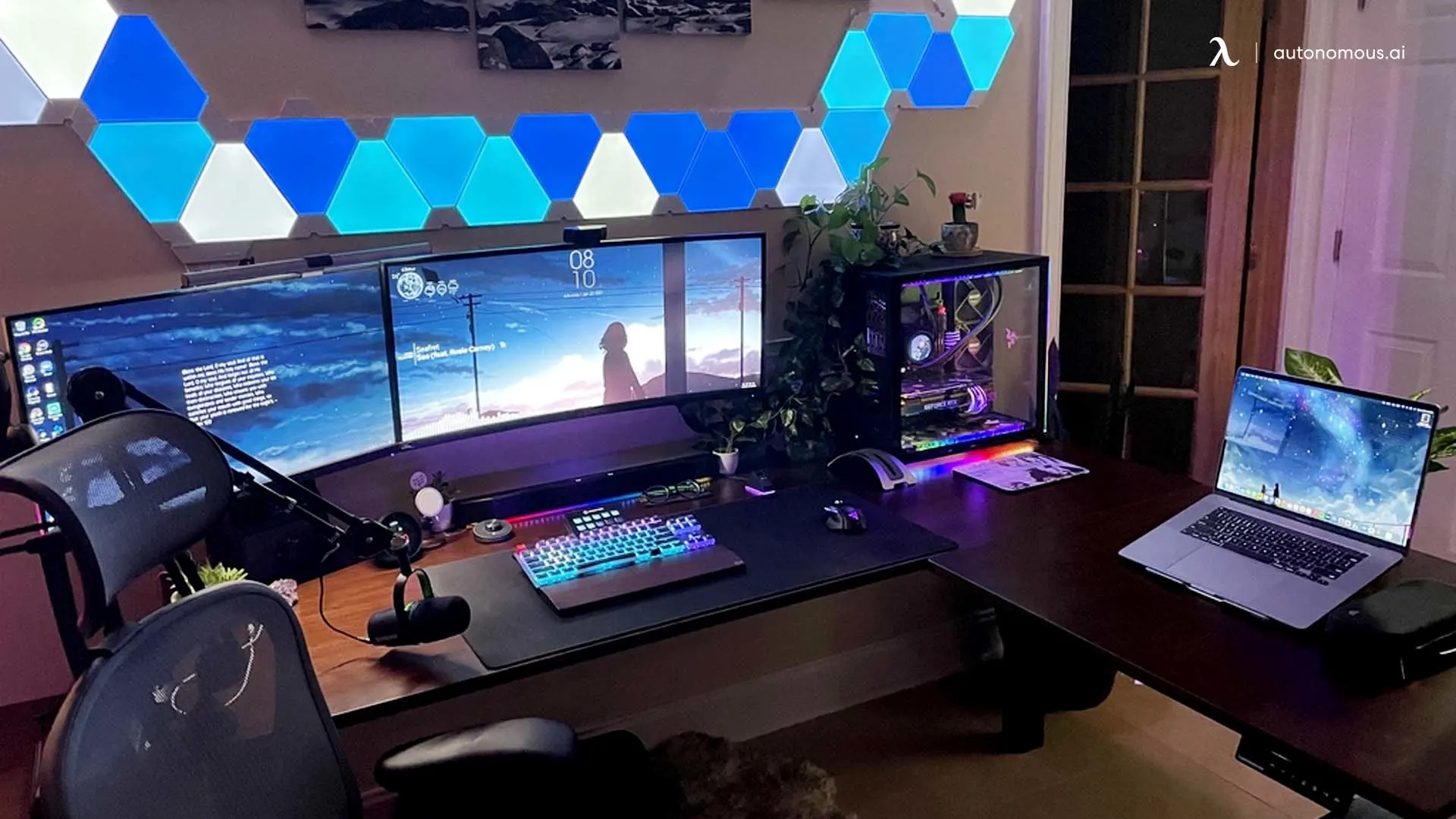
A tower with a glass side panel looks best on the desk, with the window facing into the room rather than toward the wall. Put it on the side of your non-mouse hand so it never crowds the mouse swing.
A tower kept on the desk is also easier to open for a GPU swap or a filter clean. A tower on the floor frees the whole surface for a keyboard, mouse pad and second screen, which suits a tighter desk. These are the two most common pc placement ideas, and the right one is the one your desk depth allows.
Let Form And Function Work Together
Tower placement sets every cable length in the room. Before buying cables, measure the path from the GPU outputs to each monitor input, and from the power supply to the outlet, following the route the cable will actually take.
On a height-adjustable desk, a tower on the surface rides up and down with the top, so its power cable needs slack all the way to the wall. A tower on the floor stays put, so the display and USB cables need the slack instead. Either way, plan for the desk's full travel, not its sitting height.
2. Choose A Layout That Frames Your PC
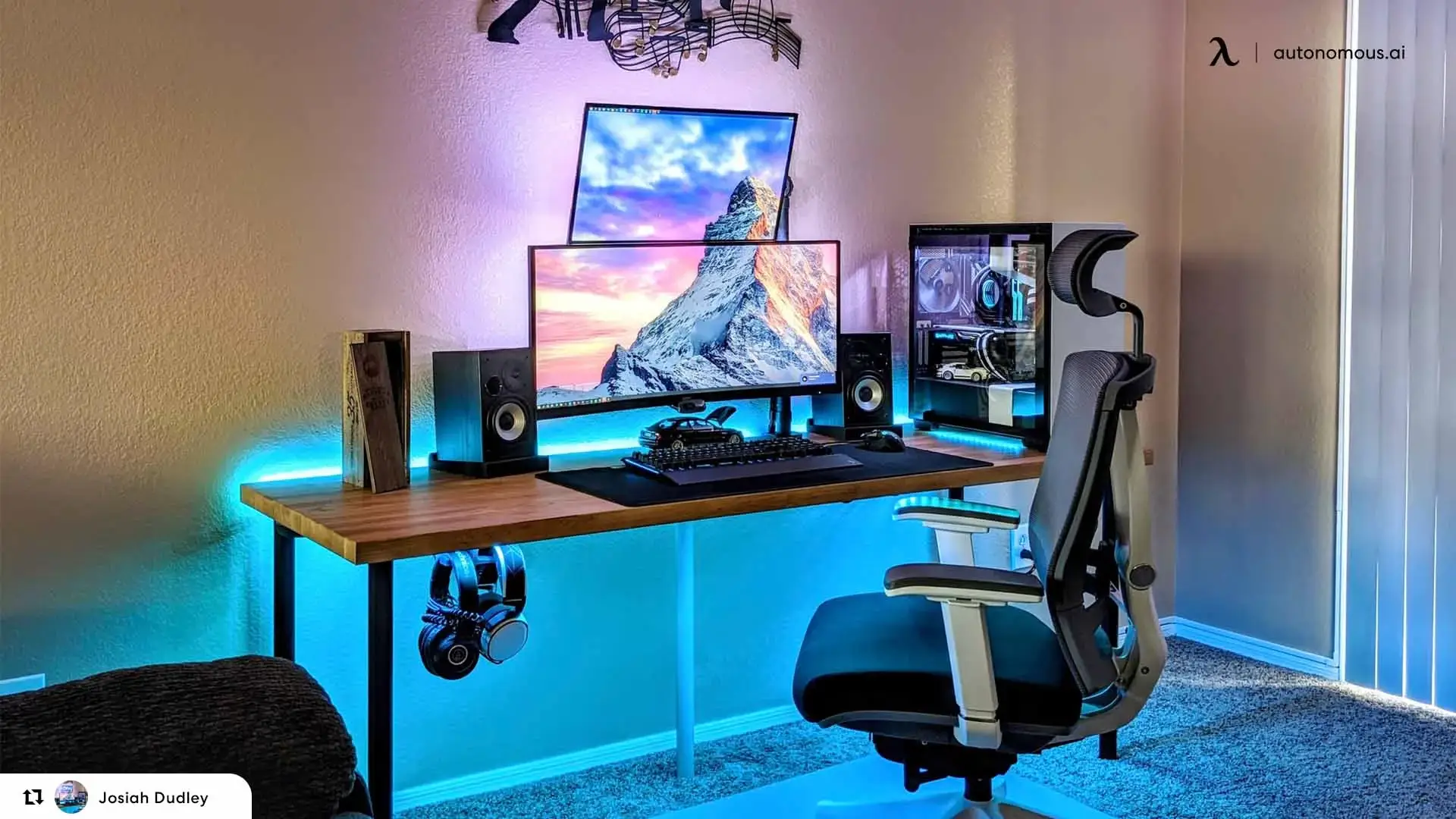
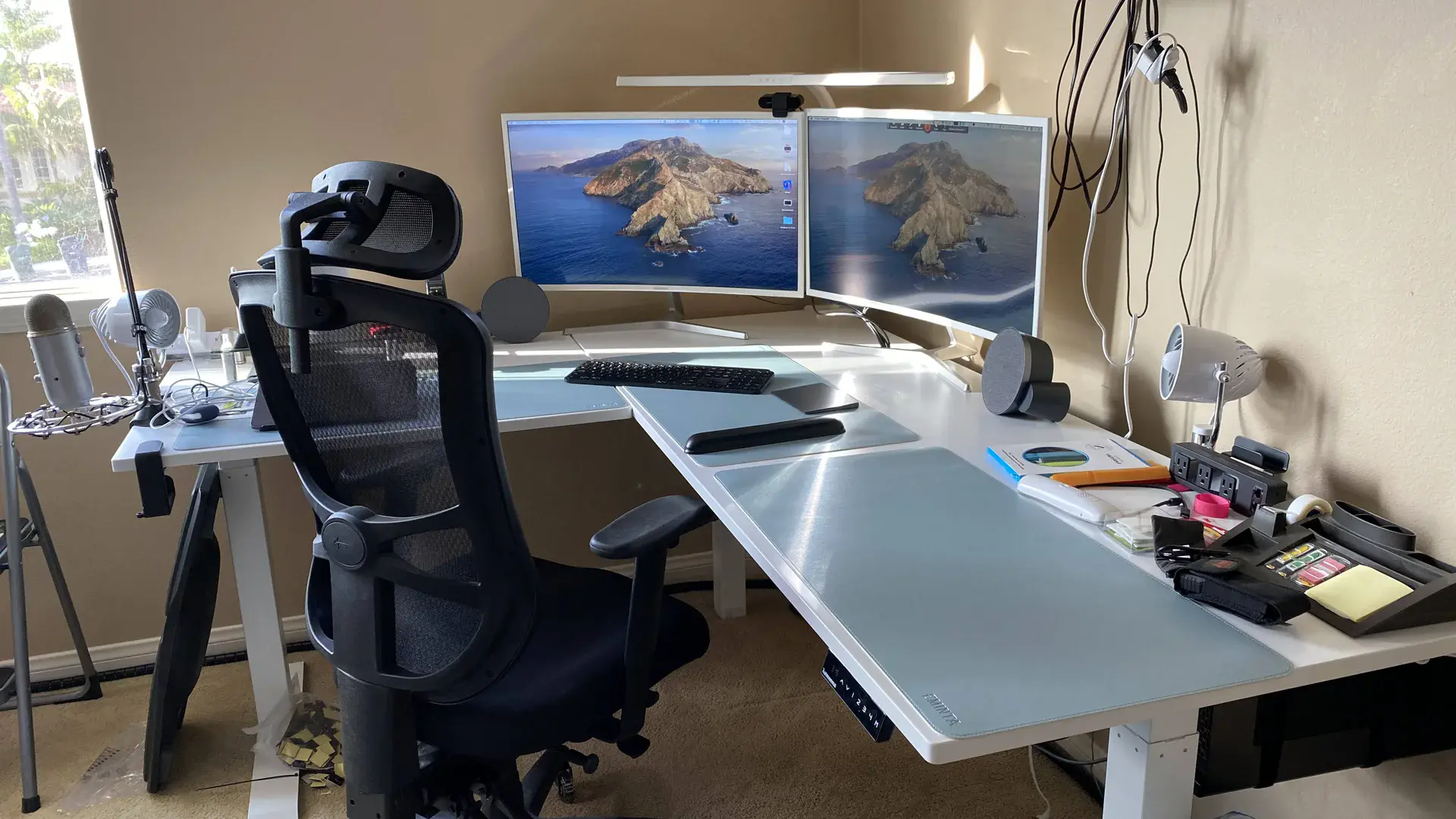
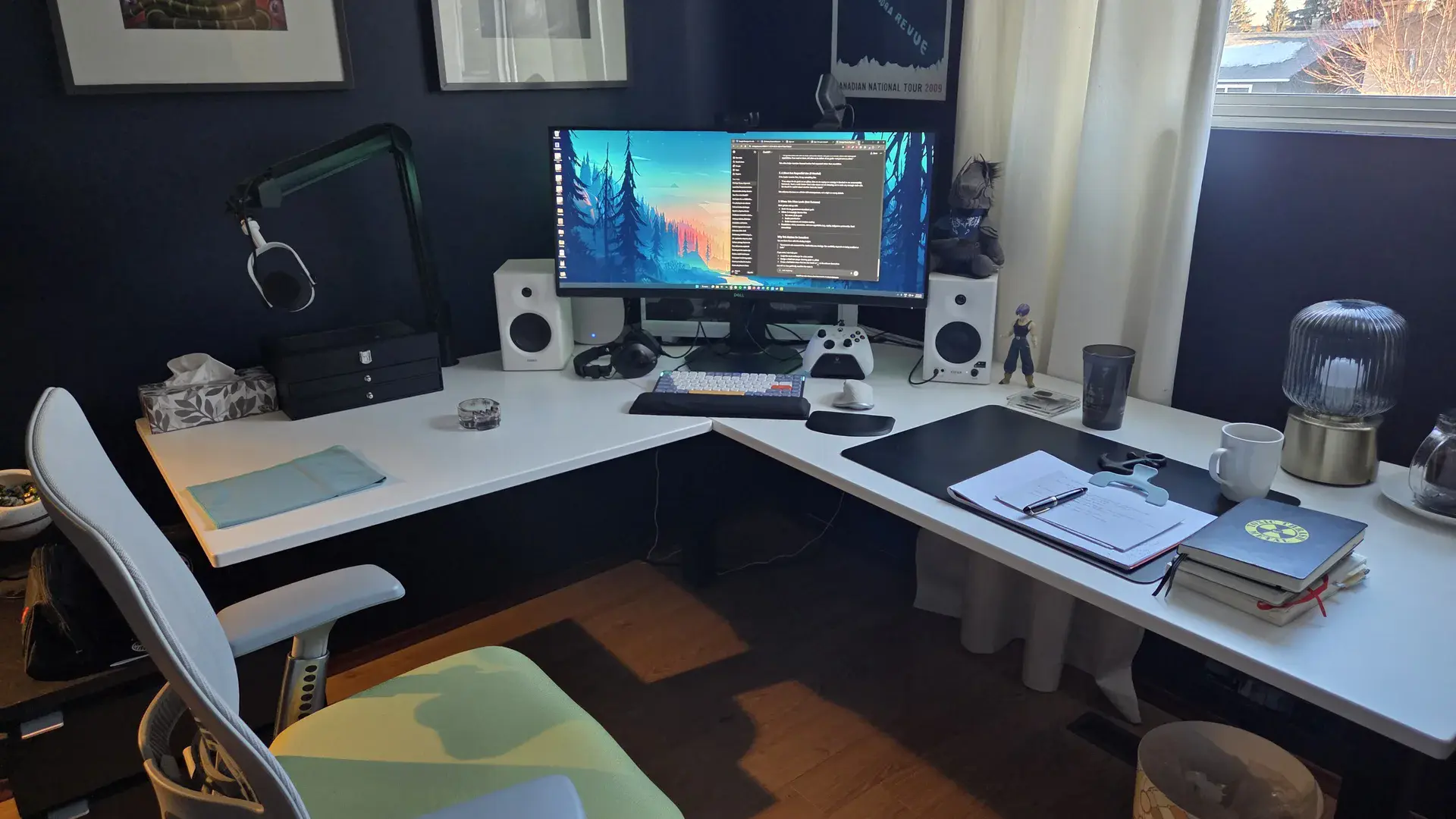
Choose the desk shape by depth first and width second. Depth decides how far you can push the monitor back; width decides whether the tower, a second screen and the speakers fit beside it.
Use Your Desk As A Stage
A 27-inch monitor on its stock stand plus a full keyboard in front of it can leave a 24-inch-deep top feeling cramped, with the screen closer than you would like. A top around 30 inches deep gives you room to sit at arm's length from the screen.
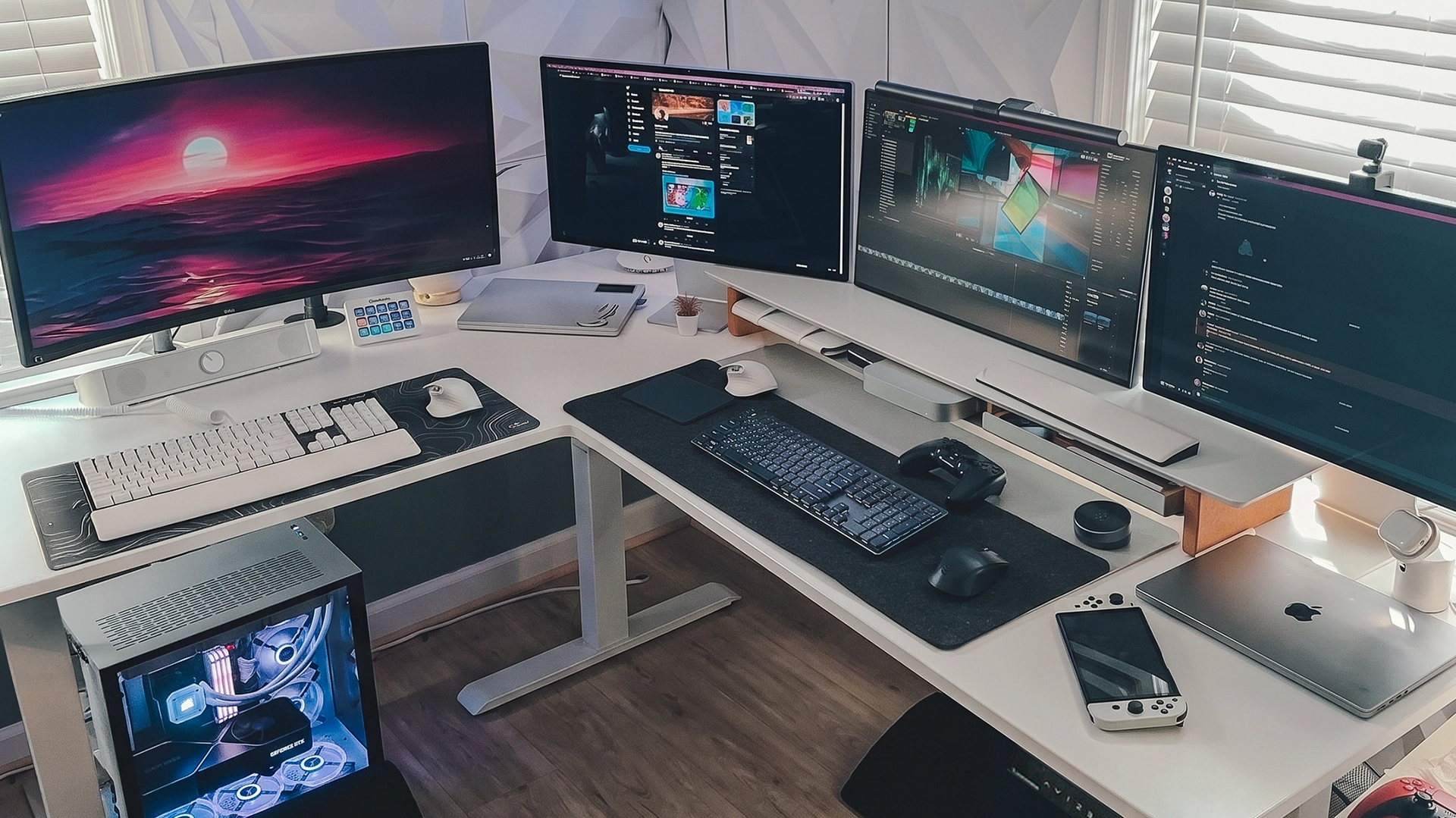
For a build in a shared room, like a living room gaming setup, a compact but deep desk keeps the screen readable without blocking the walkway. L-shaped desks make sense once a straight desk can no longer hold the tower, monitors and a laptop at the same time.
The Autonomous Desk 2 L-Shaped is one example of that size step. Its main run is 77 inches long and 29 inches deep, with a 35-inch return, and Autonomous lists room for three 27 to 32-inch monitors, a PC and two laptops. The short side moves to the left or right, so the same desk fits either corner of the room.
Match Layout to Room Flow
Place the desk where you can still reach the back of the tower and the monitor inputs without moving furniture. A desk pushed flat against a wall looks tidy but turns every cable change into a crawl underneath it.
Unusual rooms add their own limits. In a garage gaming setup, outlet position, dust and temperature swings matter more than looks. In any room, set the monitor side-on to a window instead of facing it or backing onto it, which cuts glare on the screen. These pc room setup ideas are about how you move around the station, not only how it photographs.
Think Beyond the Surface
Plan the space under and behind the desk for the power strip, power bricks and cable runs before you place anything on top. A surge protector fixed under the desk keeps plugs off the floor and moves with the top on a standing desk.
Check the travel of a height-adjustable desk and give every cable that much slack. The Desk 2 L-Shaped goes from 29.4 to 48 inches with the top, so a cable from a floor tower needs roughly 18 to 19 more inches at standing height than at sitting height. In tight spaces such as a closet gaming setup, leave a gap behind the desk so the tower's exhaust air has somewhere to go.
3. Design Around Your Monitors
Set the monitor distance and height before choosing how many screens to run. OSHA's computer workstation guidance puts the screen at least 20 inches from your eyes, with 20 to 40 inches as the working range, and the top of the screen at or slightly below eye level.
Those two numbers hold for a single ultrawide and for a multi-monitor setup alike. What changes with more screens is how much width the desk needs and where the cables run to the GPU.
Keep the View Centered
Put the screen you play on straight in front of you, centered on the keyboard, so your head faces forward instead of turning for hours. This keeps your gaming posture neutral and matters most in fast games where you track movement at the edges of the screen.
With two screens, center the main one and angle the second to the side. Splitting two monitors evenly puts the bezel gap right where you look. One well-placed screen at the right distance often feels more immersive than two placed badly.
Choose a Display Style That Fits Your Space
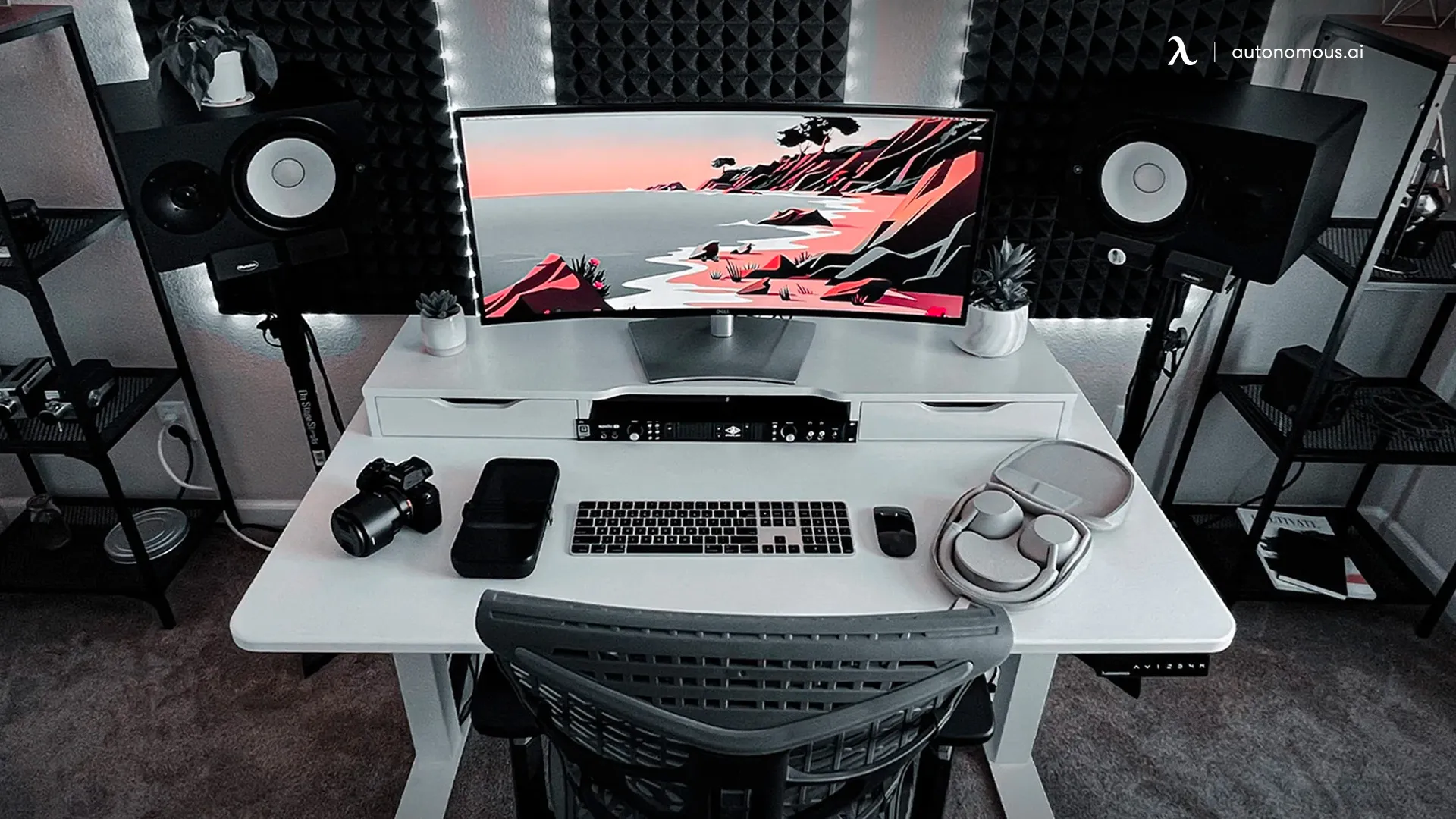
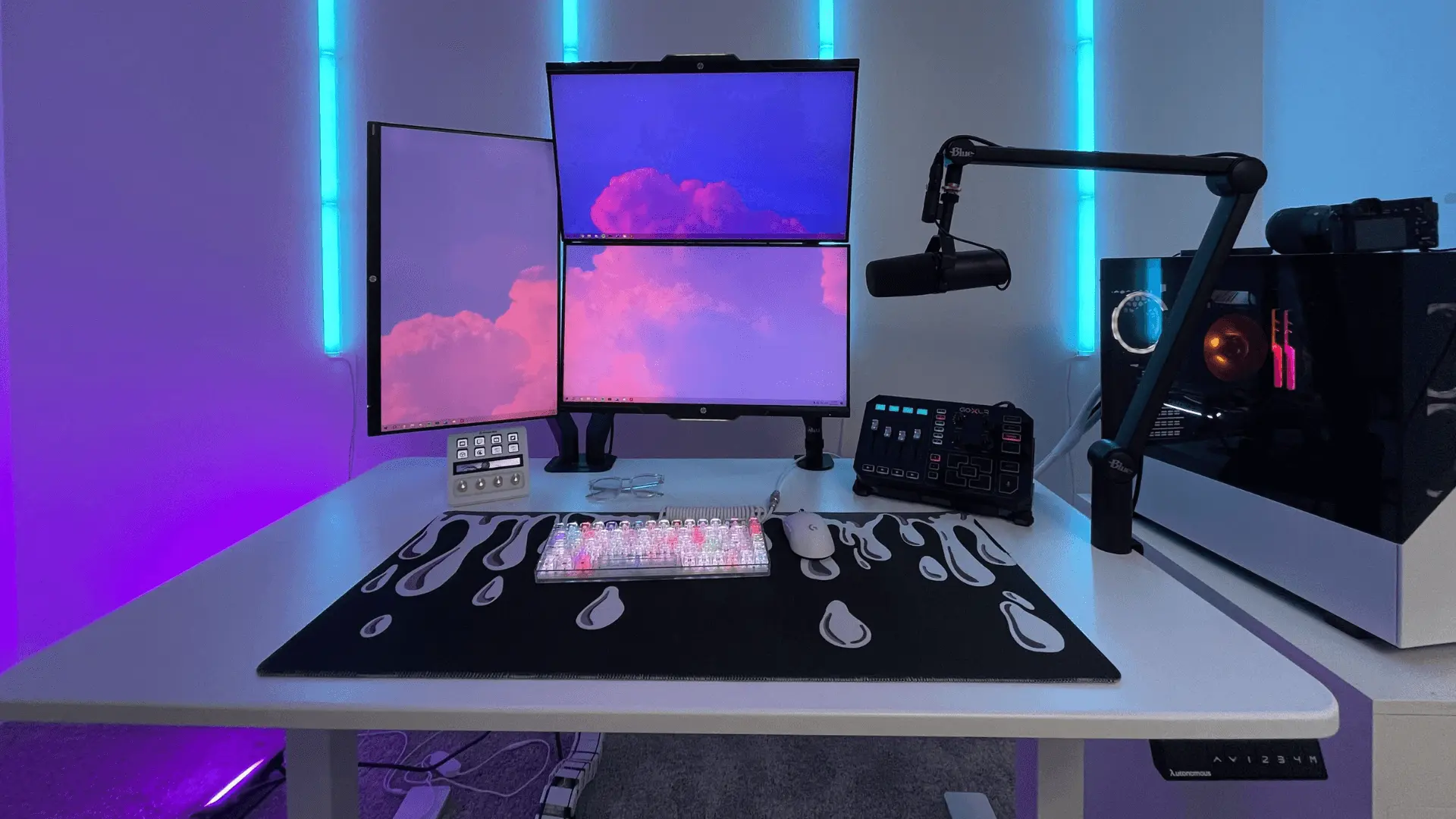
A dual-monitor gaming setup suits streamers and anyone who keeps chat, a guide or a browser open while playing. An ultrawide gives one panoramic screen with no bezel in the middle, but it needs a wider and deeper desk. The panel widths below come from each screen's size and shape, before bezels.
| Layout | Panel width | Suits |
|---|---|---|
| One 27-inch 16:9 | About 23.5 in | Small desks, competitive play |
| One 34-inch 21:9 ultrawide | About 31 in | Racing, sims, single-screen immersion |
| Two 27-inch side by side | About 48 in plus bezels and gap | Streaming, play plus a second app |
| Two 27-inch stacked | About 23.5 in | Narrow desks; needs an arm or tall stand |
Use a Monitor Arm When Depth Runs Short
A monitor arm clamps to the back edge of the desk and removes the stand's foot from the surface, which gives back several inches of depth and lets you push the screen to the distance you want. Before buying one, check three things: the clamp's maximum top thickness, the arm's weight rating against your monitor, and that the back edge has no frame crossbar where the clamp needs to sit.
A stand is simpler and fine on a deep desk. Stacked or vertical screens almost always need an arm.
4. Pick A Desk And Chair That Match The Build
Treat desk height and chair height as one measurement. With your feet flat and shoulders relaxed, the desk surface should sit at about elbow height so your forearms rest level on the keyboard and mouse. Good gaming furniture lets you adjust one or both until that happens.
Build A Stable Foundation For Your Rig
A gaming desk needs depth for the screen distance above and a frame that stays steady under the weight on it. Add up the tower, monitors and speakers and compare the total with the lift capacity: Autonomous lists 250 lbs for Desk 2, 400 lbs for the Desk 2 L-Shaped and 450 lbs for the Desk Pro.
A steady frame matters for mechanical keyboards and low-sensitivity mouse play, where a desk that sways makes aim feel loose. Matte or powder-coated finishes also reflect less of your lighting back at you than gloss.
The Autonomous Desk Pro uses a C-frame with a 29.25-inch height travel and a 450 lbs capacity. The frame carries a lifetime warranty and the top two years.
Match Materials To The Look And Performance You Want
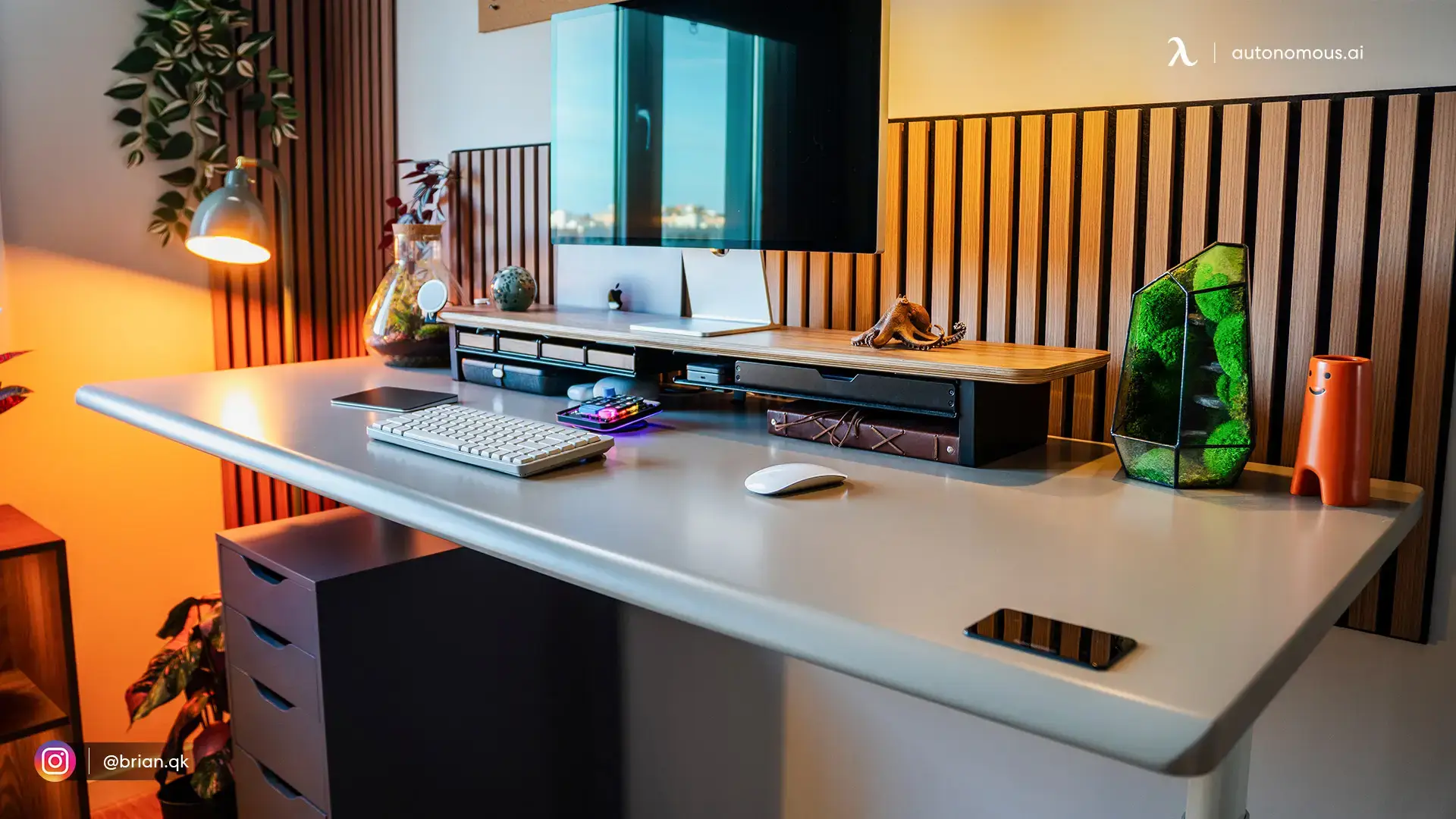
The desk material changes both the look and what you can mount. Warm wood tones sit well with white or minimalist towers, while matte black tops let RGB-heavy builds stand out.
Check the top's thickness and edge before you buy clamps. The Desk 2 L-Shaped, for example, uses a 1-inch warp-proof MDF top with a sealed surface, a thickness most monitor arm clamps and headphone hooks accept. Clamping an arm and putting a tower on the top both add weight, so count them toward the lift capacity above.
Choose A Chair That Supports Long Sessions
Pick a gaming chair by seat height range first. If the chair has to go to its top setting to reach the desk and your feet no longer rest flat, lower the desk instead, which is the main reason a height-adjustable desk pays off in a gamer set up.
After height, look at armrests that reach your desk edge, lumbar support you can move, and a recline that locks for breaks between matches. A mesh ergonomic chair runs cooler over a long evening than padded racing-style seats. Here is how two Autonomous chairs compare on those points:
| Spec | ErgoChair Pro | ErgoChair Ultra 2 |
|---|---|---|
| Seat height | 18.5 to 22 in | 18 to 23 in |
| Armrests | 3D | 4D |
| Recline range | 22° | 25° |
| Lumbar | Sliding lumbar, 6-inch height range | Flexing backrest, 62 pressure nodes |
| Capacity | 300 lbs | 320 lbs |
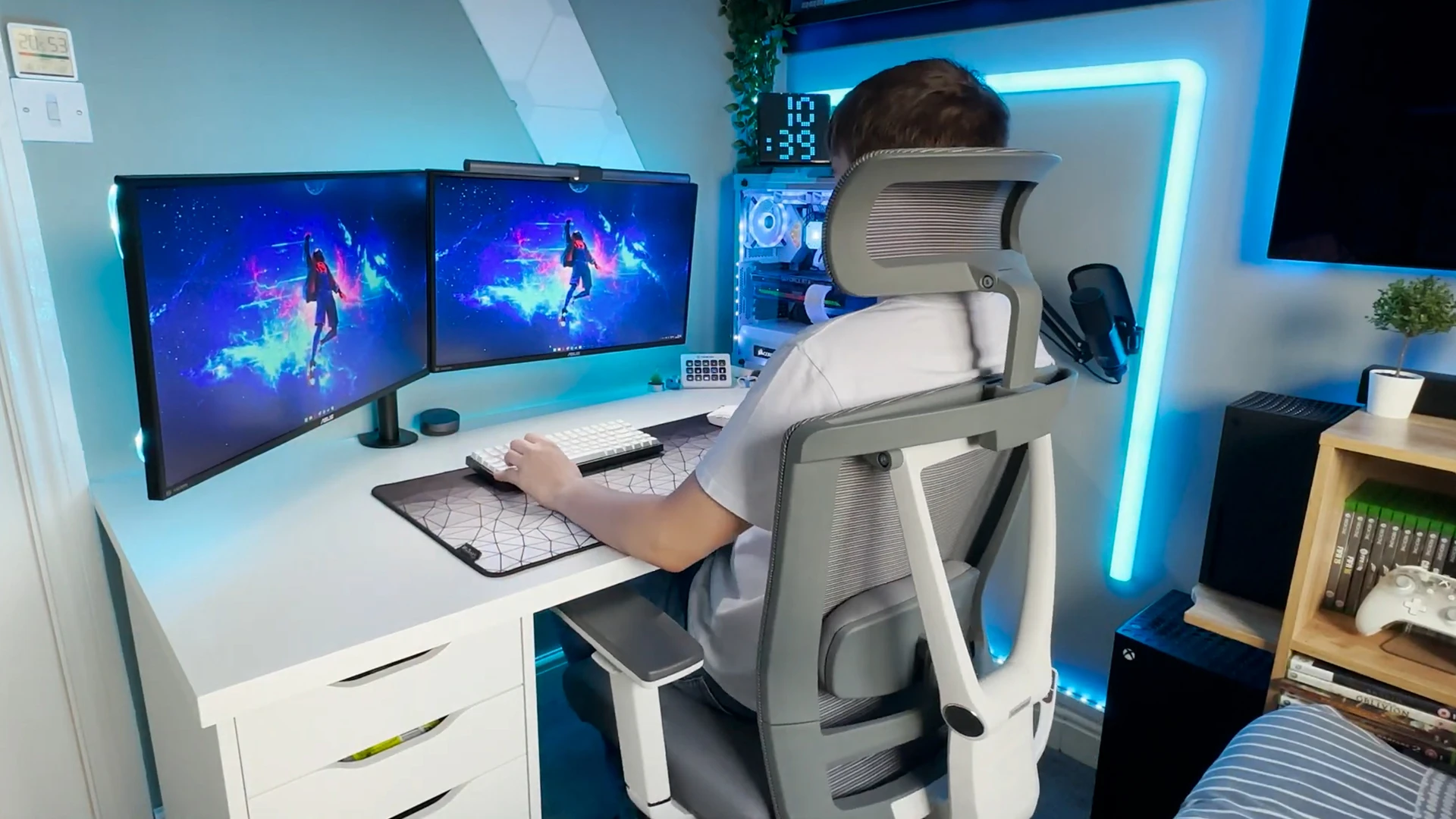
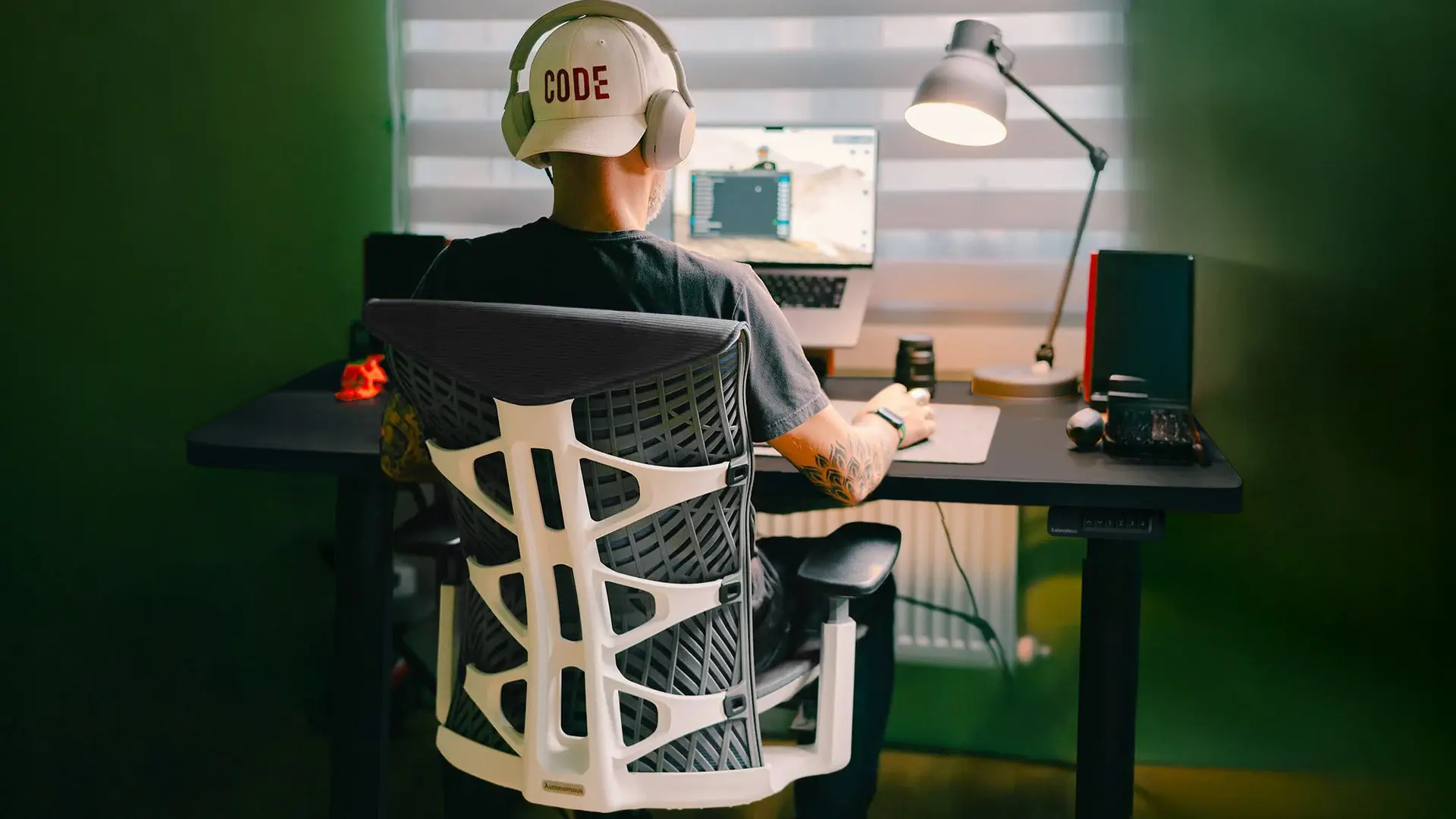
The Pro suits someone who wants to place the lumbar pad exactly; it is the one of the two with adjustable lumbar. The Ultra 2 suits a taller player who wants the wider seat height range, the extra recline and armrests that also pivot. Both carry a lifetime warranty.
5. Light It Like A Stage
Put a soft light behind the monitor, keep bright sources out of the screen's reflection and aim a small task light at the keyboard. That combination cuts glare and the contrast between a bright screen and a dark room.
Use Lighting To Highlight, Not Distract
Keep the tower as the visual anchor. If it sits on the desk, an LED strip along the back edge or under the shelf frames it without adding clutter on the surface.
For a hidden tower, bias lighting behind the monitor gives the setup depth and keeps your eyes from adjusting between a bright panel and a black wall. Position any lamp to the side of the screen, never behind you, where it would show up as a reflection.
Color Sets The Mood
RGB is easy to overdo, so pick one or two colors and run them across the tower fans, strips and peripherals. Warm whites and amber read as cozy; blues and purples read as cool and modern.
If you want the bias light to stay neutral, set it near 6500K, the white point most monitors are calibrated to under the sRGB standard. A colored glow behind the screen shifts how the colors on it look.
Layer Light For Depth
Use three layers: ambient light for the room, accent light for the tower or a wall feature, and task light on the keyboard. Low ambient light in the room helps prevent eye strain during long night sessions.
Layering also stops glossy panels from picking up one harsh light source. If you see a lamp in the screen, move the lamp, not the monitor.
6. Accessorize to Complete the Look
Add an accessory only when it fixes something on the desk now: a cable that keeps falling, a headset with nowhere to go, a wrist that aches by the end of the night.
Treat Accessories as Finishing Touches
Think of gaming desk accessories as the last adjustment. A desk mat sized to your mouse swing, a headphone hook under the edge and a controller dock near the tower each clear one item off the surface.
From the Autonomous range, ErgoClick 3D is a 3D-printed wrist rest that works with any mouse, and Hydrate is a water-tracking coaster with light, vibration or buzzer reminders for long sessions. Skip anything you would not use every day; extra gadgets are the fastest way to clutter a clean desk.
Make Function Look Effortless
Cable management does more for a gaming computer set up than any decoration. A tray under the desk holds the power strip and adapters off the floor, keeps cables away from the tower's intakes and moves with the top on a standing desk.
The Autonomous Cable Tray is steel, 35.4 inches wide, holds 35 lbs and mounts under the desktop on Autonomous desks; the Desk 2 L-Shaped comes with one. Add sleeves or Velcro ties for the runs from the tray to the tower.
7. Pick A Style That Matches You
Pick the style after the measurements, because the style decides what stays on the desk and what gets hidden, not where the tower and screens go.
Start With The Vibe You Want
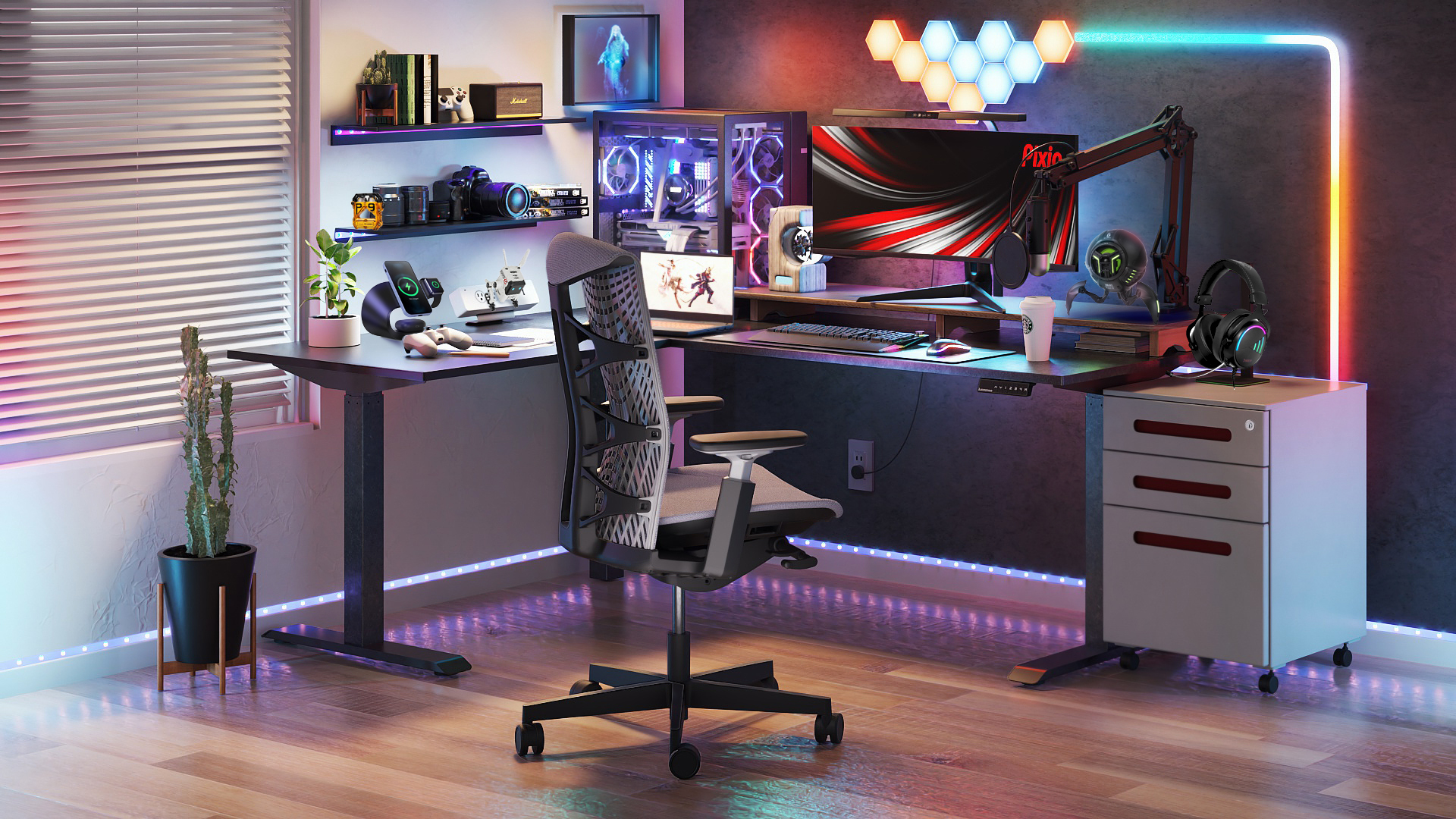
Minimalist builds keep the surface clear and hide cables under the desk. RGB setups put the tower and components on show, so they need a glass case, sync software and a spot where the case faces the room.
A wood gaming setup softens the space and makes a gaming corner feel like part of the home. Many of the best computer setups and cool pc gaming setups people share online pick one of these three and stick to it.
Let The PC Lead The Theme
Your case sets the tone. A compact white build pulls a room toward a minimal or Scandinavian look, while a black glass case full of RGB anchors a dark battlestation.
The case color also narrows your desk, chair and accessory choices, so it is the easiest place to start when you are collecting gaming pc ideas.
Build Around Personality, Not Trends
Build for how you play. If you rearrange often, keep the gear modular and the cables loose enough to move. If you love showing hardware, spend on lighting and open desk space. If neatness matters most, lean minimalist.
The best gaming setup ideas are the ones that fit your room and your habits, not the most liked post of the week.
FAQs
What are the best PC gaming setup ideas for beginners?
Start with three things: a tower placed where it gets air, a desk about 30 inches deep, and one good monitor at arm's length with its top at eye level. Add lighting, a second screen and accessories once those basics feel right.
How does tower placement affect my PC gaming desk setup ideas?
Tower placement sets airflow, cable lengths and free desk space. On the desk it is easy to show off and service but takes surface. On the floor it frees the desk but needs a hard base off carpet, more dust cleaning and enough cable slack for a standing desk.
Should I choose a straight or L-shaped desk for my PC gaming setup ideas?
Choose an L-shaped desk when a straight top can no longer hold the tower, monitors and a laptop together, or when you have an empty corner. A straight desk suits a single monitor, a floor tower and a smaller room.
What size desk is best for a gaming PC desk setup with multiple monitors?
Two 27-inch monitors side by side measure about 48 inches across before bezels, so a top about 55 inches wide or more leaves room for speakers. Aim for 27 to 30 inches of depth to keep the screens at arm's length.
How important is tower size and clearance in PC gaming set up ideas?
Very important, because a large tower needs space on the intake and exhaust sides and decides whether it can live on the desk at all. Check your case depth against the desk depth, and leave a few inches behind the rear fan.
How do I plan lighting for my PC gaming set up ideas?
Layer ambient, accent and task light. Put a bias light behind the monitor, keep lamps to the side of the screen rather than behind you, and stick to one or two colors so the room does not compete with the game.
How do I choose the right monitor layout in my PC gaming setup ideas?
Choose by what you do while playing. One ultrawide gives immersion with no bezel gap, two monitors suit streaming and multitasking, and stacked screens on an arm fit a narrow desk. Then check the desk width and depth against the layout.
Can a small room still support ambitious PC gaming setup ideas?
Yes. In a small room, move the tower to the floor or a vented nook, use a monitor arm to win back depth, and run cables in a tray under the desk. Keep the walkway clear and leave airflow space behind the case.
Conclusion
A PC gaming set up works best when you build outward from the PC. The tower's position sets the desk layout and cable runs, the monitor distance sets the desk depth, and the desk and chair heights together decide how your body feels after a long session. Lighting, accessories and style come last and work best when they follow those choices.
Comfort sits underneath every one of those steps, which is why many builders plan an ergonomic gaming setup alongside the look. Measure once, place the big pieces, then make the space yours.