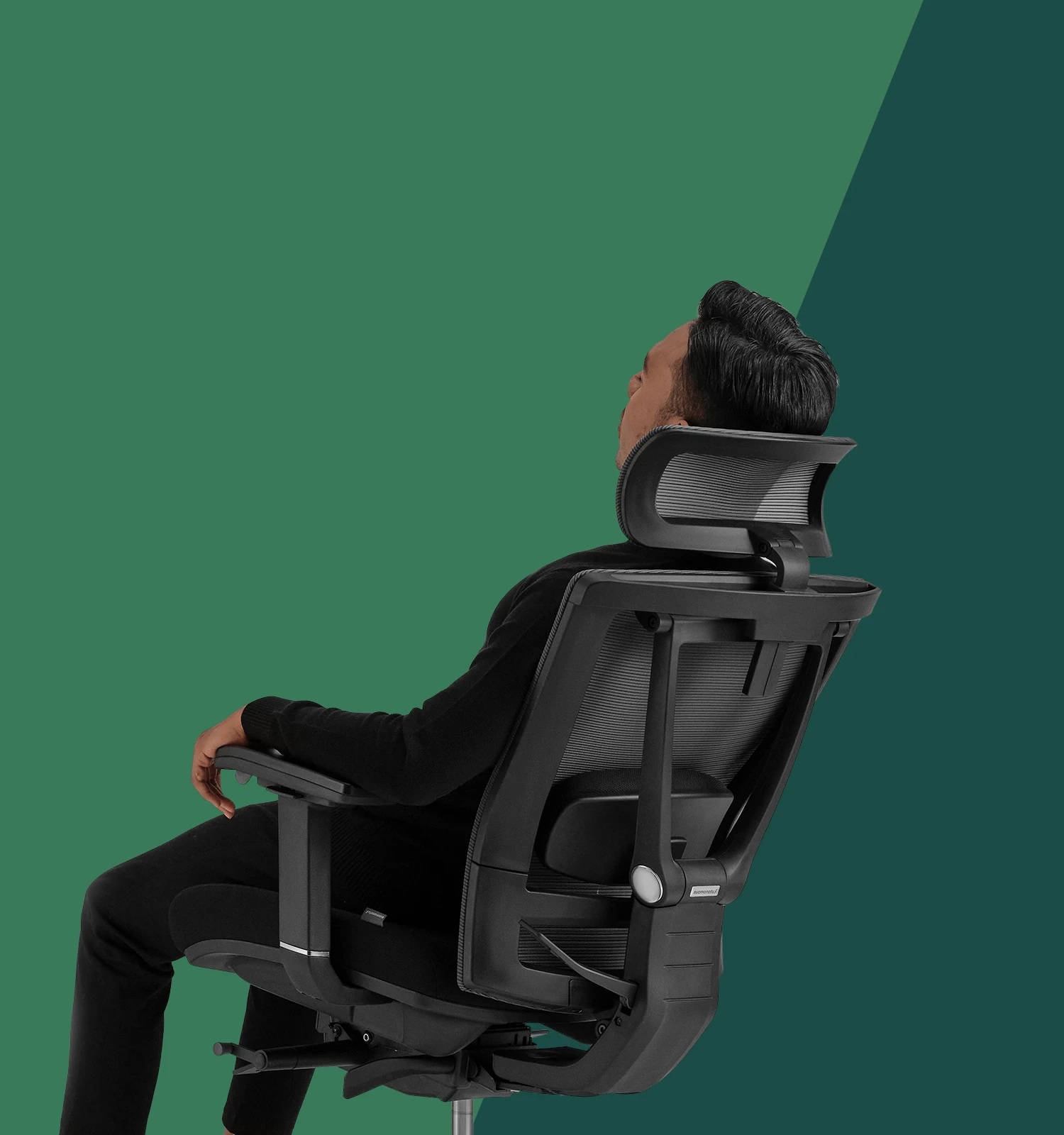
ErgoChair Pro
Black Friday price.
Built for 12-hour sessions.
10 Wood Gaming Setup Ideas To Transform Your Station

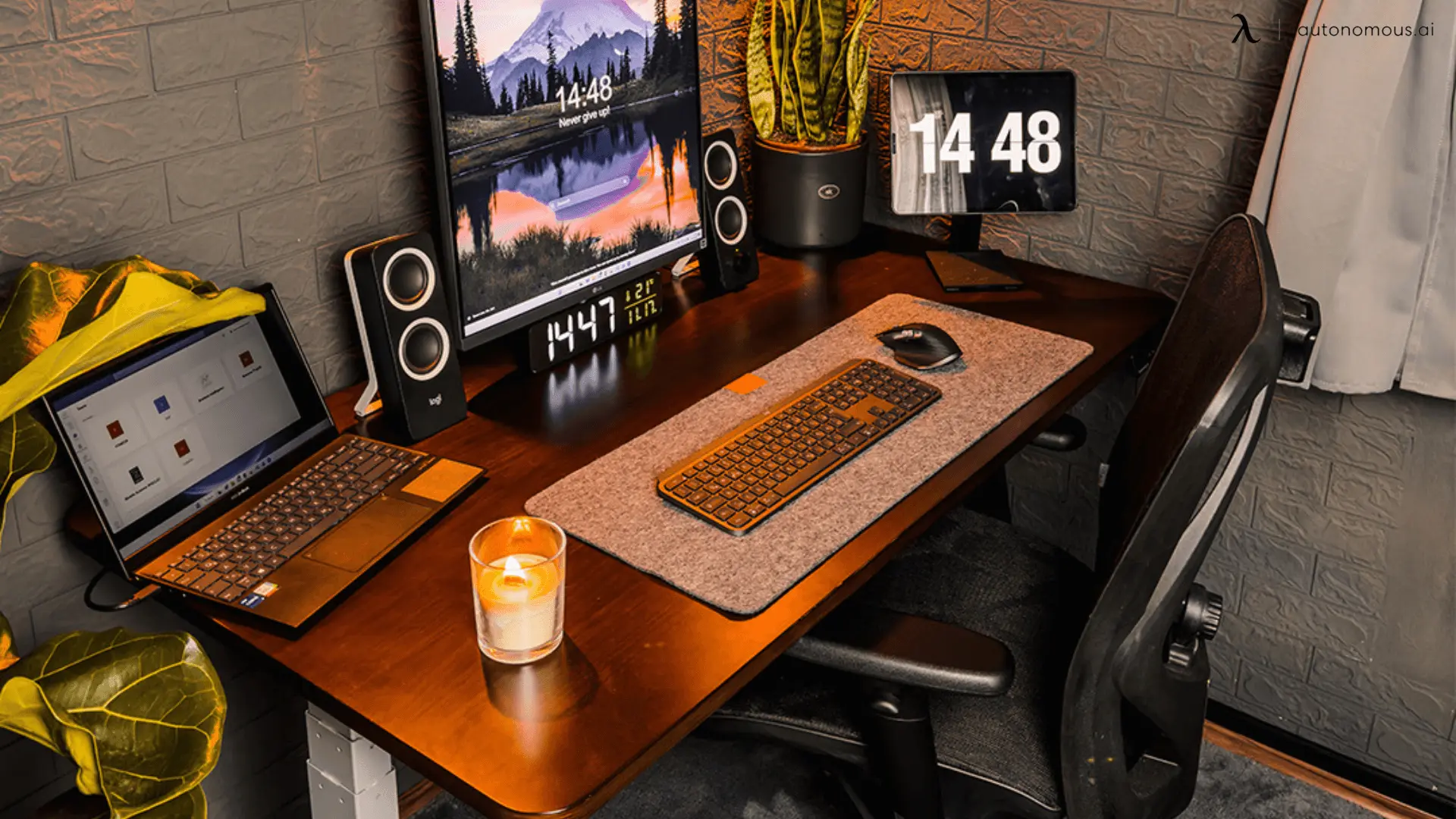
A wood gaming setup works best when the desktop can take a gaming rig before it looks good: a hard species or bamboo, a sealed finish that resists drink rings, and cables routed underneath so the grain stays visible. Four color pairings cover most builds: dark wood with RGB, light wood with white gear, white and wood, and black and wood.
Below are 10 wooden gaming setup ideas, five desks worth buying and the mistakes that damage wood. Monitor and seat height follow the same rules as any ergonomic gaming setup.
Different Types of Wood For Your Wood Gaming Setup
Oak, maple and ash are the safe hardwood picks for a gaming desk, walnut is the dark one that needs more care, and pine is the soft budget option that dents. Hardness is the first thing to compare in any wood desktop: the Janka rating below is the force needed to press a steel ball into the wood, so a higher number means fewer dents from a dropped headset.
| Wood | Tone | Janka hardness (lbf) | Pairs well with |
|---|---|---|---|
| Hard maple | Pale cream | 1,450 | White or gray gear |
| White oak | Light to mid brown | 1,360 | White, black or green accents |
| White ash | Pale, strong grain | 1,320 | Black frames, warm light |
| Black walnut | Dark brown | 1,010 | Black gear and RGB |
| Bamboo (natural) | Honey, visible strips | 1,380 | White or black frames |
| Eastern white pine | Pale yellow, knotty | 380 | Rustic or DIY builds |
The figures come from the standard Janka hardness table. Bamboo is a grass, not a wood, but pressed bamboo boards behave like a hardwood top. Birch sits near oak at about 1,260, and reclaimed wood can be any species, so judge it by species and flatness.
Walnut is softer than it looks and lightens in direct sun, so it suits a desk that does not face a window.
Solid Wood, Veneer or Wood-Look Laminate
Solid wood is the easiest top to sand back after a deep scratch; veneer and wood-look laminate on MDF are cheaper and more stable, but damage that goes through the surface layer is permanent.
Solid wood is the heaviest and priciest. It moves a little with humidity, so a good top is sealed on every face, including the underside and edges. Veneer is a thin real-wood layer over MDF or plywood: it looks like solid wood, but a deep gouge reaches the core.
Wood-look laminate or printed MDF is the most common gaming desk top. It shrugs off stains well, but the grain is a print and cannot be repaired.
Two gaming habits are hard on any of these. A PC tower on the top blows warm air across one spot for hours, so give it a stand with a gap or put it on the floor. A clamp-on monitor arm presses hard on a small area, so on veneer or MDF tops under about an inch thick, add a steel reinforcement plate under the clamp.
Weight is the other trade-off in MDF wood vs. solid wood: a solid top uses up part of a standing desk's lift capacity before you add a single screen.
10 Inspiring Wood Gaming Setup Ideas
Each idea starts from one color pairing; most need an afternoon of rearranging, not a new desk.
1. Light Wood With White Gear
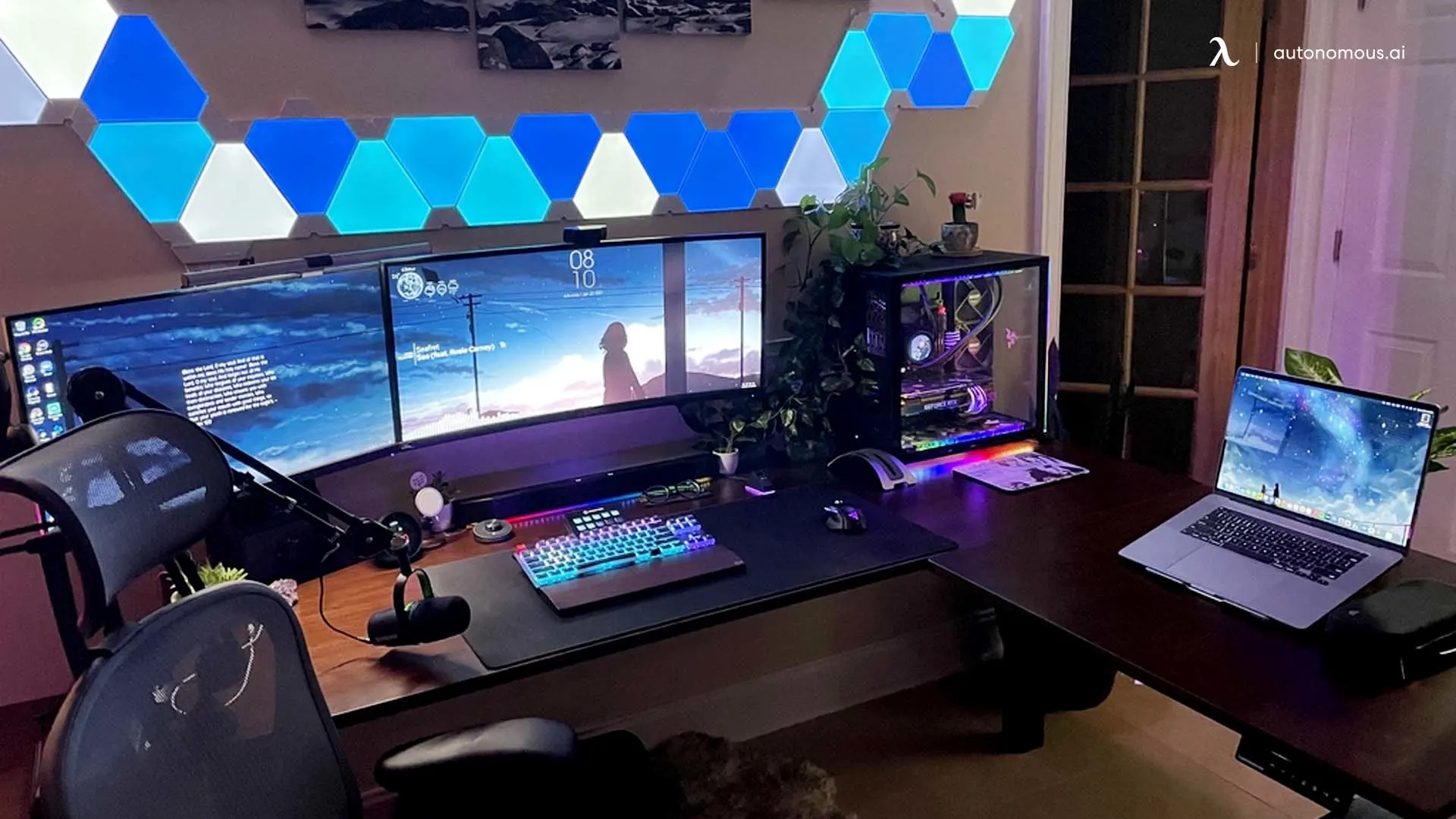
A light wood gaming setup pairs maple, ash, birch or bamboo with white or gray peripherals, and it makes a small room look larger because the pale top bounces window light.
Keep the palette short: a light top, white peripherals and desk accessories, one accent color in the backlight. Light woods show dark stains, so put a mat under the mouse and keyboard.
2. Dark Walnut With RGB Lighting
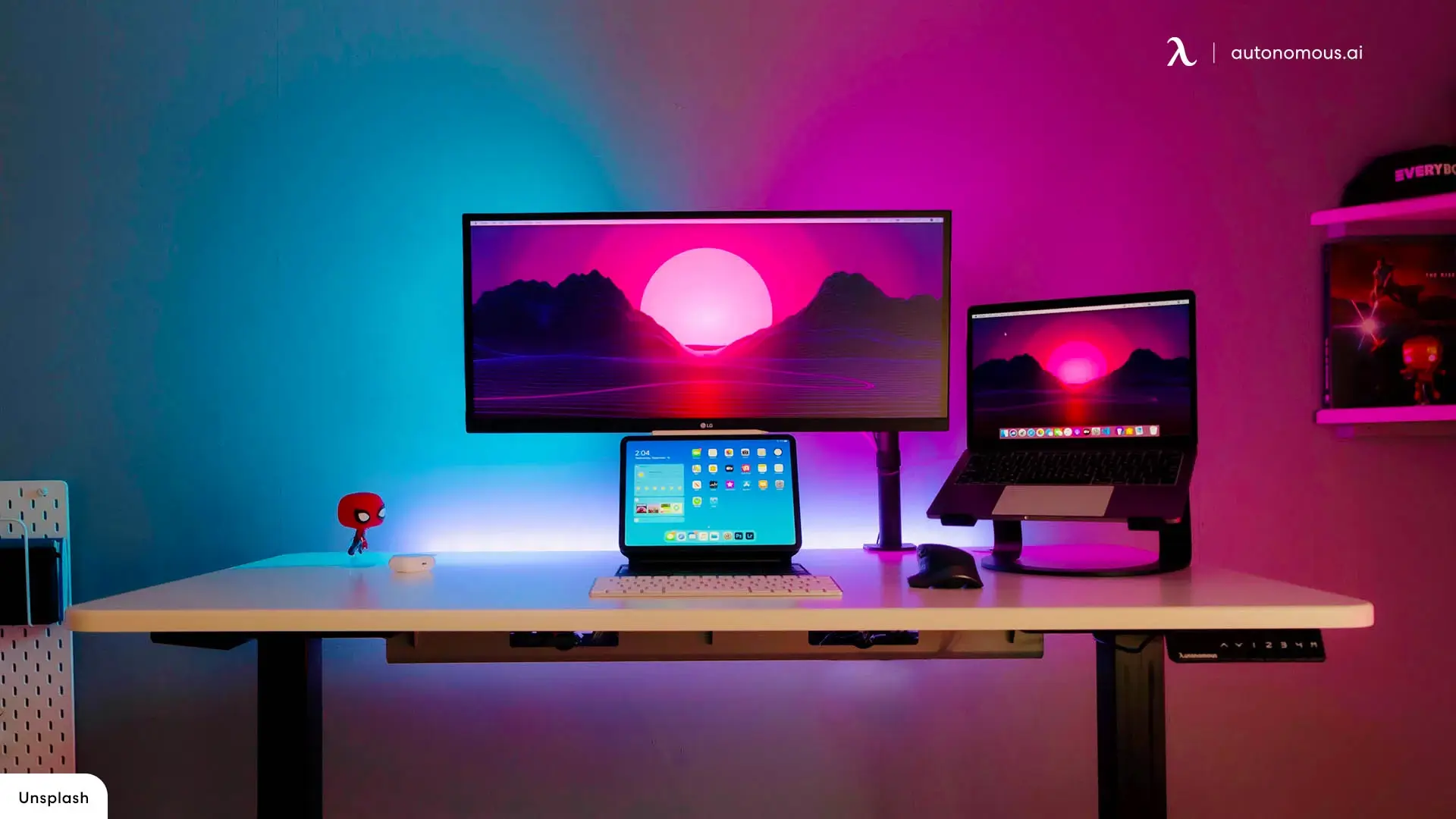
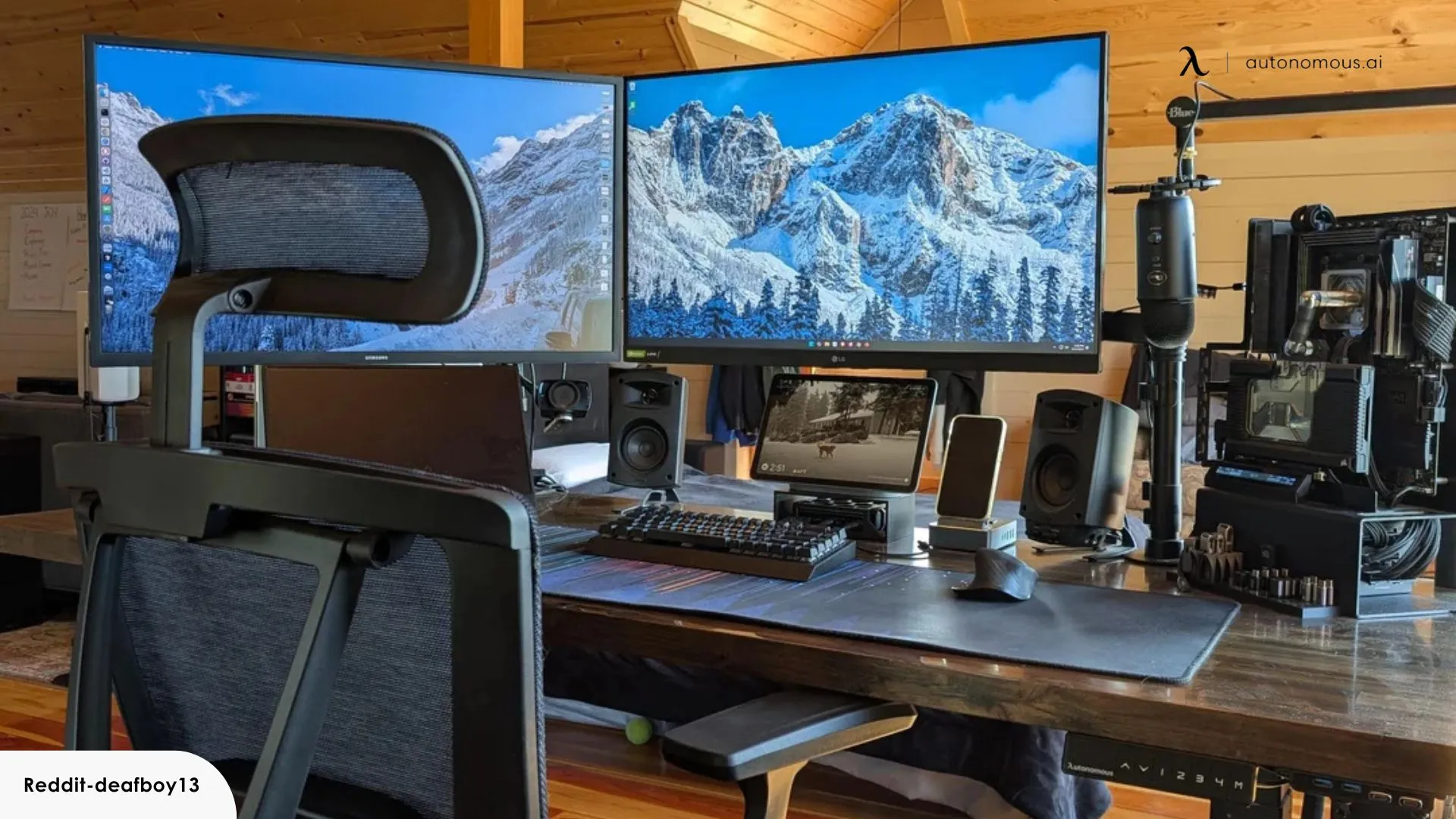
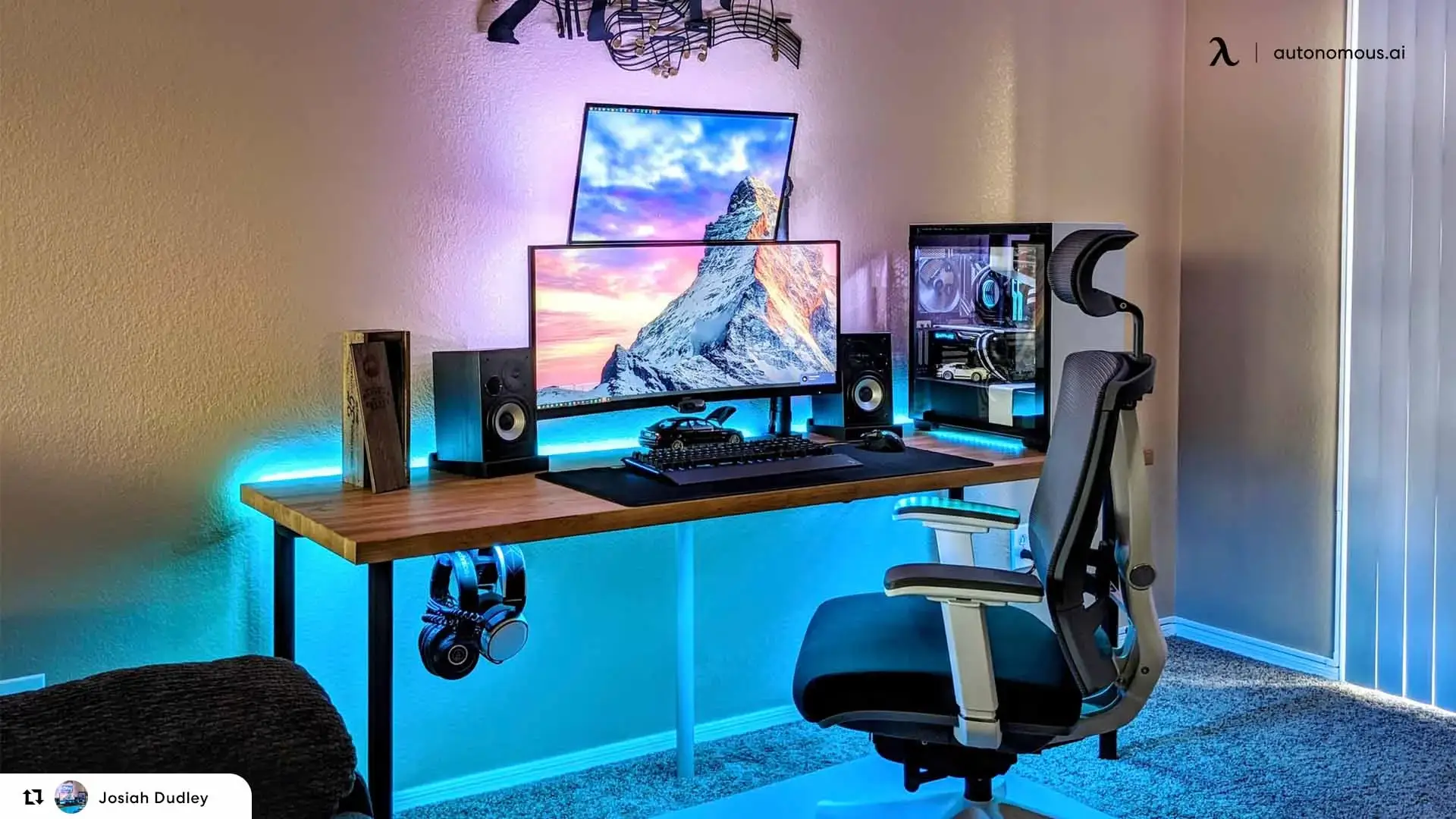
A dark wood gaming setup pairs walnut, or a walnut stain, with RGB strips, because dark grain absorbs light and makes colored LEDs look stronger. Mount the strips behind the monitor or under the desk edge so the light hits the wall, not your eyes.
A walnut desk setup carries big screens and ultrawides well. Dark tops show dust and fingerprints, so a matte finish is easier to live with than gloss.
3. White and Wood Minimalist
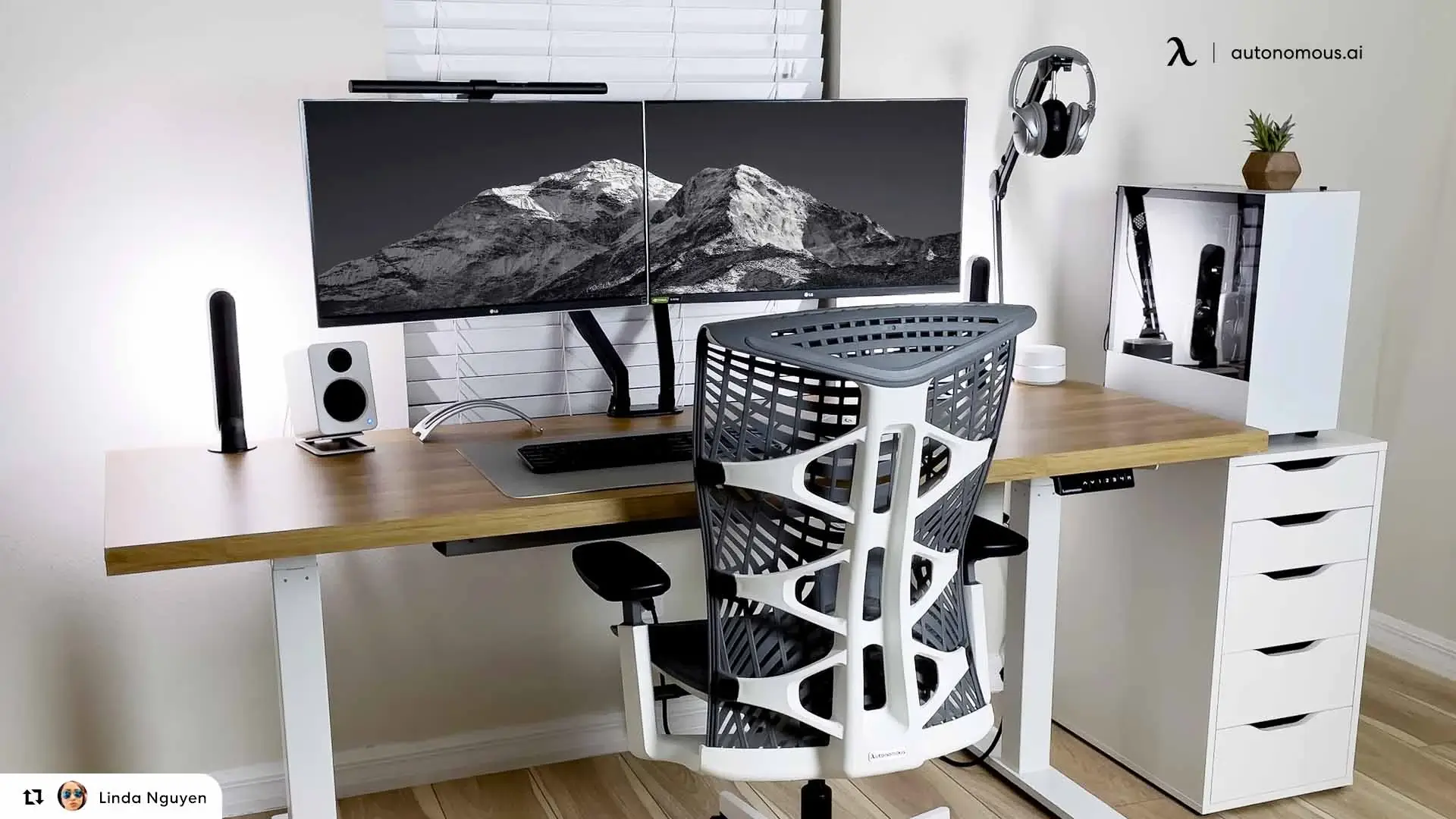
A white and wood gaming setup puts a natural wood top on a white frame, with white drawers, chair and peripherals, so the wood is the only warm surface in view. It suits a desk used for both work and games.
A monitor arm clears the top and a white drawer unit hides controllers. Because white and wood matches most furniture, it fits a living room gaming setup without looking out of place.
4. Wood and Glass
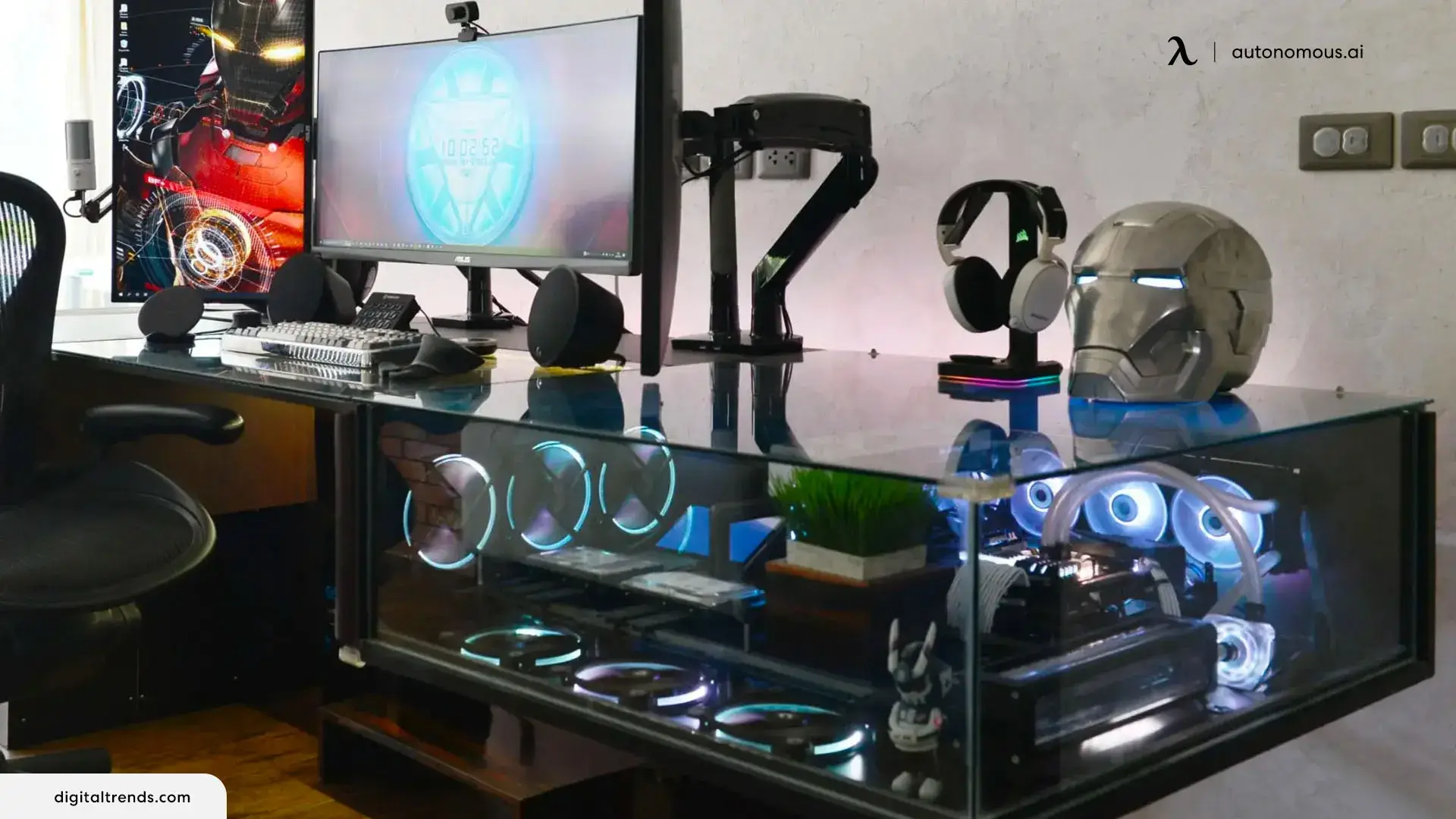
Wood with glass works when the glass shows something worth seeing, like a PC with visible fans or a display shelf. A glass cabinet or a tempered glass case beside a wood desk keeps the hardware on view without putting it on the wood.
Clean the glass with glass cleaner but keep the spray off the wood, as ammonia can dull many finishes.
5. Wood Desk With Matching Riser and Hidden Cables
An aesthetic wood gaming setup usually comes down to three things: a wood monitor riser that matches the top, warm backlighting, and no visible cables. The riser lifts the screen toward eye level and the keyboard slides under it.
A grommet drops cables through the top and an under-desk tray holds the power strip. The Autonomous steel Cable Tray is 35.4 inches wide, holds 35 lbs and mounts without drilling, but it fits only Autonomous frames.
6. Black and Wood
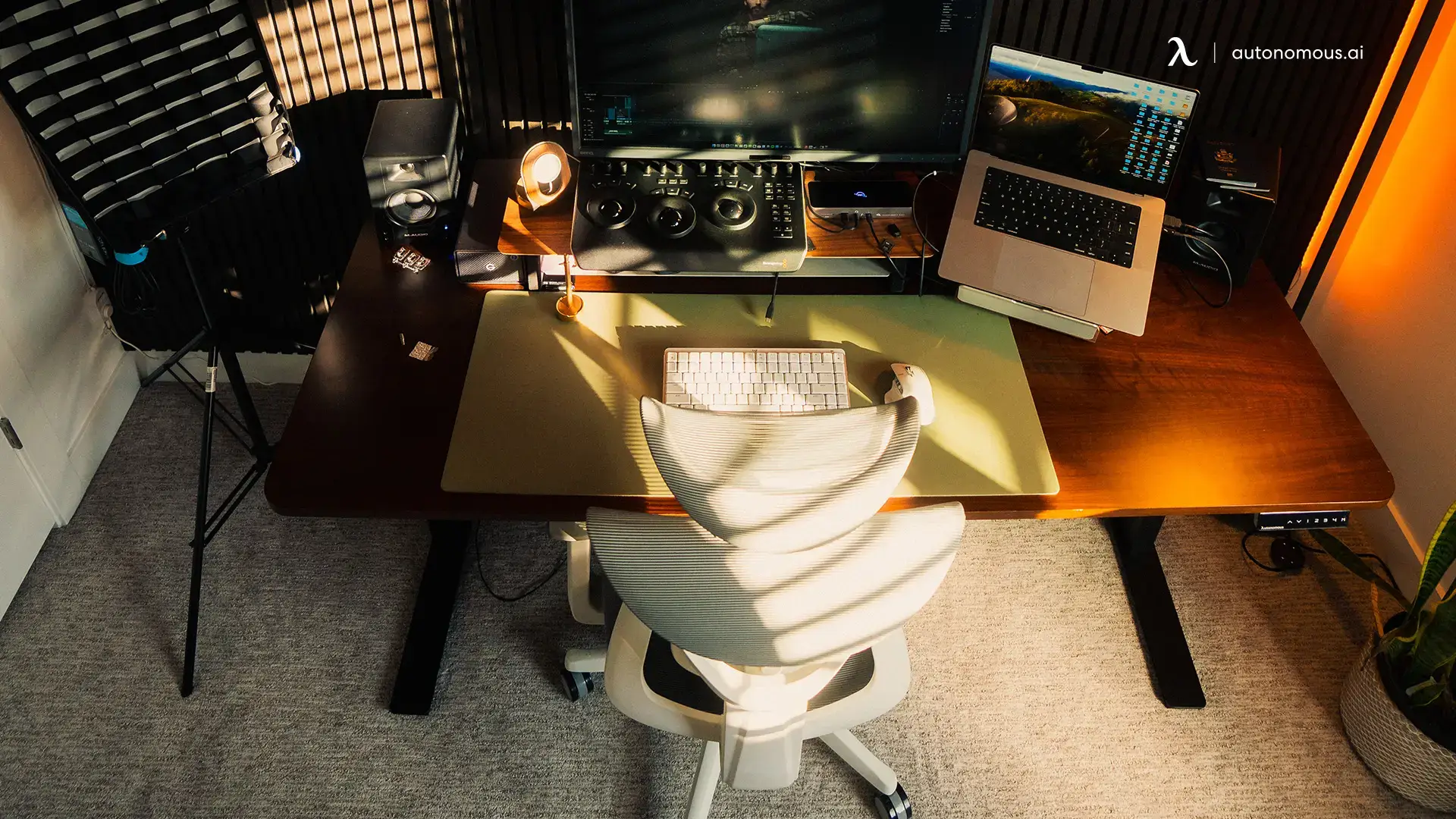
A black and wood gaming setup puts a mid or dark wood top on a black frame, with black peripherals, arm and chair. The black hides cable clips and scuffs on the legs.
A dark wood standing desk on a black frame gets you this look in one purchase. Add one strip of warm under-desk light and stop there; extra colors make it look busy fast.
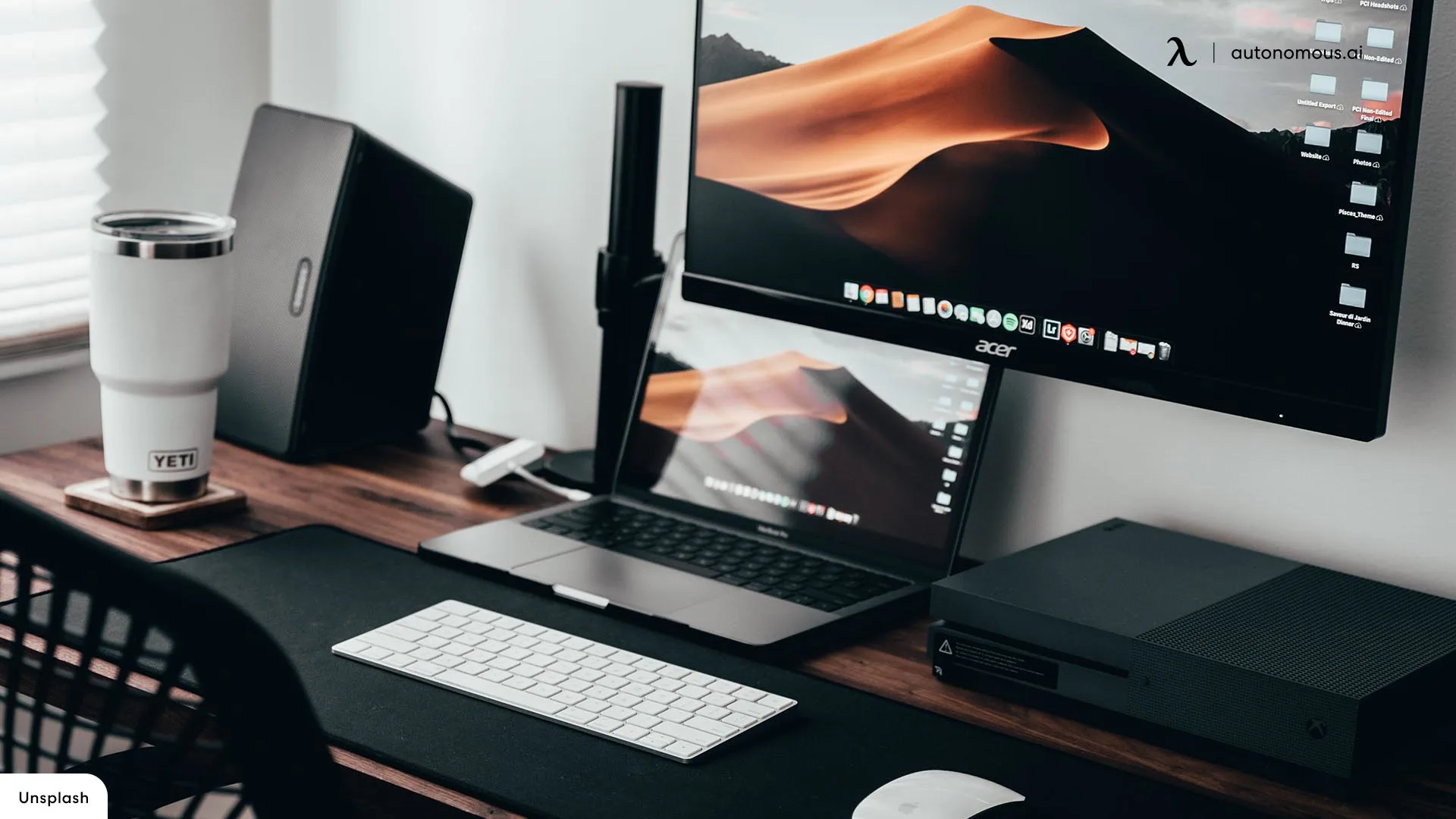
7. Wood With Plants
Wood and plants share the same browns and greens, so they look natural together. Keep pots on a saucer and a cork mat, because water seeping from a pot leaves a ring that sinks into oiled finishes.
Snake plants and pothos cope with the low light of a gaming corner. Keep leaves away from the PC intake.
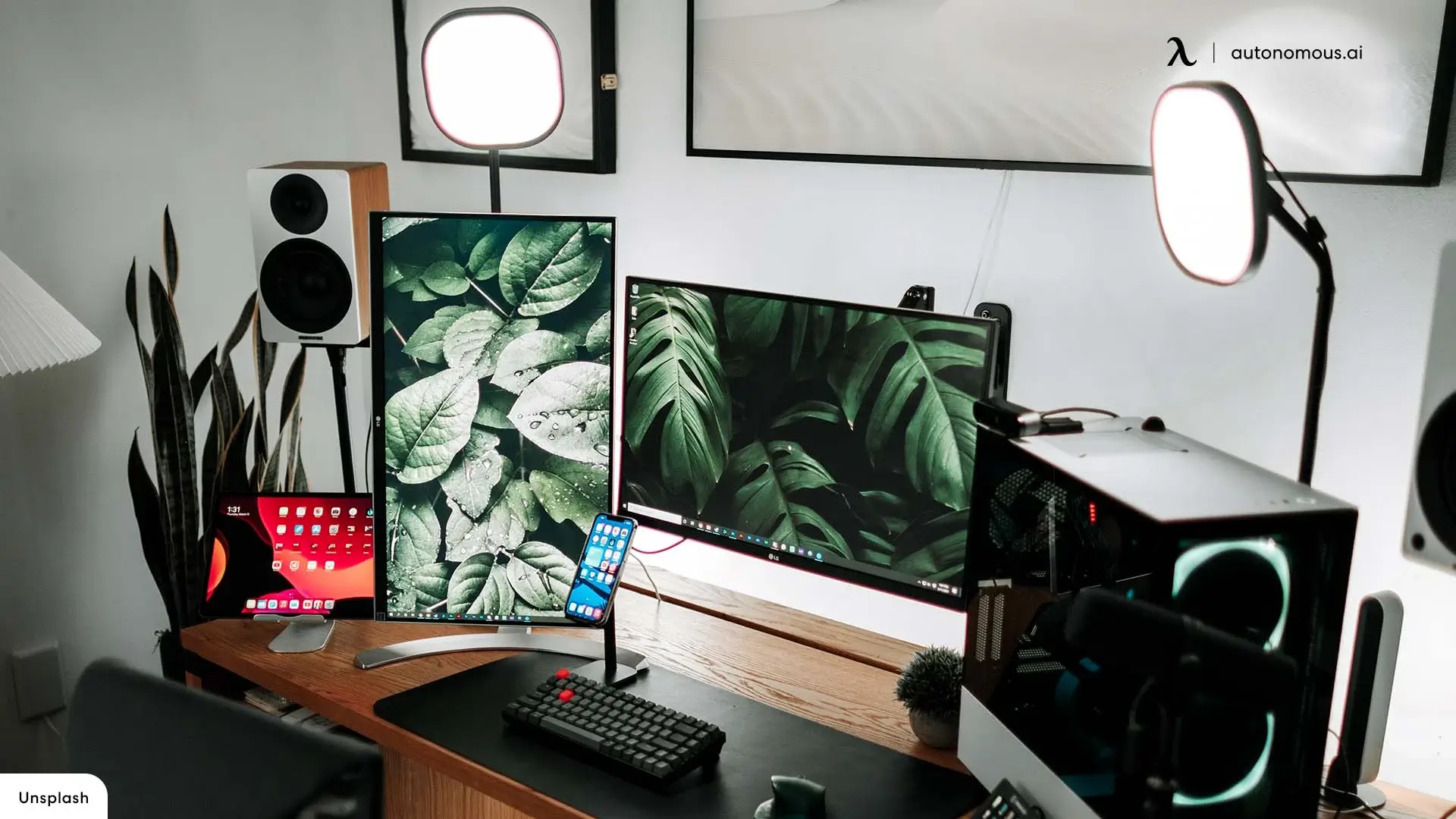
8. Compact Wood Desk With Stacked Monitors
In a small room, stack two monitors vertically on one arm or pole and keep the desk around 40 to 48 inches wide. Stacking saves width, which is usually the scarce dimension.
Put shelves above the desk instead of beside it and the tower on the floor. The same moves work in an alcove, and a closet gaming setup takes them furthest.
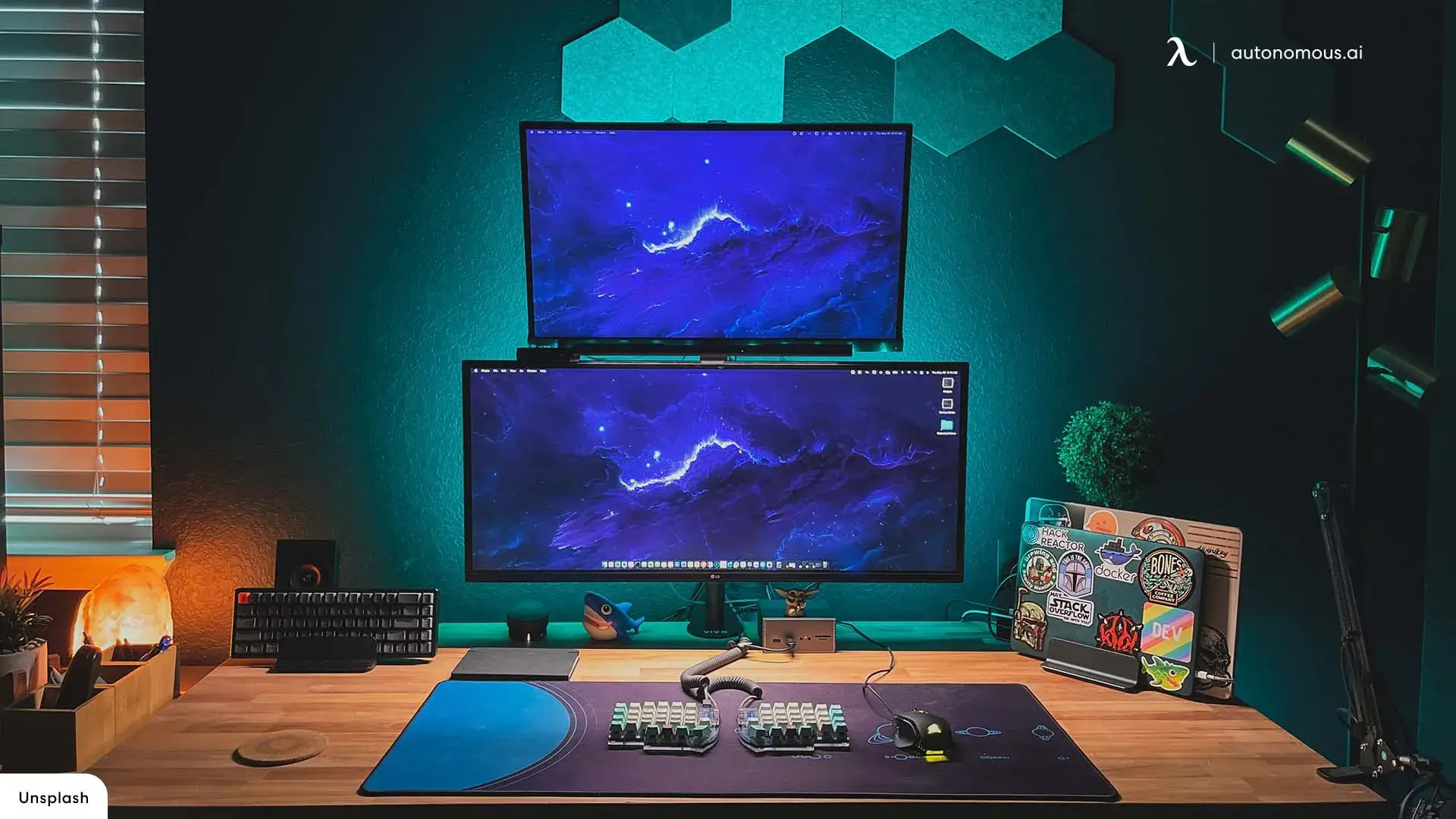
9. Mid-Century Wood With Warm Lamps
A mid-century setup uses a walnut or teak-tone desk, warm lamps, and a few analog pieces like bookshelf speakers or a record shelf. Warm light makes the wood look richer than cool white.
Vintage desks were not built for heavy monitors on clamps, so keep screens on stands.
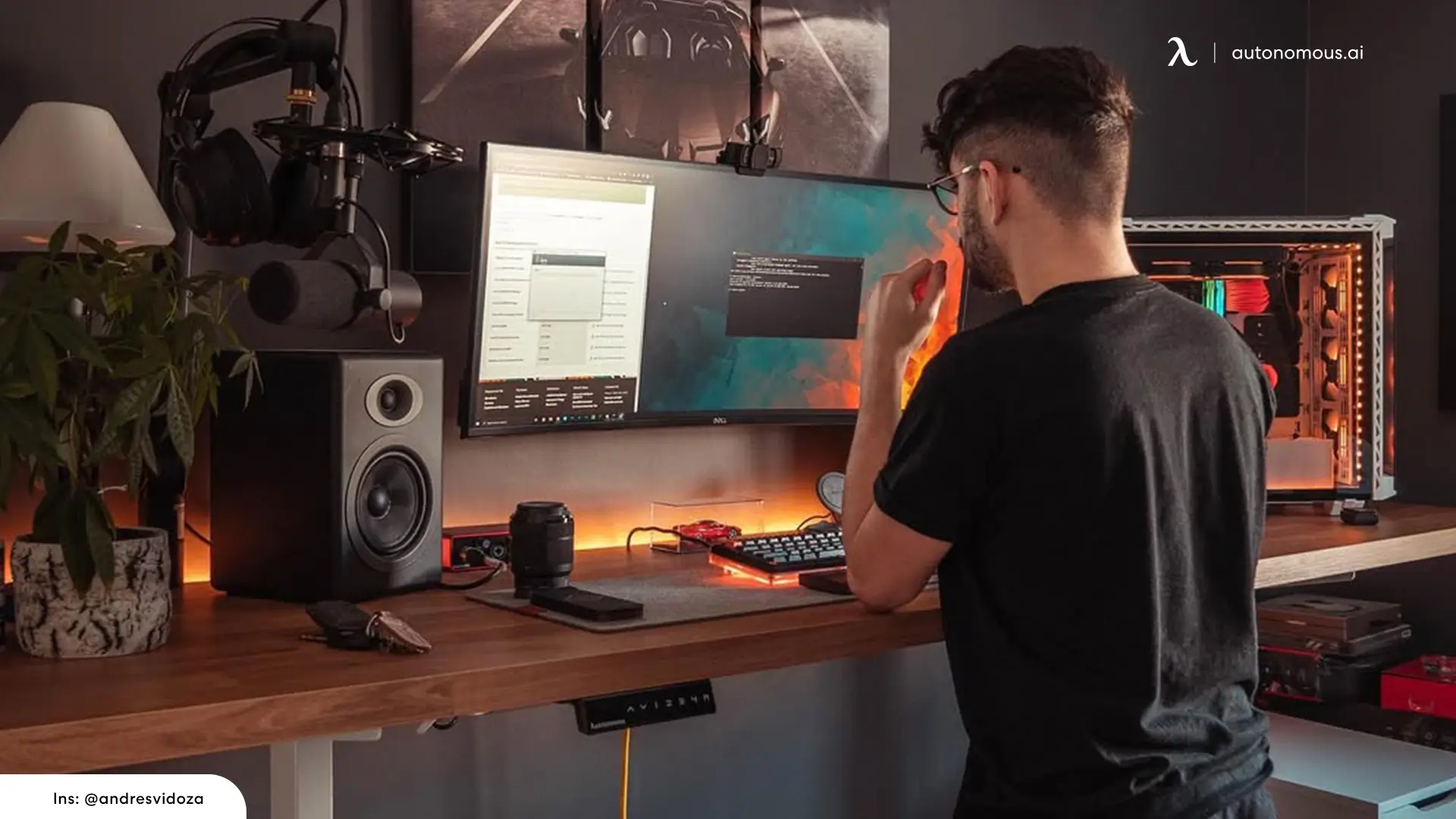
10. Rustic Reclaimed Wood
A rustic setup uses a reclaimed or butcher-block top with visible knots, often on black steel legs. The rough surface hides wear, which suits a desk that gets used hard.
Check two things before building on reclaimed boards: lay a straightedge across to confirm the mouse area is flat, and make sure the top is sealed so it does not shed splinters.
Accessories To Complete A Wood Gaming Setup
The accessories that matter most on a wood top are the ones that protect it: a large desk mat, coasters, a riser or arm, and somewhere under the desk for cables. Decor comes after.
A desk mat of felt, cork or cloth under the keyboard and mouse stops the wear that dulls one patch of finish; leather looks good on dark wood. A wood riser that matches the top keeps the look consistent, while a monitor arm frees more space but needs a thick top or a reinforcement plate.
For cables, combine grommets, an under-desk tray, adhesive clips under the top and a cable spine down one leg. Warm LEDs behind the monitor or under the front edge show off the grain, and the Autonomous Lamp is a desk robot with reading, focus and relax light scenes.
An adjustable keyboard tray sets elbow height before you add decor.
Match metal and plastic to the wood, not to each other: white or silver with light wood, black or brushed metal with dark wood. That rule carries over to any gaming desk setup idea, wood or not.
5 Best Wood Gaming Desks for a Wood Gaming Setup
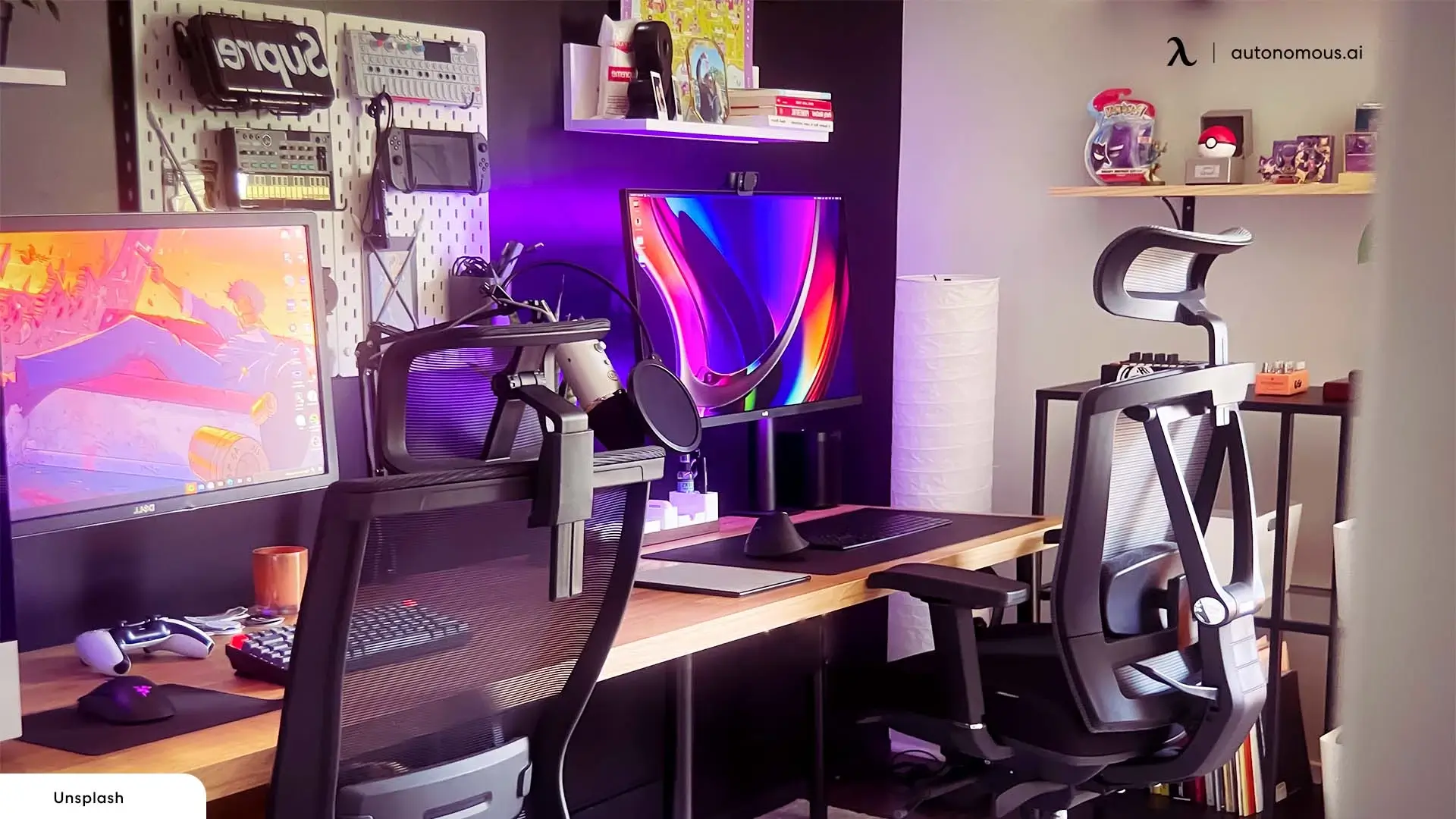
The desk decides how much of the setup is really wood. Three of the five below have solid wood or bamboo tops, and two are L-shapes you dress with wood accessories. Choose your gaming desk by top material first, then size and lift capacity.
1. Autonomous Desk Levitate 2
Autonomous Desk Levitate 2 is the solid wood pick: a natural solid ash top with a thin nitrocellulose lacquer, the finish used on instruments, on a four-leg steel frame. It comes in Classic 53 x 29 inches and Ultra 59 x 31.5 inches, with no 70-inch size.
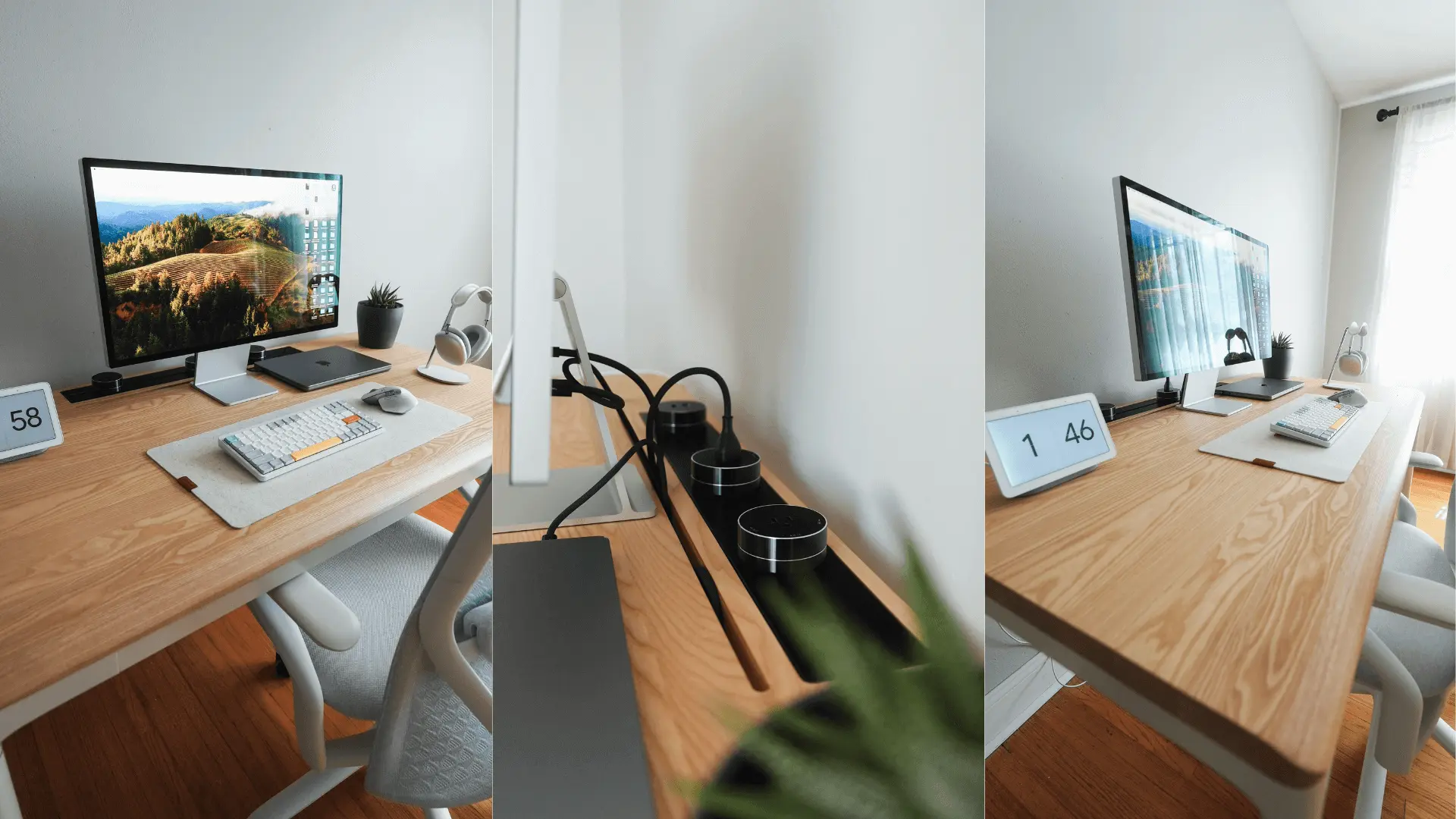
One motor per leg gives a 380 lb capacity and a range of 28 to 45.3 inches with the top. There is no keypad: a hover gesture sensor or a hidden button under the frame moves it. Cables run inside the columns into an enclosed tray with two outlets and USB-C, so this wood standing desk looks clean from every side.
The limit is the finish: nitrocellulose sits thin on the grain, so use coasters and a mat. Frame warranty is 10 years, top 2 years.
2. UPLIFT V3 Solid Wood Standing Desk
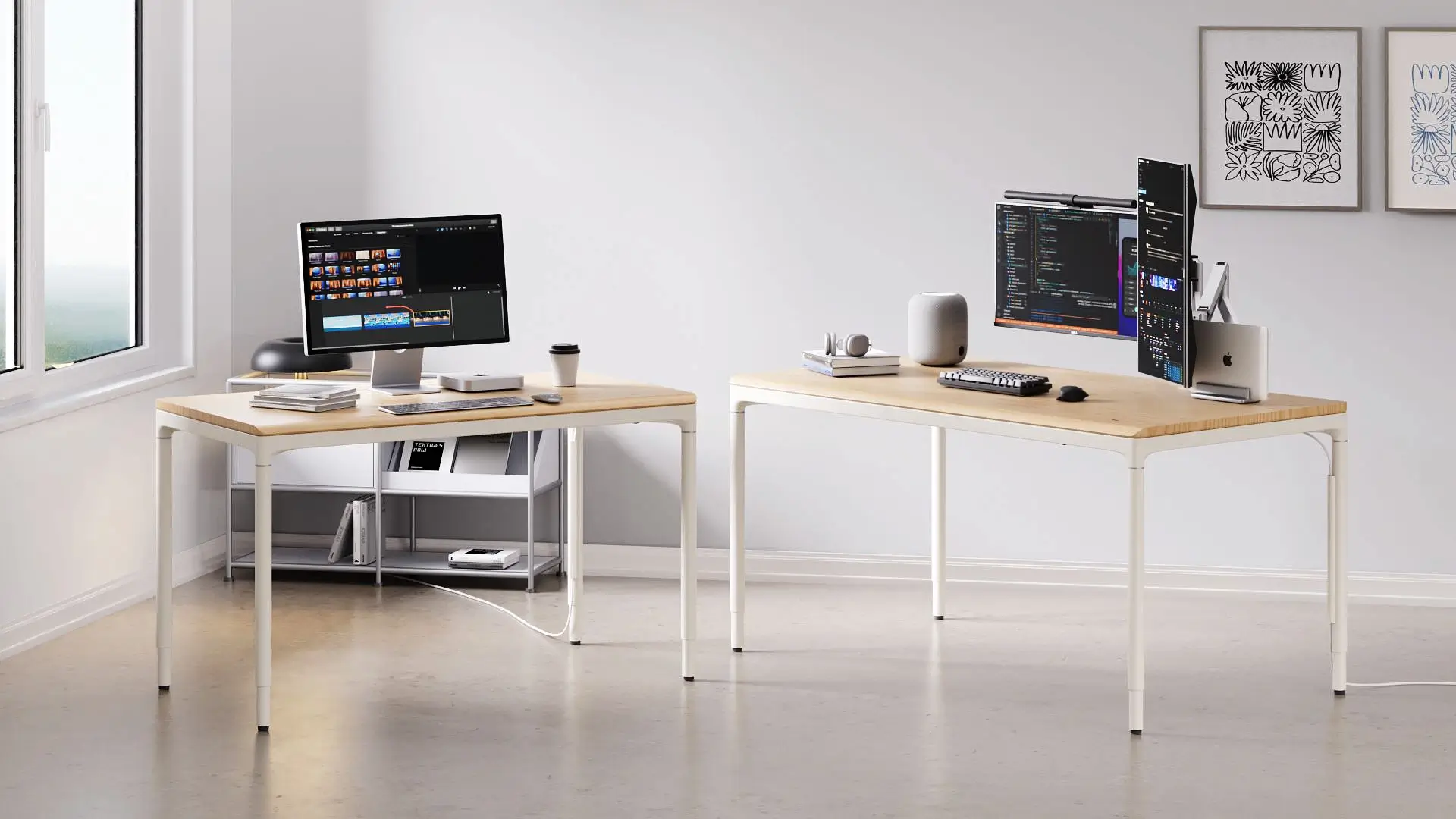
The UPLIFT V3 Solid Wood Standing Desk is the pick for the widest choice of real wood: 1.5-inch butcher block tops in rubberwood, acacia, birch, walnut and reclaimed fir, plus 1.75-inch wide plank and live edge options. Tops run from 42 x 30 to 80 x 30 inches, so it suits a long dark wood or light wood gaming setup.
The V3 frame adjusts from 22.6 to 48.7 inches without a lower crossbar, and a FlexMount cable manager comes with every desk. UPLIFT covers the desk with a 15-year warranty. Walnut and live edge tops cost noticeably more than rubberwood.
3. Autonomous Desk 2 in Bamboo or White Oak
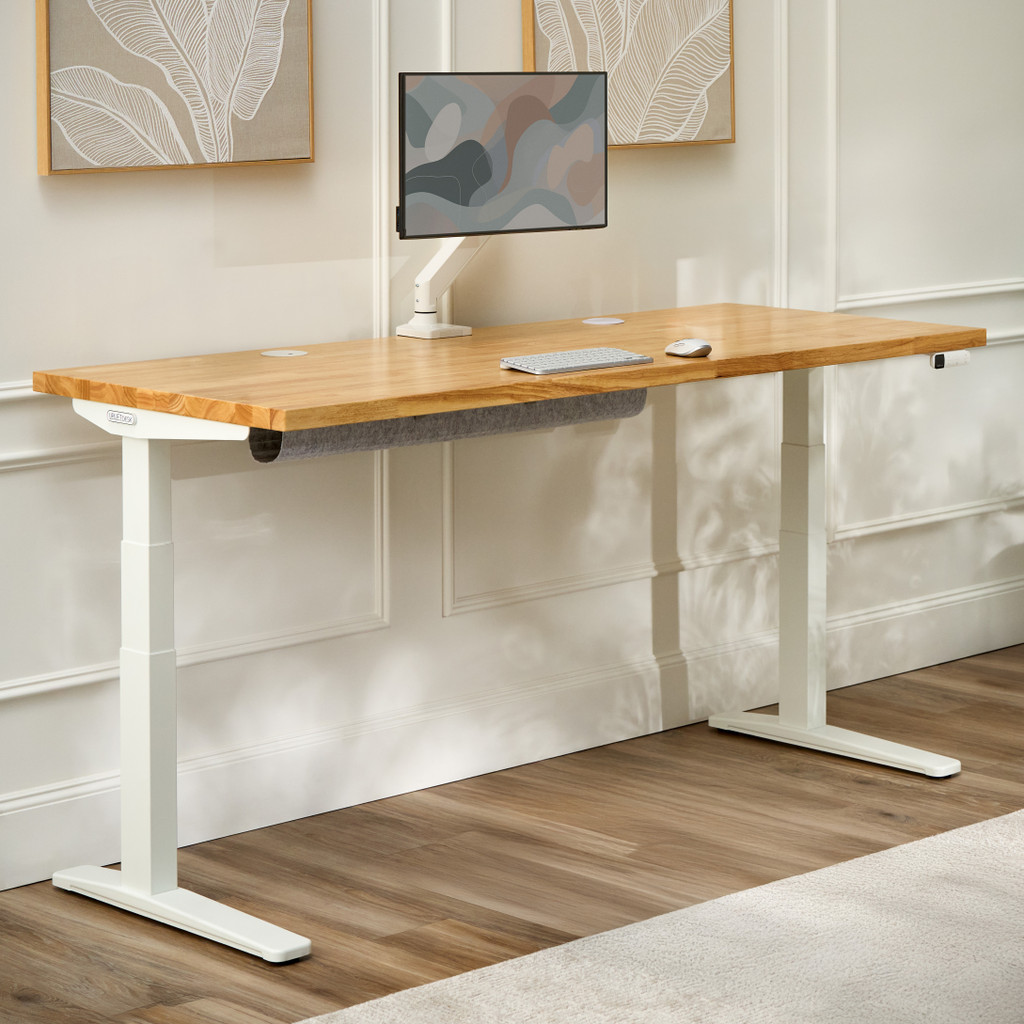
Autonomous Desk 2 is the lower-cost route to a wood look, and the surface choice matters. Bamboo is natural bamboo and the scratch-resistant option; White Oak is a wood-grain finish on warp-proof MDF, so it looks like pale oak but is not solid wood. Both come only in the standard 53 x 29 inch size.
The dual-motor frame runs from 27.2 to 46.5 inches, lifts 250 lbs at under 45 dB, and has four presets and anti-collision.

4. Autonomous Desk 2 L-Shaped
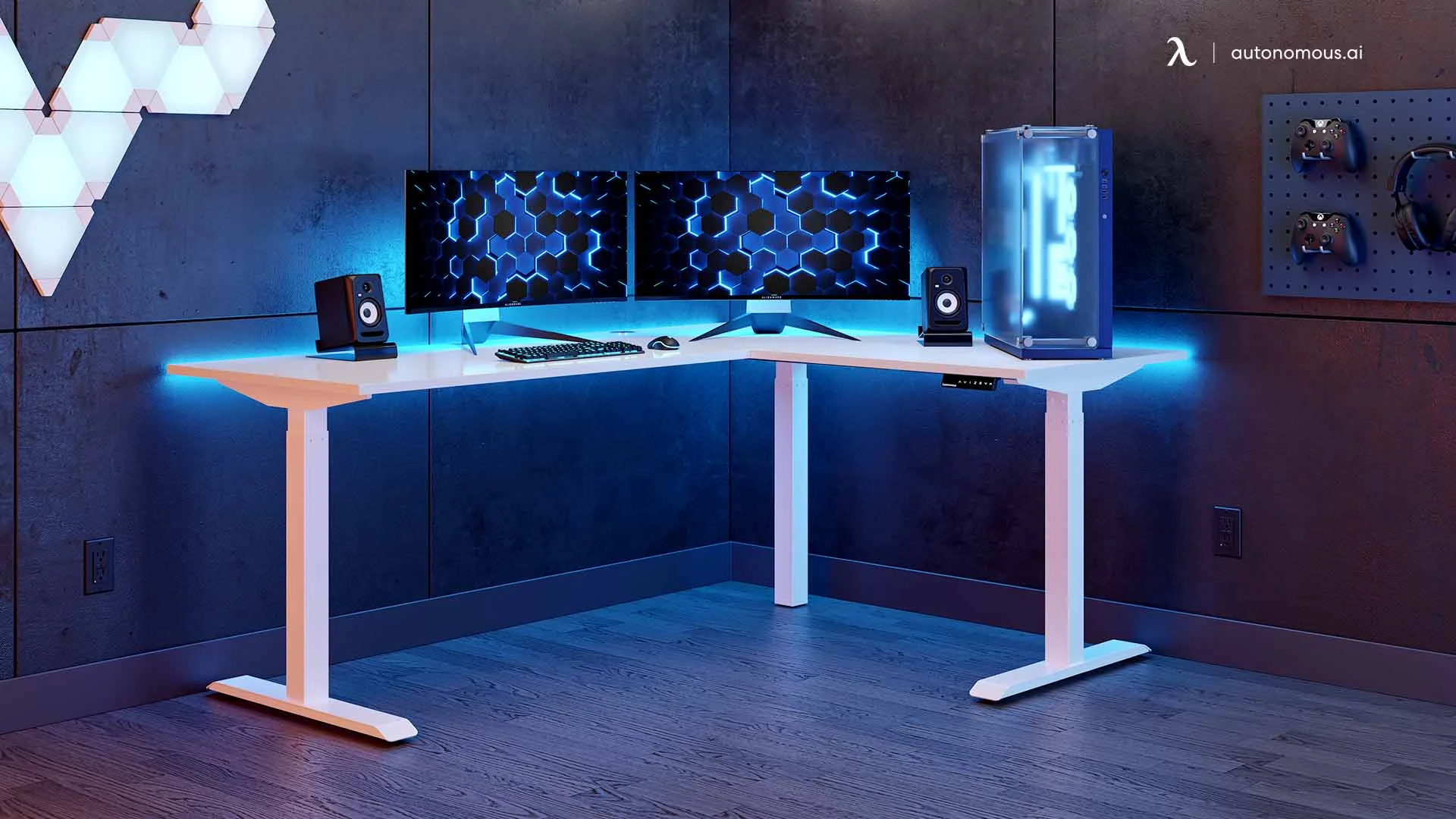
Autonomous Desk 2 L-Shaped is not a wood desk: its 1-inch warp-proof MDF top comes in white or black only. It belongs here as the corner base for a white and wood or black and wood setup, where the wood comes from the riser, shelves and accessories.
The full top is 77 x 64 inches, with room for three 27 to 32 inch monitors. Three motors lift 400 lbs from 29.4 to 48 inches, the short side goes left or right, and a cable tray is included, which makes this L-shaped desk the one to plan around for a tower and three screens.
5. SEDETA 47.2 Inch L-Shaped LED Gaming Desk
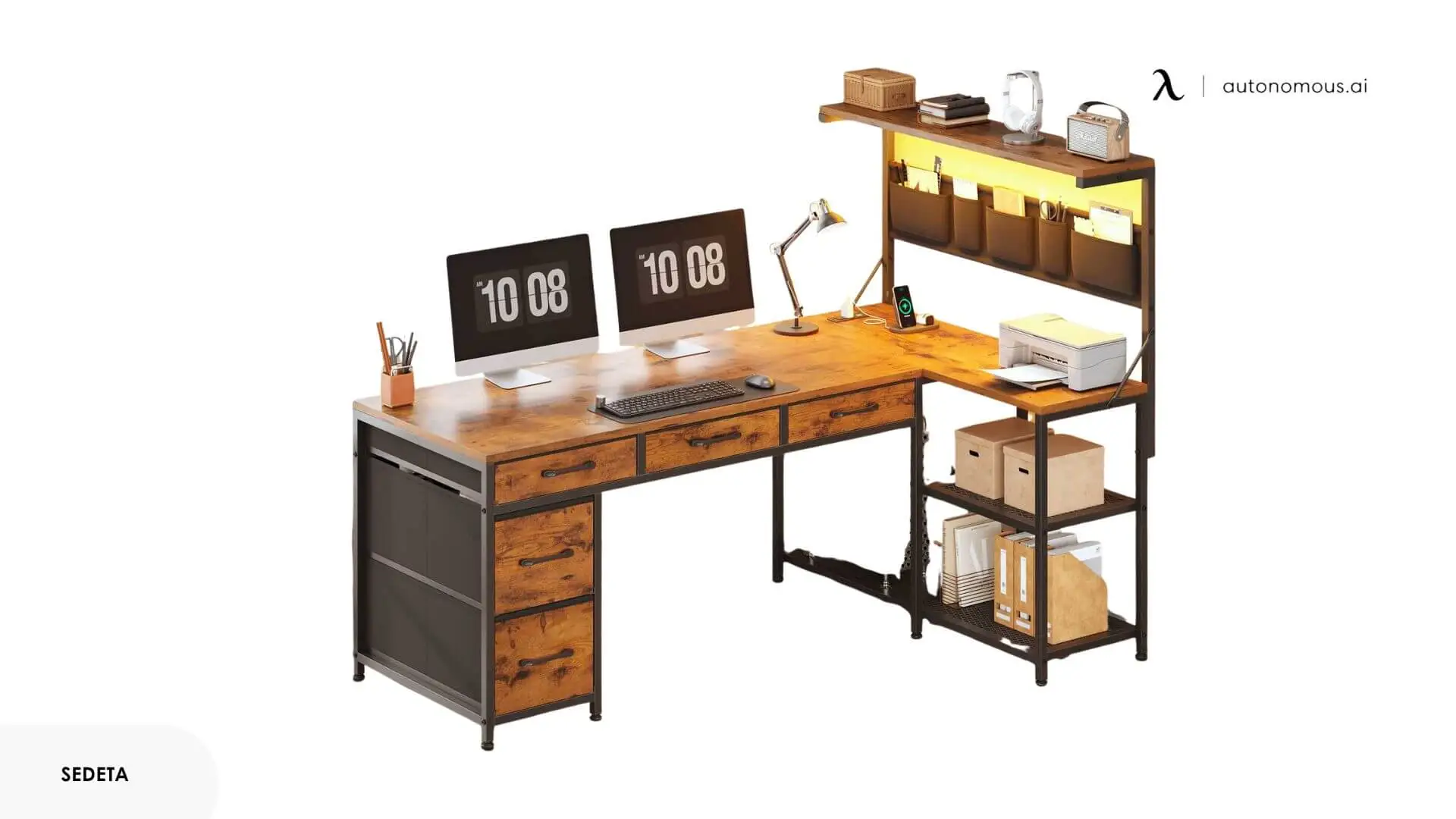
The SEDETA 47.2 inch L-shaped gaming desk is the budget corner option, with built-in LED lighting, a monitor shelf, storage shelves and a hutch. Check the listing for the top material: budget L-desks in this class are usually engineered board, so plan on a desk mat and skip heavy clamp arms. In a tight room it pairs with the wall shelves from these small gaming room ideas.
Common Mistakes To Avoid In Your Aesthetic Wood Gaming Setup
Most damage to a wood gaming desk comes from water, heat and clamps.
Leaving the wood unsealed is the first one: bare wood soaks up water rings and sweat marks. Oil, lacquer and polyurethane all work, and polyurethane usually holds up best against spills.
Clamping a heavy arm on a thin top can crack or dent veneer or MDF, so use a reinforcement plate and check the capacity of your standing desk frame. Setting the tower on the top is another: exhaust heat on one spot can soften some finishes.
Strong sun lightens walnut and ambers oak and maple, leaving outlines where objects sat; a blind or window film cuts it. A low monitor or a badly set gaming chair strains your neck whatever the desk is made of.
Finally, too many wood tones fight each other: a walnut desk, an oak shelf and a pine riser never quite match. Pick one wood and use black or white for the rest.
FAQs
Is a wood gaming setup worth it compared to metal or glass desks?
Yes, if you want a warmer room and will use a mat and coasters. Sealed wood holds up well and solid wood can be sanded back after scratches. Metal and glass resist heat and spills better but feel colder.
What type of wood is best for a wood desk gaming setup?
Maple, oak and ash are the best all-round choices, at about 1,300 to 1,450 on the Janka hardness scale. Natural bamboo is about as hard. Walnut looks richer but dents more easily, and pine is too soft for heavy daily use.
Can a wood gaming setup support multiple monitors and heavy hardware?
Yes, if the frame is rated for the load and the top is thick enough for clamps. Add up monitors, arm and tower against the frame's lift capacity, keep heavy items near the legs, and put a reinforcement plate under arm clamps on thin tops.
How do you protect a wood gaming setup from scratches and spills?
Seal it with lacquer, oil or polyurethane, then cover the mouse and keyboard area with a large desk mat. Use coasters, wipe spills straight away, and keep plant pots and the PC tower off the bare wood.
How do I choose the right color scheme for my wood gaming setup?
Match your gear to the wood tone: white or silver with light wood, black or brushed metal with dark wood. For a white and wood or black and wood look, keep frame, chair and peripherals in one color so the wood is the only warm surface.
Can you convert an existing desk into a wood gaming setup?
Yes. Lay a wood or bamboo top over the old one, or swap the top on a standing desk frame for a solid wood panel. Check that the frame can carry the extra weight and that the new top is sealed on all sides.
How do you manage cables in a wood gaming setup without ruining the look?
Drop cables through a grommet, collect them in an under-desk tray with the power strip, and run one bundle down a leg in a cable spine. Adhesive clips on the underside hold loose runs out of sight.
How often should you refinish a wood gaming desk?
Oiled tops need a fresh coat when water stops beading on the surface; lacquer and polyurethane last much longer before a recoat. Dust often and clean with a damp cloth, not ammonia or silicone sprays.
Conclusion
A good wood gaming setup starts with a top that can take the abuse: a hard species or bamboo, sealed on every side, with a mat under the mouse and a plate under any clamp. Then pick the pairing that suits the room, from a dark wood gaming setup with RGB to a light wood gaming setup for a small space. Keep cables under the top and the tower off it, and build out the rest of your gaming furniture around that.

Desk Pro
Black Friday price.
So 12 hours isn’t 12 hours sitting.