
.svg)
Keyboards. Clicky satisfaction.


Comfort
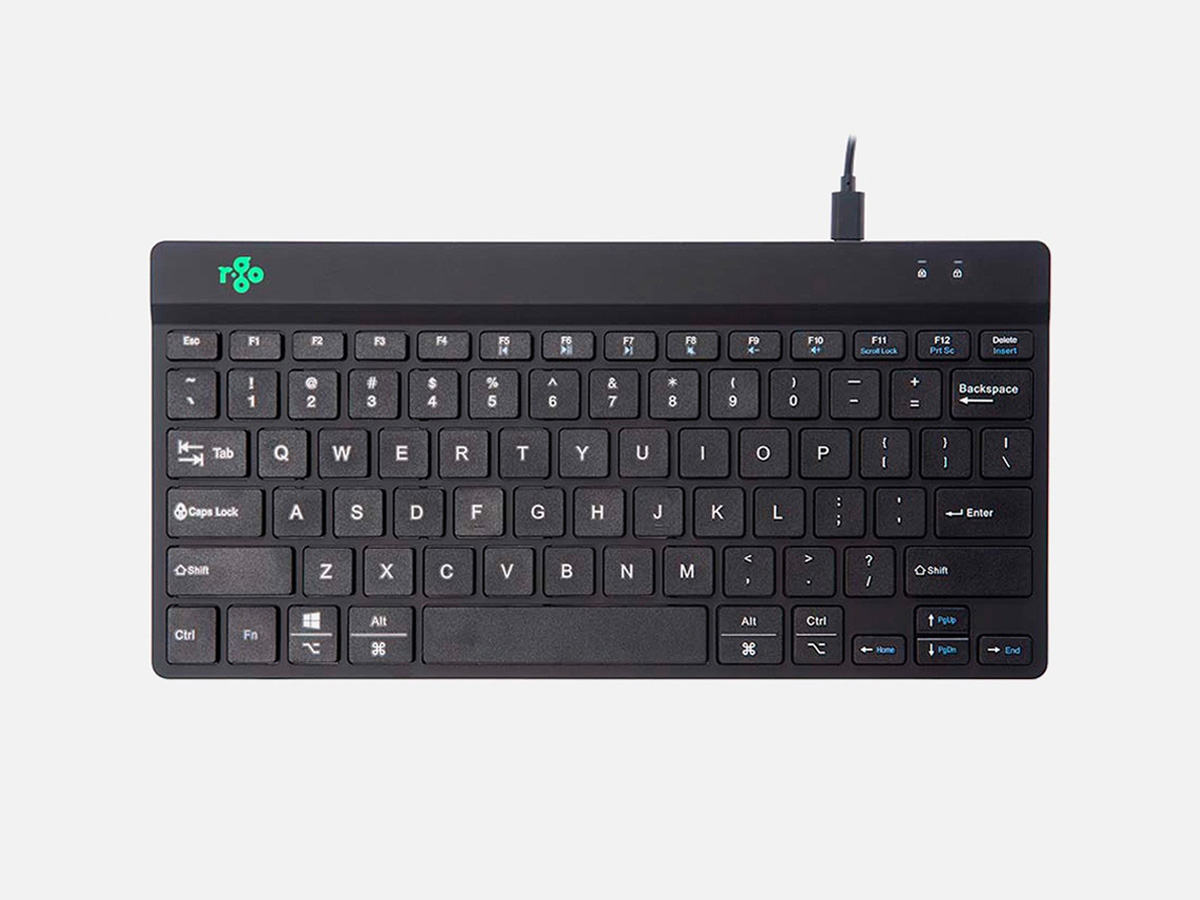
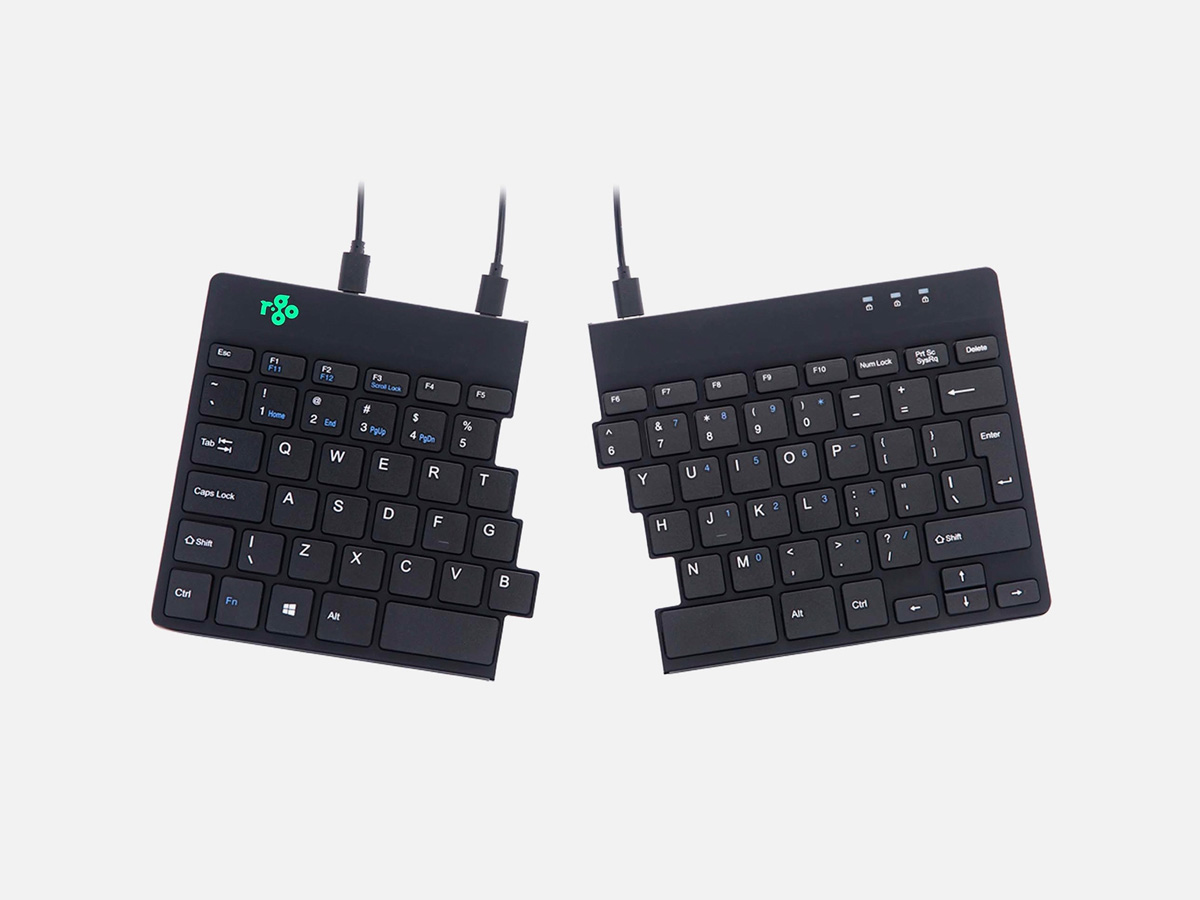
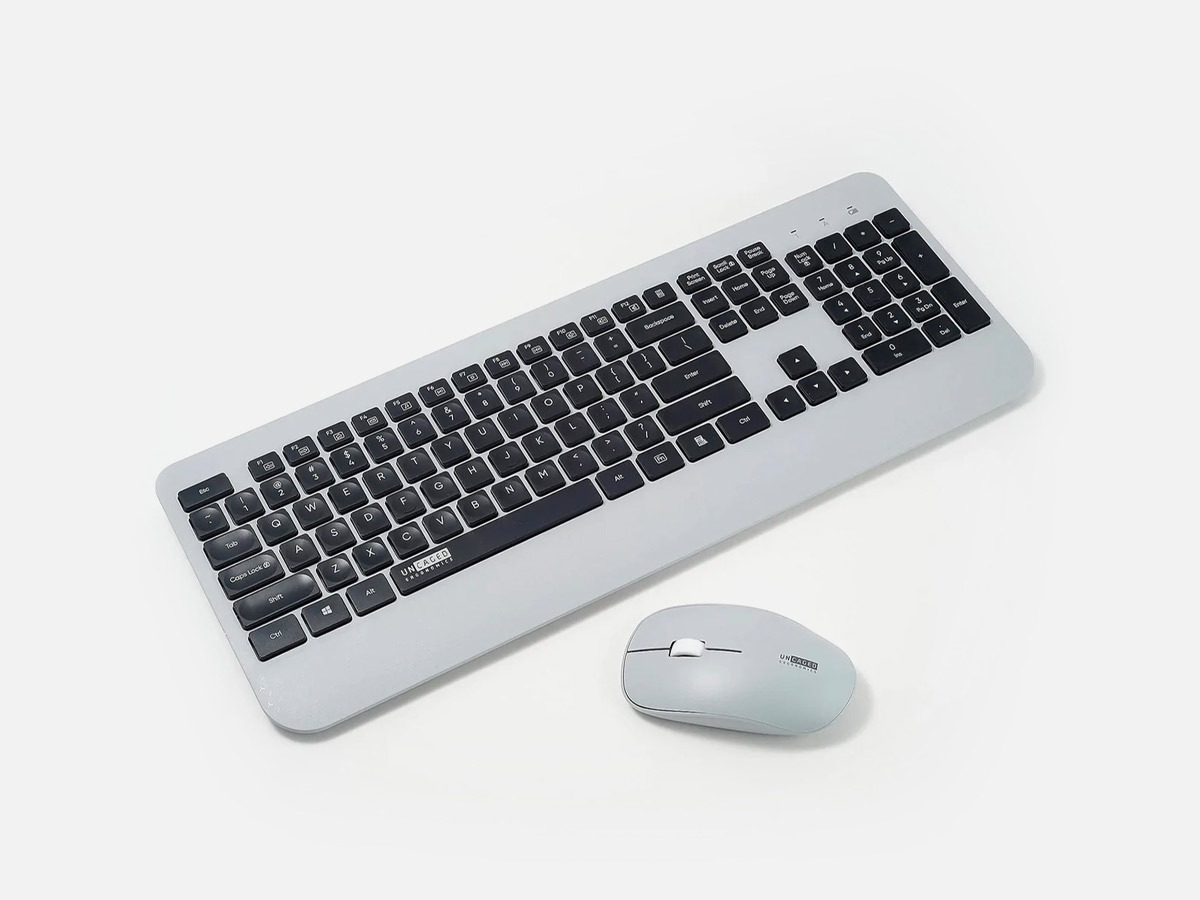
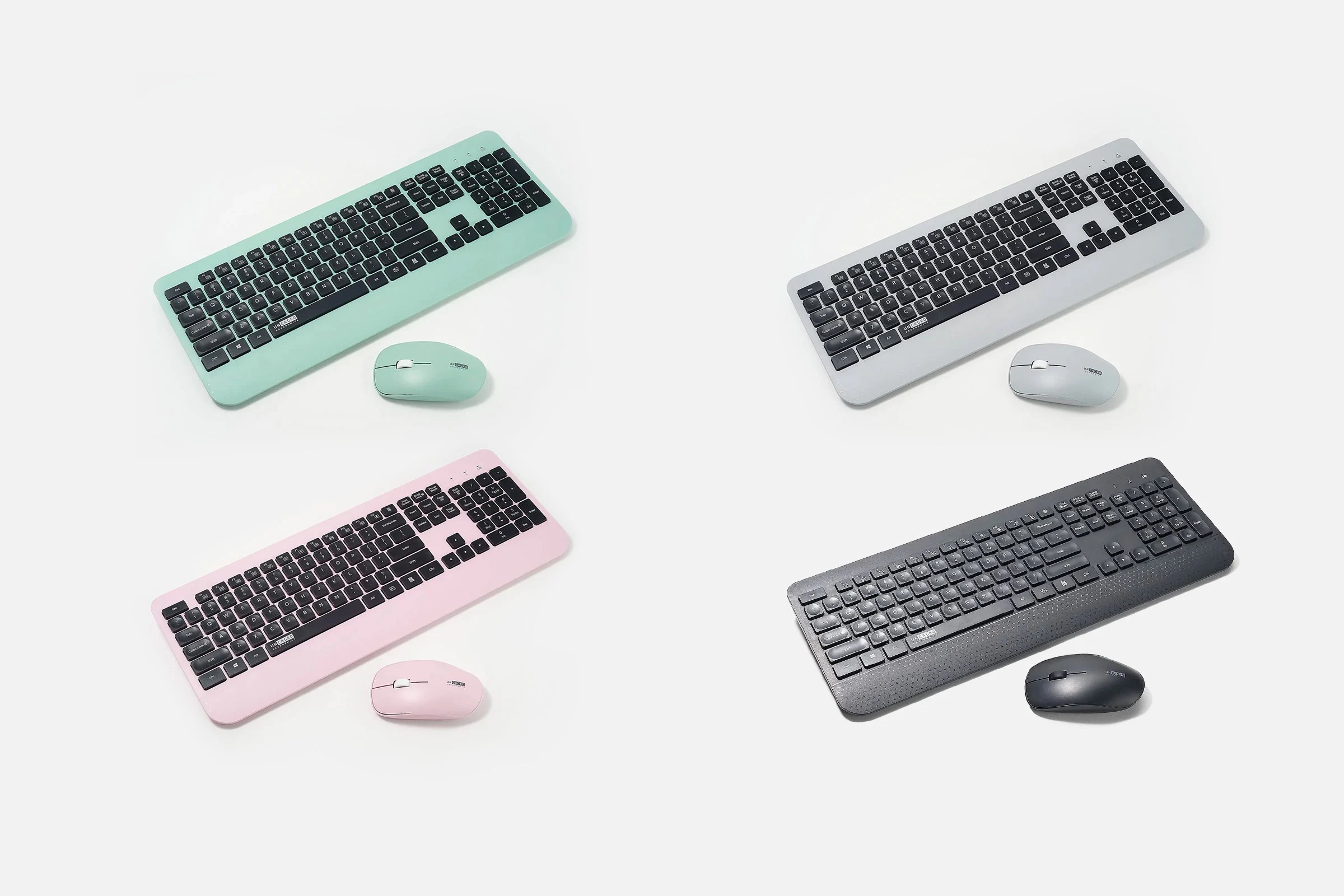
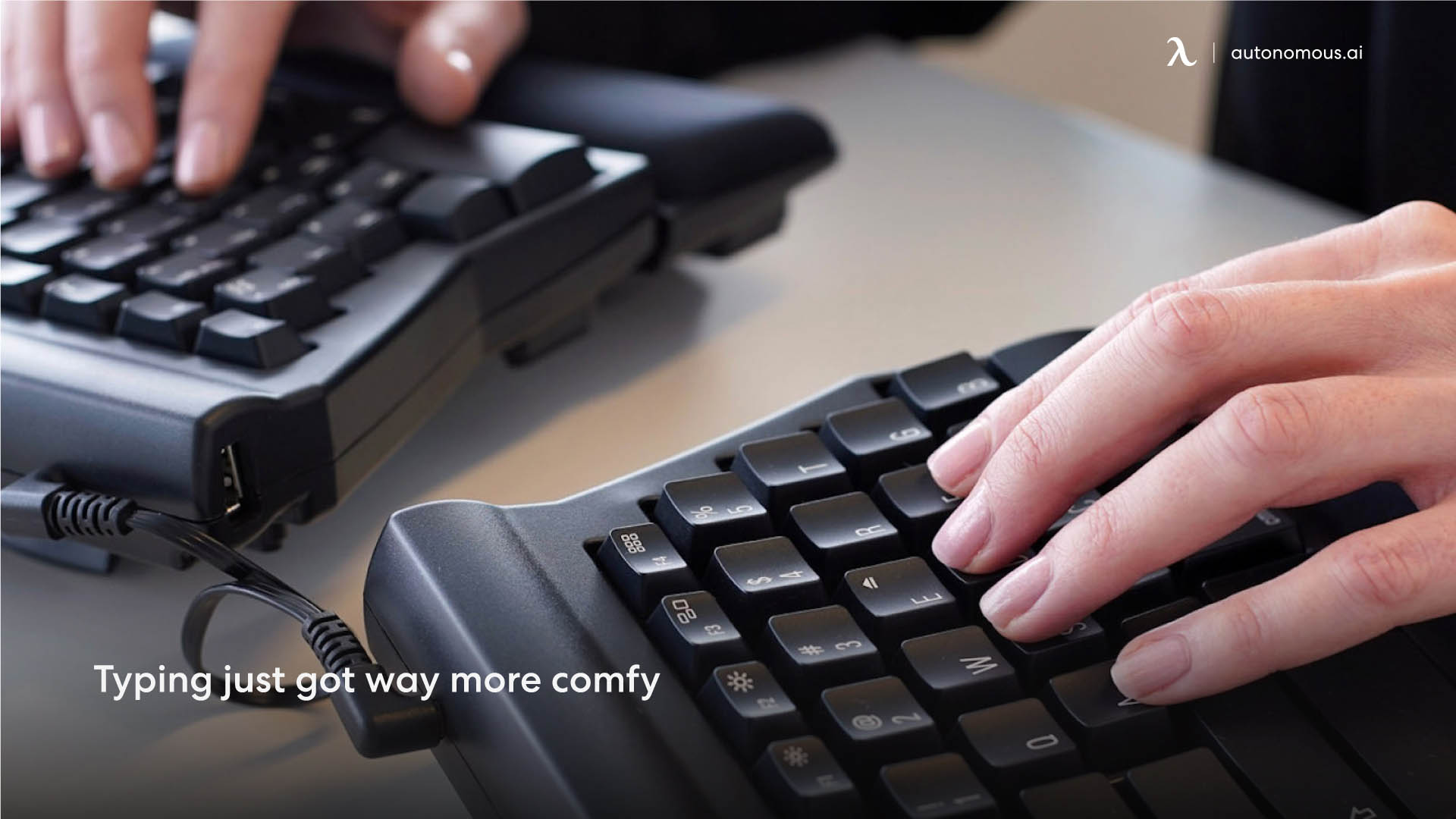
Unlock the secrets to a more comfortable and injury free typing experience with ergonomic computer keyboards. Ergonomic keyboards prioritize the comfort of users by providing a design that promotes natural hand and wrist positions. With their angled and contoured layout, these keyboards help minimize strain during long typing sessions, ensuring a more relaxed and enjoyable user experience.

Prevent Typing Injuries
Ergonomic keyboards provide a key benefit of preventing typing injuries. These keyboards promote proper wrist alignment and reduce repetitive stress on the hands and fingers, effectively mitigating the risk of conditions like carpal tunnel syndrome. By prioritizing ergonomics, these keyboards not only enhance immediate comfort but also support long term hand health.
Keyboard FAQs
What connections do keyboards use?
Keyboards can be connected to devices using a range of connections, such as USB, PS/2 (gaming keyboards) and wireless technologies. Among these options, the most commonly used connection type for modern keyboards is USB.
What is a standard size keyboard?
A full size or 104 key keyboard is commonly known as the standard size. It includes alphanumeric keys, function keys, control keys, and a numeric keypad. However, smaller keyboards like tenkeyless and 60% keyboards have gained popularity due to their compact design which excludes features such as the numeric keypad.
What are the 3 layouts of keyboards?
There are three primary keyboard layouts:
QWERTY: This is the most commonly used layout, named after the first six letters in the top row. It is widely adopted in English-speaking countries.
AZERTY: This layout is primarily used in French-speaking countries such as Belgium and France.
QWERTZ: German-speaking countries, including Germany and Austria, utilize this particular layout.
Why keyboard is not arranged alphabetically?
Keyboards do not follow alphabetical arrangement, primarily due to the historical development of typewriters. The QWERTY layout was specifically designed to prevent mechanical jams by separating frequently used letter combinations. Although alternative layouts like Dvorak exist for improved efficiency, the QWERTY layout remains widely adopted and continues to be used in modern keyboards.
Are keyboard switches universal?
No, there are different types available. These include membrane, mechanical, scissor, and capacitive switches. Mechanical switches have various variations with unique characteristics such as actuation force and tactile feedback. Compatibility is determined by the keyboard's design and the type of switch it utilizes.
Are keyboards waterproof?
Certain keyboards are designed with varying degrees of water resistance or waterproofing. It is important to note that the level of water resistance varies among different models. It is recommended for users to review the specifications of a specific keyboard in order to determine its level of water resistance.
Should the keyboard be flat or raised?
The choice between a flat or raised keyboard is subjective and relies on personal comfort. While some people prefer the minimal wrist movement of flat keyboards, others find raised keyboards more comfortable. Optimal ergonomics are essential, so select a keyboard that suits your typing style and minimizes discomfort or strain.
What makes a keyboard suitable for gaming?
Gaming keyboards often have features like mechanical switches, customizable backlighting, and programmable keys. They may also offer anti-ghosting and n-key rollover for better response during intense gaming sessions.
Are wireless gaming keyboards as good as wired ones?
Wireless gaming keyboards have improved significantly in terms of latency and reliability. However, some gamers still prefer wired keyboards for the minimal latency they offer. The choice between wired and wireless depends on personal preference and gaming requirements.
Common Computer Keyboard Types to Know Before You Buy
Membrane Keyboards
Membrane keyboards utilize a pressure pad or membrane beneath the keys, enabling key registration by pushing the membrane to make contact with the circuit below. These keyboards are flatter and quieter than mechanical ones. Constructed with a top layer containing the keys, a middle conductive layer, and a bottom layer with contacts, they offer advantages such as cost effectiveness in manufacturing, quiet operation, and generally being spill resistant due to an added membrane layer. However, there are drawbacks to consider including less pronounced tactile feedback and potentially mushy key presses. Additionally, membrane keyboards have a limited lifespan compared to their mechanical counterparts.
Mechanical Keyboards
Mechanical keyboards are designed with individual mechanical switches for each key, providing tactile feedback and audible clicks when pressed. These keyboards are constructed with spring loaded mechanisms for each key switch, with popular types and proprietary switches. The advantages of mechanical keyboards include the satisfying tactile feedback and audible click that confirms a keystroke, durability resulting in a longer lifespan compared to membrane keyboards, and the ability to customize the gaming keyboard with different switch types based on user preferences. However, it is important to note that they tend to be more expensive than membrane keyboards and can be louder, which might be distracting in quiet environments.
Wired Keyboards
Wired keyboards connect to a computer or device through a physical cable, commonly using USB or PS/2 connectors. These keyboards offer advantages such as a stable and reliable connection, eliminating the need for batteries or charging, and generally lower latency when compared to wireless keyboards. However, it is important to consider that wired keyboards have limited mobility due to the presence of a physical cable, which can restrict movement. Additionally, the issue of cable clutter may arise, making organization and aesthetics more challenging.
Wireless Keyboards
Wireless keyboards utilize technologies like RF (Radio Frequency) to establish connections with devices, eliminating the need for physical cables. They offer advantages such as increased mobility and flexibility, reducing cable clutter for a more organized workspace. These keyboards are also suitable for use with devices like smart TVs and tablets. However, there are some disadvantages to consider, wireless keyboards require batteries or charging, which may result in occasional downtime when power runs out. Additionally, they may have slightly higher latency compared to their wired counterparts.
Flexible Keyboards
Flexible keyboards are specifically designed to be portable and have the ability to bend or fold without damage. These keyboards are typically made from soft, flexible materials such as silicone or rubber. The advantages of using flexible keyboards include their portability, they can be easily rolled up or folded, making them ideal for travel. Additionally, these keyboards are resistant to spills and can be cleaned with ease. They are suitable for on the go individuals or those who work in unconventional environments. However, it is important to note that the key feel may differ from traditional rigid keyboards, and they generally offer limited key travel and tactile feedback. Moreover, flexible keyboards tend to have less durability compared to their rigid counterparts.
Upgrade Your Gaming Experience With Our Keyboard Collection Now!
Adopting ergonomic keyboards is more than just seeking comfort. It is a proactive measure to prevent typing related injuries. This guide has explored various options in terms of layouts and features, allowing you to make informed choices for a healthier and more enjoyable typing experience. Incorporate ergonomic keyboards into your daily routine and elevate your work environment and overall well being.