Best Desks for 3 Monitors 2026: Size & Top Picks

Table of Contents
A triple monitor setup transforms how you work — but only when you have the right foundation. The wrong desk leaves monitors cramped, cables tangled, and your workspace feeling chaotic. Finding the perfect desk for 3 monitors means understanding dimensions, weight capacity, and features that matter.
This guide covers the exact specifications you need and highlights top home office desk options across standing, gaming, and budget categories. Whether you're a developer, trader, or creative professional, you'll discover how to build a workspace that actually works.
What Size Desk Do You Need for 3 Monitors?
The right desk dimension isn’t about guesswork — it's determined by your monitors' actual footprint, not their advertised screen size. A "27-inch monitor" refers to the diagonal measurement, but what matters is the physical width: typically 24 inches of horizontal space per monitor.
Monitor Size | Minimum Width (with stands) | Minimum Width (with arms) | Recommended Depth |
3 × 24" monitors | 78" | 60" | 30" |
3 × 27" monitors | 78" | 60-72" | 30-32" |
3 × 32" monitors | 90"+ | 72" | 32-35" |
- Weight capacity reveals desk quality:
Budget desks often claim they support monitors but wobble under sustained weight. Look for 250-300 pound capacity — this accounts for monitors (30-60 lbs), mounting systems (20-40 lbs), and the compound stress from typing, leaning, and daily use.
- Monitor arms change the equation entirely:
They condense your setup's footprint by allowing side monitors to angle inward rather than sit flat. This turns an unwieldy 78-inch requirement into a manageable 60 inches — the difference between needing a new desk and optimizing what you already own.
Must-Have Features in a Desk for 3 Monitors
1. Weight Capacity
The true weight of a triple monitor setup extends beyond the displays themselves. Three monitors, mounting hardware, peripherals, and equipment typically total 70-130 pounds — a load that tests computer desk construction through constant movement, typing impacts, and daily repositioning.
Look for weight capacity ratings of 250-300 pounds minimum. This margin accounts for both your equipment and the dynamic forces of daily use. Steel frames with reinforced connection points distribute weight across the entire structure rather than concentrating stress on a few bolts. Pay attention to how legs attach to the desktop—thick mounting plates with multiple bolts indicate construction meant for sustained loads.
2. Built-In Cable Management
A three monitor desk generates at least nine essential cables: three power supplies, three display connections, and three USB lines. Ethernet, audio interfaces, and peripheral connections quickly expand this to 15-20 cables threading behind your monitors.
Poor routing affects more than function—it determines whether your workspace looks organized or chaotic. Cables draping over desk edges or pooling on the floor create visible clutter regardless of how clean the surface appears.
Effective cable management provides dedicated paths that keep wiring controlled and accessible. Desktop grommets let cables drop straight down rather than bending over edges. Under-desk trays contain power bricks and cable runs while maintaining easy access for changes. Frame-integrated channels guide wires toward outlets without exposure.
3. Desk Thickness for Monitor Arm Compatibility
Monitor arms reduce the horizontal footprint of a 3 monitor desk setup significantly — often condensing required width from 78 inches down to 60 inches. They also provide adjustment options that fixed stands can't match: height, tilt, rotation, and viewing depth.
However, arms only work if your desk supports the mounting hardware. Most clamp-style mounts need 0.4 to 3.3 inches of edge thickness. Thinner material prevents secure grip; thicker edges prevent the clamp from closing. Grommet mounts that drill through the desktop demand solid core construction rather than hollow interiors.
Desks measuring 0.8 to 1.5 inches thick accommodate most mounting hardware without adapters. Solid wood, bamboo, and quality engineered wood provide adequate support. Glass surfaces, even tempered, risk cracking under the concentrated clamping pressure required for heavy monitor configurations.
4. Stability Through Construction
Press down on the front corner of any desk you're considering. Push firmly enough to simulate leaning during calls or resting your forearms while typing. The desk should resist with minimal deflection—maybe a millimeter or two at most.
Frame construction determines stability more than desktop material. Steel frames with horizontal crossbars connecting legs prevent the side-to-side racking that develops in simpler designs. Welded connections maintain rigidity under repeated stress. Bolted assemblies can loosen over months, introducing play that manifests as wobble.
5. Adequate Surface Area
Calculate space requirements before assuming a desk will fit. Start with one monitor's physical width (edge to edge, not diagonal screen size), multiply by three, then add 10 inches minimum for angling and clearance.
Most 24-inch monitors measure roughly 21 inches wide. Three monitors occupy 63 inches, becoming 73 inches minimum after adding clearance. A 70-inch desk technically fits but leaves no margin for cable routing or adjustments. At 78 inches, the same setup provides functional breathing room.
Depth determines practical usability. Keyboards and mice require 18-20 inches of depth for proper positioning relative to monitor distance. Reference materials or secondary devices need another 6-8 inches. This establishes 30 inches as the functional minimum depth for a desk for 3 monitor setup, with 32-35 inches providing genuine workspace rather than constrained accommodation.
Finally, account for more than just monitors. Desktop speakers, task lighting, phone stands, and other desk accessories can easily consume 14–20 inches of additional space. Always size your desk around your actual equipment, not just monitor size.
3 Best Standing Desks for Triple Monitors
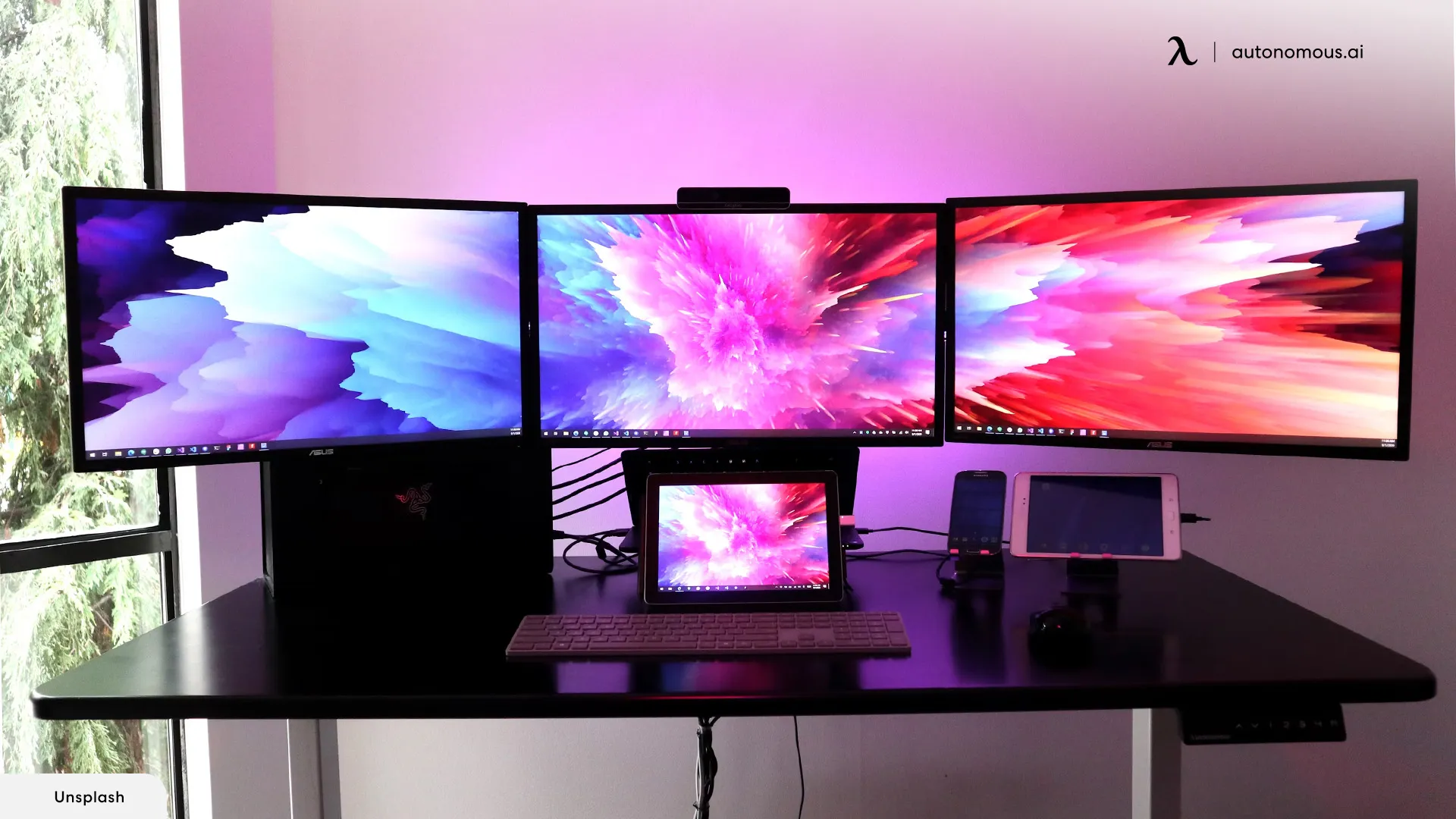
Running three monitors on a standing desk introduces challenges that standard setups never encounter. Beyond sheer surface width, the desk must lift heavy, uneven loads smoothly while staying rigid at standing height. Weak motors, light frames, or low weight ratings show their limits quickly once multiple monitors and arms are involved.
The desks in this section meet higher structural standards. They offer wide desktops, 250+ lb load capacity, and stable lifting performance across the full height range — criteria that rule out most entry-level standing desks and make these models suitable for long-term, multi-monitor use.
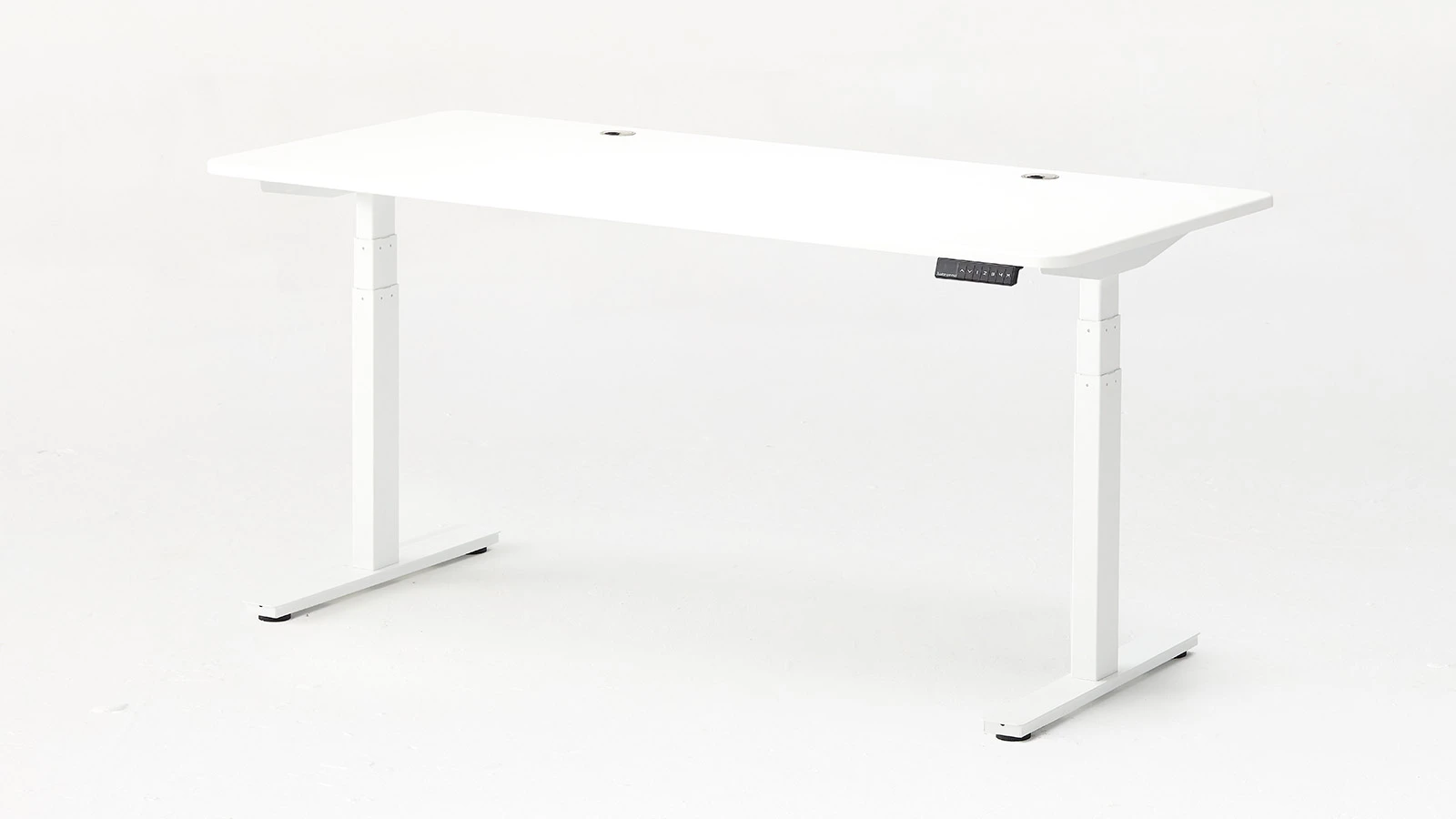
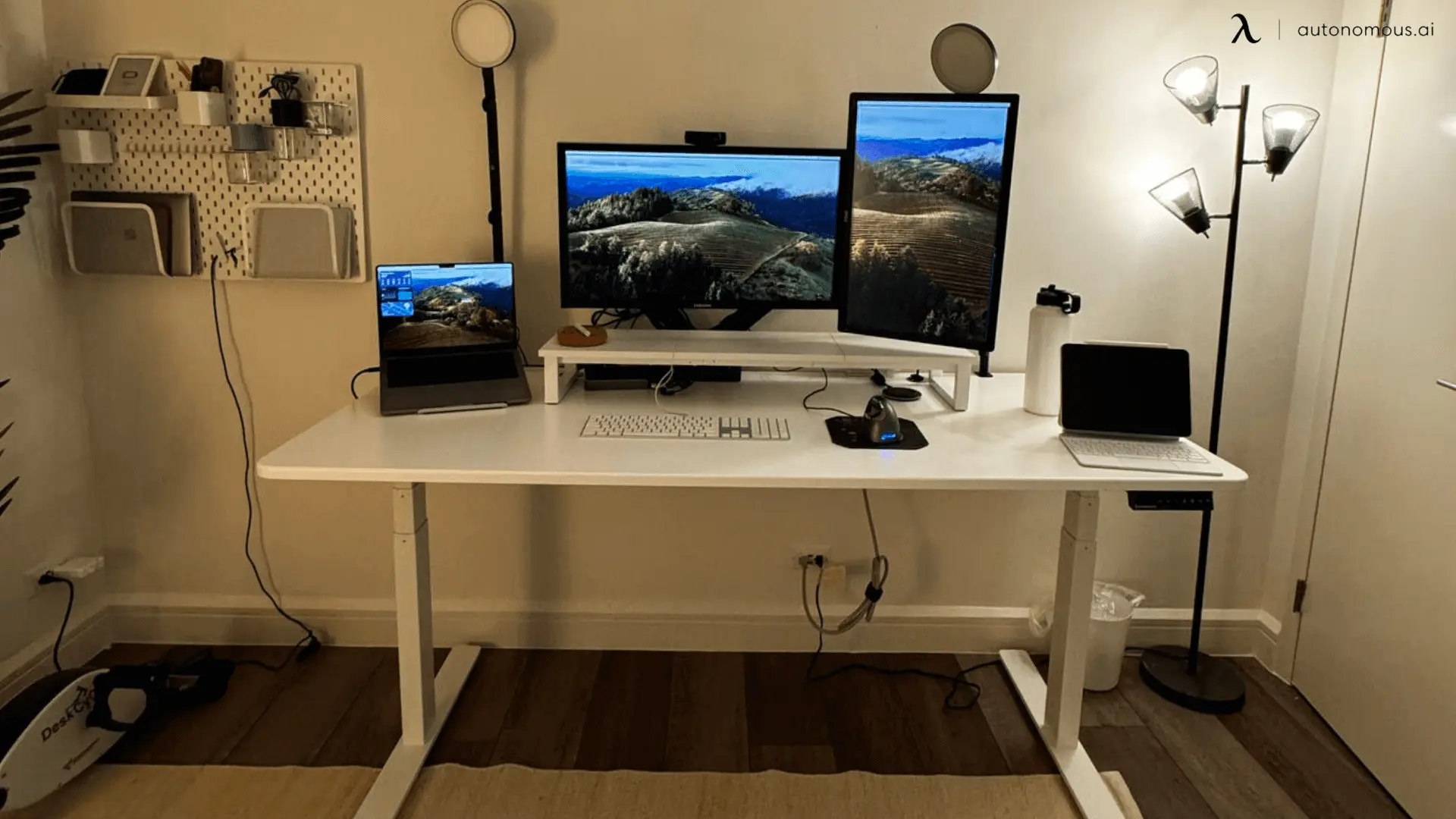
1. Autonomous Desk 2 Expanse
The Autonomous Desk 2 Expanse provides the width threshold where three monitors on factory stands become genuinely practical. At 70.5 inches, three 24-inch monitors occupy roughly 63 inches, leaving 7.5 inches for clearance — enough for angled positioning and cable routing without spatial compromise.
This width transforms workspace organization. Desktop speakers no longer crowd monitor edges. Task lighting finds dedicated placement. Reference tablets and secondary devices occupy their own zones rather than competing for limited surface area. For users who prefer factory monitor stands, this eliminates the immediate need for monitor arms and the added cost that comes with them.
The desk also easily accommodates alternative configurations like a triple curved monitor setup for users seeking immersive viewing experiences. The 3-segment frame option extends height to 52 inches and increases capacity to 310 pounds — specifications that matter for taller users or heavier monitor configurations. The 2-segment frame matches standard performance at a lower price point, making it practical for users under 6'2" with typical monitor weights.
Pros:
- 70.5" width eliminates monitor arm requirement for most setups
- Extended surface accommodates equipment distribution without crowding
- 3-segment option reaches 52" height (users up to 6'8")
- Dual-motor stability through full height range
Cons:
- Requires 72+ inches of wall space (verify room dimensions)
- Larger desktop increases assembly time
Best for: Users who want a wide desk that comfortably supports three monitors on factory stands and still leaves room for a fully functional workspace.

2. Autonomous Desk Pro Expanse
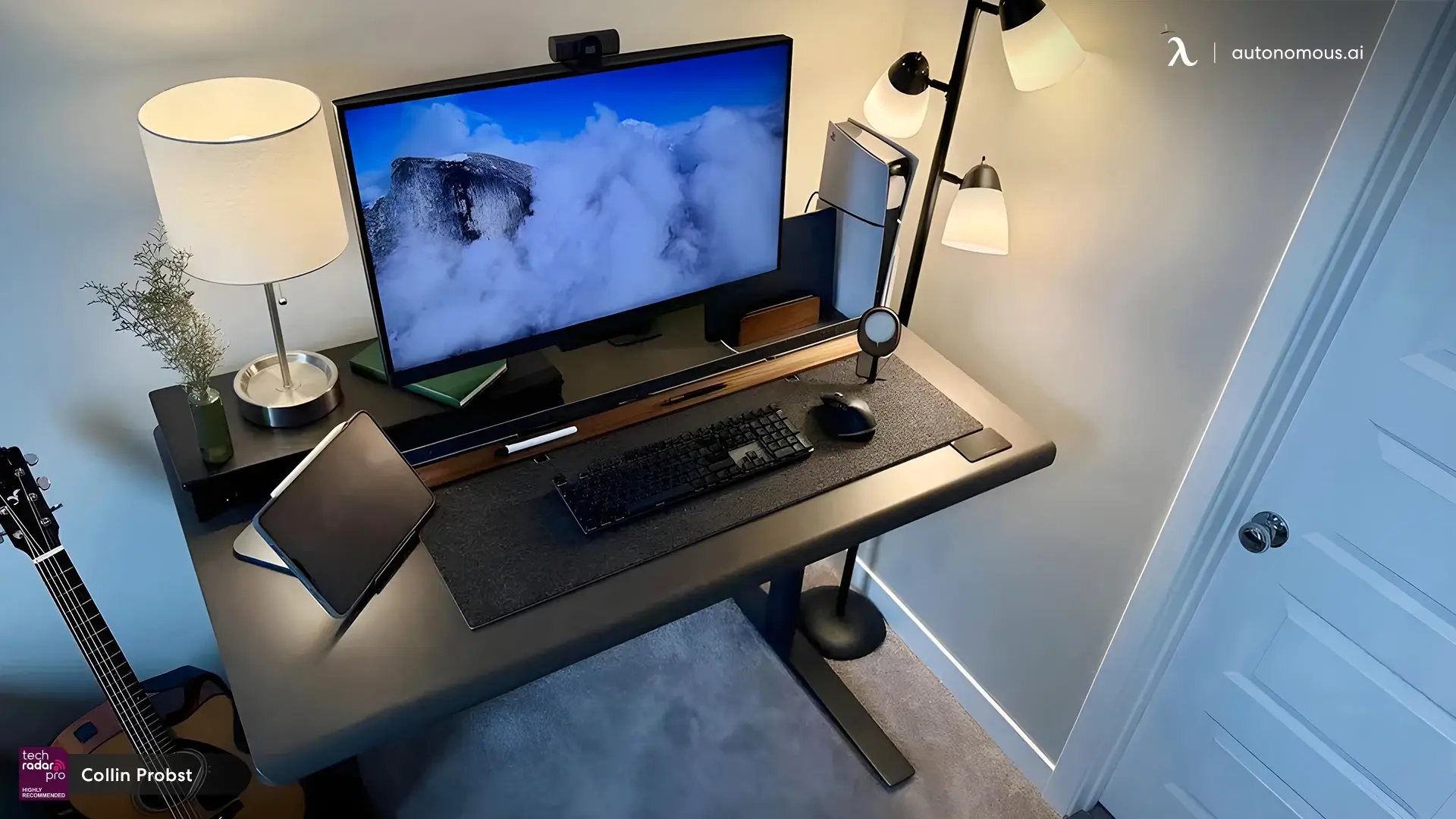
The Desk Pro Expanse focuses on refinements that matter during daily use. The C-frame design provides 26.4 inches of unobstructed legroom compared to traditional four-post frames — a difference that becomes noticeable when repositioning your chair or stretching your legs during long work sessions.
Rather than adding external trays, a standing desk with cable management built into the frame and a concealed, internally mounted power strip can keep cables organized while remaining accessible — no crawling under the desk to figure out which cord belongs to which device.
At 70.5 inches wide and 330 pounds capacity, this minimalist desk accommodates three 24-inch monitors on stands with clearance remaining for peripheral equipment. The HDF wood top with powder-coated finish resists scratches better than the MDF construction used in budget models, maintaining appearance through years of use.
The motor system operates below 30 decibels — quieter than typical office ambient noise. This matters less during initial height changes and more during extended use when minor mechanical sounds become noticeable distractions. The dual motors maintain level lifting through the 30.7 to 49.7 inch height range without the slight tilting that single-motor systems exhibit under heavy loads.
Pros:
- Integrated cable routing eliminates external management accessories
- Sub-30dB operation maintains quiet workspace
- HDF construction more scratch-resistant than MDF alternatives
Cons:
- 29" depth requires careful monitor positioning for optimal viewing distance
- Integrated cable system makes modifications more complex
Best for: Users prioritizing modern aesthetics and quiet operation in a stand up desk for 3 monitors.
3. Autonomous Desk AI
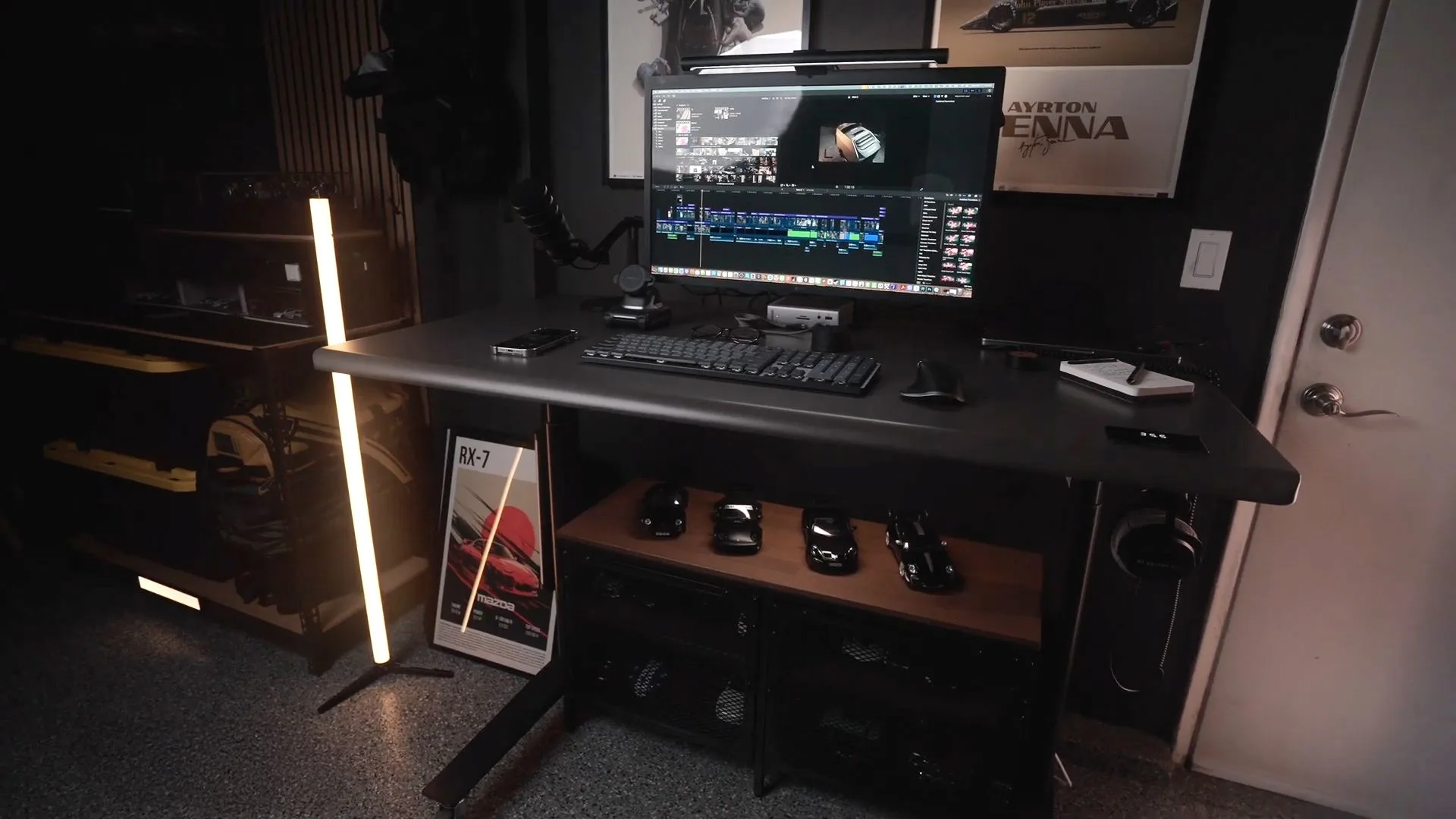
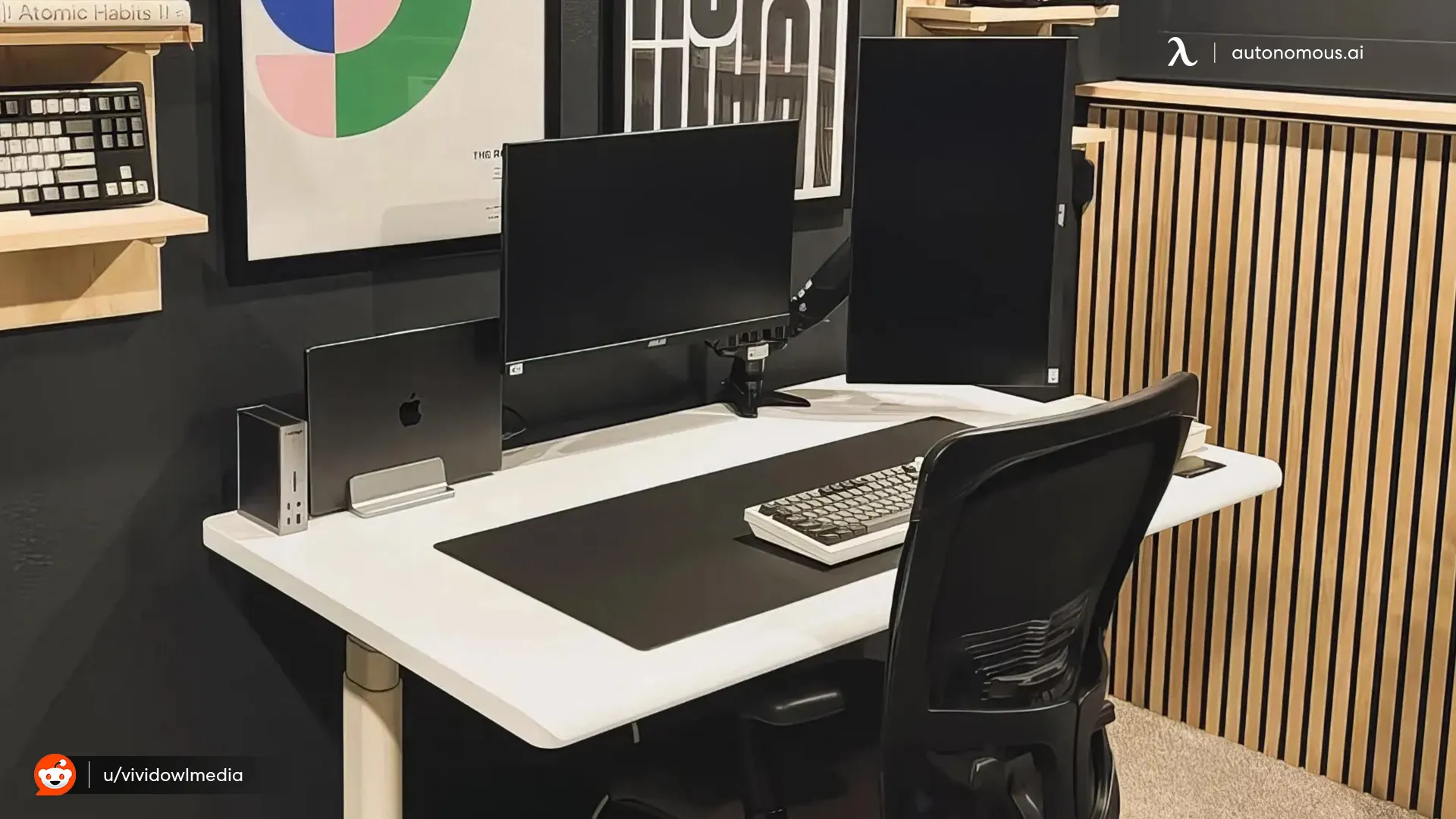
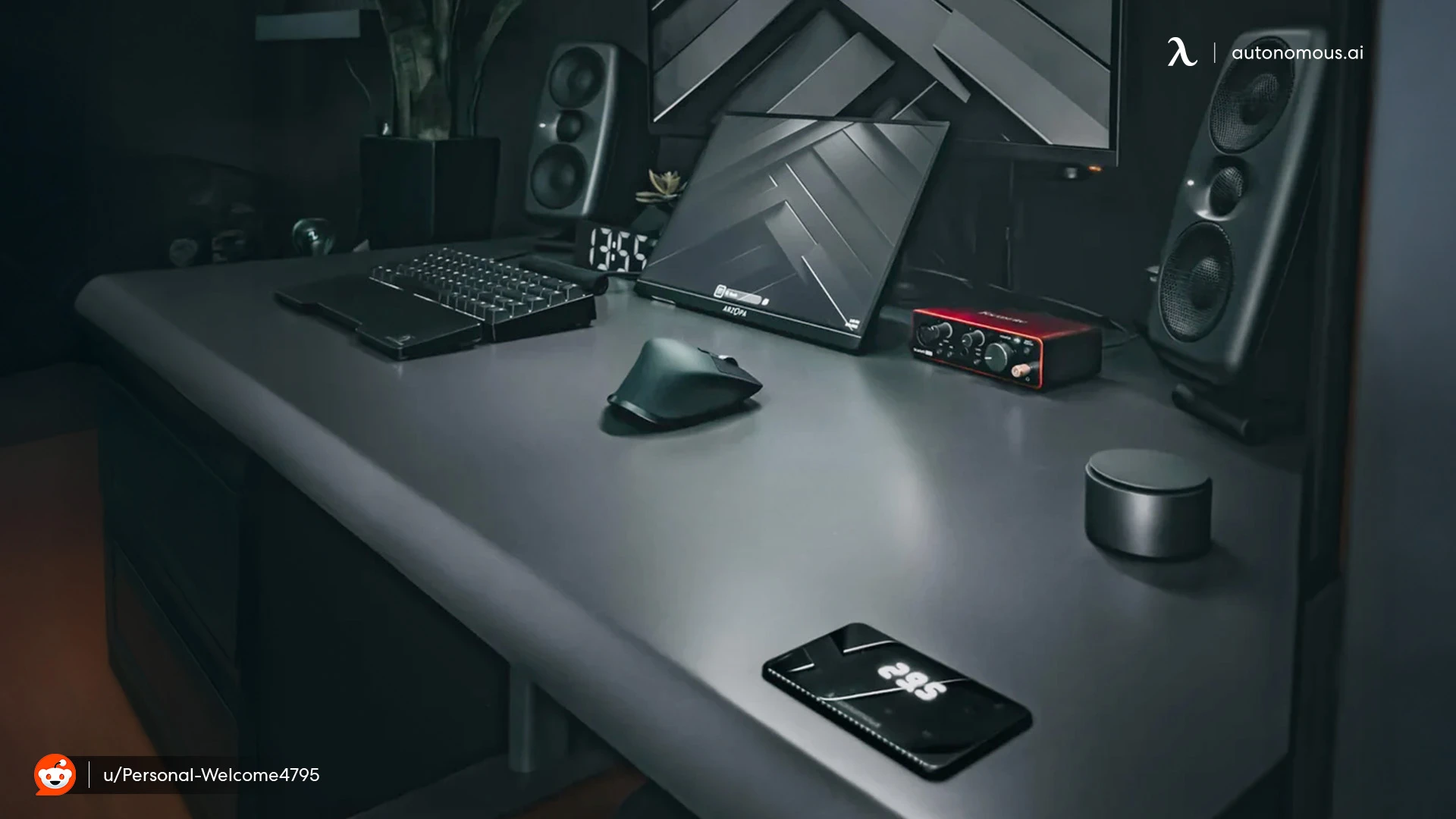
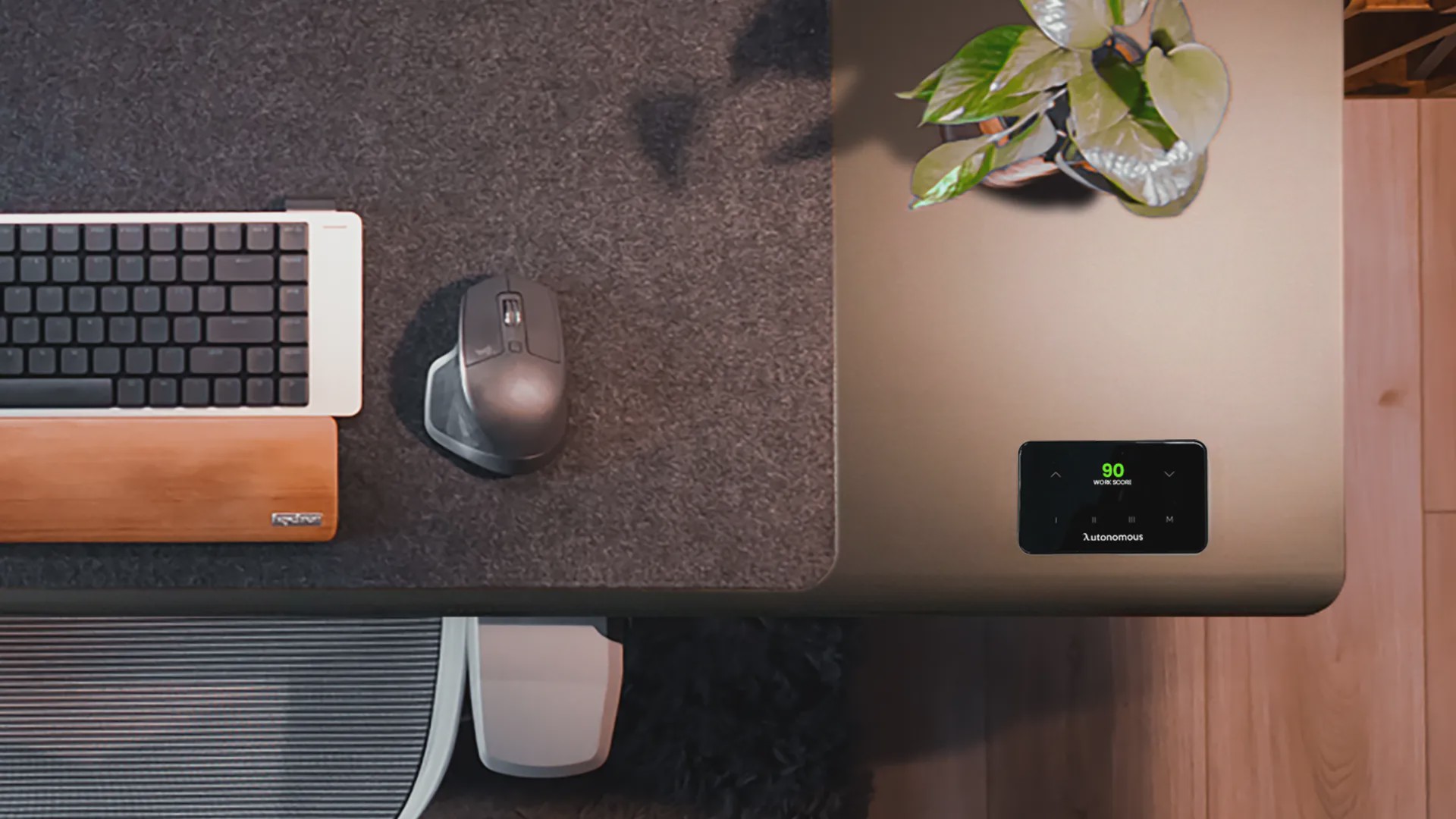
The Desk AI features built-in Autonomous Intelligence sensors that track seven environmental factors and deliver a real-time Workspace Score through the companion app. Instead of wondering why your focus crashes at 2pm or why your back aches after a long session, the desk tells you what's off and how to fix it. Over time, it learns your sit-stand patterns and nudges you to move, hydrate, adjust your posture, or do light stretches — right when you need it most.

As a computer desk for 3 monitors, it delivers a spacious, stable surface with a solid frame that handles the weight of your setup without wobble. The hidden cable management keeps things clean, which matters when dealing with three monitors' worth of cords. At 53 inches wide, the desk works best with a triple monitor arm rather than factory stands — this mounting approach condenses your display footprint while the sensors track your posture and positioning throughout the day.
What makes this desk different is that it doesn't stop at being functional infrastructure. It turns your triple monitor workstation into a workspace that actively monitors your environment and behavior. The system identifies patterns you wouldn't notice yourself — that afternoon slump correlating with poor air quality, or neck tension developing after 40 minutes in the same position.
Best for: Users who want environmental insights alongside their three monitor desk setup and will mount displays on an arm system.
Top Ergonomic Desks for a 3-Monitor Workspace
Supporting three monitors is only part of the equation. A truly ergonomic computer desk for a 3-monitor setup prioritizes viewing distance, desk depth, and layout—so your screens, keyboard, and accessories work with your body instead of against it.
The desks below focus on fixed-height ergonomics, offering well-proportioned surfaces and layouts that reduce reach, neck strain, and workspace congestion during extended work sessions.
1. Techni Mobili Warrior L-Shaped Desk
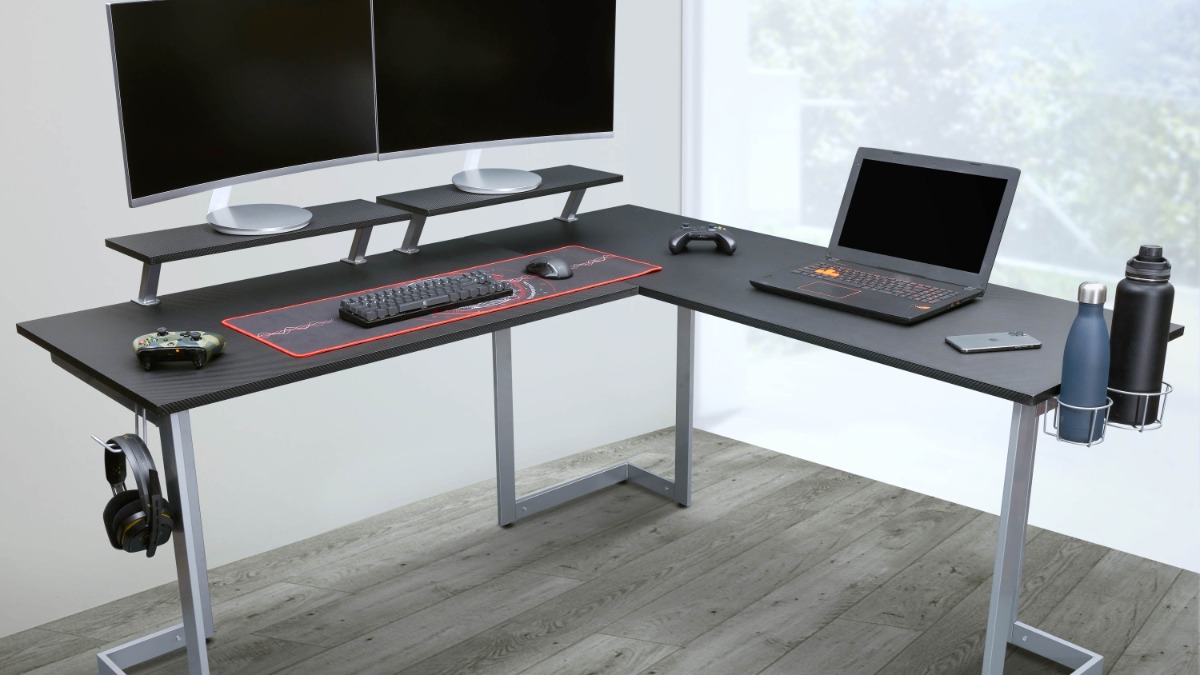
The Warrior L-shaped design takes a different approach to triple monitor setups by wrapping displays around a corner rather than arranging them in a straight line. One monitor sits on each desk section, with the third positioned at the corner junction — creating an immersive viewing angle that places all three screens within your peripheral vision without head turning.
This wrap-around configuration suits gaming and trading workflows where you need simultaneous visibility across multiple information sources. The elevated monitor shelves raise displays to eye level without requiring separate stands or arms, though their 11-pound capacity restricts you to lighter panels. Heavier gaming monitors may need alternative mounting solutions or direct desktop placement.
This L-shaped desk demands corner real estate that rectangular desks don't require. You're committing roughly five feet of space along two walls, which works in dedicated gaming rooms but becomes problematic in smaller bedrooms or shared spaces where furniture placement flexibility matters.
Pros:
- L-shaped layout creates immersive gaming setup with monitors on two sides
- Removable monitor shelves elevate displays above desk clutter
- Integrated gaming accessories (cup holders, headphone hook)
- Carbon fiber texture appeals to gaming aesthetic preferences
Cons:
- 130 lb weight capacity limits upgrade options for heavier equipment
- Monitor shelves support only 11 lbs each (excludes larger displays)
- Corner placement requirement reduces positioning flexibility
Best for: Gamers who prefer peripheral monitor viewing and have dedicated corner space for an L-shaped configuration.
2. Eureka Ergonomic Aero Wing-Shaped Studio Desk
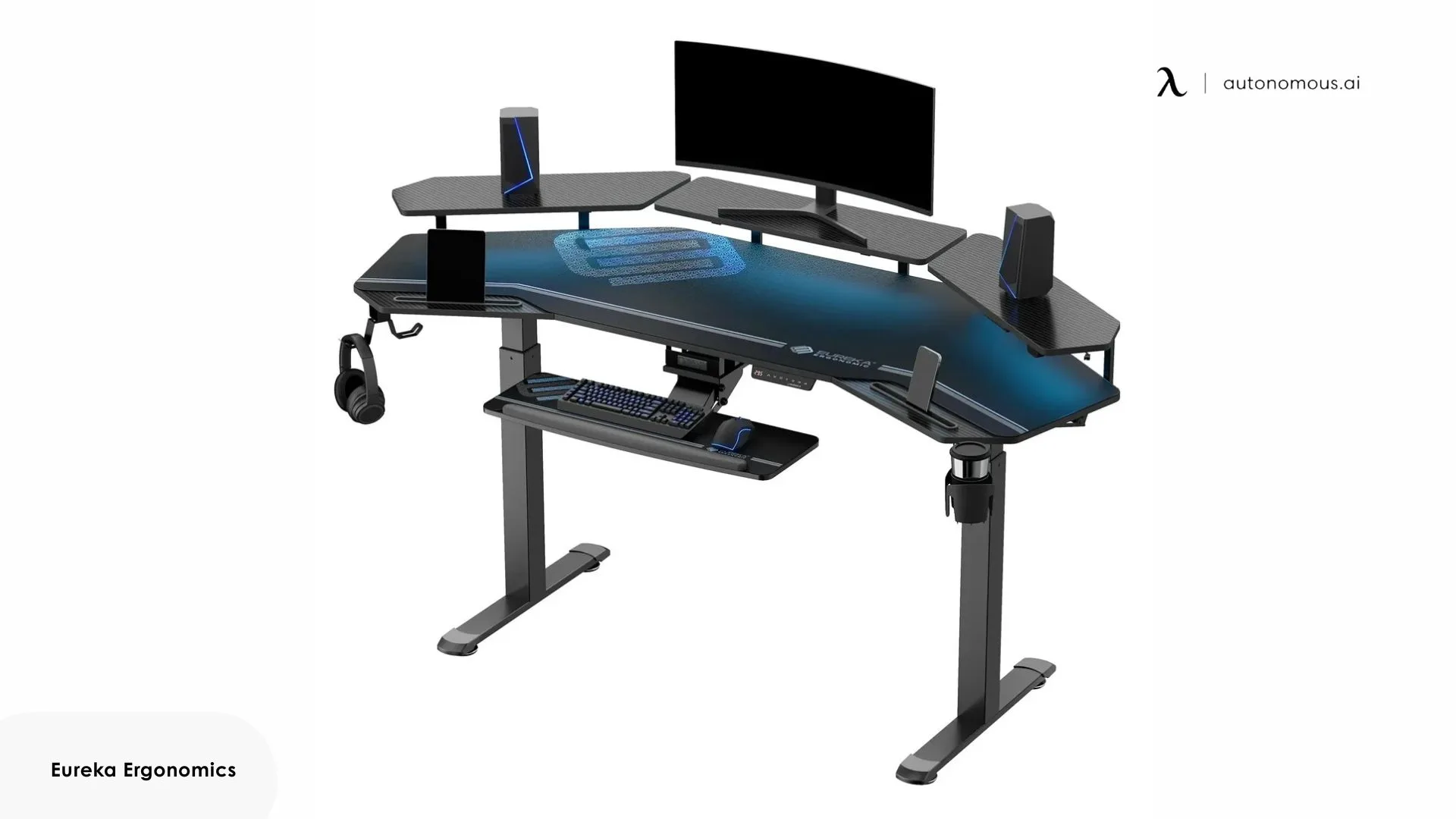
The wing-shaped curve positions your chair at the desk's center point, bringing all three monitors within arm's reach without leaning forward. This contour design shortens the distance to side monitors compared to straight rectangular desks — your peripherals sit closer to your natural sitting position rather than extending beyond comfortable reach.
The 72-inch version arrives as a complete streaming or gaming package. Two monitor shelves with RGB lighting elevate displays above the desktop while creating ambient backlighting. A slide-out keyboard tray drops your typing surface below the main desk level, creating vertical clearance for monitor positioning. The accessories — dual headphone hooks, rotating cup holder, tablet grooves — integrate into the desk structure rather than clamping on afterward, making it an ideal foundation for a triple monitor gaming setup.
The 63-inch version strips out the accessories, providing just the wing-shaped desktop and frame. The reduced width still accommodates three monitors but requires tighter spacing or smaller display sizes compared to the 72-inch model.
Pros:
- Wing curve brings side monitors closer to natural seating position
- RGB monitor shelves add streaming production value
- Carbon fiber texture resists visible wear and heat damage
Cons:
- Curved shape limits placement to centered wall positions
- RGB lighting requires USB power connection management
- Assembly complexity increases with integrated accessory mounting
Best for: Streamers and content creators who want integrated accessories and RGB features in a three monitor desk setup.
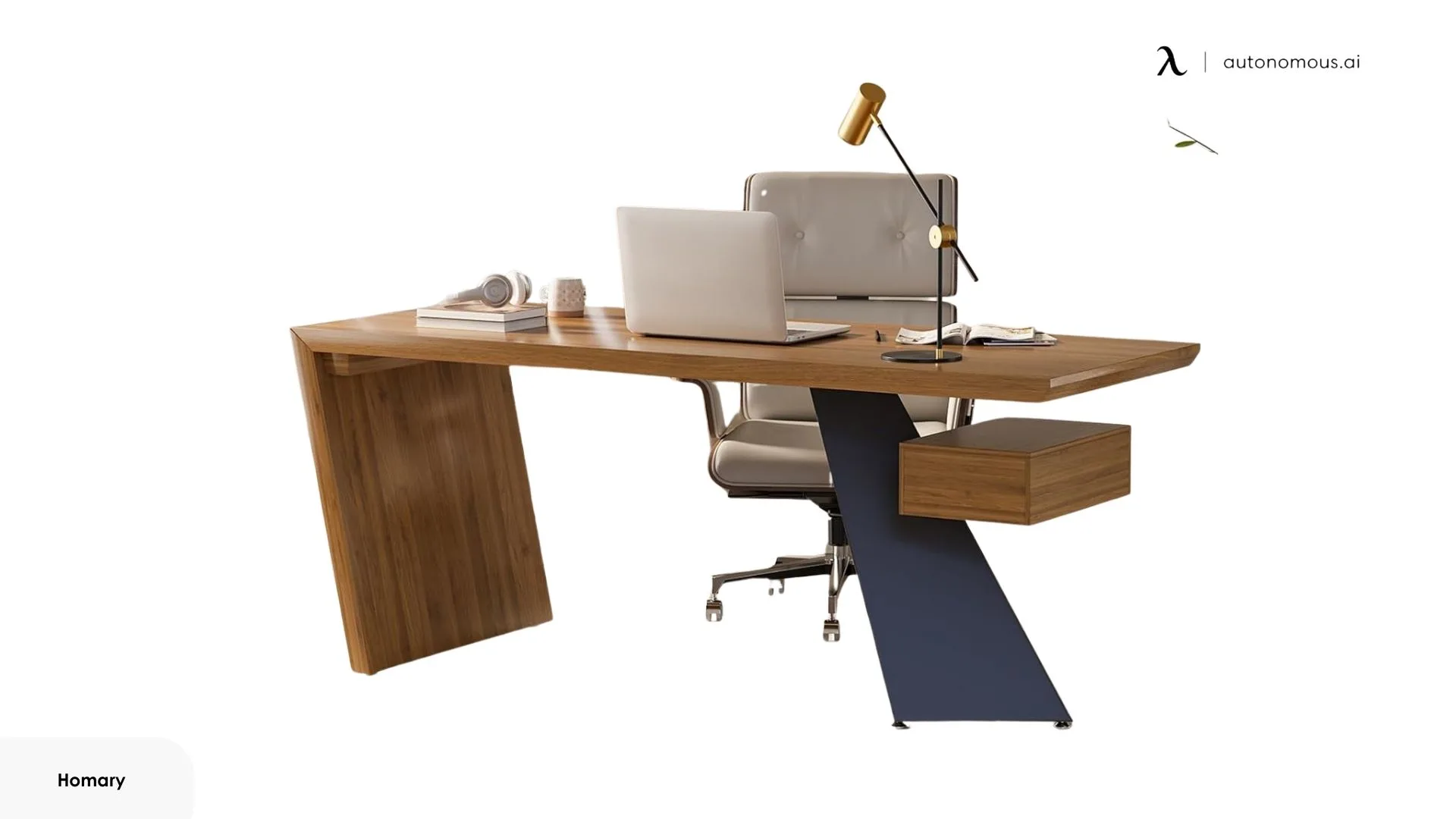
3. Homary Modern L-Shaped Executive Desk
Designed for document-heavy workflows, this executive desk emphasizes storage density and workspace separation over minimalist or gaming-focused layouts. It supports a three-monitor setup while providing built-in organization for users who still manage physical files alongside digital work. Five drawers partition storage by category—small items separate from files, private documents locked away from reference materials. Two cabinets handle bulkier equipment that doesn't belong in drawers: printer paper, binders, external hard drives.
The L-shaped footprint creates distinct zones within your workspace. One section handles your 3 monitors, while the perpendicular surface becomes dedicated space for paperwork, client meetings, or layout reviews. This separation prevents the spatial conflict that occurs when monitors, keyboards, and physical documents compete for the same linear desk surface.
Cable routing cutouts keep monitor wiring organized, though cable management is simpler than on gaming or standing desks and does not include under-desk trays. For safety and stability, wall anchoring is required to prevent tipping when drawers are fully extended — a necessary precaution for large MDF executive desks carrying uneven loads.
Pros:
- L-shaped design separates computer work from document handling
- Baking varnish finish resists warping and simplifies cleaning
- Reversible configuration adapts to left or right-handed room layouts
Cons:
- 220.5 lb capacity lower than gaming desk alternatives
- MDF construction requires wall anchoring for stability
- Minimal cable management compared to tech-focused desks
Best for: Professionals who need a three-monitor setup with substantial built-in storage and clearly separated work zones.
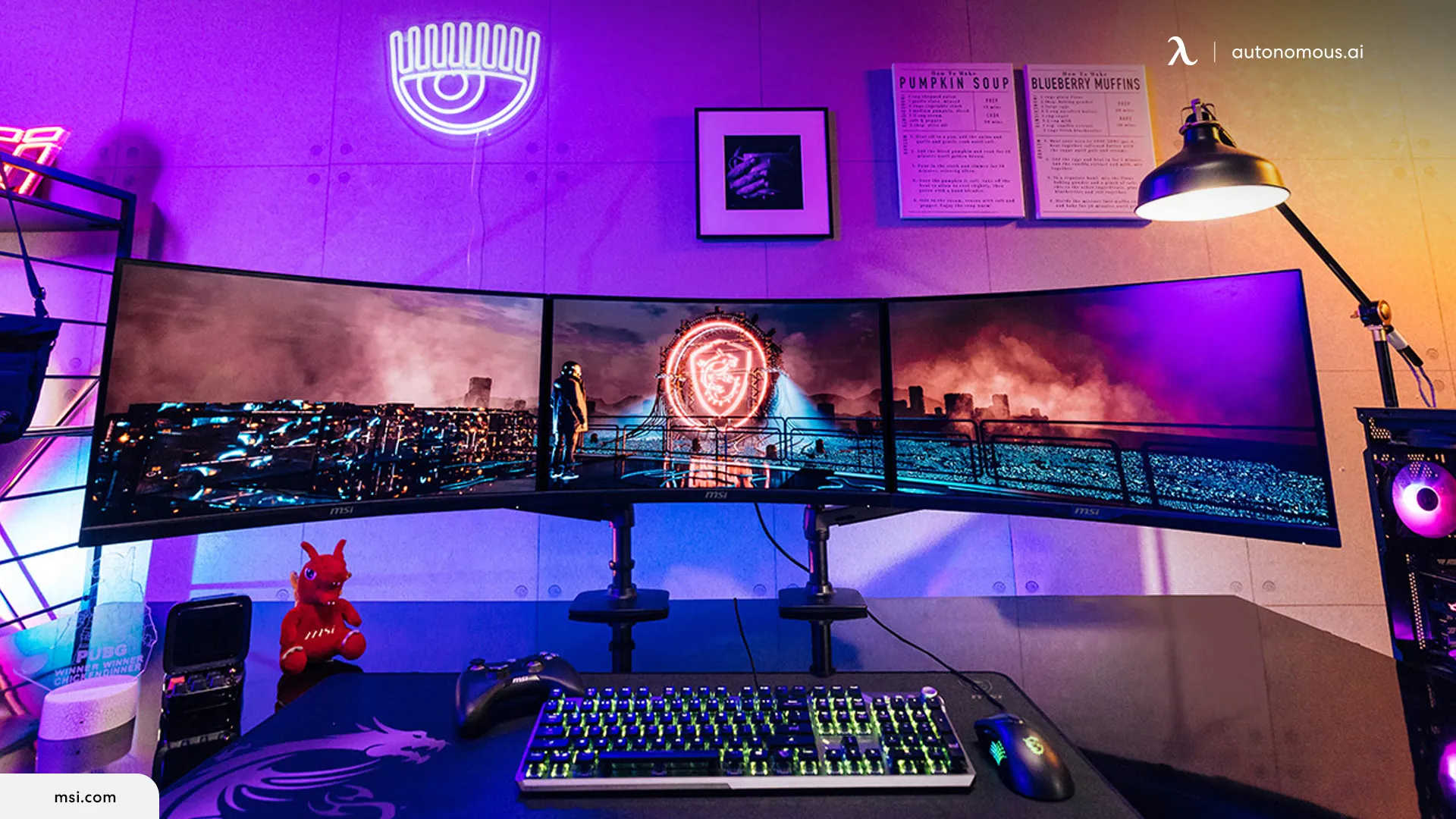
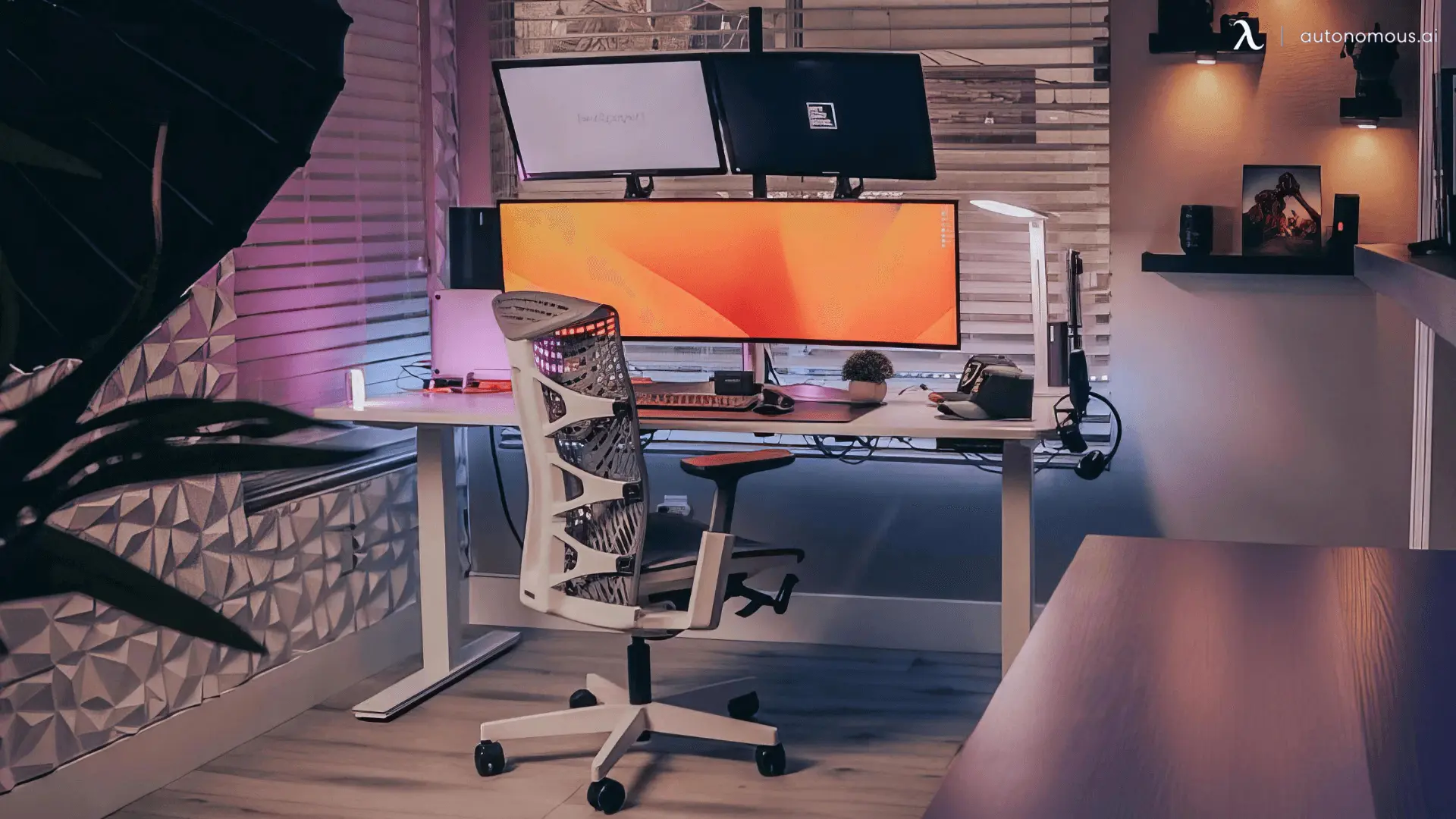
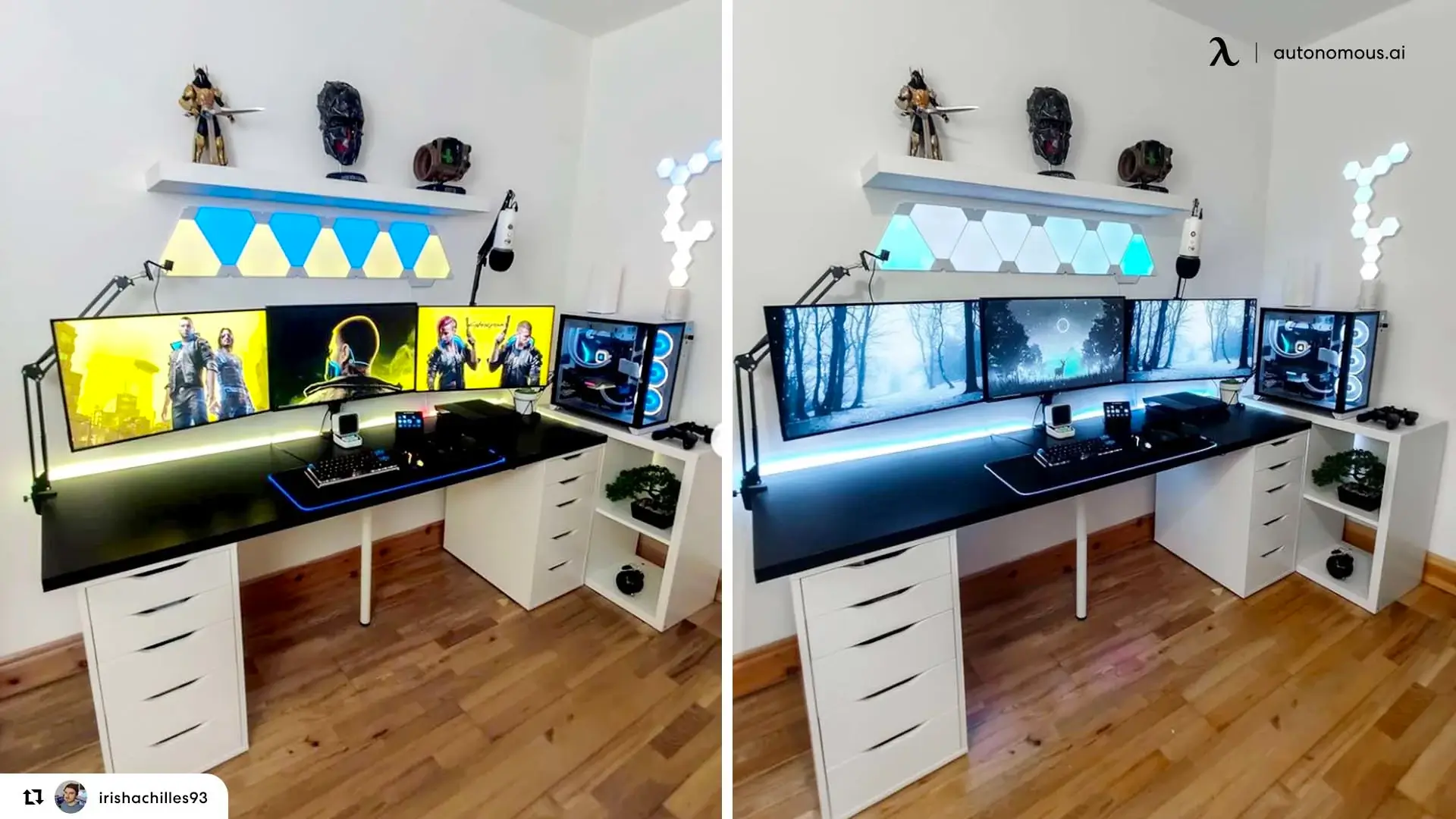
Setting Up Your Triple Monitor Workspace: Getting the Details Right
- Positioning the Monitors
Place your primary monitor directly in front of you, centered with your keyboard. The top of the screen should sit at or slightly below eye level — this prevents the upward neck tilt that causes strain during long sessions. Side monitors angle inward at roughly 30 degrees, creating a gentle curve that keeps all three screens within your peripheral vision without head turning.
The angle matters more than perfect symmetry. Adjust each side monitor until you can read text on all three displays while keeping your head facing forward. If you find yourself rotating to view a side screen, the angle needs tightening.
- Distance and Depth
Sit back in your office chair with your arm extended. Your fingertips should just reach the center monitor's screen — this arm's length distance (roughly 20-28 inches) prevents eye fatigue while keeping text readable. Larger monitors can sit slightly farther back; smaller displays come forward.
Your keyboard needs 18-20 inches of desk depth in front of the monitors. This spacing creates the proper relationship between your hands and eyes, preventing the hunched-forward posture that develops when keyboards crowd too close to screen bases.
- Cable Routing That Actually Stays Organized
Bundle cables in groups of three behind each monitor—power, display, and USB together. Use velcro ties instead of zip ties; you'll thank yourself later when swapping equipment. Route bundled cables through desk grommets or along cable trays toward a single power strip mounted under the desk.
Leave slack in the cables, especially with standing desks. Tight cable runs create tension during height changes, gradually loosening port connections. A gentle droop in the cables allows movement without stress on the connections.
- Monitor Arms vs. Stands
Monitor arms free up significant desk space and provide adjustment flexibility that stands can't match. A triple monitor arm typically costs $150-300 but eliminates three bulky stand bases — that's 12-18 inches of recovered desk depth. The investment makes sense if you value the clean surface or need the space for other equipment.
Stands work fine if your desk provides adequate width. They're simpler to set up and don't require desk thickness compatibility checks. The tradeoff is permanent surface consumption and limited height adjustment.
- Testing Your Setup
Spend thirty minutes working at your new configuration before finalizing positions. Notice which monitor pulls your attention most during natural workflow. Adjust that screen's angle or position first — small changes in orientation significantly affect how comfortably you can view content without shifting your posture.
If you feel shoulder tension or find yourself leaning to one side, your monitors aren't balanced properly. Equal viewing comfort across all three screens means the setup matches your natural sitting position rather than forcing your body to adapt to the displays.
FAQs
What is the best desk for a 3-monitor setup?
The best desk for a 3-monitor setup offers enough width for proper spacing, strong weight capacity, and a stable frame. Most users should look for desks at least 70 inches wide with solid construction to prevent wobble or sagging.
How wide should a desk for 3 monitors be?
A desk for 3 monitors should be 70–80 inches wide to allow proper monitor spacing and cable clearance. While three 24-inch monitors fit on a 72-inch desk, wider desks provide more flexibility and comfort.
How deep should a desk for a 3-monitor setup be?
An ideal desk for a 3-monitor setup should be at least 30 inches deep. This allows correct viewing distance, space for a keyboard, and room for accessories without crowding the workspace.
What weight capacity does a desk for 3 monitors need?
A desk for 3 monitors should support 250–300 lbs or more, especially when using monitor arms. Monitors, arms, speakers, and accessories add up quickly and exceed the limits of lighter desks.
Are standing desks good for 3-monitor setups?
Yes, but only if the standing desk is designed for heavy loads. A standing desk for 3 monitors should have dual motors, a steel frame, and a high weight rating to remain stable at standing height.
Do I need monitor arms with a desk for 3 monitors?
Monitor arms are not required, but they help save space and improve ergonomics. If your desk for 3 monitors is wide enough (70"+), factory monitor stands can work without issue.
Are L-shaped desks good for 3-monitor setups?
Yes, an L-shaped desk for 3 monitors works well when you need separate zones for screens and paperwork. The extended surface helps prevent clutter and keeps monitors from dominating the entire desk.
Final Thoughts
Each desk on this list handles a three-monitor workspace well, so the right choice depends on how you work — whether you need standing capability, specific storage, or particular layout configurations.
Standing desks offer the best long-term value for health and adjustability, especially if you spend long hours at your setup. If keyboard positioning matters for your ergonomics, a standing desk with a keyboard tray creates better vertical clearance. For maximum stability with heavy equipment, a 4-leg standing desk distributes weight more evenly than other frame designs.
The right desk setup balances your space constraints, equipment weight, and daily workflow.