How Big Is a 22-Inch Monitor? Size and Desk Fit
.webp)
Table of Contents
- What Does “22-Inch Monitor” Mean?
- 22-Inch Monitor Dimensions (Actual Size)
- How Wide Is a 22-Inch Monitor?
- How Tall Is a 22-Inch Monitor?
- 22-Inch Monitor Size Comparison
- 22-Inch Monitor on a Desk: Will It Fit Comfortably?
- Is a 22-Inch Monitor Good for Small Desks?
- 22-Inch Monitor for Single vs Dual Monitor Setups
- Who Should Choose a 22-Inch Monitor?
- Who Should Not Choose a 22-Inch Monitor?
- FAQs
- Conclusion
Choosing a monitor isn’t just about screen size - it’s about how that size fits L shaped standing desk, viewing distance, and daily workflow. A 22-inch monitor is often considered compact, but many people aren’t sure what that actually means in real-world dimensions. This guide breaks down the actual size of a 22-inch monitor, how it fits on a desk, and who it’s best suited for.
What Does “22-Inch Monitor” Mean?
When a monitor is labeled “22 inches,” that measurement refers to the diagonal length of the screen, not its width or height. This diagonal measurement runs from one corner of the display to the opposite corner.
Because most modern monitors for works use a 16:9 aspect ratio, the diagonal size translates into specific width and height dimensions. Understanding those dimensions is far more useful than the inch number alone, especially when planning desk space or monitor placement.
22-Inch Monitor Dimensions (Actual Size)
For a standard 22-inch monitor with a 16:9 aspect ratio, the screen dimensions are typically:
- Width: ~19.2 inches (about 48.8 cm)
- Height: ~10.8 inches (about 27.4 cm)
These measurements describe the screen only. Once you factor in bezels and the stand, the total footprint increases slightly.
With the stand attached, most 22-inch monitors measure:
- Total width: ~20–21 inches
- Total height: ~15–17 inches, depending on stand design
How Wide Is a 22-Inch Monitor?
The visible screen width of a 22-inch monitor is just over 19 inches, but the full width on your desk usually lands closer to 20–21 inches once bezels are included.
This matters when:
- Your desk is narrow
- You’re placing the monitor between shelves or speakers
- You’re considering a dual-monitor setup
On most desks that are at least 100–120 cm wide, a single 22-inch monitor fits comfortably with space left over for peripherals.
How Tall Is a 22-Inch Monitor?
The screen height of a 22-inch monitor is around 10–11 inches, but the total height with a stand can reach 15–17 inches. Height becomes important for ergonomics. If the stand is not height-adjustable, you may need a desk riser or monitor arm to align the top of the screen with eye level.
A standing desk with a monitor shelf can also help achieve proper monitor height while keeping the desk surface clear. The smaller vertical size of a 22-inch monitor means less head movement overall, which many users find more comfortable for long work sessions.
22-Inch Monitor Size Comparison
To visualize the size more clearly:
- A 22-inch monitor is slightly wider than a standard laptop screen
- It’s roughly the width of two A4 sheets placed side by side
- Compared to a 24-inch monitor, it’s about 2 inches narrower
This makes it feel compact but not cramped, especially for single-screen use.
22-Inch Monitor on a Desk: Will It Fit Comfortably?
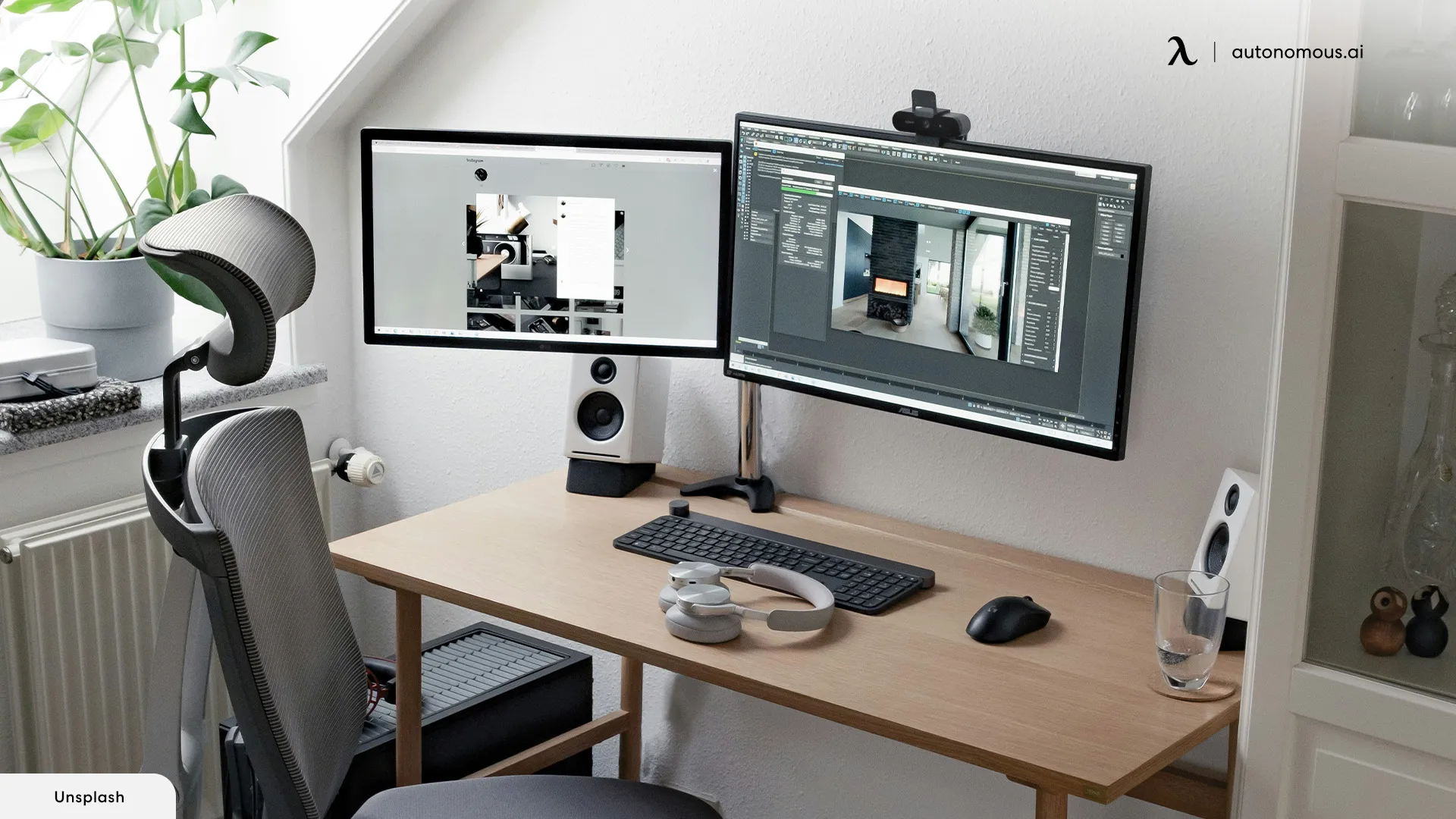
A 22-inch monitor fits comfortably on most desks, including compact home office and bedroom setups. Because of its smaller footprint, it’s especially well-suited for shallow or narrow desks where larger screens may feel overwhelming.
Desk width is rarely a problem. Most 22-inch monitors take up about 20–21 inches of horizontal space, which fits easily on desks that are at least 32–40 inches wide, leaving room for a keyboard, mouse, and everyday accessories. This size works well for maintaining a minimalist monitor desk setup without crowding the workspace.
Desk depth matters more than width. A desk that’s 20–24 inches deep allows you to sit at a comfortable viewing distance of roughly 20–28 inches from the screen. Since the display is smaller, you don’t need to push the monitor far back to see everything clearly, which makes future upgrades to the best way to setup dual monitors on desk easier to manage.
Eye and neck comfort are also easier to maintain at this size. The compact screen keeps most content within your natural field of view, reducing the need for frequent head movement during long work sessions. Text remains readable up close without excessive scaling, which pairs well with common laptop and monitor setup ideas.
A 22-inch monitor also leaves more open desk space, which is helpful if you:
- Write or take notes on the desk
- Use a laptop alongside the monitor
- Prefer a clean, minimal setup
Where it may feel limiting is multitasking. If you often split the screen between multiple large windows or work with wide spreadsheets, the monitor will fit physically-but a dual monitor setup may better support your workflow.
Is a 22-Inch Monitor Good for Small Desks?
Yes - a 22-inch monitor is one of the most practical choices for small desks, especially when space is limited and simplicity matters. Its compact size helps keep the workspace functional without crowding essential items.
For small desks, the biggest advantage is balance. A 22-inch screen provides enough visual space for everyday tasks without dominating the desk or forcing awkward positioning. This makes it easier to maintain a clean layout and avoid pushing peripherals too close to the desk edge, which aligns well with a hidden monitor desk approach.
A 22-inch monitor works particularly well on small desks if you:
- Primarily use one main application at a time
- Want room for writing, notebooks, or a compact keyboard
- Prefer a tidy, minimal workspace
- Use the monitor as a secondary screen next to a laptop
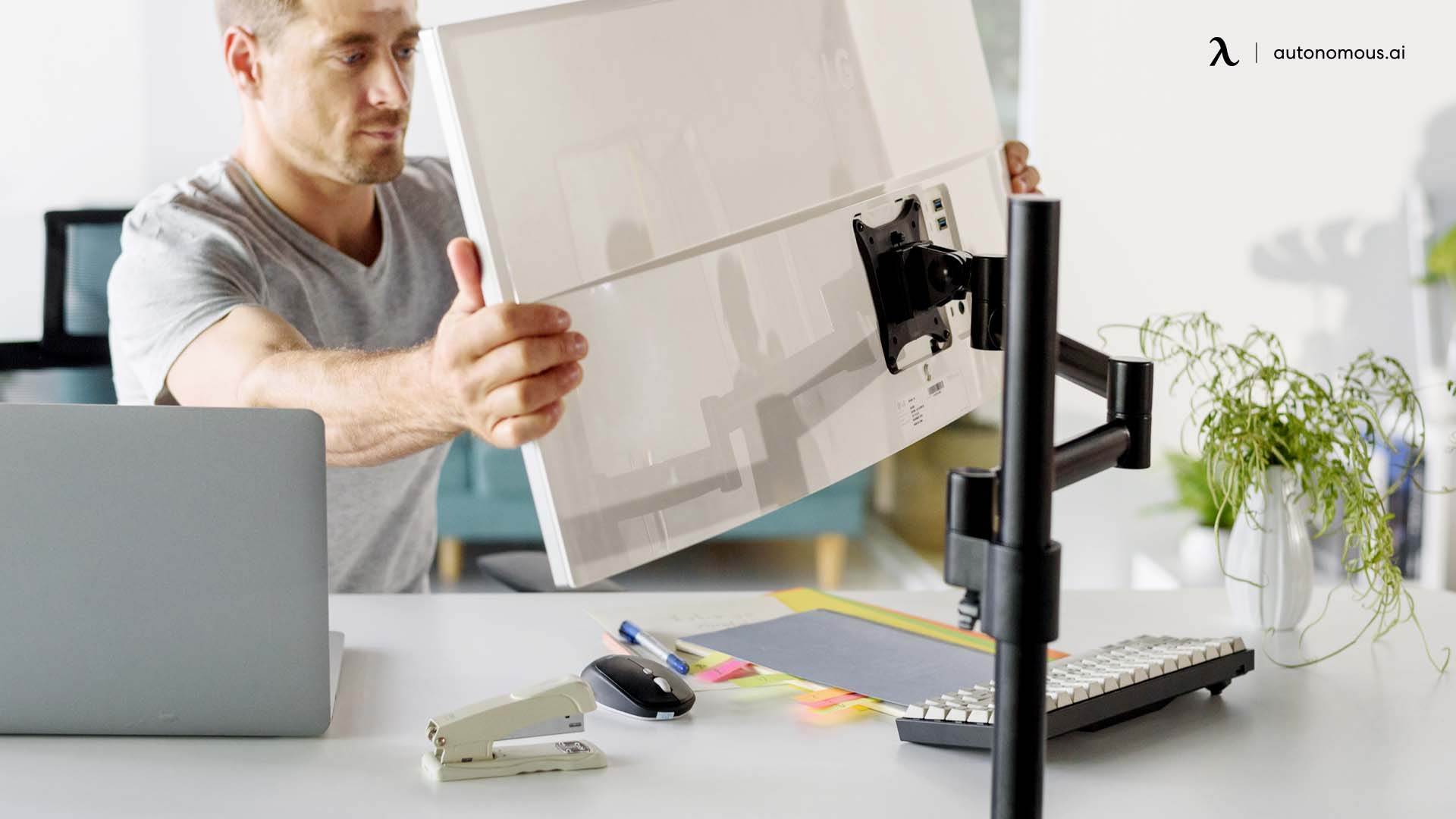
Another benefit is flexibility. Smaller monitors are easier to reposition, rotate, or mount on an arm if desk needs change over time. This makes them a strong option for evolving layouts that incorporate a portable monitor setup.
Where a 22-inch monitor may fall short on a small desk is heavy multitasking. If your workflow depends on multiple large windows being visible at once, the desk may feel uncluttered-but the screen itself may feel restrictive.
22-Inch Monitor for Single vs Dual Monitor Setups
A single 22-inch monitor works well for:
- Writing and document work
- Web browsing
- Coding with one primary window
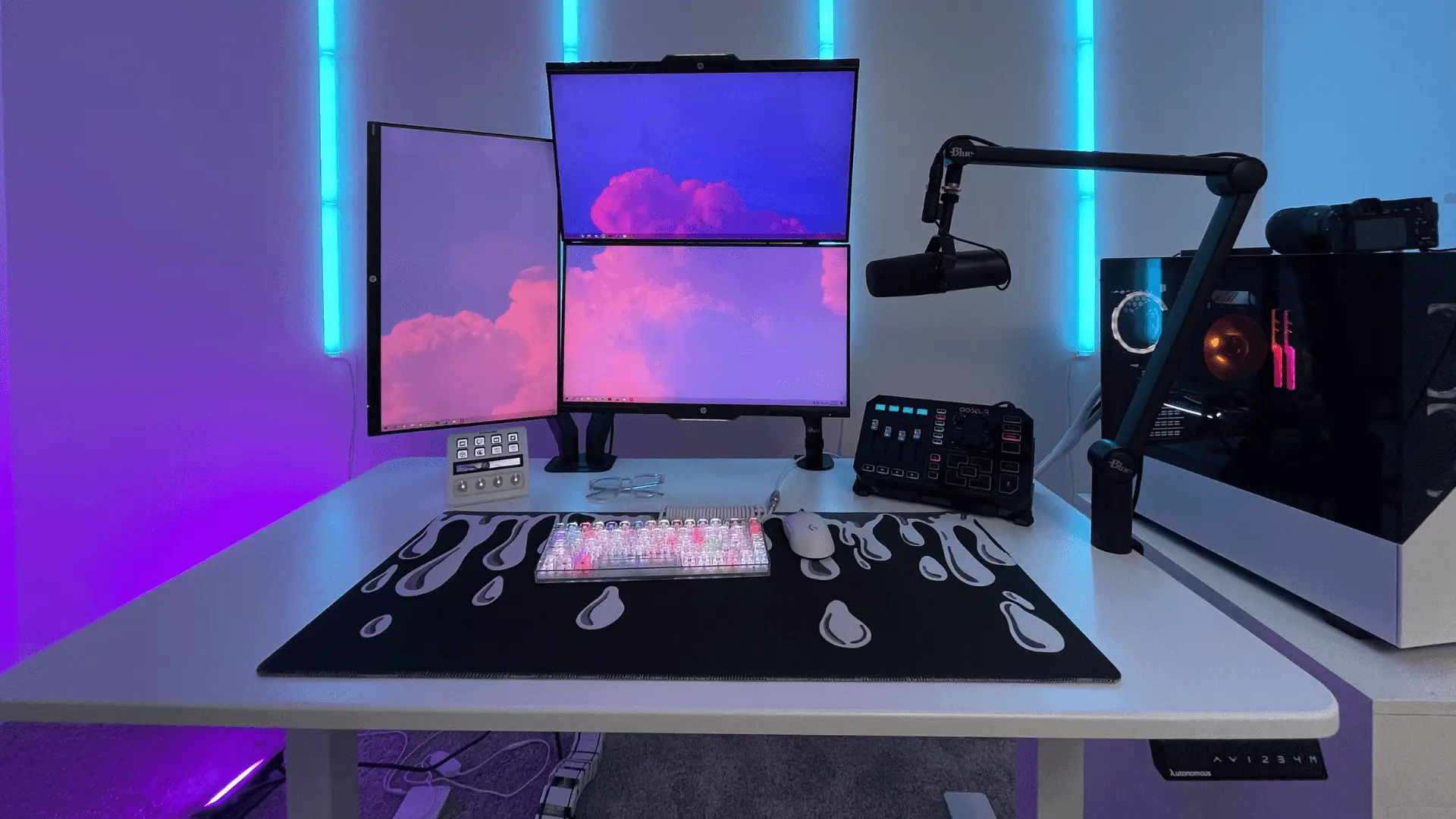
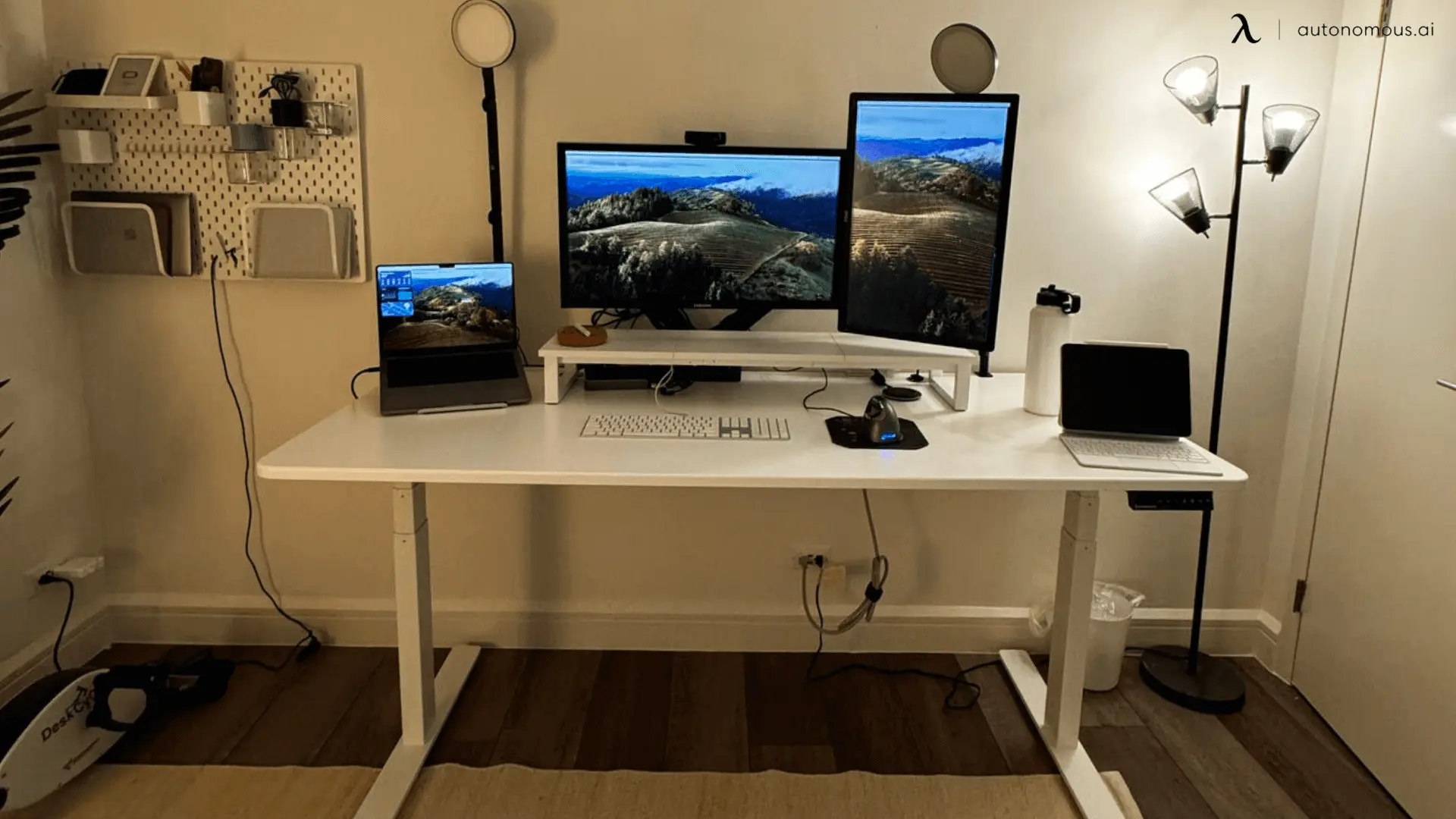
Two 22-inch monitors side by side can also be effective if desk width allows. This configuration increases usable screen space while keeping each display easy to scan, following established multi monitor computer desk setup principles.
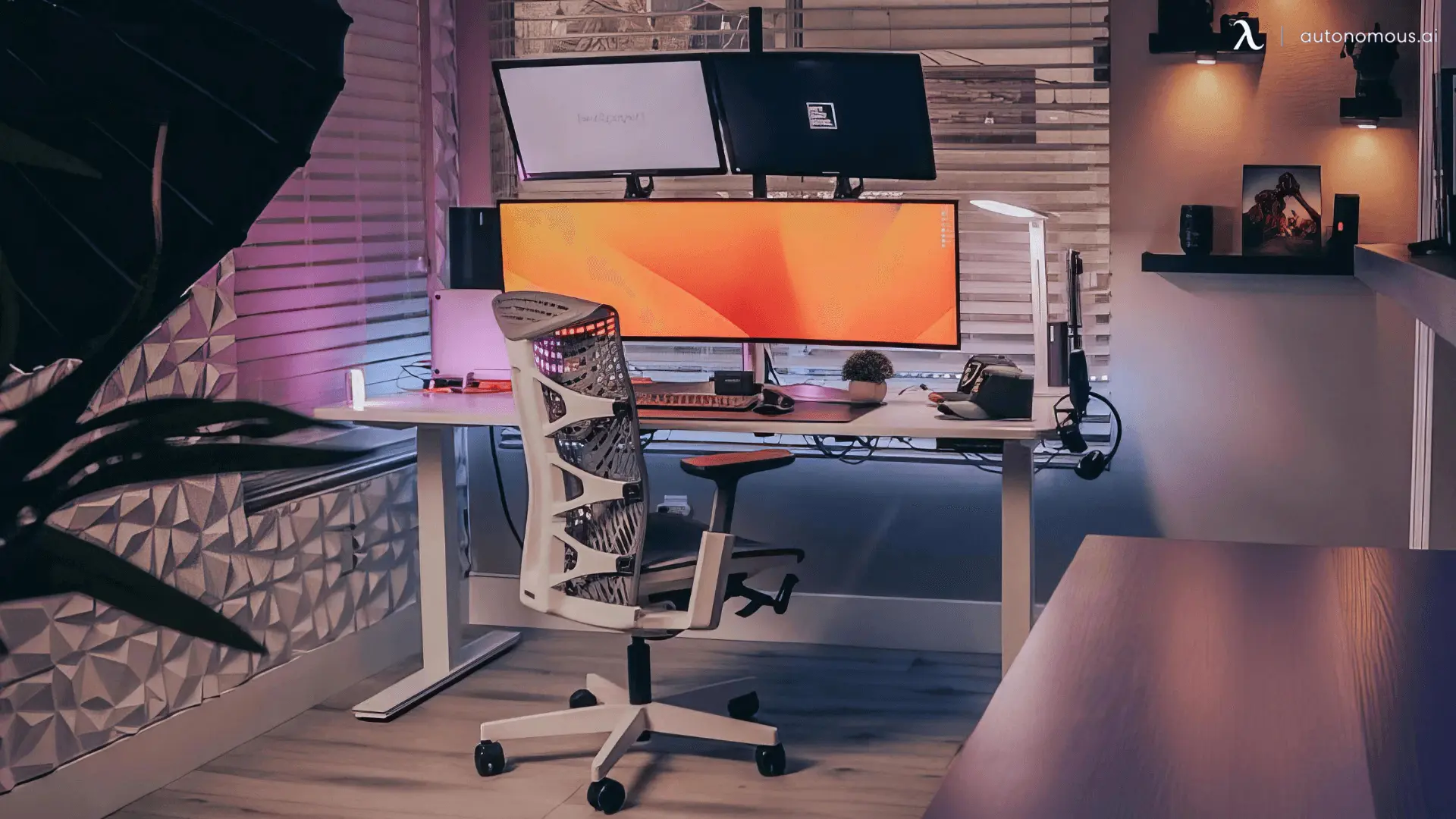
For users deciding between dual 22-inch monitors and one larger display, the choice often comes down to desk width and workflow style. Wider desks support layouts built around an L-shaped desk dual monitor setup, while smaller desks benefit from keeping the setup compact and simple.
Who Should Choose a 22-Inch Monitor?
A 22-inch monitor is a good fit if you:
- Have a small or shallow desk
- Sit relatively close to the screen
- Prefer a compact, uncluttered setup
- Need a budget-friendly primary or secondary monitor
- Want minimal head and eye movement
It’s especially popular as a secondary display alongside a laptop or larger main monitor.
Who Should Not Choose a 22-Inch Monitor?
A 22-inch monitor may feel limiting if you:
- Frequently multitask with multiple windows
- Work with large spreadsheets, timelines, or design tools
- Sit far from the screen
- Prefer high resolutions with more on-screen content
In those cases, moving up to a 24 vs 27 inch monitor often improves workspace flexibility, while users who need even more screen real estate may benefit from comparing a 32 vs 34 inch monitor for advanced multitasking and content-heavy workflows.
FAQs
How big is a 22-inch monitor?
A 22-inch monitor measures the screen diagonally, not the width. Most 22-inch displays are about 19 inches wide and 11 inches tall, with slightly larger overall dimensions when the stand is included.
How wide is a 22-inch monitor?
The visible screen is usually around 19 inches wide, while the total width on a desk is closer to 20–21 inches depending on bezel size. This makes it easy to fit on most desks without crowding.
How tall is a 22-inch monitor?
A 22-inch monitor is typically 10–11 inches tall for the screen itself. With the stand attached, total height usually reaches 15–17 inches, depending on adjustability.
Is a 22-inch monitor good for small desks?
Yes. A 22-inch monitor is well-suited for small desks because it takes up less space and works comfortably at close viewing distances. It leaves more room for peripherals and keeps the setup feeling balanced.
Is a 22-inch monitor too small for work?
Not for focused tasks. A 22-inch monitor works well for writing, browsing, coding, and everyday office work, but may feel limiting for heavy multitasking or large spreadsheets.
How far should you sit from a 22-inch monitor?
Most people are comfortable sitting 20–28 inches from a 22-inch screen. This distance keeps text readable without requiring excessive head or eye movement.
Can a 22-inch monitor be used as a second screen?
Yes. Many people choose a 22-inch monitor as a secondary display because it adds useful screen space without dominating the desk or overwhelming the main monitor.
Is a 22-inch monitor better than a 24-inch for small spaces?
For tight spaces, a 22-inch monitor is easier to fit and more comfortable at close distances. A 24-inch monitor offers more screen space but may feel crowded on shallow desks.
Can I use two 22-inch monitors on one desk?
Yes. As long as the desk is wide enough, two 22-inch monitors fit comfortably and provide more usable screen space than one larger display, especially on a sit stand desk for dual monitors.
What resolution works best on a 22-inch monitor?
1080p is the most common and practical resolution for a 22-inch monitor. At this size, text and images appear sharp without requiring scaling adjustments.
Who should choose a 22-inch monitor?
A 22-inch monitor is ideal for users with small desks, close viewing distances, or minimal workspace needs. It’s also a strong choice for students, secondary displays, and budget-friendly setups.
Conclusion
A 22-inch monitor is smaller than today’s most popular sizes, but that’s exactly why it still makes sense for many setups. Its compact dimensions make it easy to fit on small desks, comfortable at close viewing distances, and practical for focused work or secondary display use.
If your priority is space efficiency and simplicity rather than maximum screen real estate, a 22-inch monitor remains a solid and versatile choice.