Is a 22-Inch Monitor Good for Gaming?
Table of Contents
- 1. What Defines a Good Gaming Monitor?
- 2. Gaming Performance on a 22-Inch Monitor
- 3. Competitive Gaming Advantages
- 4. Immersion vs. Visual Focus
- 5. Refresh Rate and Responsiveness
- 6. Hardware Compatibility
- 7. Desk Space and Setup Considerations
- 8. Single vs. Multi-Monitor Gaming Use
- 9. When a 22-Inch Monitor Makes Sense for Gaming
- 10. When a 22-Inch Monitor Is Not Ideal
- 11. FAQs
- 12. Conclusion
A 22-inch monitor is often overlooked in modern gaming setups, yet it remains a viable option for certain playstyles and environments. While larger displays dominate the market, understanding different computer monitor sizes helps clarify why screen size alone does not determine gaming quality. Performance, responsiveness, viewing distance, and hardware compatibility all play equally important roles.
This article examines whether a 22-inch monitor is a practical choice for gaming, how it compares to other gaming monitor size options, where it performs well, and where it may fall short.
1. What Defines a Good Gaming Monitor?
A gaming monitor should support smooth, responsive gameplay while aligning with the user’s hardware and playstyle. It’s important to understand how a gaming monitor vs regular monitor differs, since features designed for gaming prioritize performance over general use.
Key factors include:
- Refresh rate and response time
- Monitor resolution and pixel density
- Field of view and eye movement
- Input lag and frame consistency
- Physical setup and viewing distance
Screen curvature can further influence immersion and peripheral awareness, particularly when comparing curved vs flat monitors for gaming setups. Ultimately, screen size influences these factors indirectly by affecting how efficiently visual information is processed during gameplay.
2. Gaming Performance on a 22-Inch Monitor
Most 22-inch monitors are paired with a 1080p resolution. At this size, 1080p delivers adequate sharpness without requiring scaling adjustments, which helps maintain visual clarity. For a closer look at real-world dimensions and viewing distance, the full breakdown of 22 inch monitor size explains why 1080p remains practical at this screen size.
From a performance standpoint, a 22-inch monitor:
- Places lower demands on the GPU
- Makes it easier to sustain high and stable frame rates
- Reduces performance bottlenecks on mid-range systems
Because of this, it’s generally more forgiving on hardware than moving to a higher-resolution 1440p gaming monitor, which requires significantly more graphical power. This makes the 22-inch size well-suited for players who prioritize consistency and smoothness over visual scale.
3. Competitive Gaming Advantages
A 22-inch monitor aligns well with competitive gaming requirements. The smaller display keeps all on-screen elements within a tight visual range, minimizing eye and head movement during fast gameplay.
This can be beneficial in:
- First-person shooters
- Competitive multiplayer titles
- Games where reaction time and tracking accuracy matter
For these use cases, reduced screen size can support quicker visual processing and more precise control.
4. Immersion vs. Visual Focus
While a 22-inch monitor supports focus, it offers limited immersion compared to larger displays.
- Environments appear more contained
- Peripheral detail is less pronounced
- Cinematic presentation is reduced
Players who prioritize narrative depth, expansive worlds, or visual spectacle may find the experience less engaging than on larger screens.
5. Refresh Rate and Responsiveness
At 1080p, 22-inch monitors commonly support high refresh rates. Because fewer pixels are being driven, maintaining smooth performance at elevated refresh rates is more achievable, even on modest hardware.
For most players, moving to a 144hz gaming monitor already provides a noticeable improvement in motion clarity and responsiveness compared to standard 60Hz displays. Competitive players seeking even smoother performance often consider a 240hz gaming monitor to reduce motion blur and input delay.
At the extreme end of esports-focused setups, refresh rates continue to climb. Some advanced displays now reach the range of a 500 hz monitor, while modern models extend to a 540 hz gaming monitor, where responsiveness becomes the primary priority.
For competitive players, refresh rate and response time generally influence gameplay quality more than screen size alone.
6. Hardware Compatibility
A 22-inch monitor is forgiving in terms of system requirements. Because it typically runs at 1080p, it places less strain on graphics hardware compared to higher-resolution displays.
It pairs well with:
- Budget or mid-range gaming PCs
- Gaming laptops using external displays
- Older graphics cards that struggle at higher resolutions
For laptop users, a properly configured laptop gaming setup can significantly improve comfort and performance. When connecting externally, understanding how to connect a gaming laptop to a monitor ensures you get the correct resolution and refresh rate.
Using the right cable to connect the laptop to monitor is also important for stable performance. If issues arise, troubleshooting guides for when a laptop not recognizing the monitor can help resolve common compatibility problems.
This accessibility makes a 22-inch monitor a practical choice for users who want reliable gaming performance without upgrading their entire system.
7. Desk Space and Setup Considerations
The compact footprint of a 22-inch monitor fits comfortably on small desks, in bedroom setups, or shared spaces. It leaves more room for mouse movement and peripherals, which benefits competitive play.
Proper ergonomics still matter, and optimizing your best monitor position for gaming helps reduce strain.
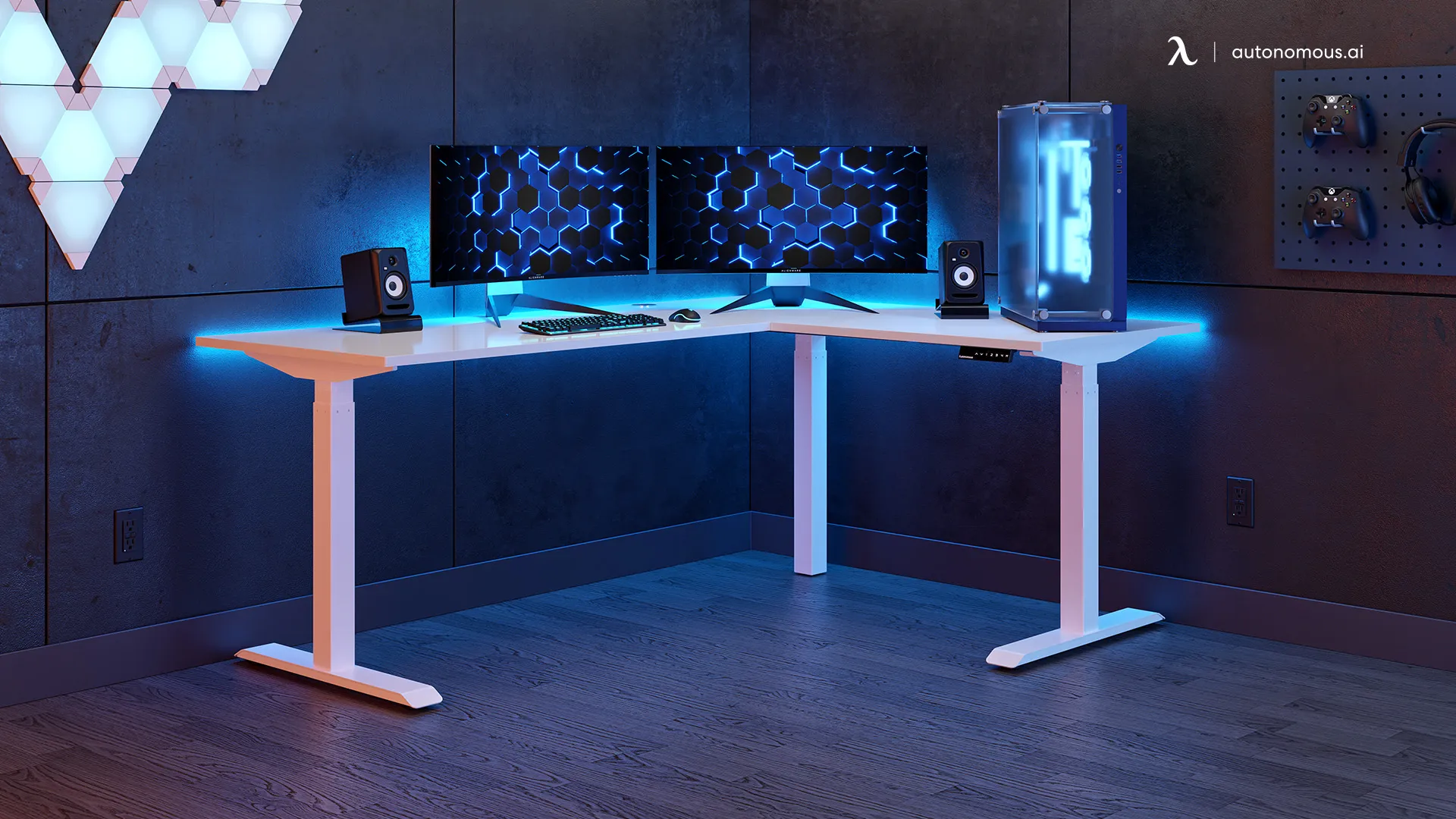
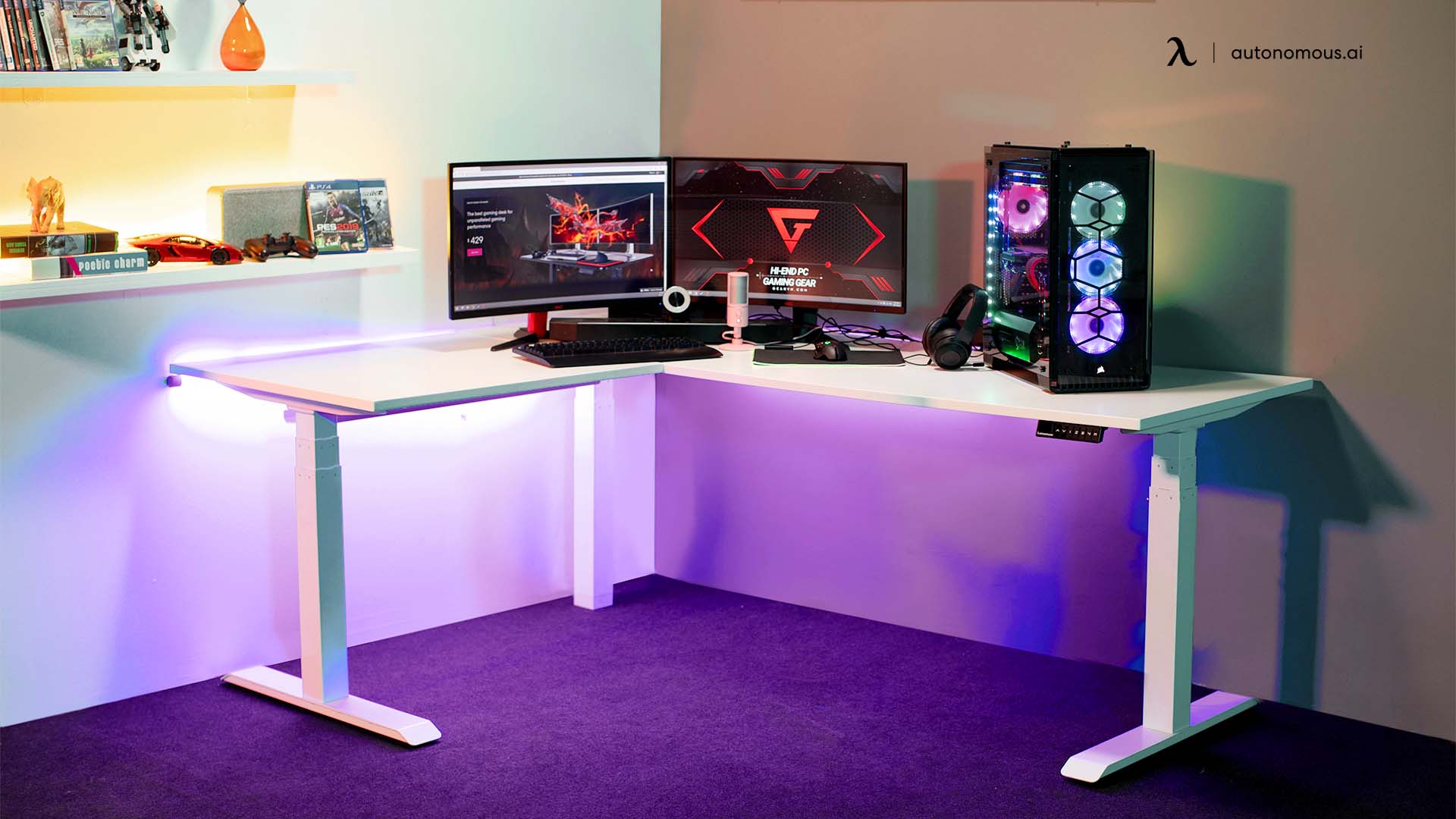
If expanding later, a 22-inch display can work in an L-shaped desk dual monitor setup or even a dual monitor setup for a small desk.
For larger multi-display builds, desk structure becomes more important, especially when considering the best standing desk for 3 monitors.
8. Single vs. Multi-Monitor Gaming Use
As a primary gaming display, a single 22-inch monitor supports focused play without distraction. It keeps the entire field of view compact, which can be beneficial in competitive scenarios.
In a dual monitor gaming setup, a 22-inch screen works well as either the main competitive display or a secondary screen for chat, guides, or monitoring tools.
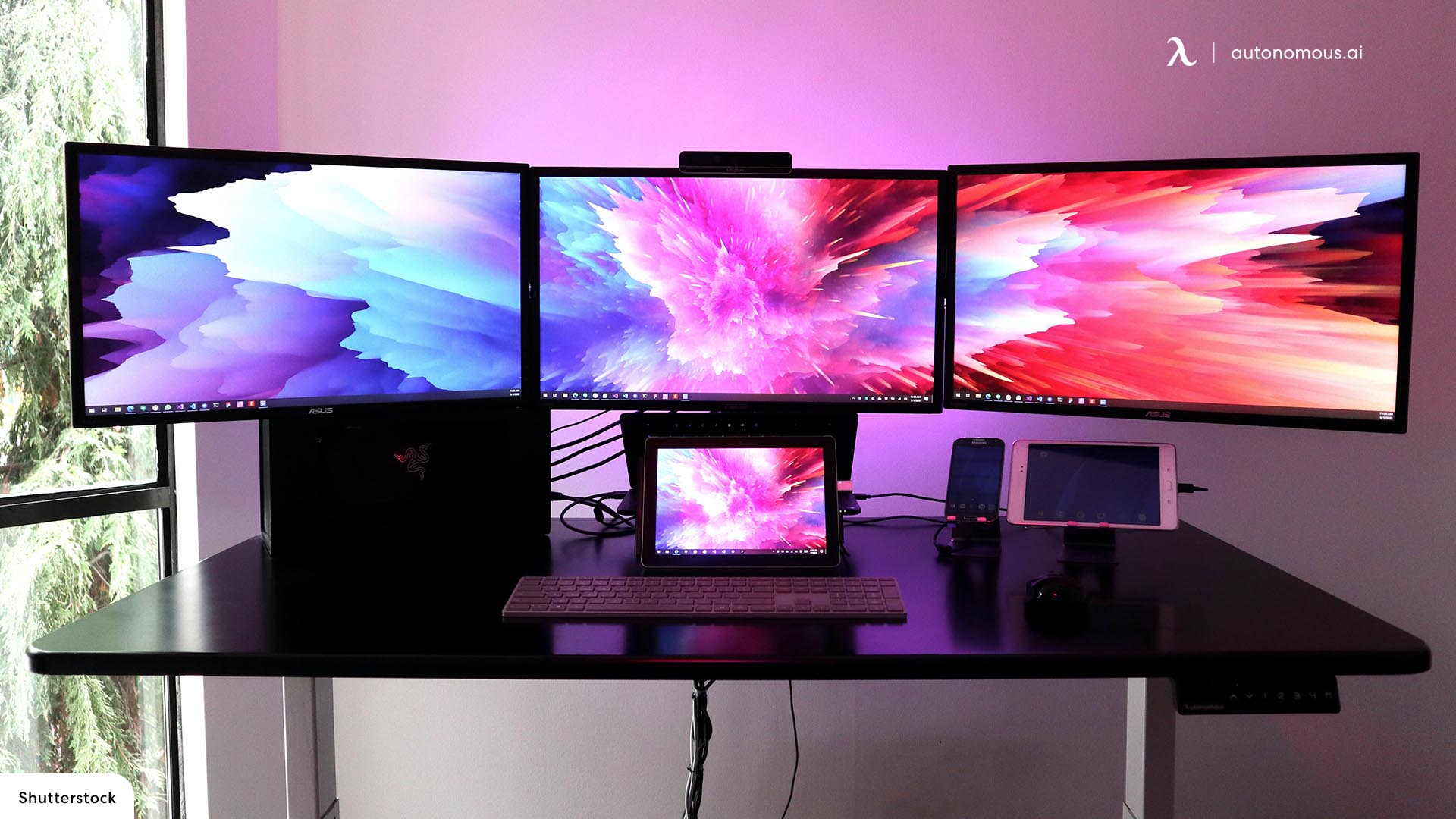
For broader immersion, some players expand into a 3 monitor gaming setup to widen the field of view. More advanced users may even consider a quad-monitor gaming setup, though this shifts the focus from compact efficiency to panoramic immersion.
For cinematic or ultra-wide experiences, larger displays are generally more appropriate than a single 22-inch screen.
9. When a 22-Inch Monitor Makes Sense for Gaming
A 22-inch monitor is a suitable choice if you:
- Play competitive or fast-paced games
- Prioritize frame rate and responsiveness
- Use mid-range or laptop hardware
- Have limited desk space
- Prefer a compact, focused setup
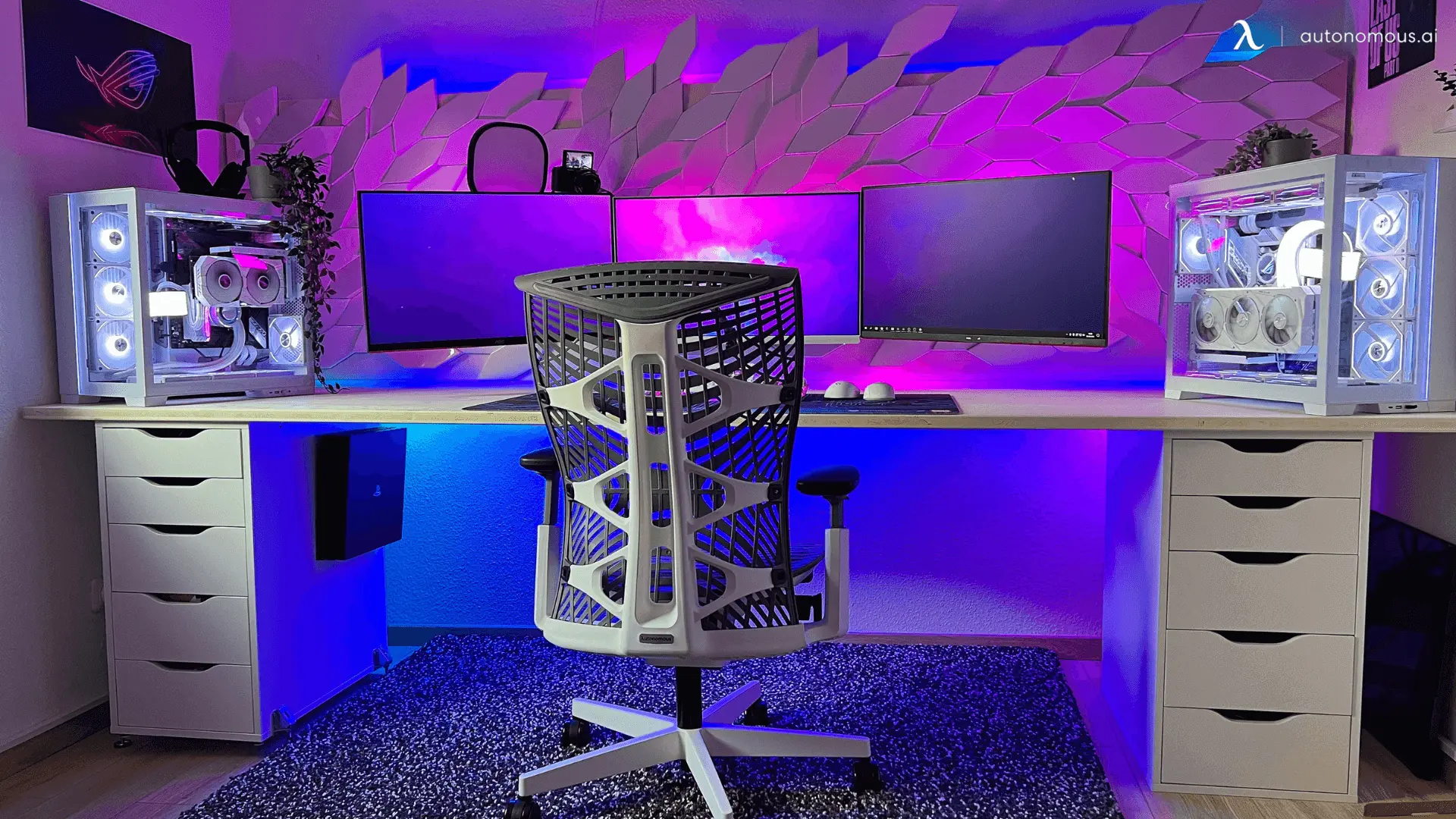
If you’re deciding between sizes, comparing a 22 vs 24 inch monitor can clarify whether the extra screen space is worth it. Some players also consider how big a 24 inch monitor is before upgrading to ensure it fits their desk and viewing distance comfortably.
10. When a 22-Inch Monitor Is Not Ideal
You may want to consider a larger monitor if you:
- Prefer cinematic or story-driven games
- Sit far from the display
- Want higher resolutions than 1080p
- Value immersion over competitive performance
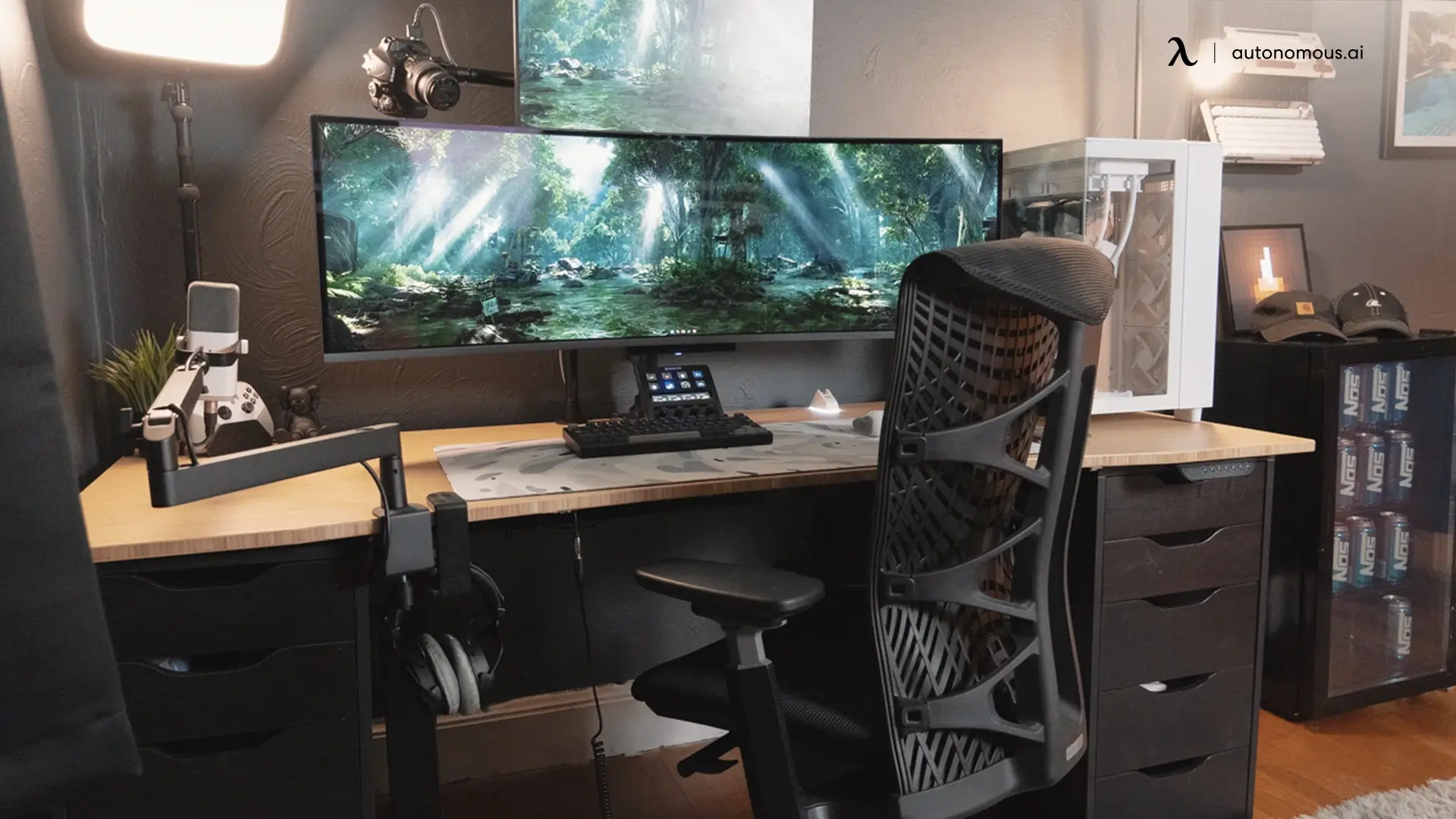
In these cases, increased screen size enhances visual engagement and expands your field of view. Moving up to a 24 vs 27 inch monitor comparison can help determine a balanced upgrade. For even larger workspace or immersive setups, exploring a 32 inch vs 34 inch monitor may be more appropriate.
11. FAQs
Is a 22-inch monitor good for gaming?
Yes, a 22-inch monitor can be good for gaming, especially at 1080p. It delivers smooth performance and keeps on-screen action easy to track, which many players prefer for fast-paced games.
Is a 22-inch monitor too small for gaming?
A 22-inch monitor is not too small for competitive or casual gaming. It may feel limited for immersive or cinematic games where a larger field of view enhances the experience.
Is a 22-inch monitor good for FPS games?
Yes. The compact screen keeps enemies and UI elements within a tight visual range, supporting quicker reactions and easier target tracking in FPS titles.
Is 22 inches better than 24 inches for gaming?
A 22-inch monitor can be better for competitive gaming due to its tighter focus and slightly higher pixel density at 1080p. A 24-inch monitor is generally better for immersion and versatility.
What resolution is best for a 22-inch gaming monitor?
1080p is the most practical resolution for a 22-inch monitor. At this size, it provides clear visuals without requiring scaling or high-end graphics hardware.
Can a 22-inch monitor run high refresh rates?
Many 22-inch monitors support high refresh rates, and the lower resolution makes it easier to maintain stable frame rates. Refresh rate and response time matter more than screen size for gaming performance.
Is a 22-inch monitor good for competitive gaming?
Yes. Competitive players often value smaller screens because they reduce eye movement and improve reaction timing. This makes a 22-inch monitor well-suited for esports-style play.
Is a 22-inch monitor good for console gaming?
It works well if you sit close and play at 1080p. For couch gaming or shared viewing, larger screens usually provide a more comfortable experience.
Does a 22-inch monitor reduce GPU load?
Yes. A 22-inch monitor typically runs at 1080p, which is less demanding on the GPU. This helps maintain higher and more consistent frame rates on mid-range systems.
Is a 22-inch monitor good for gaming laptops?
Yes. A 22-inch external monitor pairs well with gaming laptops, offering a focused display without pushing the GPU too hard or requiring excessive desk space.
Who should choose a 22-inch monitor for gaming?
A 22-inch monitor is a good choice for players who prioritize performance, responsiveness, and compact setups. It’s especially suitable for competitive gamers, smaller desks, and budget-conscious builds.
12. Conclusion
A 22-inch monitor remains a capable gaming option when performance, responsiveness, and space efficiency are the primary concerns. It supports smooth gameplay at 1080p, integrates well into compact setups, and aligns with competitive playstyles.
While it may not deliver the immersion of larger displays, it continues to serve as a practical and effective choice for gamers who value precision and consistency over screen size. When selecting a model, reviewing the best monitor brands can help ensure reliable performance and build quality.