
.svg)
Standing Desk Accessories. Everything to Finish Your Setup.
Standing Desk Accessories FAQs
What are the most useful standing desk accessories?
The accessories that make the biggest day-to-day difference are cable management (so your desk stays clean when you raise and lower it), a keyboard tray (for better wrist positioning), and an anti-fatigue mat or balance board for your feet during long standing sessions. Beyond that, a desk drawer for storage and a CPU mount to get your tower off the floor round out a fully functional standing desk setup.
What's the difference between standing desk accessories and standing desk attachments?
Standing desk accessories is the broader term — it covers anything that enhances your setup, from cable trays to treadmills. Standing desk attachments specifically refers to add-ons that physically mount or clamp onto the desk itself, like a keyboard tray, monitor arm, CPU holder, or drawer attachment. Both terms are used interchangeably, but attachments typically imply a more direct physical connection to the frame or surface.
Can I use a standing desk attachment on a regular desk?
Most standing desk attachments — keyboard trays, cable trays, drawers, monitor mounts — work on any desk with a standard surface thickness, typically 0.7" to 1.5". The key is checking the clamp range of the attachment. If it clamps or screws into the underside of the surface, it'll work on a regular desk just as well as a standing desk.
What's the best standing desk computer mount option?
For monitors, a clamp-on monitor arm is the most flexible standing desk computer mount — it frees up surface space and lets you reposition your screen independently of desk height. For CPUs and towers, a dedicated standing desk CPU mount keeps your computer off the floor, protects it from dust, and prevents cables from stretching when you adjust height.
Is a standing desk CPU mount worth it?
Yes, especially if you have a tower PC. A standing desk CPU mount keeps your computer elevated and close to your desk — so cables don't stretch when you adjust height, and your machine isn't sitting on the floor collecting dust. It also frees up floor space and reduces cable clutter significantly. Most mounts are universal fit and install in minutes.
Do standing desks have drawer attachments?
Yes. Standing desk drawer attachments clamp or screw to the underside of the desk surface, giving you hidden storage without taking up any surface area. The Autonomous Desk Drawer fits most desk surfaces and installs without drilling — one of the most popular standing desk drawer accessories for a cleaner, more organized setup.
What standing desk accessories are good for your feet?
The two main options are anti-fatigue mats and balance boards. Anti-fatigue mats cushion your feet and reduce leg fatigue during extended standing — they're passive and work with any footwear. Balance boards like the Autonomous ErgoWalk 3D add a gentle rocking motion that engages your core and keeps circulation moving — better for energy and focus during long sessions.
What's a good standing desk tower mount?
A standing desk tower mount (also called a CPU holder) typically attaches to the desk frame or underside surface and holds your PC tower at desk level. Look for ones with adjustable width to fit different tower sizes, and make sure the mount is compatible with your desk's frame profile. Mount-It offers several solid options on this page that work across most standing desk setups.
What are the best standing desk cable management accessories?
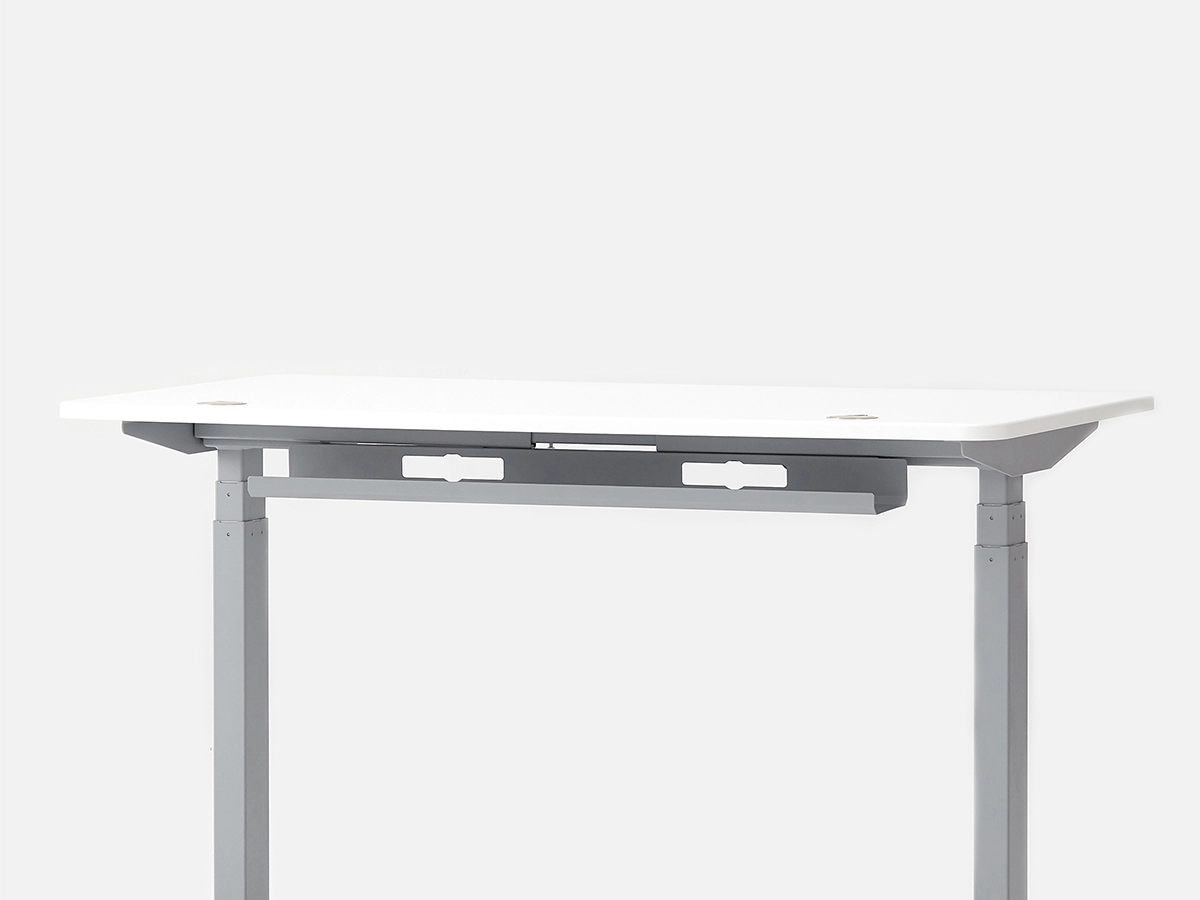
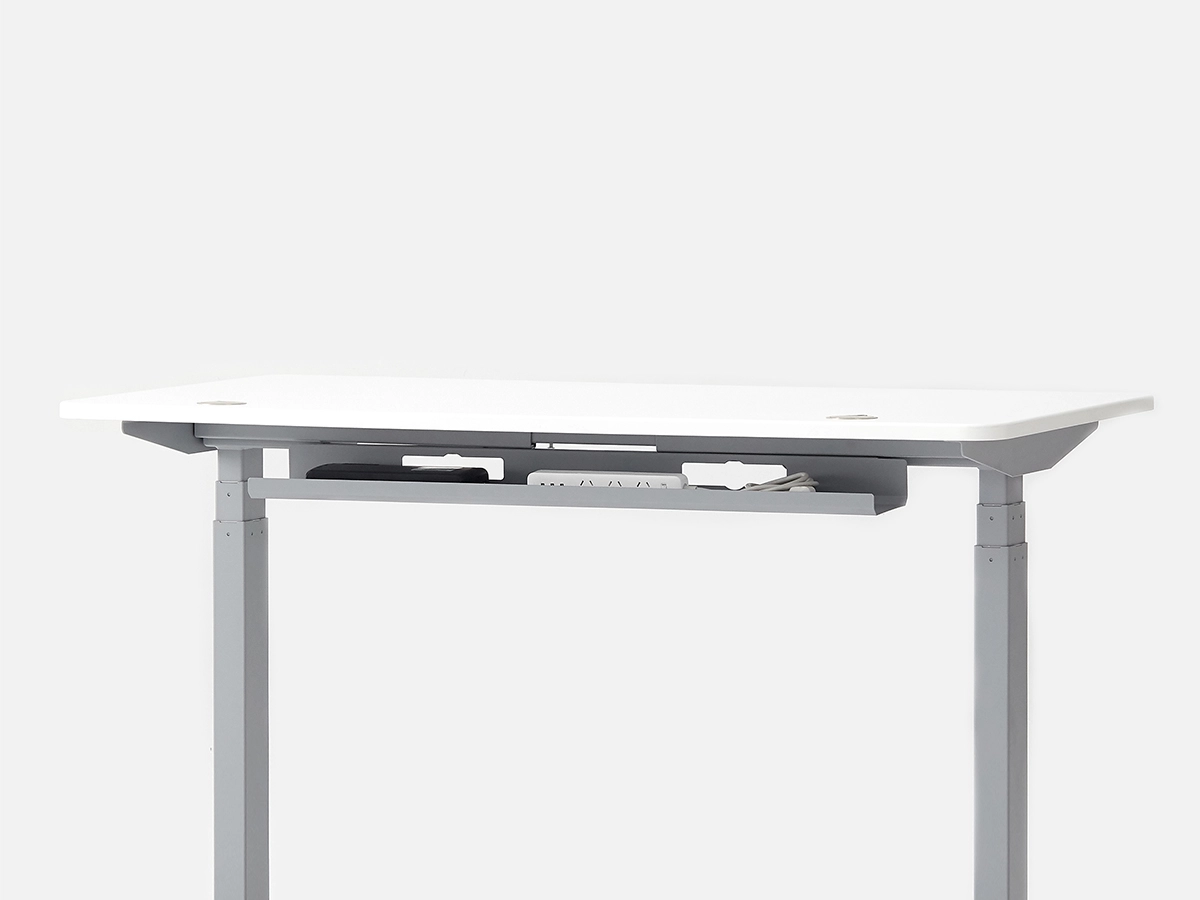
The essentials: an under-desk cable tray to bundle and hide power strips and loose cables, and a cable spine or sleeve to route cables along the frame so they don't tangle when you adjust height. The Autonomous Cable Tray, Oeveo trays, and Mount-It cable management options on this page cover both needs cleanly and affordably.
Does a balance board work as a standing desk accessory?
Yes — a balance board is one of the best standing desk accessories for people who stand for extended periods. Instead of standing completely still (which causes fatigue faster), a balance board keeps your body in subtle, constant motion. This improves circulation, reduces lower back tension, and helps you stay alert longer.
What standing desk storage accessories are available?
The main options are under-desk drawers (for small items and cables), filing cabinets (for documents and larger storage), and cable organizers. For a standing desk, under-desk options work best since they don't compete with surface space. The Autonomous Desk Drawer and Filing Cabinet are both designed to integrate cleanly with standing desk setups.
Can I add a keyboard tray to my standing desk?
Yes — most keyboard trays are standing desk attachments that clamp to the underside of the surface. They let you position your keyboard lower than the desk surface, which reduces shoulder elevation and wrist strain. The Uncaged Ergonomics KT1, KT4, and WorkEZ tray on this page are all compatible with standard desk surfaces and install without permanent hardware.
Are under-desk treadmills considered standing desk accessories?
Yes — under-desk treadmills are one of the most popular standing desk accessories for people who want to add movement to their workday. WalkingPad models on this page let you walk at a slow, steady pace while working. They require a desk height of at least 40"–45" depending on your height, so make sure your desk's max height accommodates your standing posture with the added treadmill height.
What accessories do I need to set up a standing desk for the first time?
Start with a cable tray (included with most Autonomous desks) to manage power and peripherals. Add an anti-fatigue mat for standing comfort. If you have a tower PC, a CPU mount keeps it off the floor. A keyboard tray is optional but improves ergonomics for most people. Everything else — drawers, balance boards, treadmills — can be added over time based on how you use the desk.
Do these accessories work with non-Autonomous standing desks?
Most do. Cable trays, keyboard trays, CPU mounts, and balance boards are universal accessories that work with any standing desk brand. The Autonomous Desk Drawer is specifically designed for Autonomous desk surfaces, but third-party accessories on this page are generally compatible with standard desk frames and surfaces from any manufacturer.
Standing Desk Accessories That Actually Make a Difference
A standing desk is a starting point, not a finished setup. The accessories you add around it — cable management, keyboard tray, CPU mount, anti-fatigue mat — determine whether it's genuinely comfortable to use or just technically adjustable. The right standing desk accessories turn a good desk into a workspace you actually want to sit (and stand) at every day.
Start With Cable Management
The first thing that breaks the look of a standing desk setup is cable clutter. Every time you adjust height, loose cables shift, tangle, and eventually snag. Standing desk cable management accessories — under-desk cable trays, cable spines, and management nets — solve this cleanly and permanently. An under-desk cable tray holds your power strip and excess cables out of sight. A cable spine routes everything along the frame so nothing dangles when the desk moves. It takes 20 minutes to set up and saves years of frustration.
Standing Desk Attachments That Add Function
Beyond cables, the most functional standing desk attachments are drawers and keyboard trays. A standing desk drawer attachment mounts to the underside of the surface — no surface space lost, no drilling required on most models. A keyboard tray positions your hands lower than the desk surface, reducing shoulder elevation and wrist strain during long typing sessions. Both are the kind of standing desk attachment for a regular desk too, not just motorized frames — so they work across any setup you already have.
For your computer tower, a standing desk CPU mount or standing desk tower mount keeps your PC at desk level. This matters more than it sounds: as you raise and lower the desk, cables connecting to a floor-sitting tower stretch, pull, and wear over time. Mounting the tower to the frame eliminates that entirely.
Standing Desk Accessories for Your Feet
Standing still is harder than it sounds. Without the right standing desk foot accessories, most people shift from foot to foot, lose focus faster, and sit back down within 20 minutes. Anti-fatigue mats cushion pressure on your feet and joints — passive, always helpful. Balance boards like the ErgoWalk 3D go further, adding a natural rocking motion that keeps circulation moving and your core subtly engaged. The result is longer, more comfortable standing sessions without the fatigue that makes people give up on the habit.
The Best Standing Desk Accessories for Long-Term Use
If you're building a standing desk setup you plan to use for years, the best standing desk accessories to prioritize are: a cable tray (day-one essential), a balance board or anti-fatigue mat (within the first month), a drawer attachment (when you want more organization), and an under-desk treadmill if movement is a priority. WalkingPad models on this page are purpose-built for standing desk use — compact, foldable, and quiet enough for calls. Add them incrementally as your needs evolve, and the setup grows with you.
Standing Desk Storage Accessories
Surface space is precious on a standing desk, especially smaller models. Standing desk storage accessories — drawers, filing cabinets, and cable organizers — move clutter off the surface and into smart, accessible places. The Autonomous Desk Drawer mounts cleanly under the surface for everyday items. A filing cabinet beside the desk handles documents and larger storage. Together, they keep the surface clear for what actually matters: your monitor, your keyboard, and room to think.