8 Best Criss Cross Office Chairs - Sit Cross-Legged Comfortably

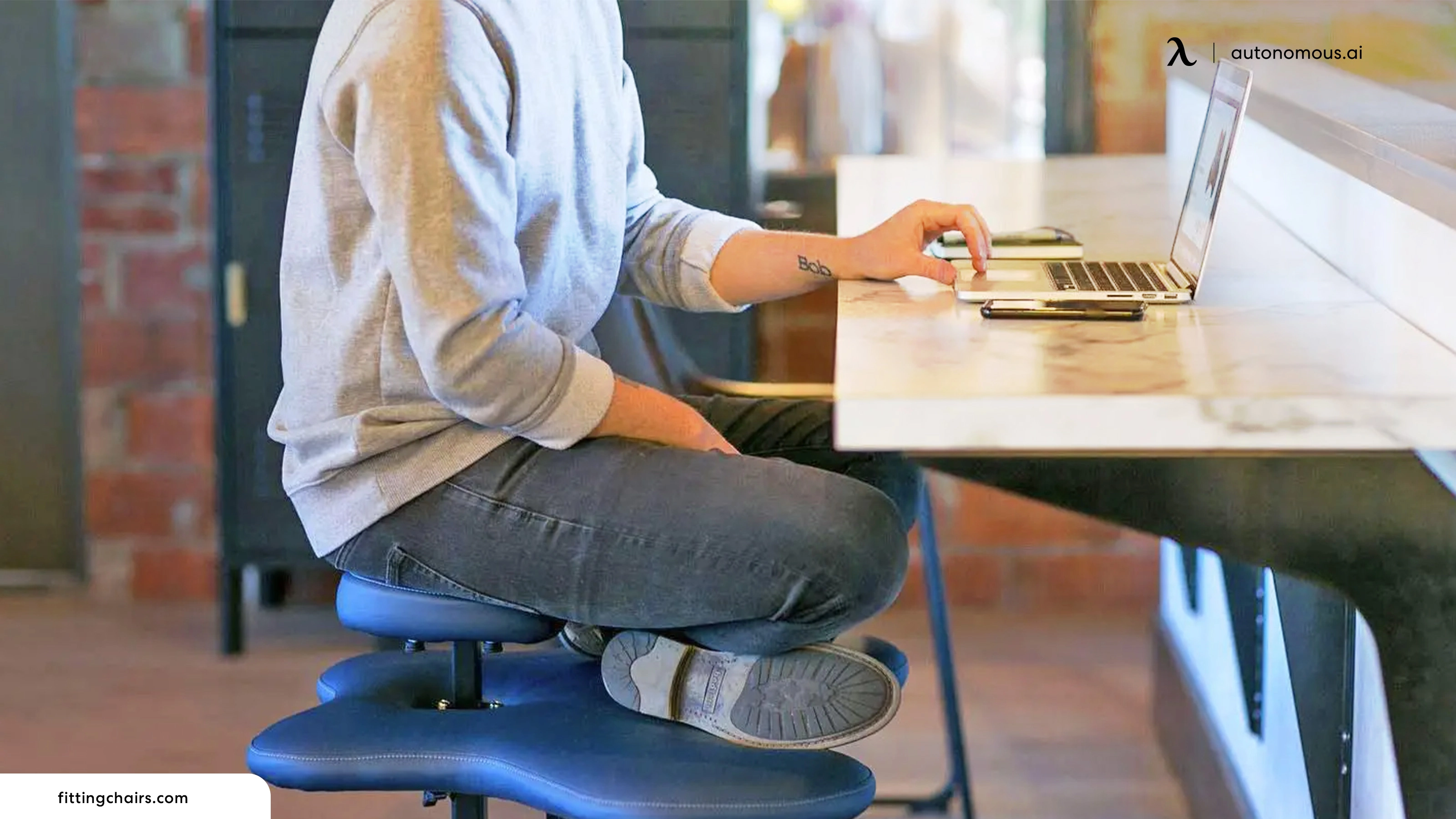
You already sit cross-legged at your desk, and your chair is probably fighting you: narrow seats press your ankles, armrests block your knees, and slippery upholstery lets your legs slide. The issue is not the habit, it is the chair. The best office chair for cross-legged sitting has a wide, flat seat, grippy cushioning, armrests that move out of the way, and a backrest that locks upright, and seat width decides it: under 20 inches allows only ankle-over-knee, while a full tuck needs 22 inches or more. For part-time crossing the Autonomous ErgoChair Mesh handles it on a 19-inch seat; for full-tuck days a wide-seat chair (25 inches or more) fits better but gives up ergonomic support.
Is Sitting Cross-Legged at Your Desk Bad for Posture?
Short answer: not inherently. The risk comes from holding any single posture too long - and that includes the "correct" one.
Sitting cross-legged for long stretches can temporarily raise blood pressure, compress the peroneal nerve near the fibular head, and increase pelvic obliquity - the lateral tilt of your pelvis that shifts spinal loading to one side. But these effects reverse when you change position. A 2019 editorial in the Journal of Orthopaedic & Sports Physical Therapy concluded that no single sitting posture is inherently correct, and that shifting between comfortable positions throughout the day is more protective than holding any fixed alignment.
Whether sitting criss-cross is bad for long-term posture depends on duration and variation, not the position itself. When you cross your legs at your desk, your body is usually telling you it needs variety - a break from the rigid position your chair imposes. The practical fix isn't to fight the habit; it's to support it with a chair that gives your body enough room and cushioning to change positions through the day.
What Actually Matters for Cross-Legged Comfort
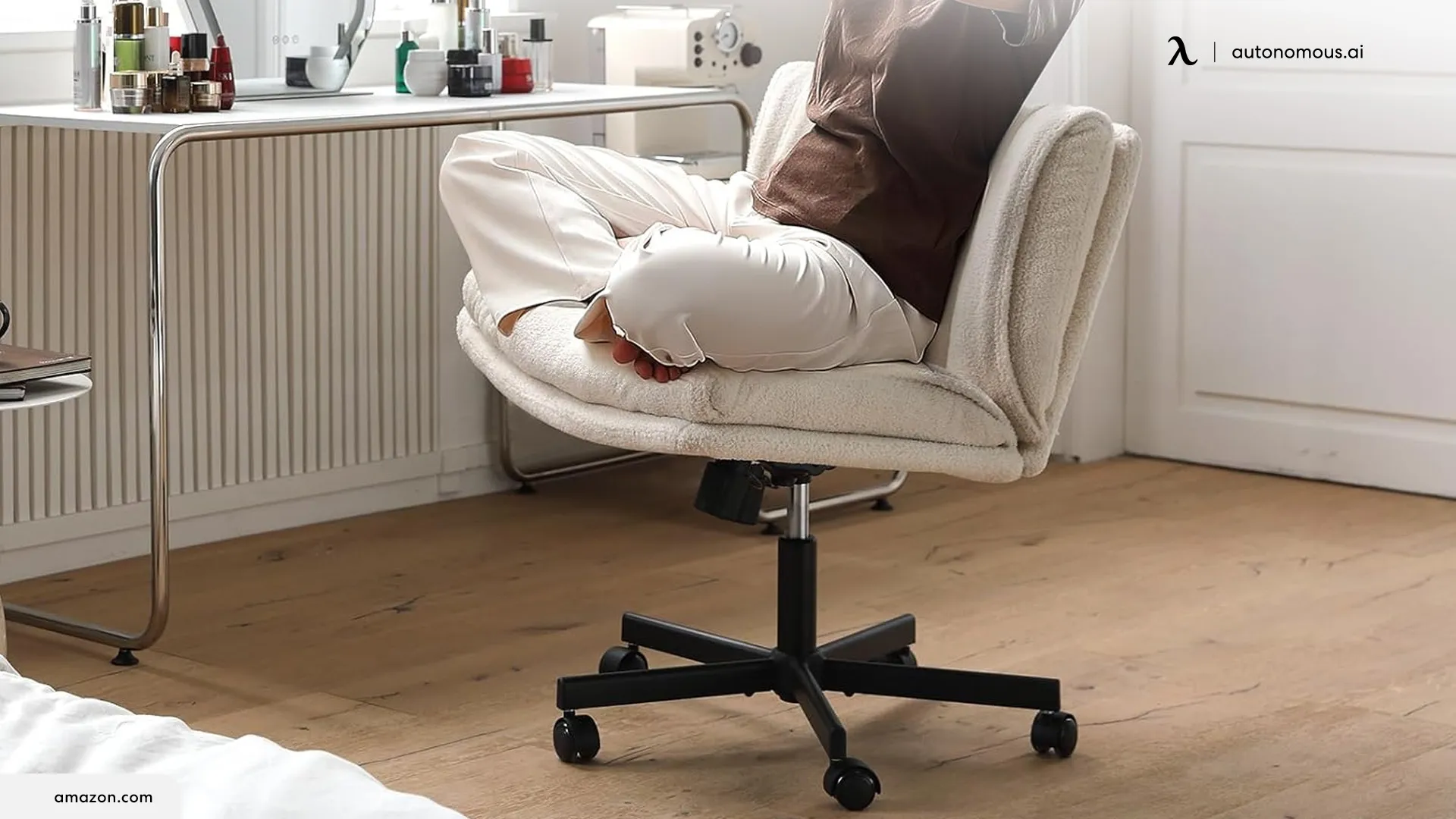
The primary factor determining cross-legged comfort is the interaction between seat width, armrest placement, and cushion material. Standard office chairs feature widths under 20 inches, which only allow for a modified ankle-over-knee position. For a deep, full cross-legged tuck, you require an armless profile or highly adjustable armrests paired with a seat width of at least 22 to 26 inches.
Furthermore, fabric upholstery provides the required surface friction to hold your legs securely. Smooth leather surfaces clean easily but can cause your clothing or skin to slide out of alignment.
Which Chair Fits Your Sitting Style?
Seat width is the single most limiting factor for cross-legged comfort: a seat under 20 inches allows only an ankle-over-knee position, while a full tuck needs 22 inches or more. The chairs below split into two groups - conventional ergonomic chairs that accommodate cross-legged sitting, and purpose-built chairs designed from the ground up for alternative postures. Both can work; they solve different problems.
ErgoChair Mesh | ErgoChair Pro | Elle Decor | PUKAMI | Soul Seat | Pipersong | OLIXIS | Pinmoco | |
Seat width | 19" | 19" | 25.7" | 20-21" | Perch | 17.5-20" | 25.2-26.4" | Platform |
Armrests | 3D | 3D | None | None | None | None/fold | None | None |
Best for | Hybrid | Hybrid | Dedicated | Dedicated | Alternative | Alternative | Dedicated | Alternative |
Weight | 300 lb | 300 lb | 275 lb | 300-350 | 300+ | 250-300 | 300 lb | 385 lb |
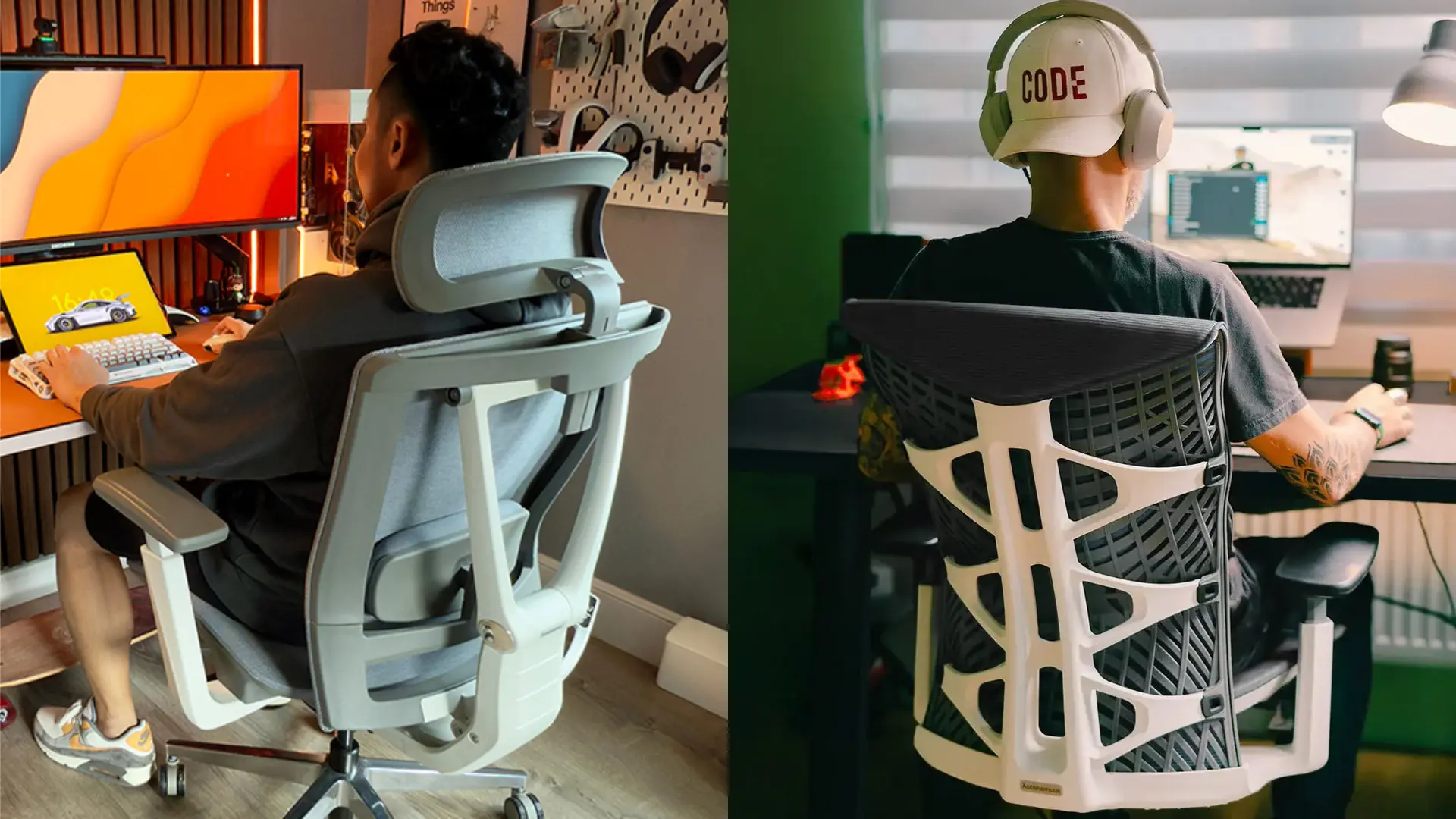
Reviewing the 8 Best Cross-Legged Office Chairs
1. Autonomous ErgoChair Mesh
.jpg)
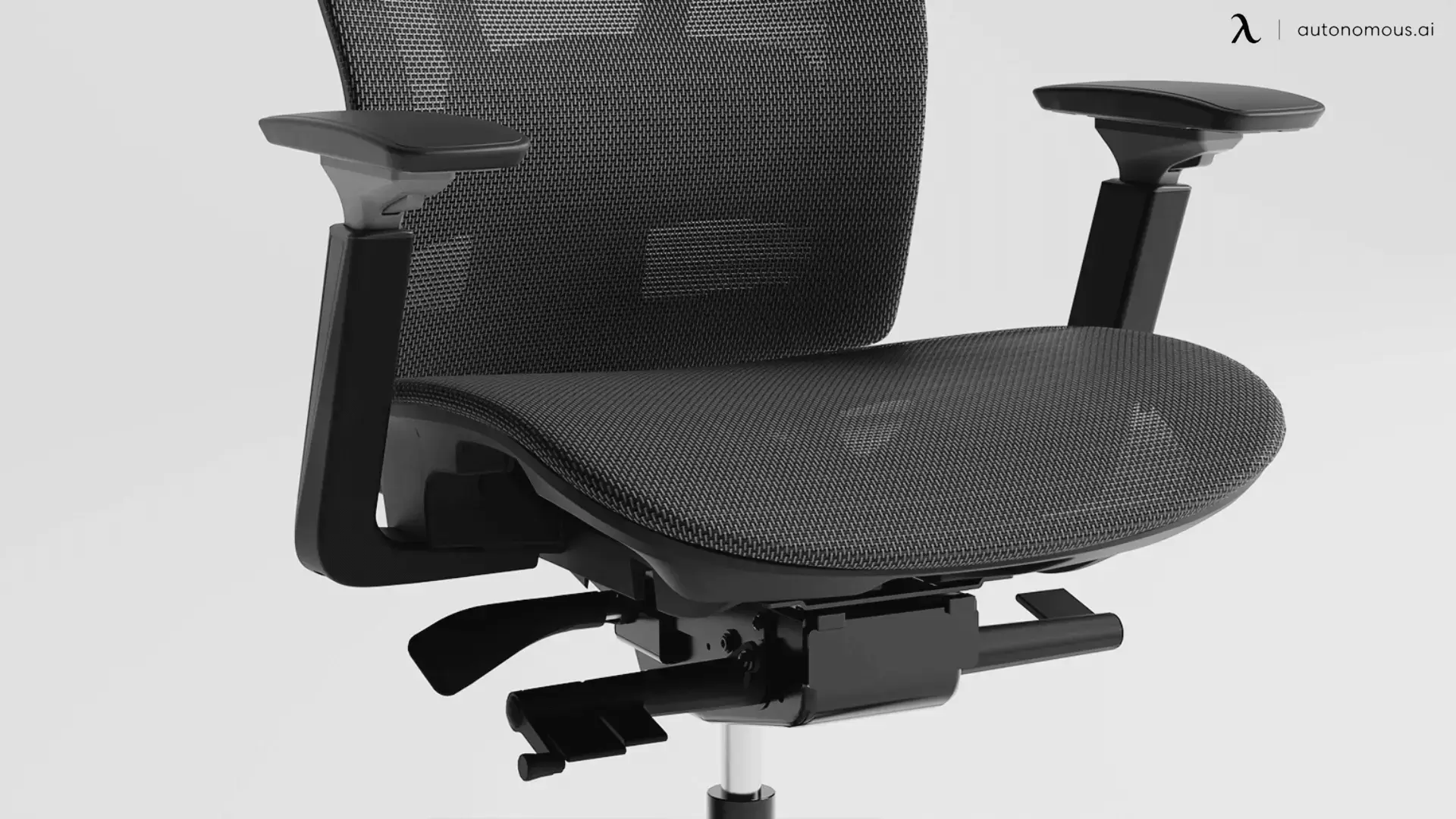
The Autonomous ErgoChair Mesh is the best choice for warm rooms and long cross-legged sessions, pairing the Pro's 19-inch seat and 9-point adjustability with breathable German Air Mesh. It shares the Pro's seat width and adjustable 18-20-inch depth, but uses German Ultra Air Mesh (72% polyester, 28% polyamide) on the seat and back.
For sustained cross-legged sitting where bare ankles contact the seat surface, breathability matters - the mesh stays cooler and dries faster than foam. The tighter weave also holds tension better than standard office mesh, which prevents the front-edge sag that develops on cheaper mesh chairs under the uneven load crossed legs create. It has 9 adjustment points, 22° synchro-tilt, a height-adjustable headrest, a lifetime warranty, and the same 300 lb capacity as the Pro.
Best for: cross-legged sitters in warm climates, long sessions where heat builds up, or anyone who prefers a full-mesh look.
2. Autonomous ErgoChair Pro
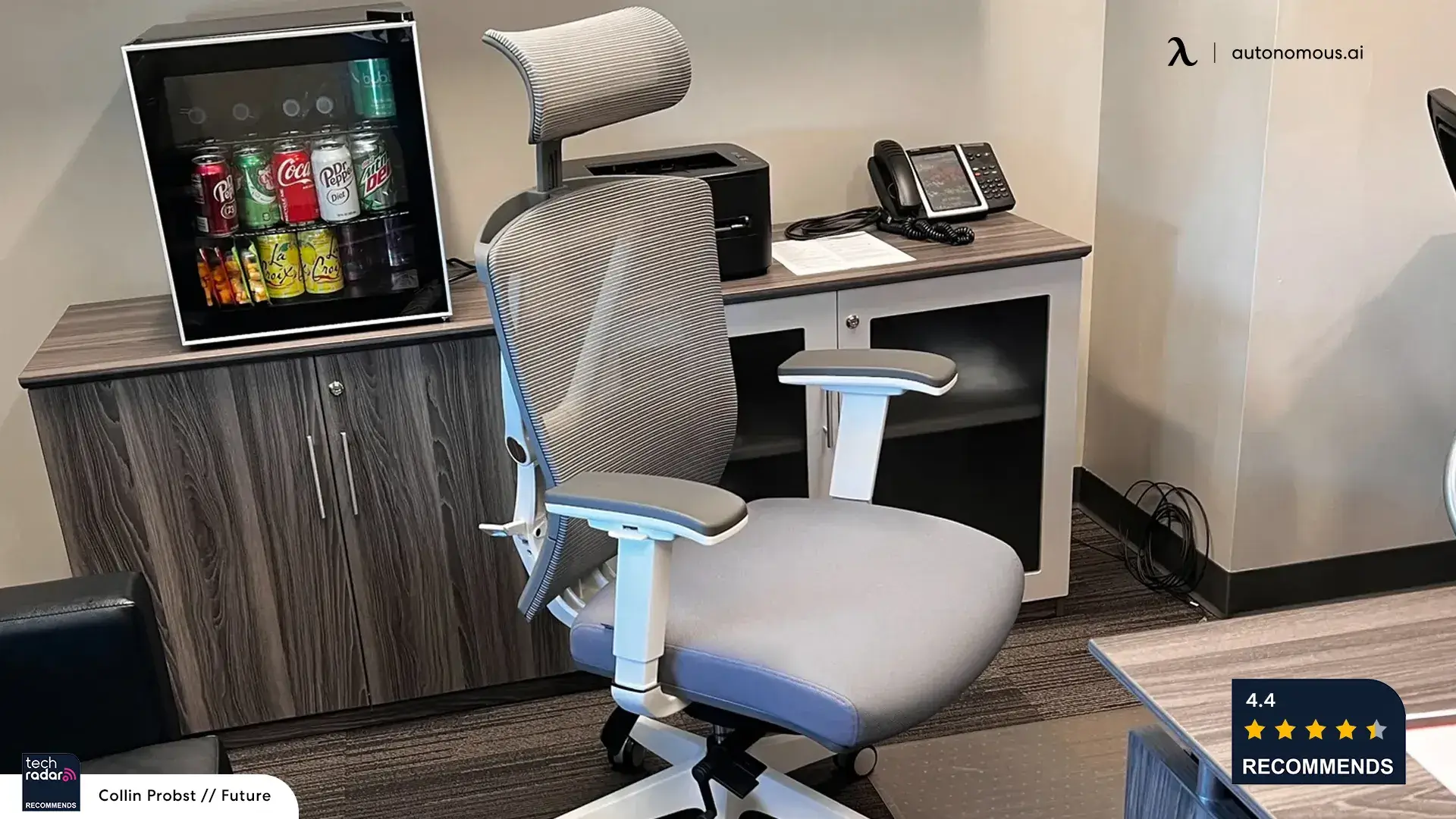
The Autonomous ErgoChair Pro is the best pick for people who sit conventionally most of the day but want room to cross their legs occasionally. It's a task chair for long hours that accommodates cross-legged sitting rather than being designed for it: a 19-inch-wide seat, adjustable depth from 19 to 21.5 inches, and a synchro-tilt mechanism that locks upright.
The depth slider lets you shorten the surface to avoid front-edge contact with your calves when your legs are folded. The chair comes in foam and mesh seat versions, and which you pick matters. The foam version grips without irritating skin and holds its shape under the uneven pressure crossed legs create; the mesh seat stays cooler for standard sitting but creates friction against bare ankles during sustained cross-legged use. The 3D armrests adjust in height, depth, and angle - enough clearance for most crossed-knee positions, though not as wide as a true 4D setup. At 19 inches, the seat handles ankle-over-knee well; a deep tuck feels tighter for larger frames.
Best for: people who work in a standard posture most of the day but still want room to cross their legs occasionally.
3. Elle Decor Gracie Criss Cross Chair
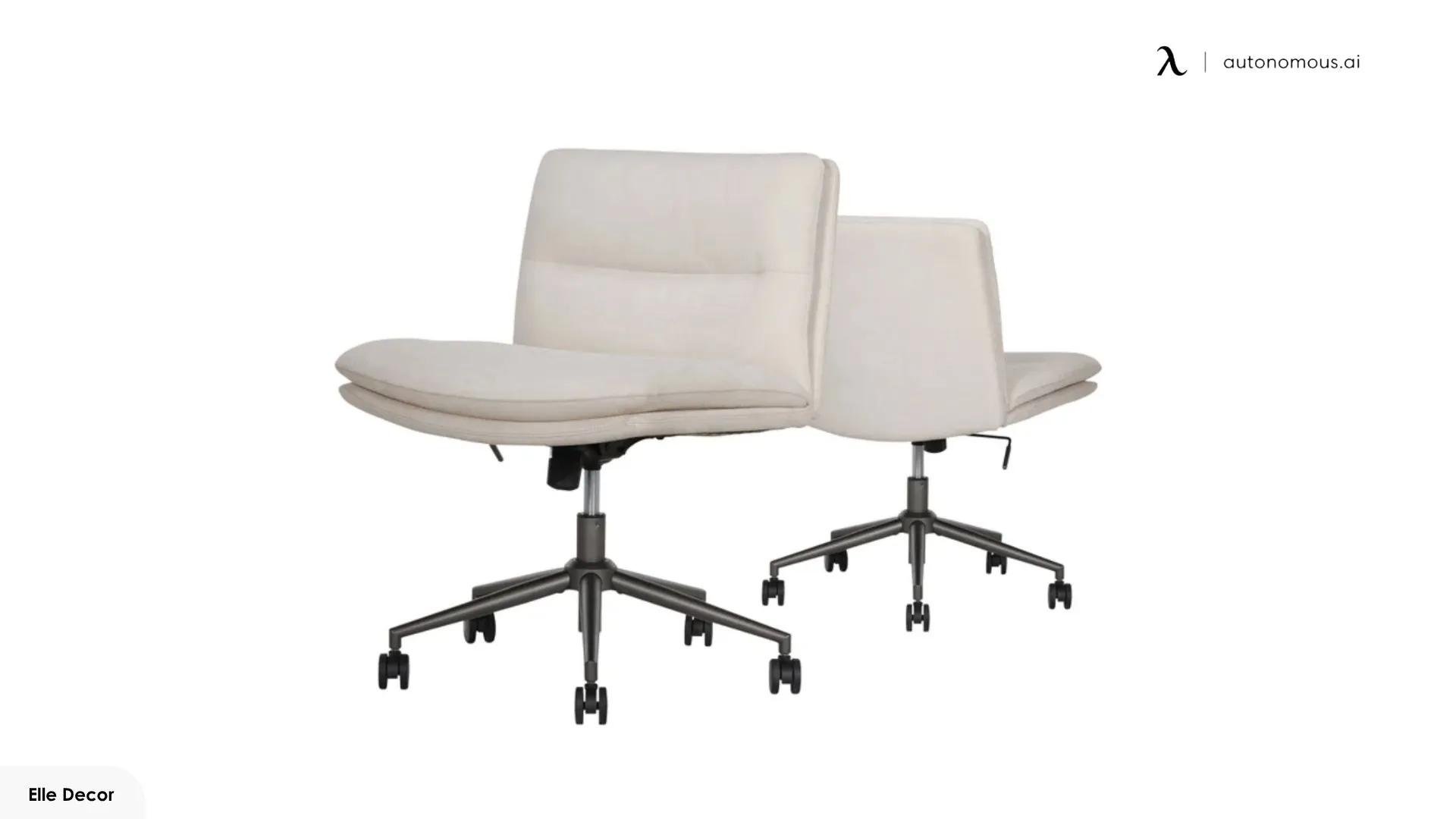
The Elle Decor Gracie is best for full cross-legged tucks on a budget, with one of the widest seats here at 25.7 inches - but it trades away real ergonomic back support. The cushion is high-density foam with soft textured fabric that grips well and avoids the slipperiness of leather, and it's armless, so nothing blocks your knees.
The trade-offs start with the backrest: low-profile, no dedicated lumbar adjustment, light contact only. With no armrests, there's also no arm support during conventional typing. The 18.2-inch seat depth runs deep for shorter users - under 5'5", your back may not reach the backrest while cross-legged. This is a solid part-time criss-cross chair, not a dedicated 8-hour office chair.
Best for: people who want a roomy seat for full cross-legged sitting and will give up serious ergonomic support.
4. PUKAMI Criss Cross Chair
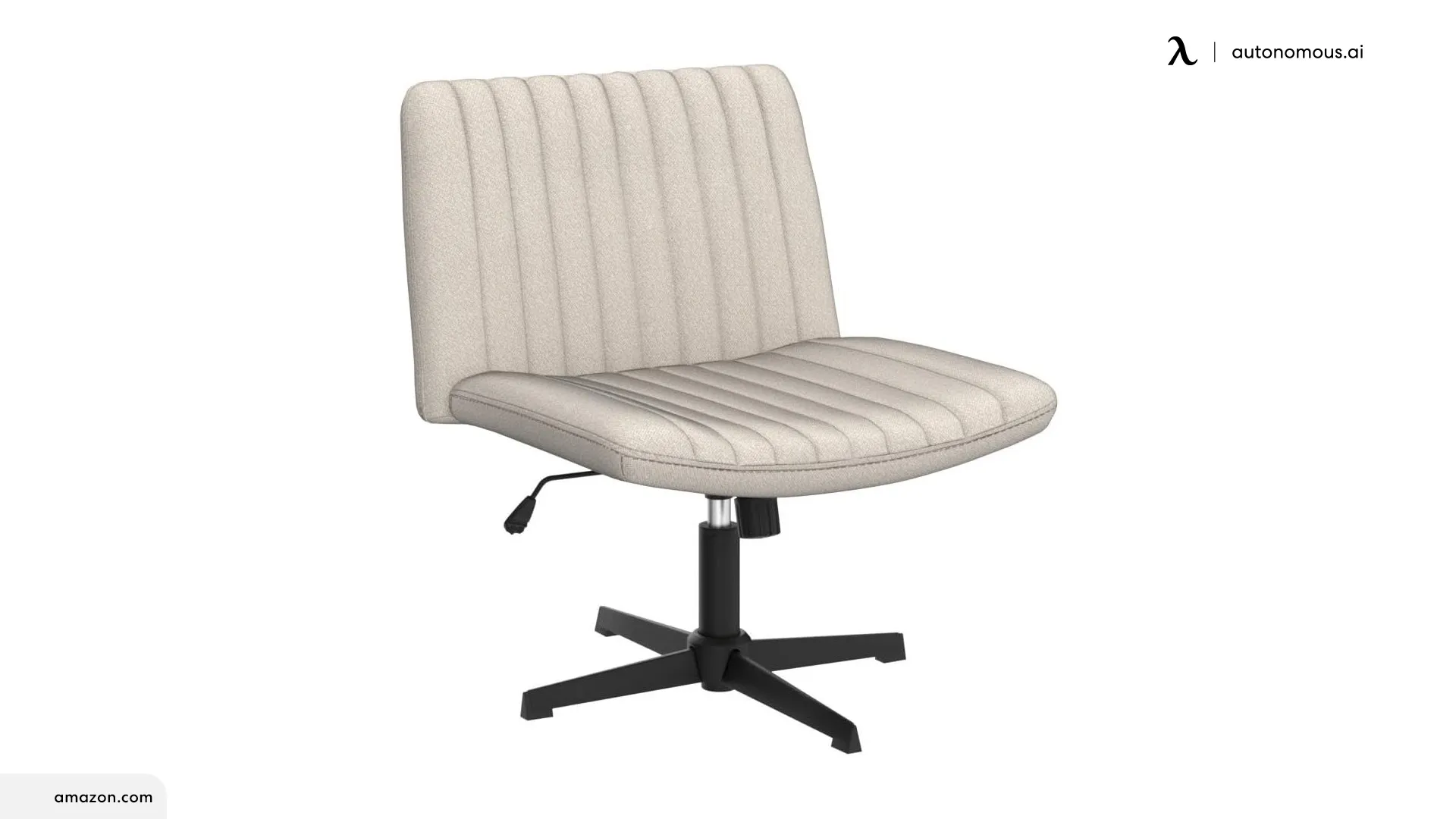
The PUKAMI is the entry-level way to test a wide, armless seat before committing to a pricier model, running roughly 20 to 21 inches wide in fabric or PU leather. High-resilience foam fills the cushion, a U-curve backrest provides mid-back contact, and the tilt range runs 90 to 130 degrees.
The fabric version grips better for cross-legged use; the PU leather is easier to clean but legs slide more, especially when warm. The no-wheels variant uses a cross-structured metal base with rubber feet - one of the more accessible criss-cross chair no-wheels options at this price. One quirk: on some variants the base and gas lift aren't mechanically fastened to the seat, so the chair doesn't move as one piece when lifted.
Best for: budget-conscious buyers who want to try a wider, armless chair before investing in a specialized option.
5. Soul Seat
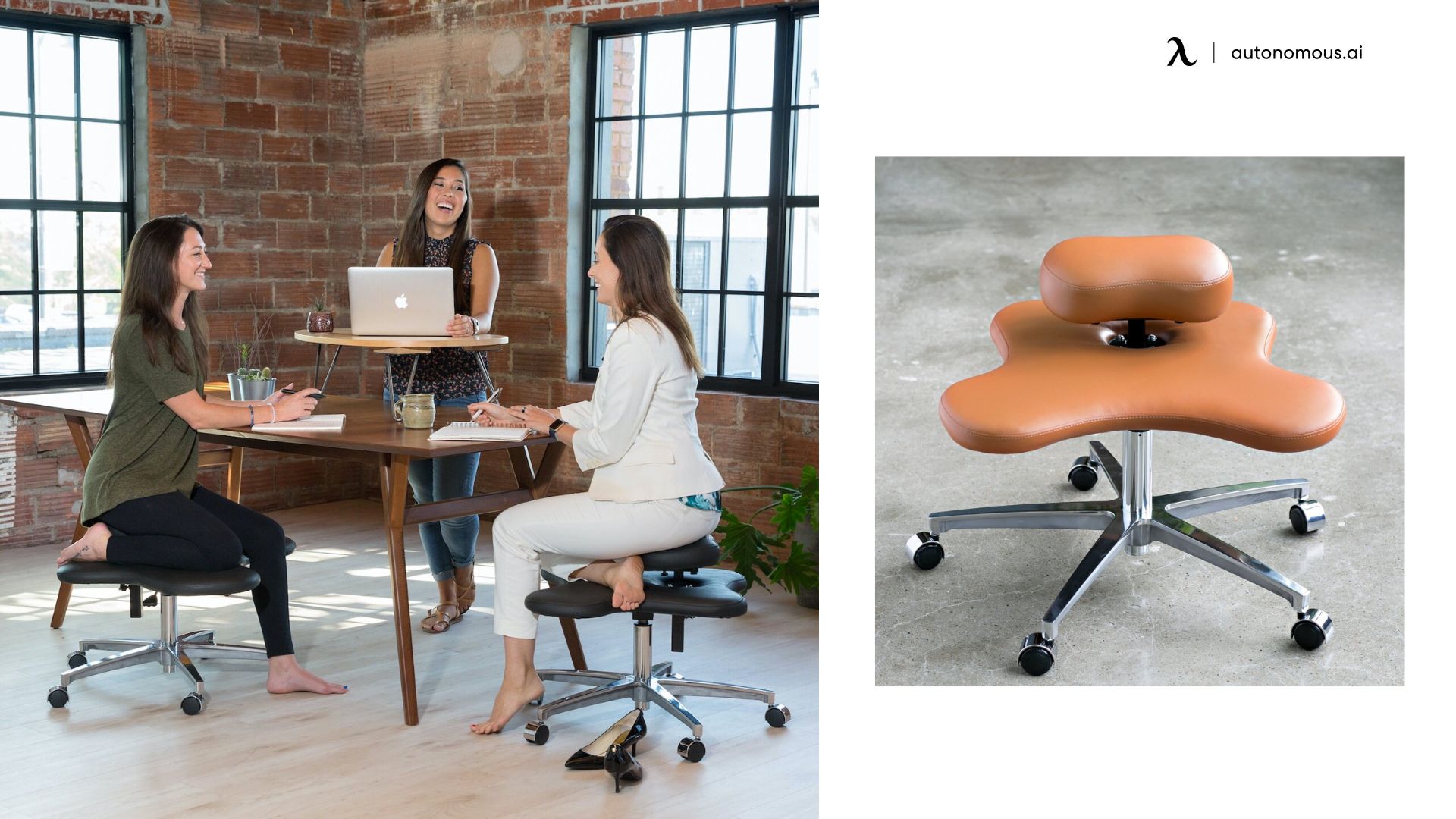
The Soul Seat is a purpose-built active-sitting chair for people who rarely sit feet-flat, using a two-level layout with a lower platform and a raised perch. It allows cross-legged, kneeling, perched, or one-leg-tucked positions, and its main advantage is usable leg room - more space than most office chairs, so changing positions doesn't feel confined.
The trade-off is that it doesn't function like a typical task chair: minimal back support, and the height setup works better with an adjustable desk than a fixed-height one. It's designed for movement and posture variation rather than long periods of upright, supported sitting.
Best for: users whose main sitting style is cross-legged, kneeling, or perched rather than feet-flat.
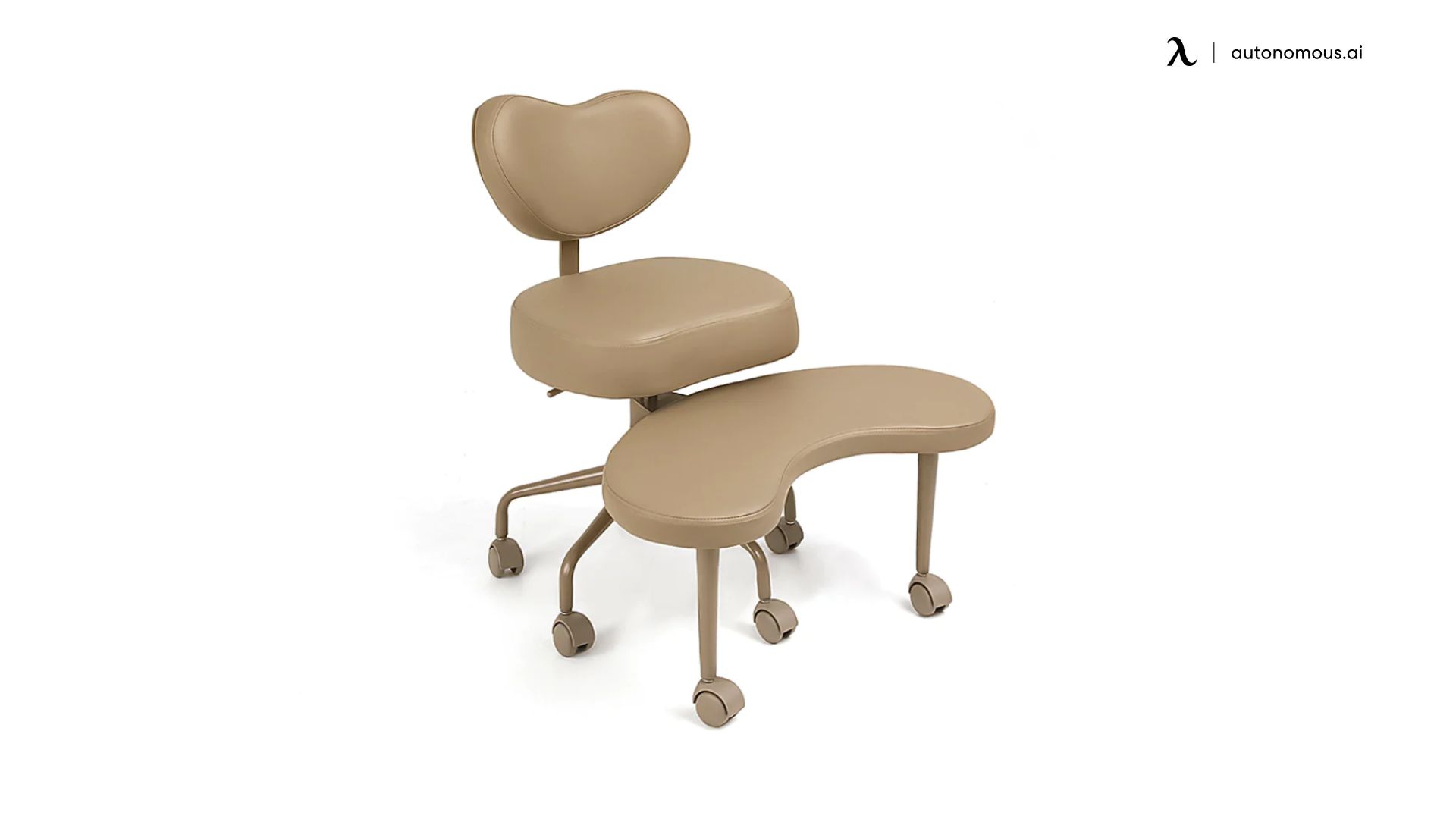
6. Pipersong Meditation Chair
The Pipersong Meditation Chair suits users whose main posture is cross-legged or kneeling, using a patented two-layer design: a seat cushion on top and a 360-degree swivel footstool below. Seat width varies by version - 17.5 inches on the Plus, 20 inches on the Venti and Armchair. The footstool gives a secondary platform for crossed legs, kneeling, or perching, and a crescent backrest offers lumbar contact but not full spinal support.
The Armchair version adds foldable armrests and a 16-inch backrest for more conventional moments. The combined seat-plus-stool height means you may need a desk at 30 inches or higher - standard 28-inch desks can leave your knees pressing the underside. The limitation is conventional sitting: feet-on-floor posture feels unstable because the geometry isn't built for it.
Best for: users whose main style is cross-legged, kneeling, or perched rather than feet-flat desk sitting.
7. OLIXIS Criss Cross Chair
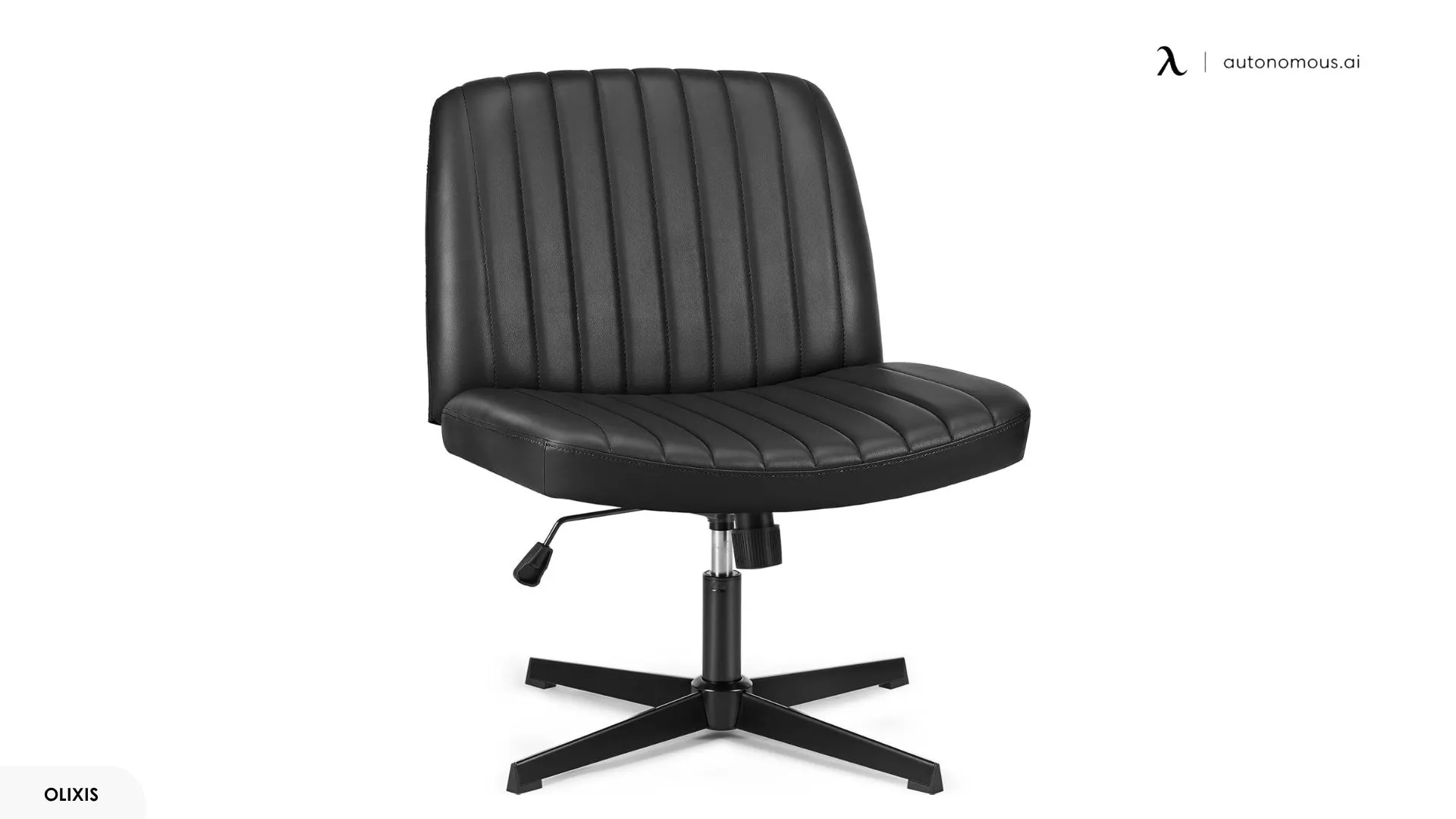
The OLIXIS offers the widest seat here (25.2–26.4 inches) at the lowest price in this group, best for buyers who want maximum tuck room and don't need much back support. Depth runs about 18.7 inches, in PU leather or fabric, with a dual-purpose base that accepts either casters or stationary foot pads.
High-density foam fills the U-shaped cushion, and the chair is height-adjustable with a rocking/recline mode up to 21–22 degrees. The rocking mode unlocks via a knob under the seat - when engaged, the chair tilts freely, which can feel unstable during focused cross-legged sitting, so lock it upright before crossing your legs. The backrest is short (around 13.8 inches), lower-back contact only, and PU leather versions are slippery for bare-skin use; the fabric grips noticeably better.
Best for: buyers who want the widest seat possible at a lower price and don't need much back support.
8. Pinmoco Ergonomic Cross-Legged Chair
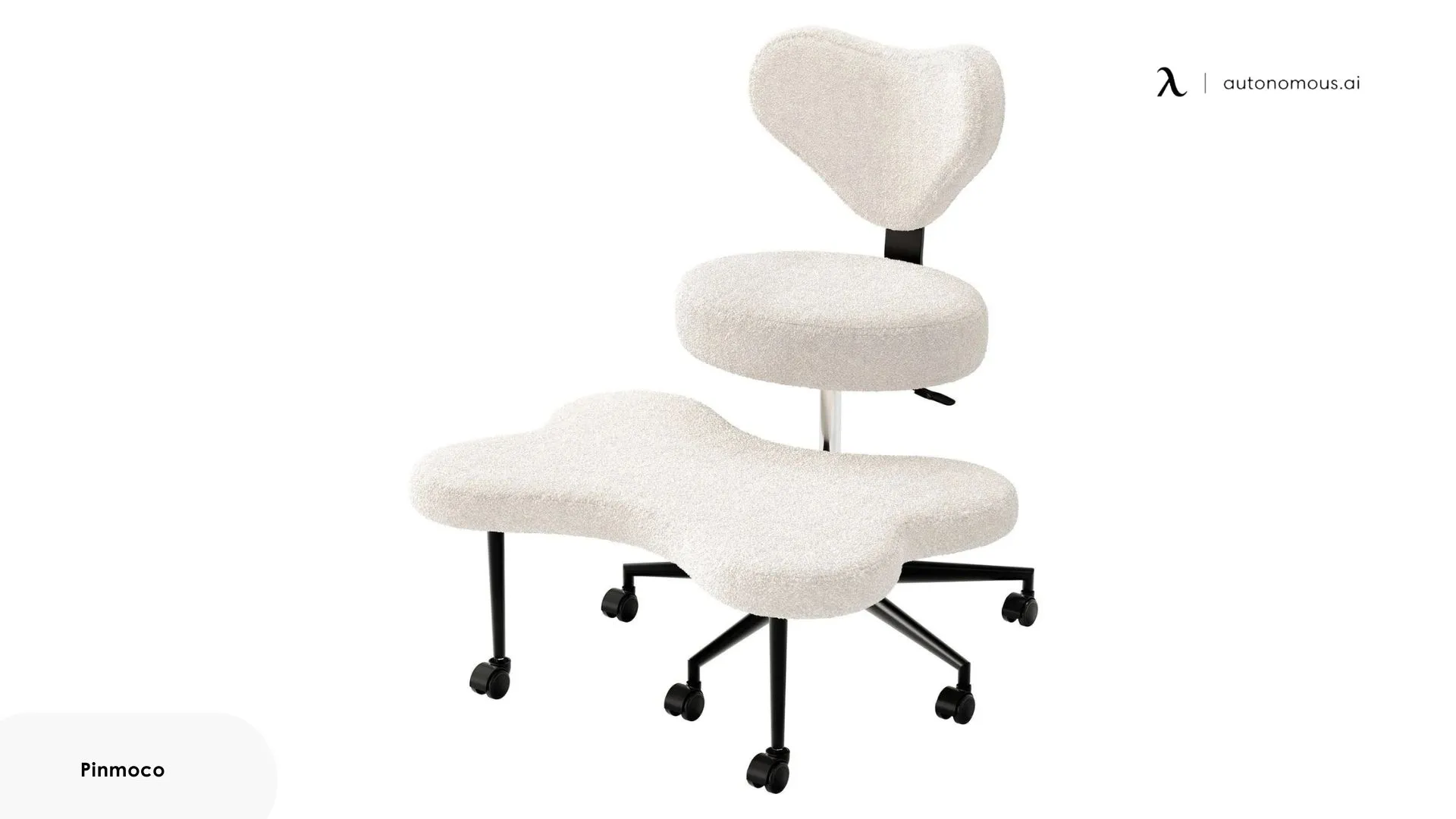
The Pinmoco gives the largest usable platform for switching between cross-legged, kneeling, and tucked positions, with a 31.5-by-20.5-inch footstool - wider than the Pipersong's. A seat cushion with a crescent backrest sits above it, and both layers rotate 360 degrees independently. Seat-to-footstool height adjusts from 0 to 4.7 inches, and the seat uses 4-inch memory foam in teddy fabric or PU leather.
The trade-off is physical size: the footstool depth can conflict with standard desk clearance, especially on shallower desks. On some units the seat-height lever contacts the footstool bracket at lower settings, limiting range for users under 5'4". The crescent backrest provides lumbar contact, but the curve depth has drawn mixed feedback - some users find the sides press into the ribs.
Best for: people who frequently change between cross-legged, kneeling, and tucked-leg positions and want the largest usable platform.
The trade-off in two sentences: Conventional chairs offer versatility at the cost of cross-legged optimization; purpose-built chairs offer a wider platform at the cost of conventional comfort. The right cross-legged office chair depends on how much of your day you spend in that position - and whether the same chair needs to support you the rest of the time.
FAQs
What is the best office chair to sit cross legged in?
The best office chair to sit cross legged in has a wide, stable seat, enough leg clearance, and armrests that do not block your knees. It should allow you to switch between cross-legged and standard sitting without feeling restricted.
What's the best Pipersong meditation chair alternative?
The Soul Seat and Pinmoco are the closest functional alternatives to the Pipersong. The Soul Seat uses a two-level platform with a perch designed for cross-legged, kneeling, and perched sitting - better for users who prioritize movement over backrest support. The Pinmoco uses a larger 31.5"×20.5" footstool with a memory foam seat above, supporting more leg positions across more usable surface area than the Pipersong offers. Both retain the alternative-posture philosophy without the Pipersong's seat width constraints.
Can you sit cross legged in an office chair comfortably?
Yes, you can sit cross legged in an office chair comfortably if the seat is wide enough and not limited by armrests. Comfort depends more on space and stability than the chair type itself.
Is it okay to sit cross-legged on an office chair?
Sitting cross-legged on an office chair is fine for short periods if the chair supports your position well. However, staying in one position too long can lead to discomfort, so it’s best to switch postures throughout the day.
What features should an office chair for sitting cross legged have?
An office chair for sitting cross legged should have a wide seat, stable cushioning, and enough space around the legs. Adjustable or minimal armrests can also help prevent restriction.
What size office chair do I need to sit cross legged comfortably?
A seat width of at least 20 inches is typically needed for comfortable cross-legged sitting. Wider seats give you more room to move and adjust your position naturally.
Is an ergonomic criss cross chair good for long hours?
An ergonomic criss cross chair can work for long hours if it provides stable support and backrest support. However, many prioritize space over adjustability, so switching positions is still important.
Do I need a cross legged office chair with back support?
A cross legged office chair with back support is useful if you work for extended periods. It helps maintain posture when you shift out of the cross-legged position or need to sit upright.
Can a regular office chair you can sit cross legged in work as well as a wide-seat chair?
Yes, a regular office chair you can sit cross legged in can work if it has enough seat space and does not restrict your legs. It is often a better option if you only sit cross-legged part of the time.
How to treat pain from sitting cross legged in an office chair?
If sitting cross-legged causes pain, change positions regularly and stretch your legs to reduce pressure. Using an office chair to sit cross legged with enough space and support can also help prevent discomfort.
Summary
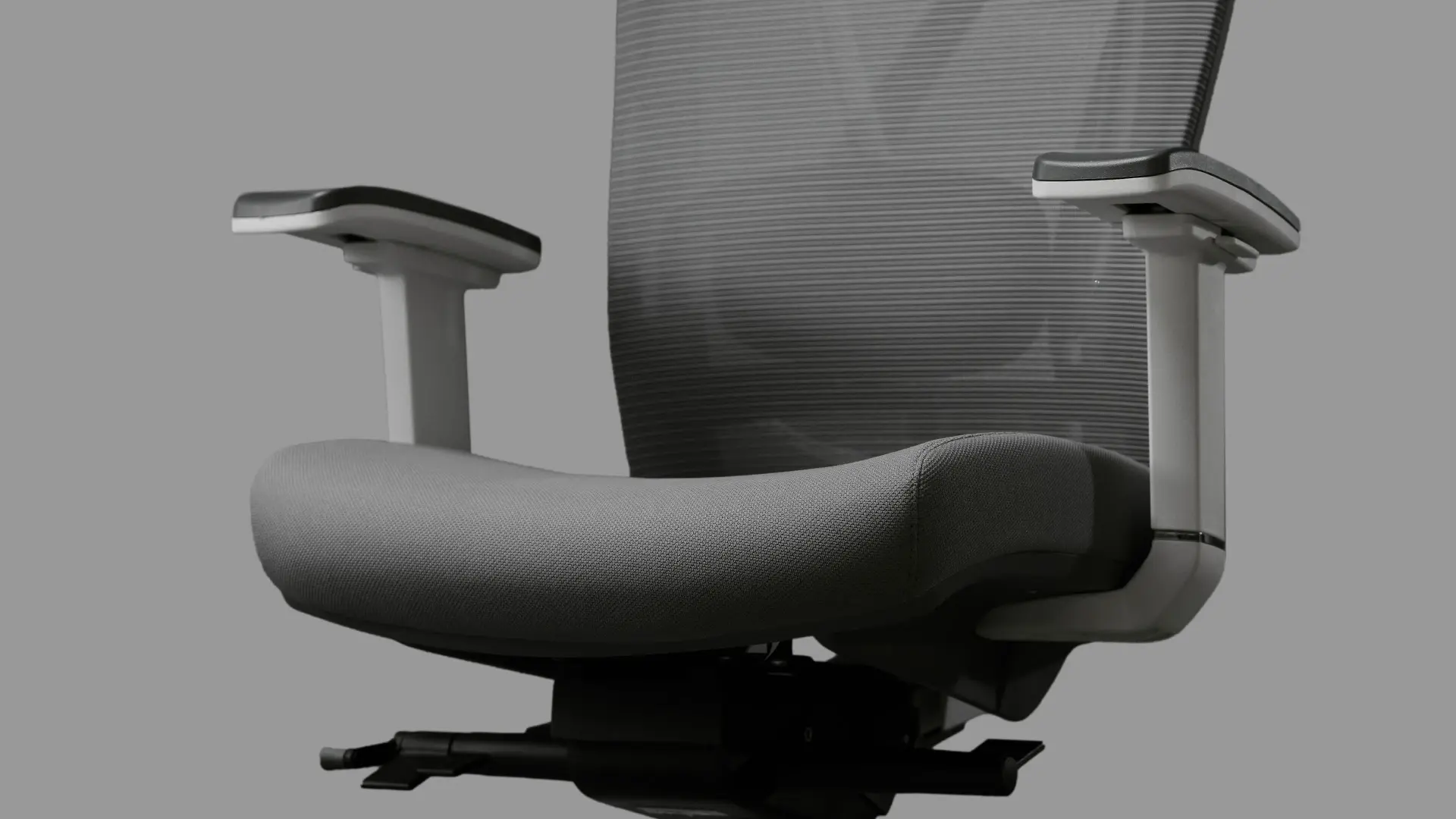
The right cross-legged office chair depends on how much of your day you spend in the position. For part-time cross-legged sitting in a mostly-conventional workday, the Autonomous ErgoChair Mesh or ErgoChair Pro handle ankle-over-knee positions on a 19-inch seat with full lumbar support and 9-point adjustability. For full-tuck sitting most of the day, the Pinmoco or OLIXIS offer wider platforms at the cost of conventional ergonomic features.
References
- Moustafa IM, Diab AA. The effect of sitting with the legs crossed on blood pressure and cardiovascular responses: A systematic review. Blood Pressure Monitoring. 2020. https://pubmed.ncbi.nlm.nih.gov/32605016/
- O'Sullivan P, Caneiro JP, O'Keeffe M, et al. It's time to get over the "perfect posture" myth. Journal of Orthopaedic & Sports Physical Therapy. 2019;49(11):817-818. https://pubmed.ncbi.nlm.nih.gov/31366294/