.svg)


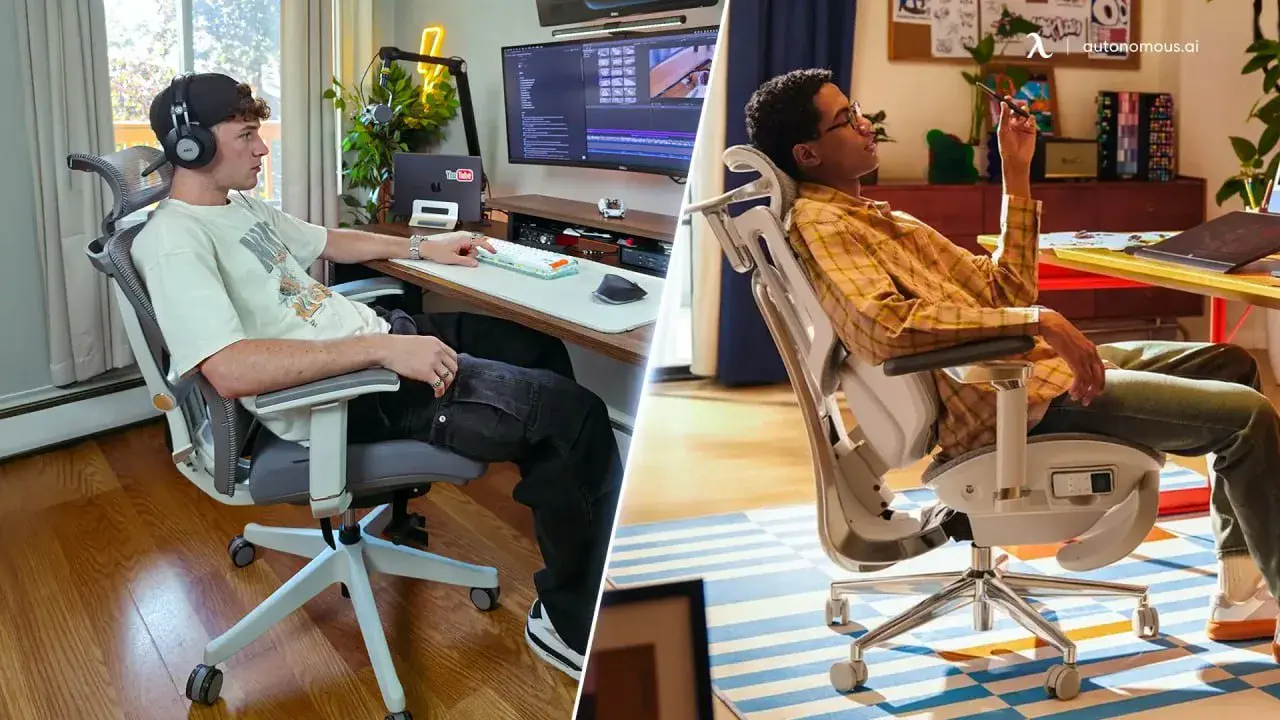
Hbada X7 Smart Ergonomic Chair: Are the AI Features Worth It?

Quick Takeaway
The Hbada X7 delivers best when the smart features are the reason for buying — not a bonus. The heating system and seat cooling perform consistently without much setup. The lumbar automation does too, but only after sensitivity is configured to your body and sitting style — skipping that step is where most buyer frustration starts.
The battery is the most practical consideration before purchasing. Under moderate use it's manageable, but it changes the ownership experience in a way a conventional chair doesn't.
At around $1,227 street price, it fits desk workers in the 5'7"–6'0" range who sit long daily hours and will engage with the active features. Outside that profile, other ergonomic chairs cover the ergonomic fundamentals at a significantly lower price without the electronic overhead.
Table of Contents
- Quick Takeaway
- What Makes the Hbada X7 "Smart"
- Smart Lumbar Tracking
- The Massage and Heat System
- Seat Cooling and Ventilation
- Battery Life
- Build Quality and Physical Ergonomics
- Hbada X7 vs. Hbada E3 Pro
- Who Should Buy the Hbada X7
- If the Smart Features Aren't the Priority — A More Affordable Alternative
- FAQs
- Final Verdict
The Hbada X7 Smart Ergonomic Chair has been earning serious attention — reviews, social media, influencer coverage across the board. Automated lumbar tracking. Seat cooling fans. Infrared heat therapy. 8D bionic massage. On paper, it reads like a wellness device that happens to be a chair. At $1,200+, those features carry a real question: do they actually deliver? This article works through each one — what performs as described, what has documented limitations, and what the battery trade-off means in daily use.
What Makes the Hbada X7 "Smart" — and Why That Changes the Buying Decision
Most ergonomic chairs are purely mechanical — you adjust them manually, and they stay where you put them. The Hbada X7 works differently. It adds an electronic layer powered by a rechargeable battery that runs four active systems: automated lumbar tracking, a massage module, infrared heat, and seat cooling fans. All four are controlled through a compact remote with a 1.3-inch OLED screen that pulls out from under the seat.
That distinction matters for how you evaluate the chair. A conventional ergonomic chair is essentially a one-time setup — and for most users dealing with the physical effects of prolonged sitting, that's enough. The X7 requires periodic charging, some configuration time, and a power outlet near your desk. The official spec lists battery life at up to 3 days, though real-world duration varies depending on which features are running and at what intensity. In return, it offers support systems that respond to your movement rather than waiting for you to adjust them manually.
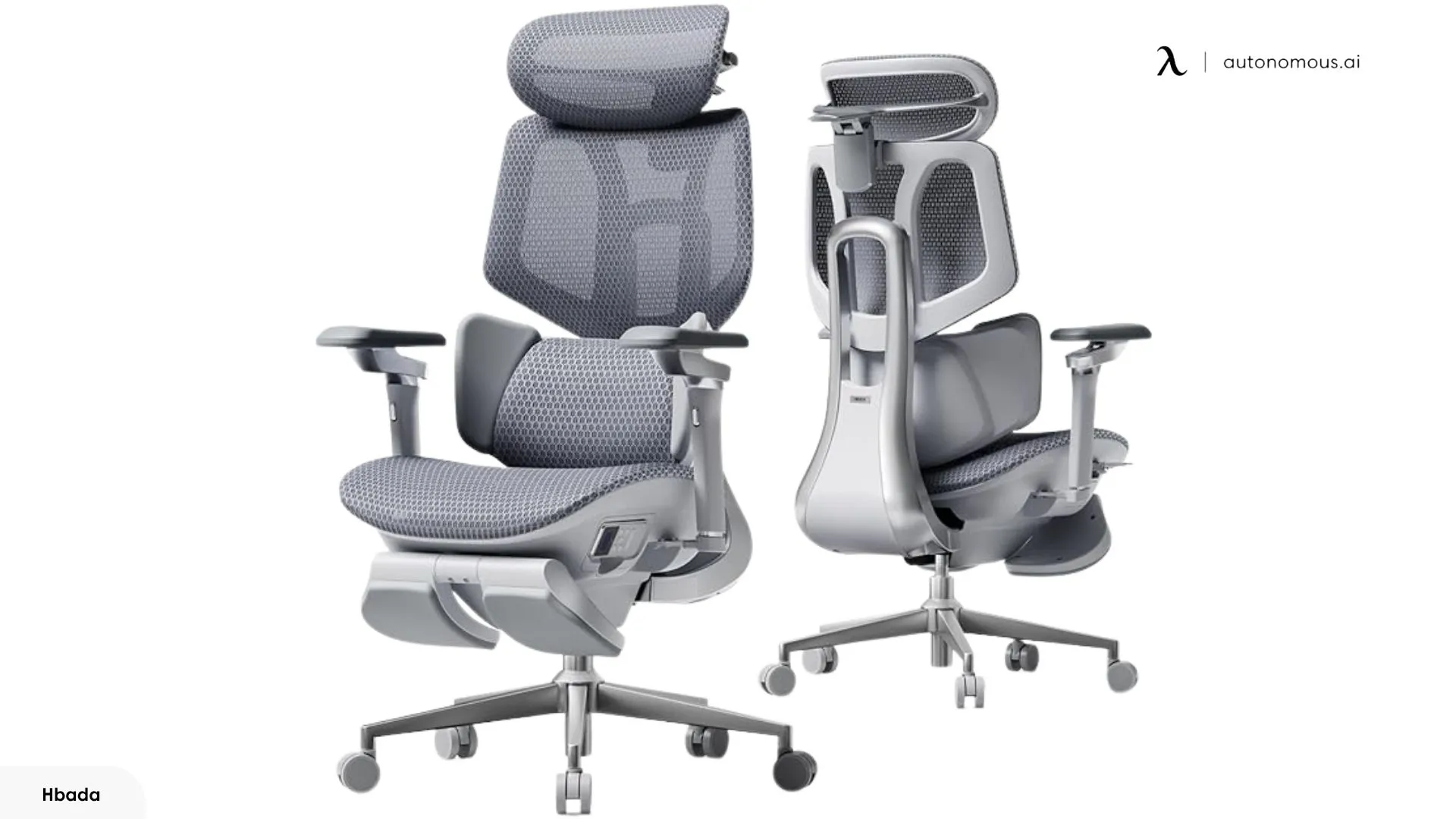
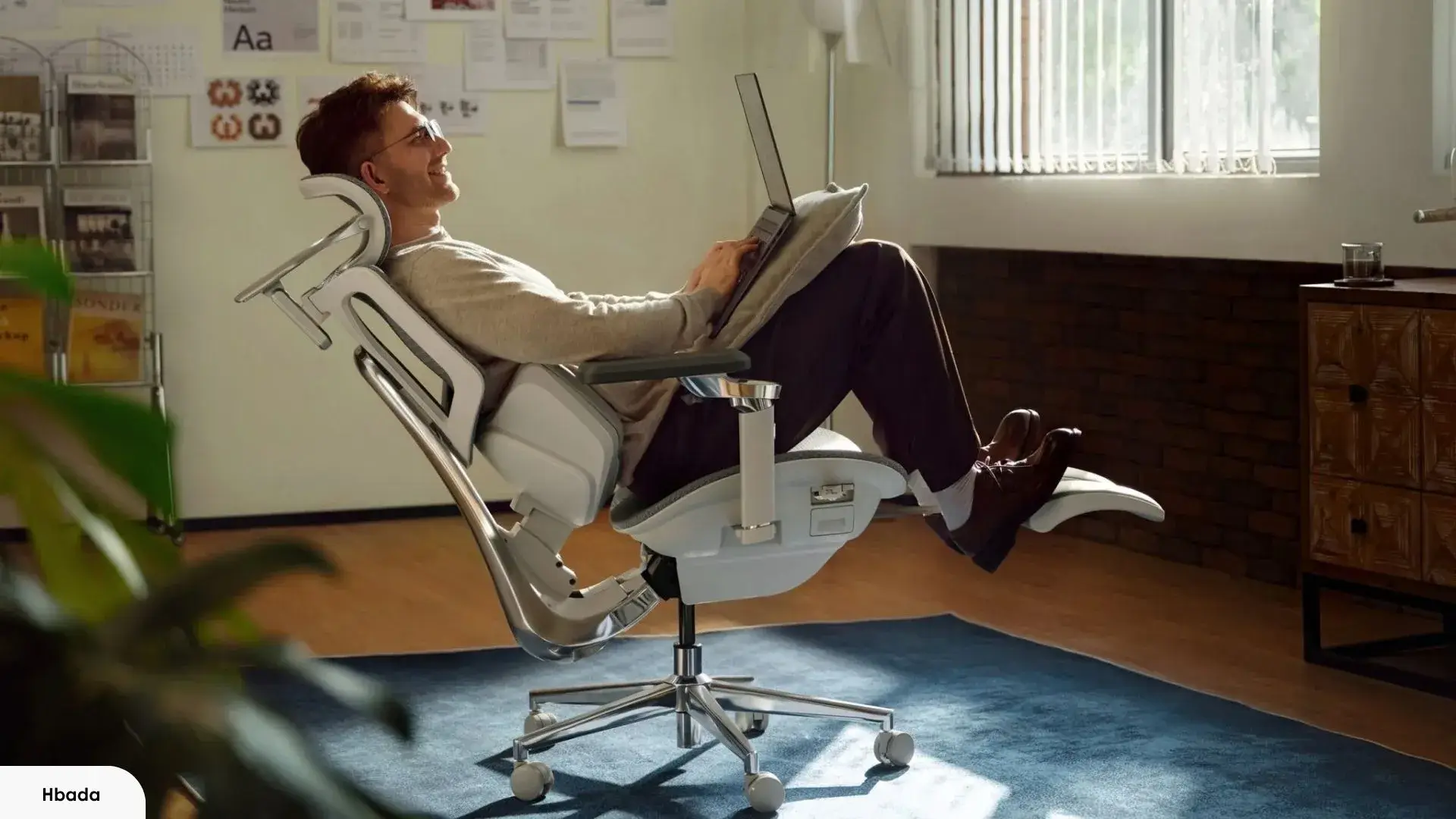
The chair still has all the passive components you'd expect at this price — an aluminum alloy frame, full mesh construction, 720° adjustable armrests, a 4D headrest, and an integrated footrest. Those elements function independently of the battery. If the charge runs out mid-session, the chair still works as a chair.
Understanding this split — active vs. passive — is the most useful frame for evaluating the X7. The passive layer is what justifies calling it an ergonomic chair. The active layer is what justifies the price premium. The sections that follow assess each smart feature on its own terms: what it does, how well it does it, and whether it's worth the added complexity.
Smart Lumbar Tracking — The Feature the X7 Is Built Around
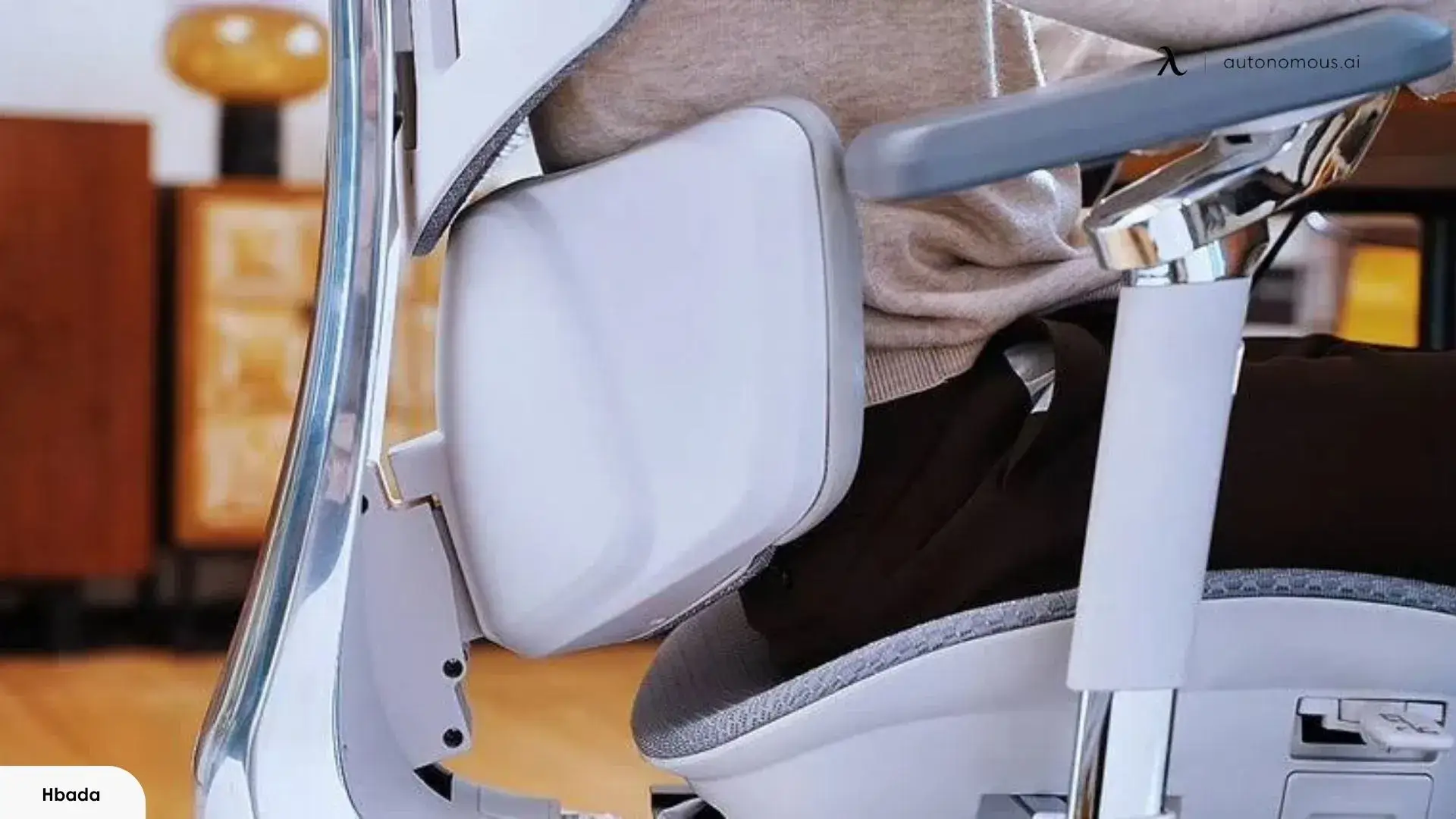
The Hbada X7's smart lumbar system is a motorized support that adjusts its position automatically based on how you're sitting, rather than staying fixed until you move it manually.
It runs in two modes. Manual mode lets you use the remote to position the lumbar support where you need it — the system offers 10 adjustable intensity levels with a posture memory function, so it holds your last setting between sessions. Automated mode is where the X7 distinguishes itself: the system reads your posture in real time and shifts the support to maintain contact with your lower back as you move.
In practice, automated mode takes some getting used to. During the first few days, the lumbar adjustment occasionally activated during minor movements — leaning forward to reach the keyboard, for instance. That's a sensitivity issue, not a malfunction, and it's adjustable through the remote. Once the sensitivity was dialed in for a good sitting posture, the automatic adjustments became largely unnoticeable, which is what you want from a system like this.
According to reviewer documentation, the chair also includes an auto-trigger function: after an extended period of inactivity, it initiates a short lumbar adjustment cycle automatically. Some users will find that useful as a posture reminder. Others will prefer to disable it — which is straightforward through the remote settings.
One thing worth knowing before purchase: a small number of reviewers found the automated mode frustrating enough to disable it entirely. Based on hands-on time with the chair, that outcome tends to trace back to skipping the sensitivity setup rather than a flaw in the system itself. The configuration step matters more with this chair than with most.
How to Configure the Lumbar Tracking for Your Sitting Style
Configuring the Hbada X7 lumbar system takes about 10 minutes and makes a noticeable difference in how automated mode feels day-to-day.
Start with sensitivity. The default setting is calibrated for a mid-range body frame. If you tend to make small, frequent postural shifts, the default may trigger adjustments more often than feels natural. Stepping the sensitivity down by one level through the remote menu and testing it across a full work session is a reasonable starting point before adjusting further.
For sitting style, a practical starting point:
- Desk-focused work with minimal movement: Manual mode. Set the lumbar to your preferred intensity level and leave it. Battery life extends meaningfully compared to running automated tracking continuously.
- Mixed sessions combining desk work and reclined use: Automated mode handles position changes well here — this is the use case the system is designed for.
- Primarily reclined sessions: Automated mode with sensitivity lowered slightly. The lumbar position that works when upright differs from what's needed when reclined, and the system adjusts for that without manual input.
The auto-trigger function is a separate toggle and can be disabled independently of the main tracking mode if you prefer full manual control over when adjustments happen.
The Massage and Heat System — Two Features That Don't Perform Equally
The Hbada X7 includes two separate comfort systems built into the lumbar area: a rotating massage module and a dedicated heating element with an infrared layer. They're often grouped together in marketing, but they deliver noticeably different results in use.
The massage system uses 8D massage rollers with three intensity levels. According to hands-on reviewer testing, the massage components retract into the backrest when the function is off, leaving no residual protrusion during normal sitting — an advantage over budget massage chairs where exposed components can press uncomfortably into the lower back during regular use.
In terms of what it actually feels like, the massage delivers mild, rhythmic pressure against the lumbar area. At the mid-level intensity, it's noticeable without being intrusive — useful for breaking up back tension during extended sitting sessions. The highest setting is stronger but still within the range of background relief rather than deep-tissue pressure. It won't replicate a full massage, but for managing stiffness during a long desk session, it does that reasonably well.
According to reviewer documentation, the auto-trigger function applies here too — activating a short massage cycle after an extended period of inactivity. It can be disabled if you'd rather control timing manually.
The heating system is the stronger performer of the two. Specs across sources break down as follows:
- Dedicated heat pads if you want the strongest direct warmth, with a temperature range of 113°F–129.2°F
- Massage roller heating if you prefer warmth combined with light massage, with a temperature range of 104°F–122°F
- Infrared therapy layer if you want a gentler, more subtle heat, with a temperature range of 86°F–100.4°F
The heat output is genuinely noticeable. During testing, the chair reached a consistent, comfortable warmth within a few minutes at mid-setting. Multiple independent reviewers described the output as closer to a heating pad than a token background warmth — which, for anyone managing chronic lower back tension during long sitting sessions, is likely the feature that feels most worth the price. The infrared layer operates at a lower surface temperature than the dedicated heat pads.
Where the two systems land relative to each other:
Feature | Performance Level | Best Use Case |
Massage | Moderate — mild rhythmic relief | Stiffness breaks during long sessions |
Heat pads | Strong — consistent therapeutic warmth | Chronic lower back tension, cold environments |
Infrared therapy | Moderate — gentler, deeper warmth | Extended low-intensity relief |
The massage is a useful addition. The heat is the more consistent performer of the two, and the one more likely to factor into a long-term purchase decision.
Seat Cooling and Ventilation — The Quietly Functional Feature
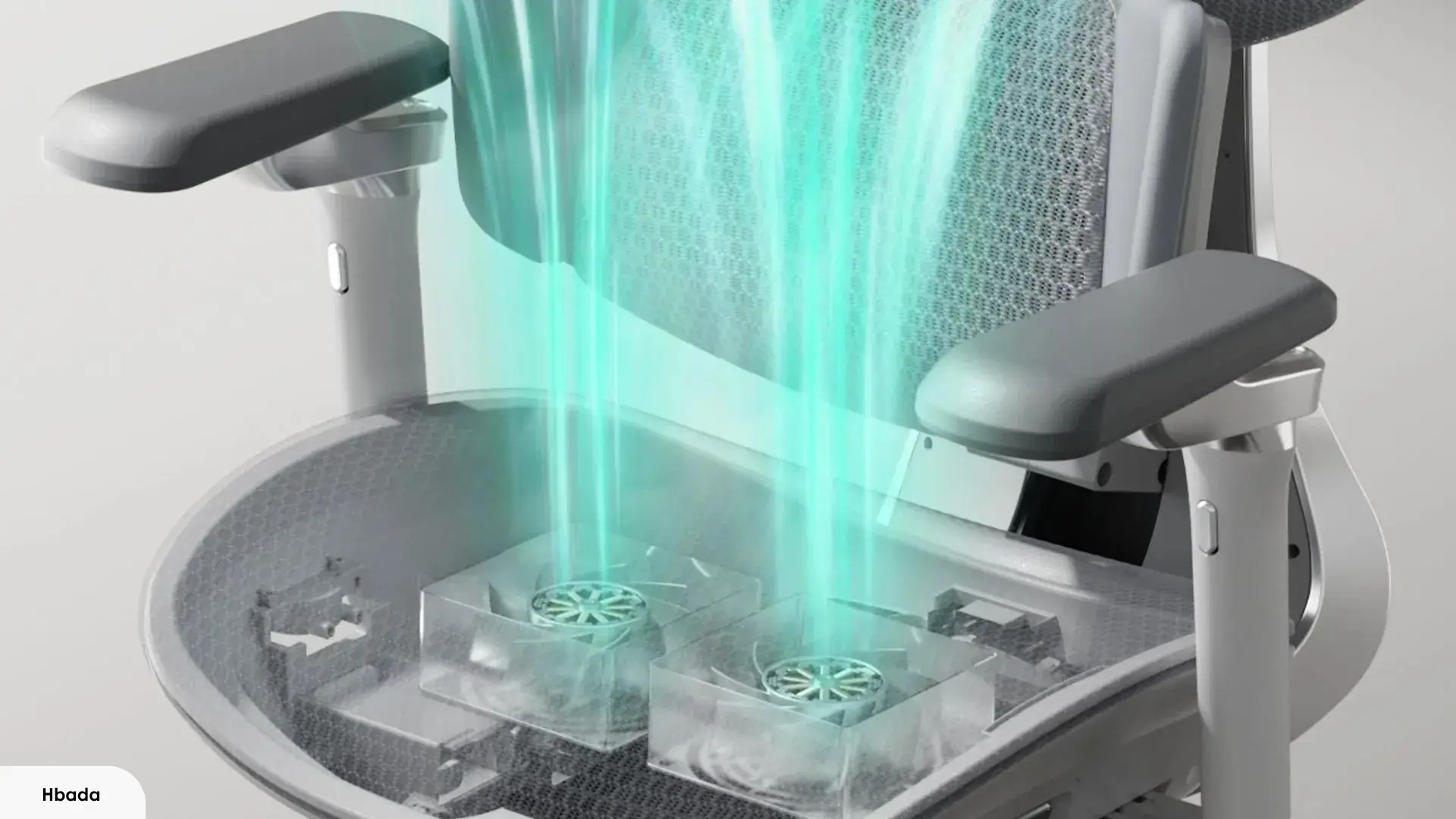
The Hbada X7's seat ventilation system uses a dual-fan setup built into the seat cushion to actively move air through the seating surface while you sit.
Of the four smart features on the X7, this one generates the least friction across independent reviews. It doesn't require sensitivity calibration, has no learning curve, and works the same way from day one. That consistency is worth noting in the context of a chair where several other features require deliberate setup to perform well.
The seat cushion itself is constructed from a high-resilience mesh material — a similar foundation to what you'd find in a standard mesh chair, with the addition of active airflow built underneath. The dual fans sit beneath the surface and offer three airflow settings — Silent, Balanced, and Turbo — controlled through the same remote used for the other smart features. In hands-on use, Silent and Balanced modes are unobtrusive; fan noise at those levels doesn't register during normal work. Turbo is audible but not distracting.
The practical benefit is straightforward: the fans reduce heat and moisture buildup at the seat contact points during extended sitting. This is a common complaint with standard mesh chairs in warm environments, and the active airflow addresses it more directly than passive mesh breathability alone. For users in warm climates or rooms without strong air conditioning, this feature has clear day-to-day relevance.
One limitation worth noting: running the fans — particularly on Turbo — draws on the battery at a faster rate than the lumbar tracking alone. If battery management is a priority for your setup, factoring fan usage into your charge cycle planning is worth doing. More on that in the battery section.
Battery Life — What It Actually Means to Own a Chair You Have to Charge
The Hbada X7 runs its smart features from a rechargeable battery, which means it needs periodic charging and a power outlet within cable reach of your desk.
That's a straightforward operational reality, not a dealbreaker for most setups — but it's worth thinking through before purchasing, because it changes how you interact with the chair compared to a conventional mechanical option.
Hbada's official spec lists battery life at up to 3 days. In practice, that figure reflects active use of the smart features. Independent reviewer testing suggests the actual range is wider depending on which features are running:
The gap between minimal and full feature use is significant. For most desk workers who primarily want the lumbar tracking with occasional heat or massage, battery management in practice is closer to a weekly charge than a daily one. That's a more manageable cadence than the official 3-day spec might initially suggest.
Two charging notes worth knowing before the chair arrives. First, the battery charges via a magnetic adapter that comes in the box. Multiple reviewers noted the magnetic connection didn't always seat reliably. The battery unit also has a USB-C port that works as a direct fallback — and based on hands-on use, that's the more dependable option of the two. Second, the battery is installed in a compartment on the right side of the seat. It's removable, which is useful if you ever need to charge it away from the chair.
One question that comes up consistently in buyer research is replacement battery cost and long-term availability. Hbada does not currently publish this information on their product pages or support documentation. It's a legitimate consideration for a $1,200 purchase — electronic components have a finite lifespan, and the smart features on this chair don't function without a working battery. It's worth contacting Hbada support directly if this factors into your decision.
On the longer-term reliability question: no published data currently exists on motor or sensor degradation over multi-year use for the Hbada X7 smart ergonomic chair. That's not unusual for a relatively new product, but it's a known gap for buyers weighing a long-term investment at this price point.
Practical battery management by use pattern:
- Primarily lumbar tracking: Use automated or manual mode as preferred. Charge roughly once a week. No meaningful interruption to daily use.
- Regular heat use: Plan for every 2–3 days. Consider keeping the chair plugged in during sessions where heat is the priority.
- Occasional massage and fans: Add one extra charge per week depending on session frequency. Silent and Balanced fan modes drain less than Turbo.
- All features simultaneously: The official 3-day spec applies here. A nearby outlet is a practical necessity if this is your typical use pattern.
The battery dependency is a real part of owning this chair. For most users, it's manageable with a basic routine. For users whose setup doesn't accommodate regular charging — or who prefer a chair with no maintenance overhead — it's a factor that should weigh into the decision before purchase.
Build Quality and Physical Ergonomics — The Chair Underneath the Electronics
The Hbada X7's physical build covers the mechanical components that function regardless of the battery — frame, armrests, headrest, seat, and base. These are worth evaluating separately from the smart features, because they represent what the chair is when the electronics are set aside.
At this price point, the mechanical foundation needs to hold its own. Here's where it does, and where it falls short.
1. Where the Build Holds Up
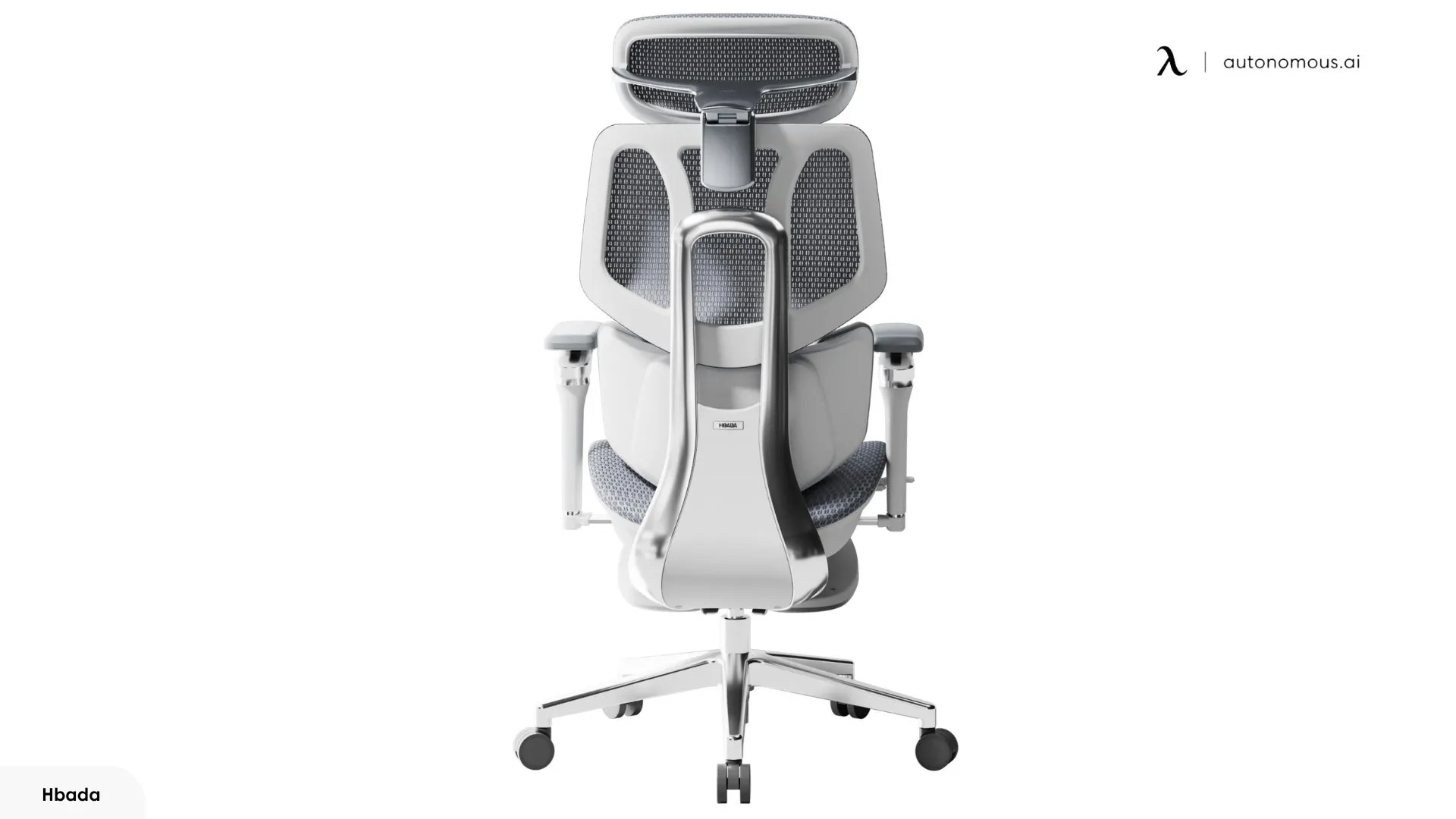
The Hbada X7 ergonomic chair is built around an aluminum alloy frame with a 150kg (330 lb) weight capacity, providing a solid structural base for daily use.
The frame handles daily use without flex or instability — it feels appropriately solid for the price tier. The aluminum construction keeps the overall weight manageable despite the chair's size, which is relevant when moving it during setup or rearranging a workspace.
The armrest adjustability is a genuine strength. The 720° range of motion covers inward, outward, forward, backward, and rotational positioning, which accommodates a wider variety of desk setups and arm positions than most expensive office chairs at this price. In practice, finding a comfortable armrest position for extended typing or mouse use is straightforward.
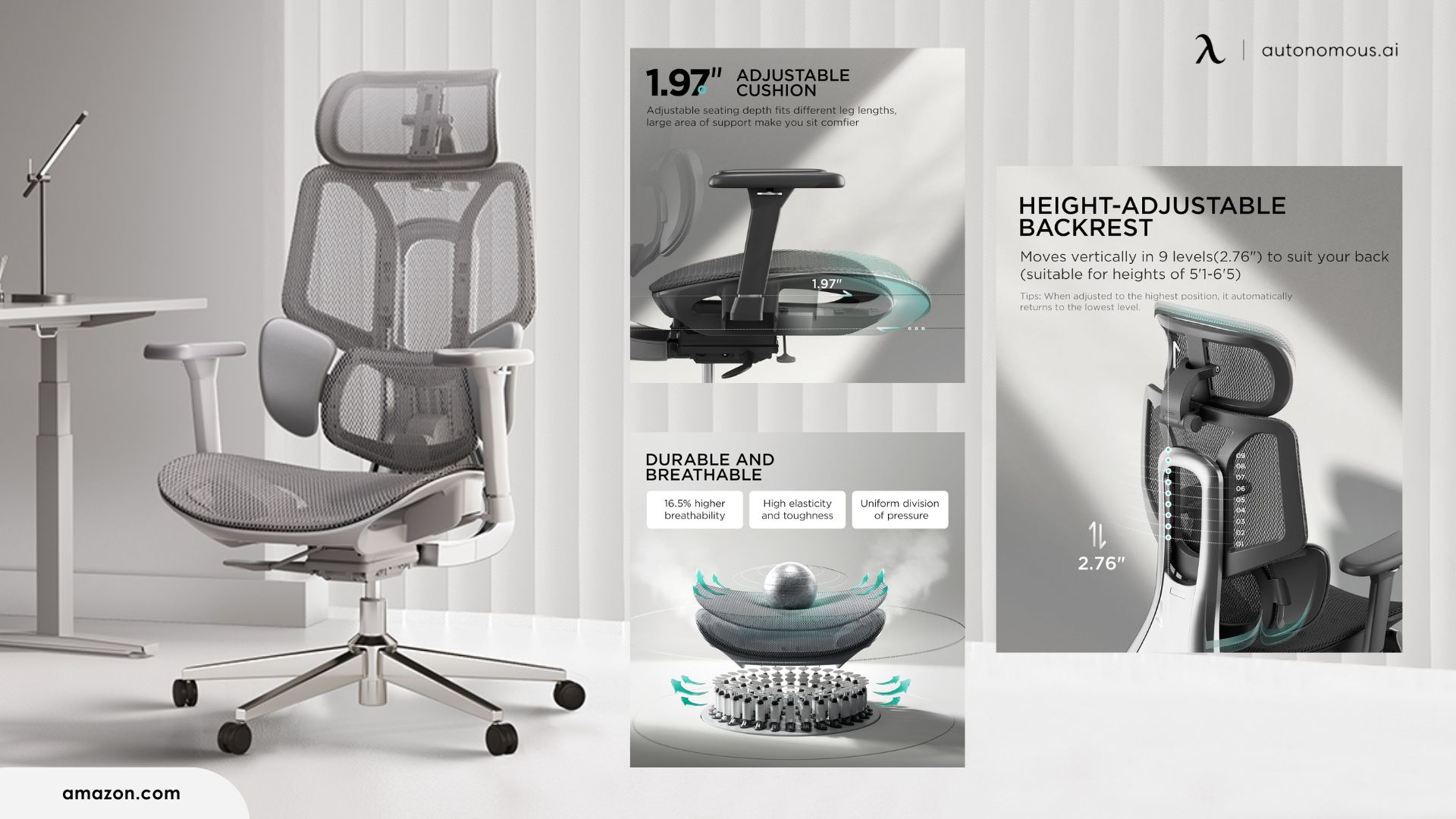
For anyone coming from a standard high-back office chair, the 4D headrest adjustment range here is notably broader — covering 70° rotation, 55mm of sliding range, 45mm of height adjustment, and a 70° flip angle. That range covers most sitting positions from upright to fully reclined without requiring repositioning. During reclined use with the integrated footrest extended, the headrest placement works well without manual readjustment.
The full mesh backrest and seat maintain airflow during extended sessions. Combined with the active seat ventilation covered in the previous section, the overall breathability of the chair holds up during sessions of several hours without notable heat buildup.
2. Build Limitations Worth Knowing Before You Buy
The Hbada X7 has several documented physical limitations that appear consistently across independent reviews — none are structural failures, but each is worth factoring in depending on your priorities.
Armrest stability under lateral pressure is the most commonly noted issue. When applying sideways force to the armrests — which can happen naturally during certain tasks or when shifting position — there's a degree of flex that multiple reviewers noted independently. It doesn't affect the armrests' core function, but users who rest their arms firmly during precise work may find it noticeable over time.
Seat depth is a fit consideration for taller users. At least one independent reviewer documented that at full seat extension, approximately one-third of the thigh is unsupported. For users under around 5'10", this is unlikely to be an issue during standard sitting. For users above 6'0", it's worth factoring in — reduced thigh support becomes more apparent during sessions of two hours or more.
Height ceiling is a related concern. At 6 feet, the chair sat at or near its maximum adjustment settings during personal use — there wasn't much headroom left for further height increases. Anyone at or above that mark should verify the chair's maximum seat height and backrest range against their own measurements before purchasing.
A couple of lower-severity observations round out the picture. The wheels have been noted to generate occasional resistance on certain floor surfaces, and some users reported minor metallic residue on the floor after initial assembly — both more relevant to hard floor setups than carpeted ones. A forward tipping tendency has also been noted under certain recline angles, though this is manageable once you're aware of it.
Taken individually, none of these are reasons to rule the chair out. What this Hbada X7 review finds, taken together, is a mechanical build that's solid for its primary use case — standard upright desk work for users in the 5' 7"–6' 0" range — and less well-suited for users outside that envelope.
Hbada X7 vs. Hbada E3 Pro — What the Price Gap Actually Buys
The Hbada E3 Pro is a mechanical ergonomic chair, sharing a similar design lineage as the X7 but without any electronic smart features.
That distinction is the entire basis for the price gap. What the X7's additional $600–$800 buys, depending on timing and sale pricing, is the electronic layer: automated lumbar tracking, 8D massage rollers, the heating and infrared system, seat cooling fans, the OLED remote, and the battery system that runs all of it. Nothing else separates the two chairs in terms of physical ergonomic architecture.
Features | Hbada X7 | Hbada E3 Pro |
Frame | Aluminum alloy | Aluminum alloy |
Mesh construction | Full mesh | Full mesh |
Integrated footrest | Yes | Yes |
Lumbar support | Motorized, automated tracking | Manual, adjustable |
Massage system | 8D massage rollers | None |
Heating / infrared | Yes | None |
Seat cooling fans | Dual-fan, 3-speed | None |
Battery system | Required for smart features | Not applicable |
BIFMA X5.1 certification | Yes | Yes |
Price | $1,227 | $449 |
The E3 Pro is not a compromise version of the X7. On a purely mechanical level, the two chairs are closer than the price difference suggests — the gap is entirely accounted for by the electronic layer.
That makes the decision relatively straightforward: the X7 is worth the premium when the smart features are the reason for buying, and you'll use enough of them regularly to justify the added cost and charging overhead. If that's not the case, the E3 Pro covers the core ergonomic function at a significantly lower price.
Who Should Buy the Hbada X7 — and Who Should Look Elsewhere
The right buyer for the Hbada X7 smart ergonomic chair is someone whose daily routine creates a genuine need for what the active feature set delivers — not someone drawn to the idea of those features in general.
Buy it if:
- You need an 8-hour office chair solution — sitting long daily hours with recurring lower back tension that a static lumbar support hasn't resolved.
- You work in a warm room or climate where seat heat buildup is a regular discomfort during long sessions
- You're willing to spend time on initial configuration — the lumbar system in particular rewards setup effort
- More than one smart feature applies to your daily use, not just one in isolation
Think carefully if:
- You're above 6' 0" — verify seat depth and maximum height settings against your own measurements before committing
- You prefer zero maintenance overhead in a chair — periodic charging and occasional sensitivity adjustments are part of owning this one
- You're comparing against other office chairs for long hours at a similar price point — those chairs prioritize mechanical build precision and long-term durability over feature density, and that trade-off is worth understanding before deciding
- Only one smart feature appeals — the E3 Pro covers the mechanical ergonomic baseline at a significantly lower price if the electronic layer isn't the main draw
Skip it if:
- A nearby power outlet isn't practical for your desk setup
- Armrest stability under precise lateral movement is a high priority for your workflow
- Long-term electronics reliability data matters to your purchase decision — that data doesn't yet exist for this product

If the Smart Features Aren't the Priority — A More Affordable Alternative
Not every buyer researching the Hbada X7 smart ergonomic chair arrives at the same conclusion. Some work through the feature set and the battery overhead and decide the active systems aren't central to what they actually need from a chair — just solid ergonomic support for long daily use, without the added complexity.
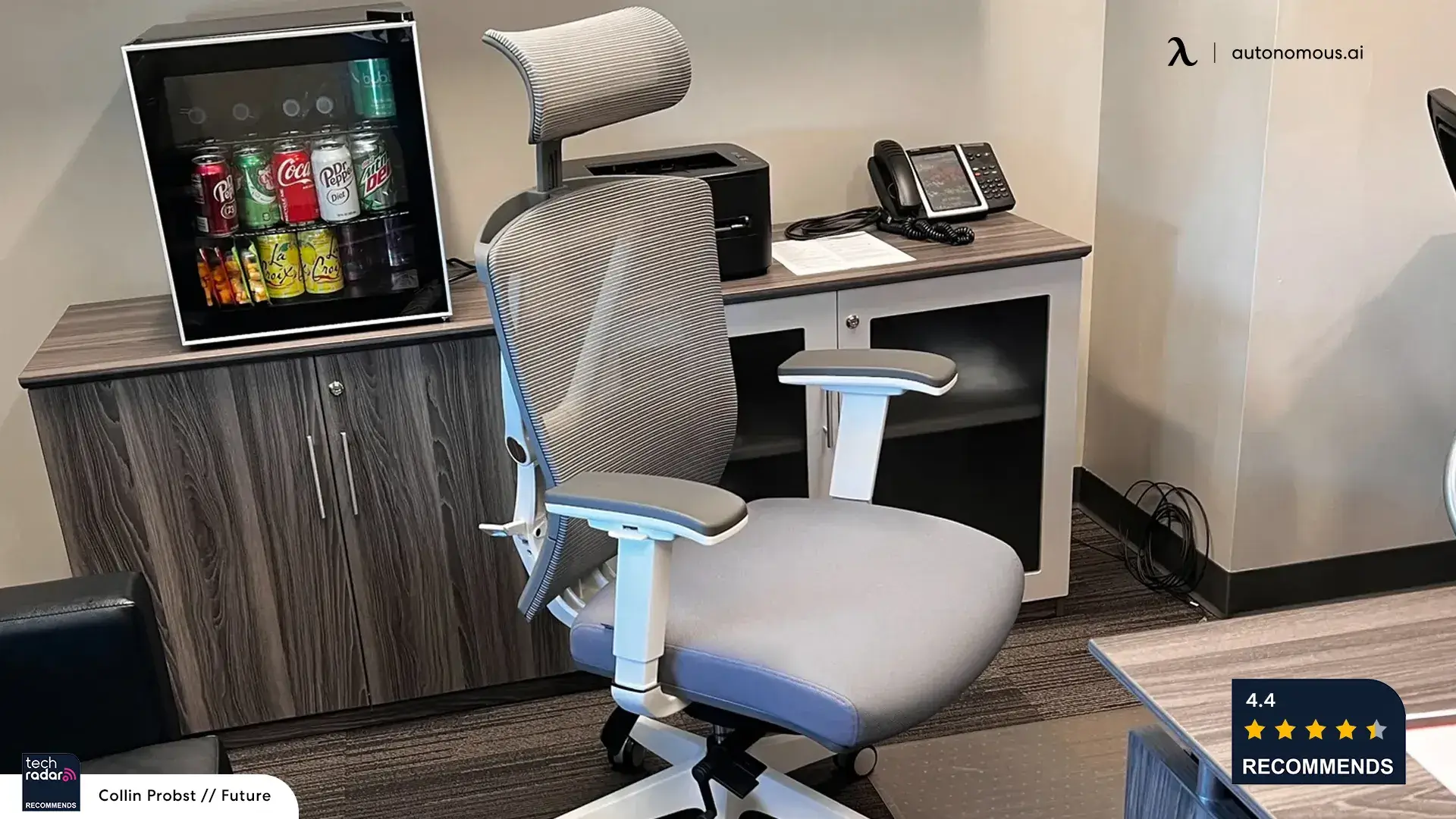
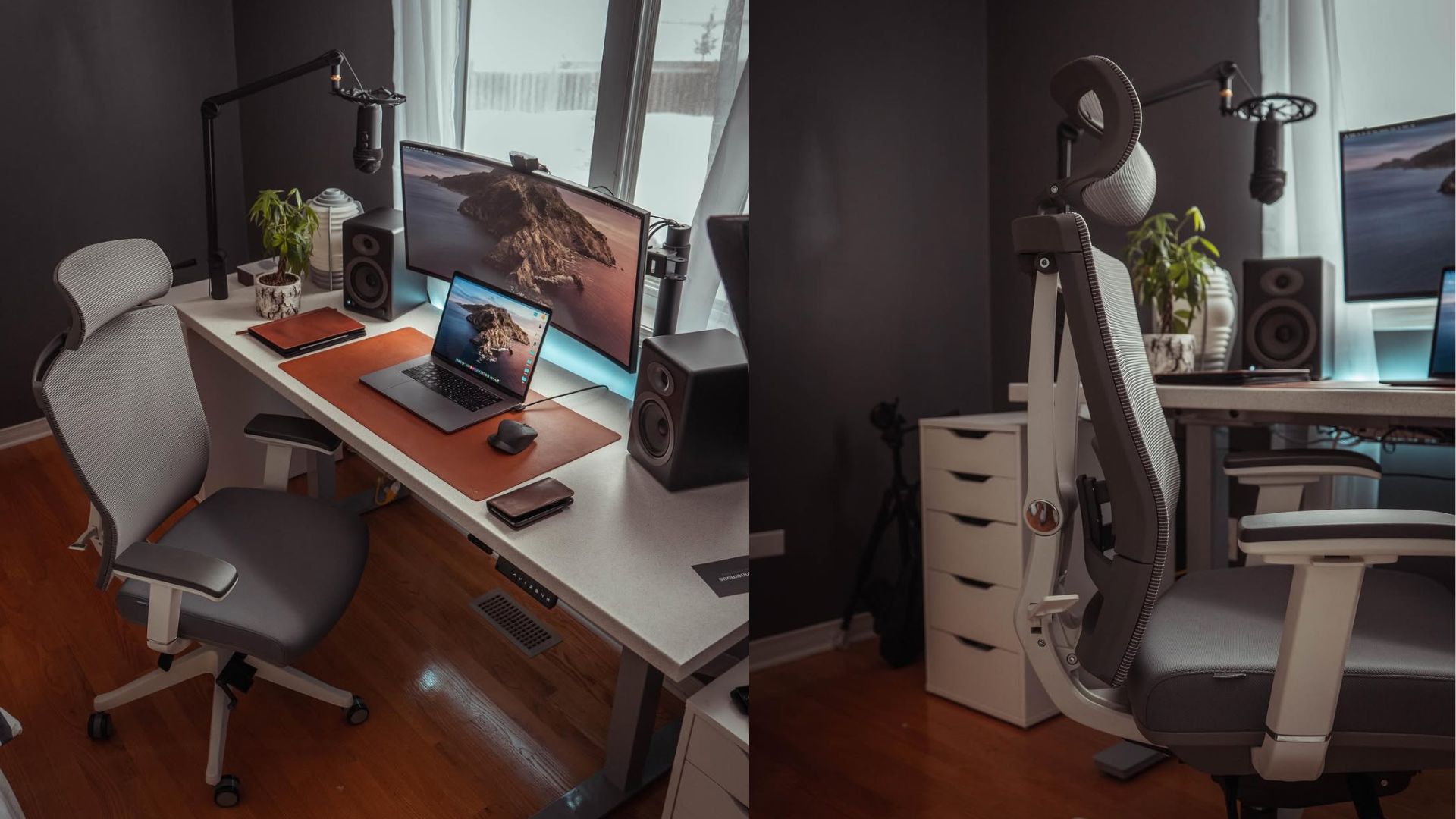
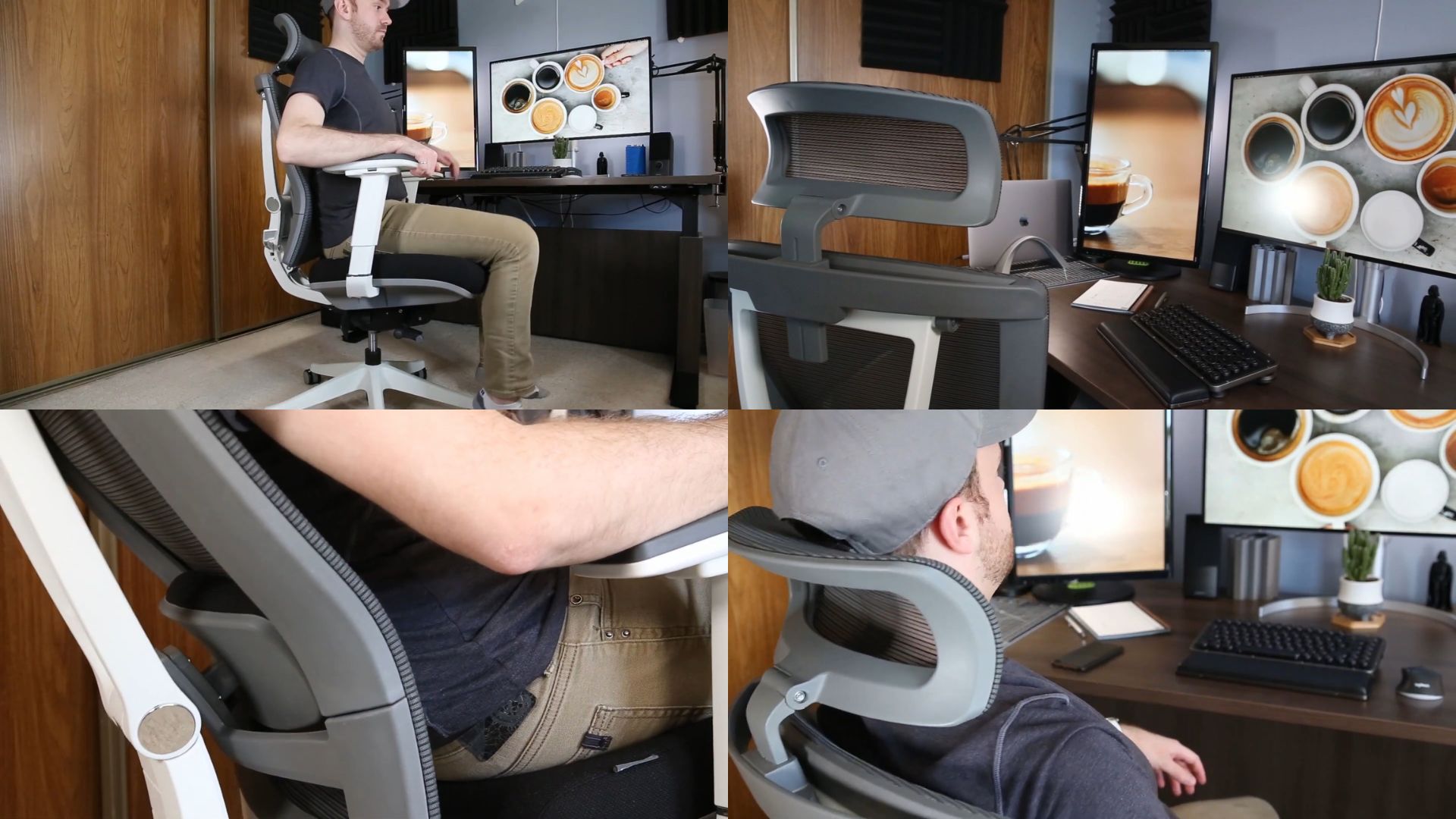
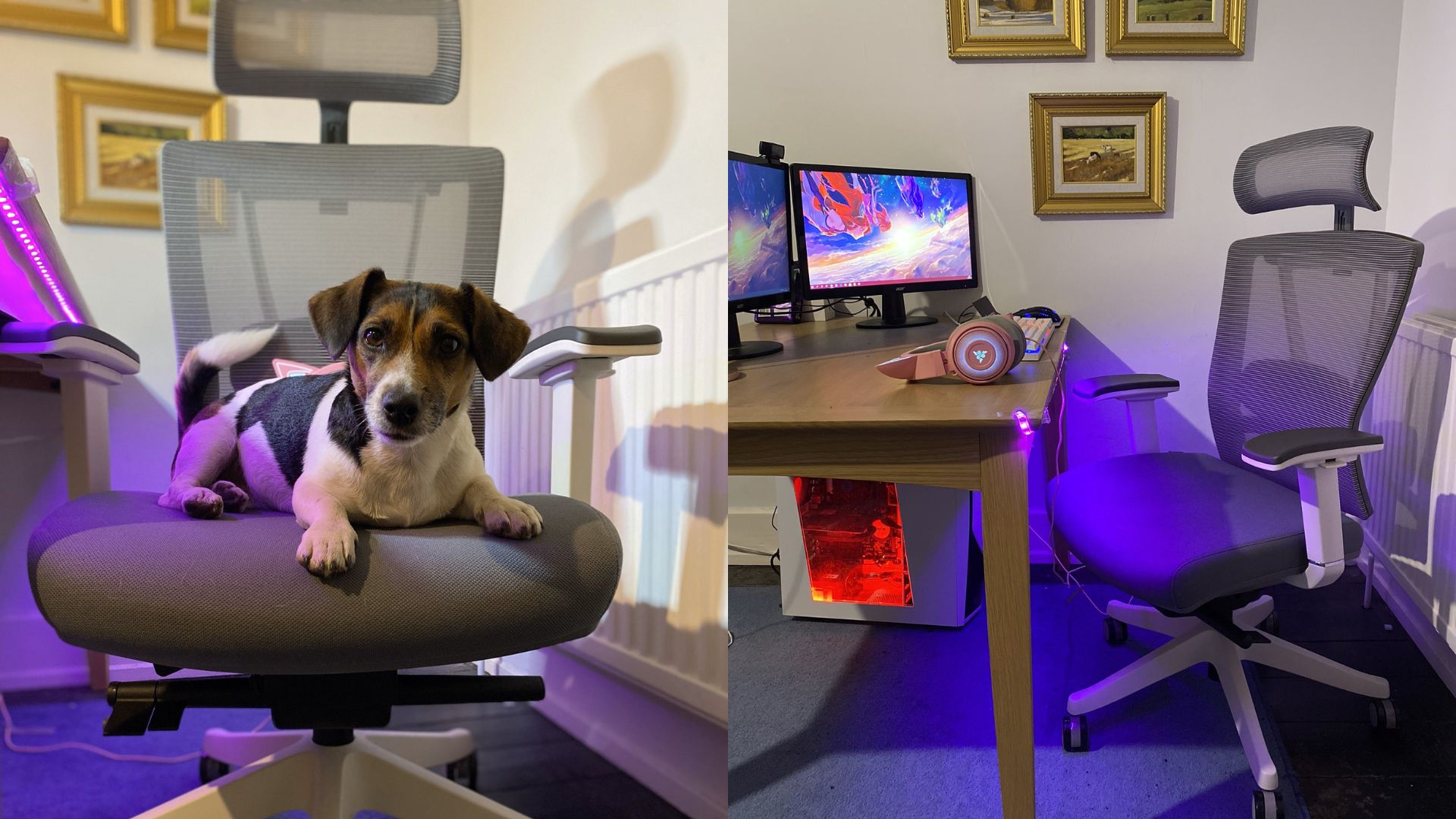
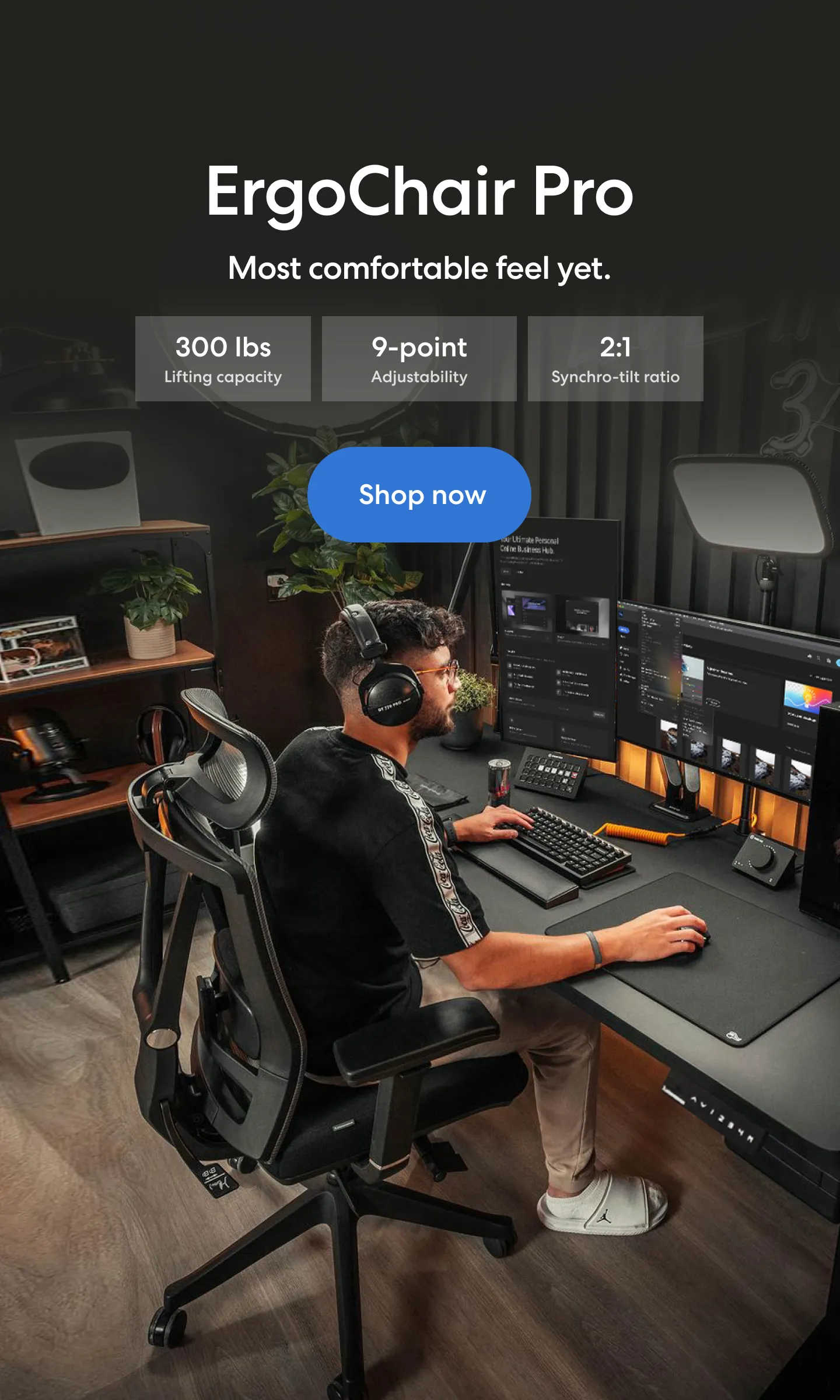
For that profile, the Autonomous ErgoChair Pro is worth considering — it functions as a posture chair built around mechanical adjustability without any electronic overhead. It's a fully mechanical chair with no electronic features, no battery, and no charging requirement. What it offers is a straightforward adjustability package across nine points — seat height, seat depth, lumbar support, armrests, tilt, and headrest — built around a breathable mesh back and an optional foam seat.
It doesn't replicate what the X7 does — that's not the point. It serves a different buyer at a different price point, one for whom the ergonomic fundamentals matter more than the active feature layer. At $399, it leaves meaningful budget room for buyers who want a capable daily chair without the trade-offs that come with owning an electronically augmented one.

FAQs
What is the Hbada X7 smart ergonomic chair?
The Hbada X7 is a battery-powered smart ergonomic chair with automated lumbar tracking, 8D massage, heating, infrared therapy, and seat cooling. It builds on a standard ergonomic frame but adds an electronic support system that responds to your posture in real time.
How does the Hbada X7 lumbar tracking actually work?
The Hbada X7 uses pressure sensors and a motorized lumbar unit to maintain consistent lower back support as you move. It automatically adjusts in real time or can be set manually with 10 intensity levels and posture memory. Sensitivity can be tuned via the OLED remote to control how often it responds to small posture shifts.
Is the Hbada X7 smart ergonomic chair worth the price?
Yes — the Hbada X7 is worth it if you regularly use its smart features, especially lumbar tracking and heating. At approximately $1,227, it offers solid value for users who want active ergonomic support. At full price ($1,499), it’s less competitive, and users who only need basic ergonomics may prefer the Hbada E3 Pro.
Does the Hbada X7 help with back pain?
Yes, the Hbada X7 can help reduce back pain by providing consistent lumbar support that adjusts to your posture in real time. The automated lumbar tracking helps maintain proper spine alignment, while heating and massage features can relieve tension during long sitting sessions. However, results depend on proper setup and individual body fit.
How long does the Hbada X7 battery last?
The Hbada X7 battery lasts about 2–3 days with all features active and up to 1–2 weeks with lighter use like lumbar tracking only. Battery life varies significantly depending on which features are turned on and their intensity levels.
Can you turn off the automatic lumbar adjustment on the Hbada X7?
Yes, you can switch the Hbada X7 to manual lumbar mode, where support stays fixed like a standard ergonomic chair. You can also disable auto-trigger behavior separately. Turning off automation helps extend battery life.
Does the Hbada X7 work without the battery charged?
Yes, the Hbada X7 still functions as a fully adjustable ergonomic chair without battery power. Core features like seat height, recline, armrests, headrest, and seat depth all work normally. Smart features like lumbar tracking, massage, and heating require battery power.
Is the Hbada X7 ergonomic chair good for long hours of sitting?
Yes, the Hbada X7 is designed for long sitting sessions, with breathable mesh, adjustable lumbar support, and seat cooling. Users report comfortable multi-hour use when properly configured. However, fit matters — users over 6'0" may find its size limiting over extended periods.
How does the massage function work on the Hbada X7?
The Hbada X7 uses 8D massage rollers in the lumbar area with three intensity levels. The rollers retract fully when not in use, so they don’t affect normal sitting. The massage provides light, rhythmic pressure best suited for reducing tension during long work sessions.
Is the Hbada X7 suitable for tall users?
The Hbada X7 fits users approximately 5'7" to 6'0" best. At 6 feet, the chair is already near its maximum adjustment range. Users above 6'1" may experience limited seat depth and reduced thigh support during long sessions.
How does the Hbada X7 compare to the Hbada E3 Pro?
The Hbada X7 and E3 Pro share similar core ergonomic design and adjustability, but the X7 adds smart features like lumbar tracking, massage, heating, and cooling. The E3 Pro lacks these features but costs $600–$800 less. The choice depends on whether you value active electronic support or basic ergonomics.
Is Hbada a good brand for ergonomic chairs?
Yes, Hbada is considered a reliable mid-to-premium ergonomic chair brand, known for combining modern design with ergonomic features at competitive prices. Models like the X7 and E3 Pro are often compared to higher-end chairs but offer more features for the price. However, long-term durability and service support may vary by region.
Where can I buy the Hbada X7 smart ergonomic chair?
You can buy the Hbada X7 from Hbada’s official website, Amazon, and select online retailers. Availability and pricing may vary depending on region and promotions. Buying from official or authorized sellers is recommended to ensure warranty coverage.
Final Verdict — Is the Hbada X7 Worth It?
The Hbada X7 smart ergonomic chair makes the most sense for one specific type of buyer: someone who sits long hours daily, deals with recurring lower back tension, and will engage with the configuration process. For that profile, the lumbar automation and heating system deliver consistent, practical value — not as a novelty, but as features that meaningfully change how the chair feels across a full workday.
For everyone else, the calculation is less clear. The massage is useful but mild. The seat cooling is reliable but secondary. And the battery overhead — manageable as it is — adds a layer of ownership complexity that a conventional ergonomic chair simply doesn't.
The "AI" framing is worth taking with some context: the lumbar system is responsive pressure-sensing automation, not predictive intelligence. It works, but it rewards setup effort and realistic expectations.
At street price, for the right use case, the X7 justifies the investment. For buyers who primarily need solid mechanical ergonomics without the electronic layer, the E3 Pro or Autonomous ErgoChair Pro remains the more straightforward choice at a significantly lower price.

Restez connecté avec nous !
Abonnez-vous à nos mises à jour hebdomadaires pour rester au courant de nos dernières innovations et de l'actualité de la communauté !
Intéressé par un placement de lien ?
Faire connaitre