.svg)

Table of Contents
Managing your home should feel effortless — but for most people, it doesn't. The lights are on one app, the thermostat is on another, and the security camera has its own login entirely. As homes get smarter, the question isn't whether to connect your devices. It's how to actually control them without juggling five different systems.
This guide covers how home device control works, what your real options are across every setup type, and where the technology is heading — so you can build a setup that works for your life, not against it.
What Is Home Device Control?
Home device control is the ability to monitor and operate your connected home devices — lights, thermostats, locks, cameras, appliances — from a single interface, whether you're sitting on the couch or across the country.
In practice, most people don't start with a system. They start with one smart bulb, then a thermostat, then a doorbell camera — gradually adding smart home gadgets without a clear plan for managing them together. Over time, that adds up to multiple devices across multiple apps — each with its own login, its own interface, and no way to talk to the others. Home device control is the framework that brings all of that together.
At its core, the concept covers four distinct levels of control:
Manual control is the baseline — physical switches, buttons, or dials on the device itself. No connectivity required.
App-based control lets you operate a device remotely through its manufacturer's app. It works, but each device lives in its own silo. A Philips Hue bulb, a Nest thermostat, and a Ring doorbell each have their own app, their own login, their own interface.
Unified control brings multiple devices — often across different brands — into a single interface. One app, one dashboard, one place to manage everything. This is what most people are actually looking for when they search for a home device control solution.
Automated control takes it a step further. Devices operate on schedules, respond to triggers, or react to conditions without any manual input. The lights dim at sunset. The thermostat adjusts before you get home. The vacuum runs when the kitchen sensor detects activity.
Understanding which level you need — and which your current setup supports — is the first real decision in building a smart home control system that actually works for you.

The Main Methods of Home Device Control
There is no single way to control your home devices — and that is actually useful to know upfront. The right method depends on how many devices you have, which brands you use, and how much setup complexity you are willing to take on.
These are the main approaches currently available.
1. Dedicated Hub
A smart home hub is a physical device that acts as the central controller for your entire device network. It connects to your devices using wireless protocols like Zigbee, Z-Wave, or Matter, and manages them from one place regardless of brand.
Hubs offer the deepest level of control and automation. They can run complex logic locally — meaning automations keep working even when your internet goes down. The tradeoff is setup complexity. Configuring a hub requires some technical familiarity, and the initial investment in hardware and time is higher than other methods.
Best for: Households with many devices across multiple brands, users who want reliable local control, and anyone who prioritizes automation depth over ease of setup.
2. Voice Assistant Ecosystems
Google Home, Amazon Alexa, and Apple HomeKit function as de facto control systems without requiring dedicated hub hardware. A smart speaker or display serves as the entry point, and compatible devices from thousands of brands can be added through the companion app.
This is the most accessible starting point for most people. Setup is straightforward, device compatibility is broad, and basic control and automation are available out of the box. The limitations emerge at scale — these ecosystems are cloud-dependent, and cross-platform compatibility between, say, a Google Home device and an Apple HomeKit accessory remains limited.
Best for: Beginners, single-ecosystem households, and users who want voice control without infrastructure investment.
3. Manufacturer Apps
Every smart device ships with its own app. For a one or two-device household, this is perfectly functional. The friction starts when devices from different manufacturers need to work together — which they generally cannot through individual apps alone.
Manufacturer apps are not a home device control system in the unified sense. They are device-specific tools that work well in isolation and break down at scale.
Best for: Single-brand setups or users who only need to control one or two devices independently.
4. Unified Third-Party Apps and Platforms
Platforms like Home Assistant, SmartThings, and SwitchBot Hub sit between manufacturer apps and full dedicated hubs. They aggregate devices from multiple brands into a single interface without requiring users to build a hub setup from scratch.
The level of control and automation available varies significantly by platform. Some are beginner-accessible. Others, like Home Assistant, offer extensive customization but require a steeper learning curve than consumer ecosystems.
Best for: Multi-brand households that want unified control without the full complexity of a dedicated hub.
5. AI-Native Control
An emerging approach replaces the traditional control interface — apps, dashboards, voice commands with precise syntax — with a conversational layer. The user sends a natural language instruction, and an AI interprets the intent and executes the corresponding device action.
This removes the requirement to learn a platform's specific logic or build automation routines manually. The AI handles the translation between what the user means and what the device does.

Protocols — The Language Devices Use to Communicate
Behind every smart home setup is a communication layer most people never think about — until something stops working. Understanding the basics of wireless protocols is not about becoming a technical expert. It is about knowing why certain devices work together and others do not, before you buy anything.
Each protocol has a different range, speed, power requirement, and compatibility profile. Here is how the main ones break down.
Protocol | Range | Requires Hub | Cloud Required | Best For |
Wi-Fi | Whole home | No | Usually yes | Cameras, video doorbells, high-bandwidth devices |
Bluetooth | Short (10–30ft) | No | No | Direct device-to-phone control, low-complexity setups |
Zigbee | Whole home (mesh) | Yes | No | Sensors, bulbs, locks — large multi-device networks |
Z-Wave | Whole home (mesh) | Yes | No | Reliable low-interference control, security devices |
Matter | Whole home | Depends | No | Cross-brand compatibility, newer smart home devices |
Thread | Whole home (mesh) | Needs border router | No | Low-power devices running on Matter |
- Wi-Fi
Wi-Fi is the default protocol for most consumer smart home devices because it requires no additional hardware — the device connects directly to your existing router. The downside at scale is network congestion. Each Wi-Fi device occupies a slot on your router, and larger smart home setups can strain network performance noticeably.
- Bluetooth
Bluetooth creates a direct connection between a device and your phone without routing through a router or hub. It works well for simple, close-range control but is not practical for managing a whole-home device network.
- Zigbee and Z-Wave
Both protocols operate as mesh networks — each device in the network also acts as a signal relay, extending range across the home. Neither requires a cloud connection, which means automations and controls run locally and stay functional during an internet outage. Both require a compatible hub to operate. Zigbee has a broader device ecosystem; Z-Wave offers stronger interference resistance.
- Matter
Matter is the industry's current attempt at a universal compatibility standard. Ratified in 2022 and backed by Apple, Google, Amazon, and Samsung, it allows devices from different manufacturers to work within the same smart home control system without brand-specific workarounds. Matter is still maturing — not every device supports it yet — but it is the direction the industry is moving.
- Thread
Thread is the underlying mesh network that many Matter devices use to communicate. It is low-power, fast, and does not route through Wi-Fi. To connect Thread devices, a Thread border router is required — this is built into newer Google Nest, Apple HomePod, and Amazon Echo devices.
The protocol a device uses determines which hubs it is compatible with, whether it needs a cloud connection, and how reliably it performs in a larger network. Checking protocol compatibility before purchasing is one of the most practical steps toward building a home device control setup that holds together long-term.
The Major Platforms Compared
Smart home platforms differ in device compatibility, ecosystem requirements, and control depth. The right choice depends on existing devices, preferred ecosystem, and setup tolerance.
Platform | Best For | Core Requirement | Main Limitation |
Google Home | Android users, Nest device owners | Google account | Cloud-dependent, no local control |
Amazon Alexa | Broadest device compatibility | Echo device optional | Cloud-only, limited automation depth |
Apple HomeKit | iOS users, privacy-focused households | Apple device as hub | Smaller device ecosystem |
Home Assistant | Local control, privacy, advanced automation | Local server or Raspberry Pi | High setup complexity |
SmartThings | Mixed-brand, mid-level complexity | SmartThings hub | Samsung account dependency |
The AI-Native Approach to Home Device Control
Every platform covered so far shares a common assumption: the user learns the system. Setting up routines, configuring protocols, navigating dashboards — the cognitive load sits with the person, not the technology.
A different approach is emerging. Rather than requiring users to operate within a platform's specific logic, AI-native control accepts natural language input and handles the translation to device action. The user describes what they want. The AI determines which device to activate, and executes the command.
This is functionally different from voice assistants. Asking Alexa to adjust the thermostat requires precise syntax — the right device name, the right phrasing, the right room. AI-native control handles ambiguous, contextual input. "It's getting cold" becomes a thermostat adjustment. "The kitchen needs cleaning" triggers the robot vacuum. The user does not need to know how the command gets executed.
The practical implications are significant. No hub configuration. No automation builder. No protocol knowledge required. This is the core function of a personal AI assistant applied to home control — the AI layer sits between the user and the device network, abstracting the complexity that traditional platforms place on the user.
What This Looks Like in Practice
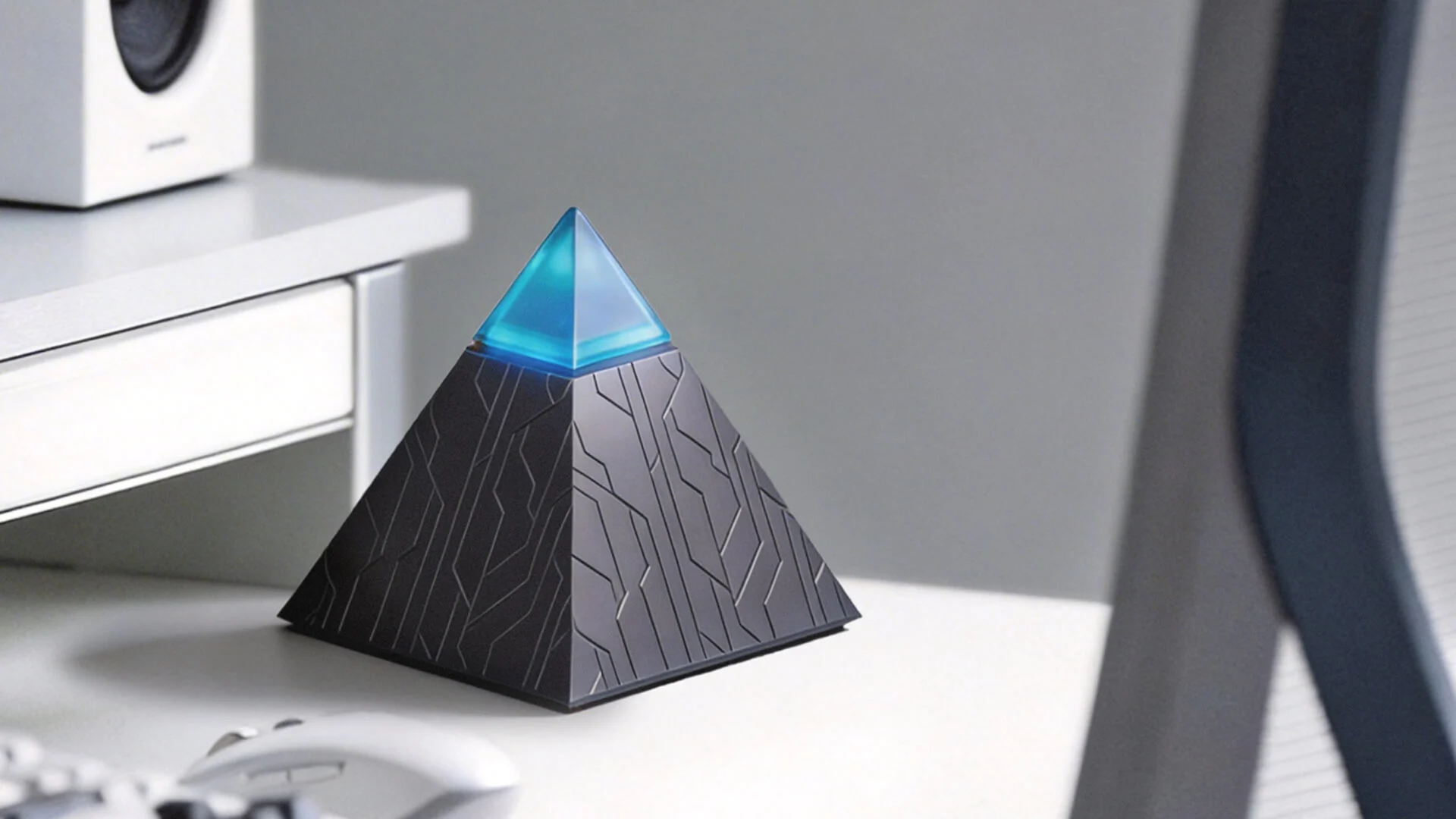
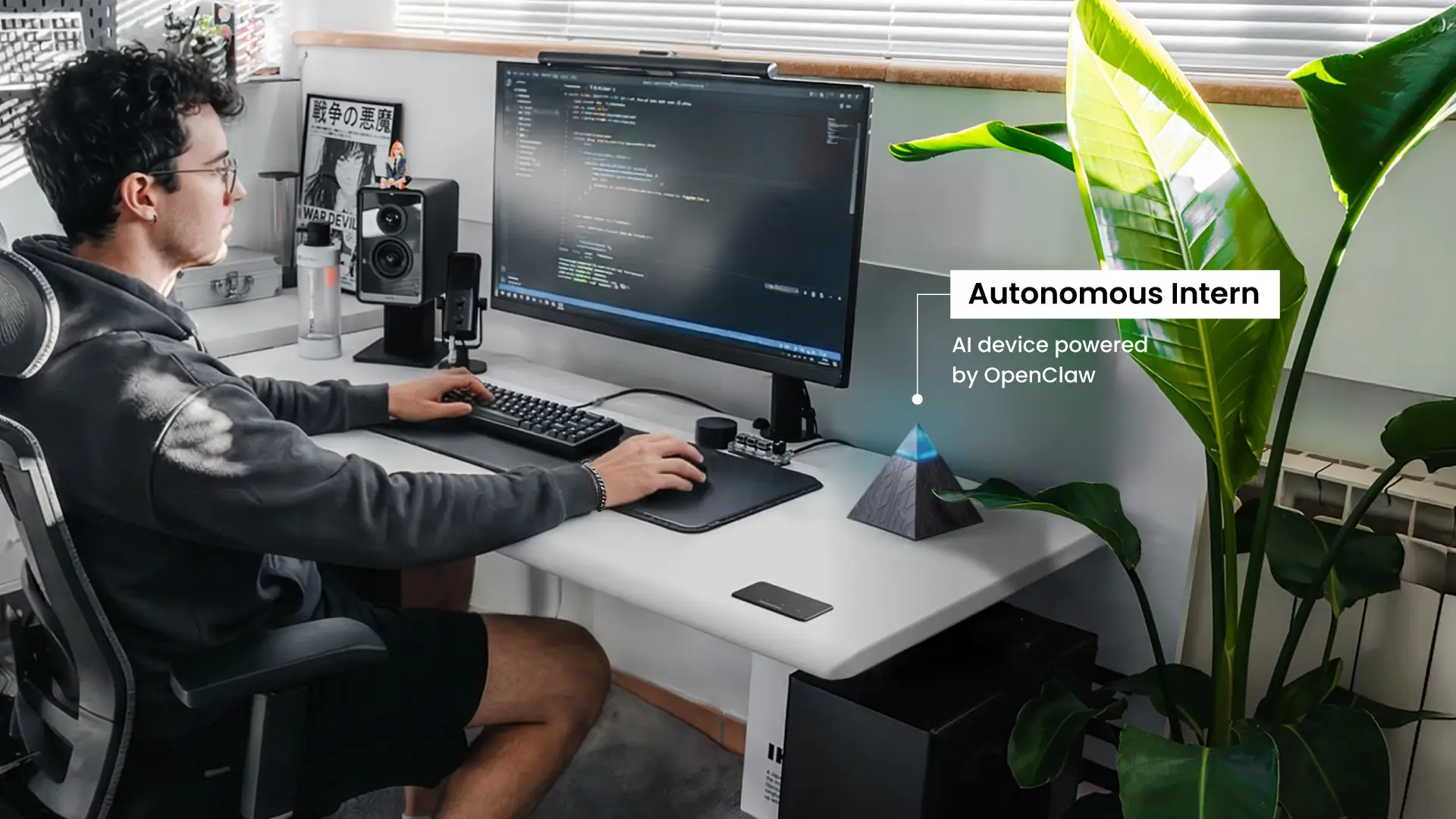
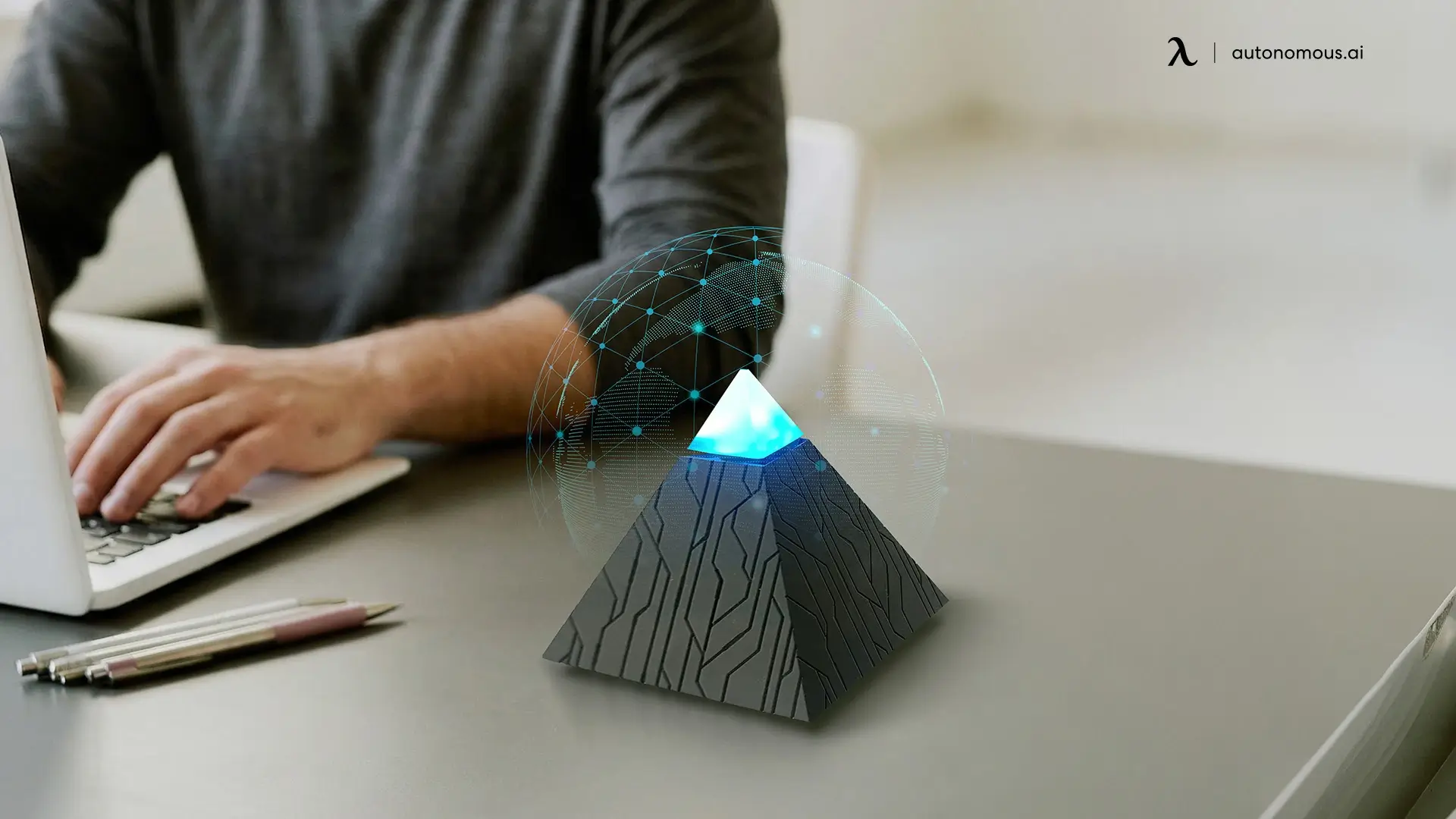
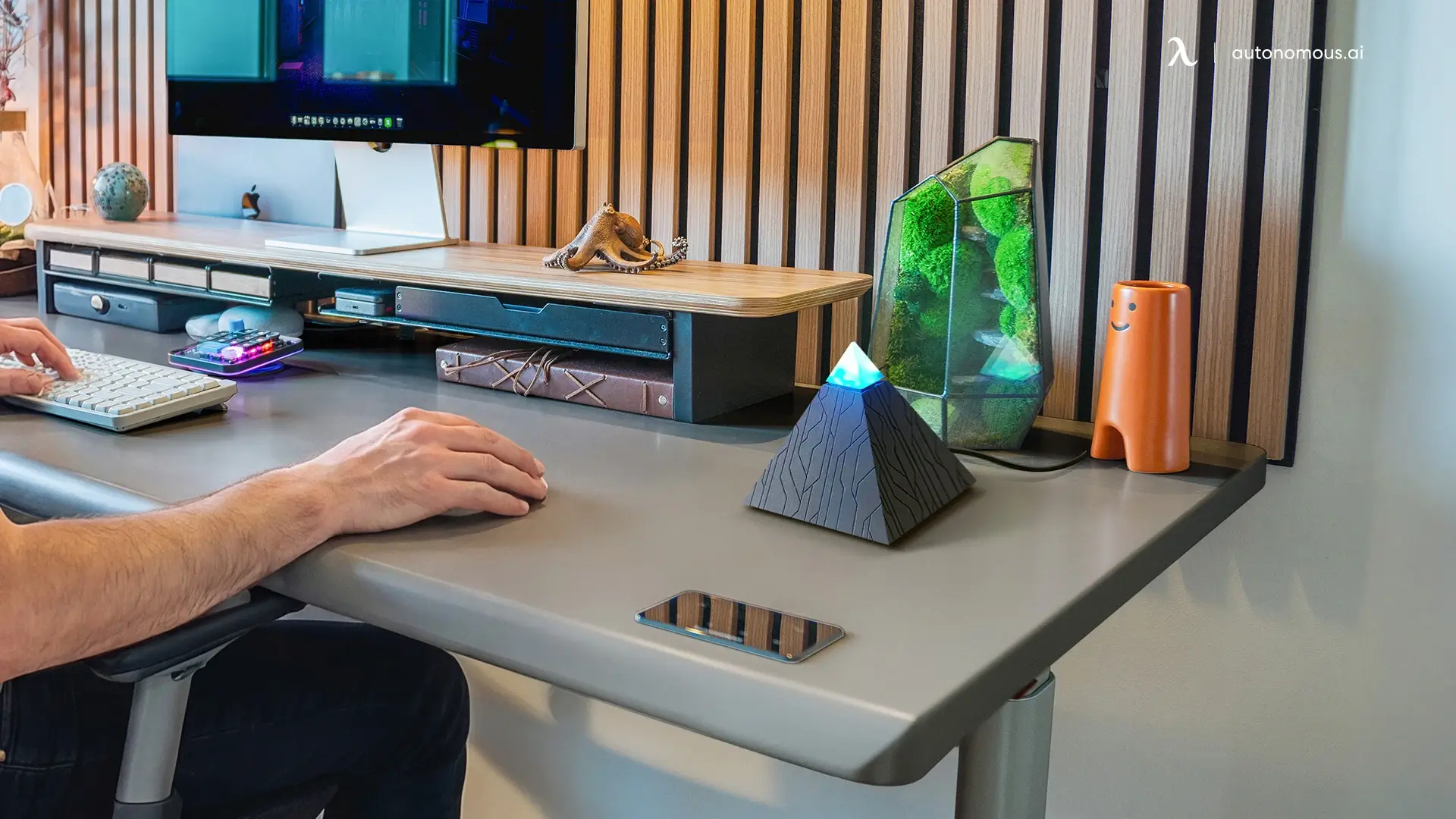
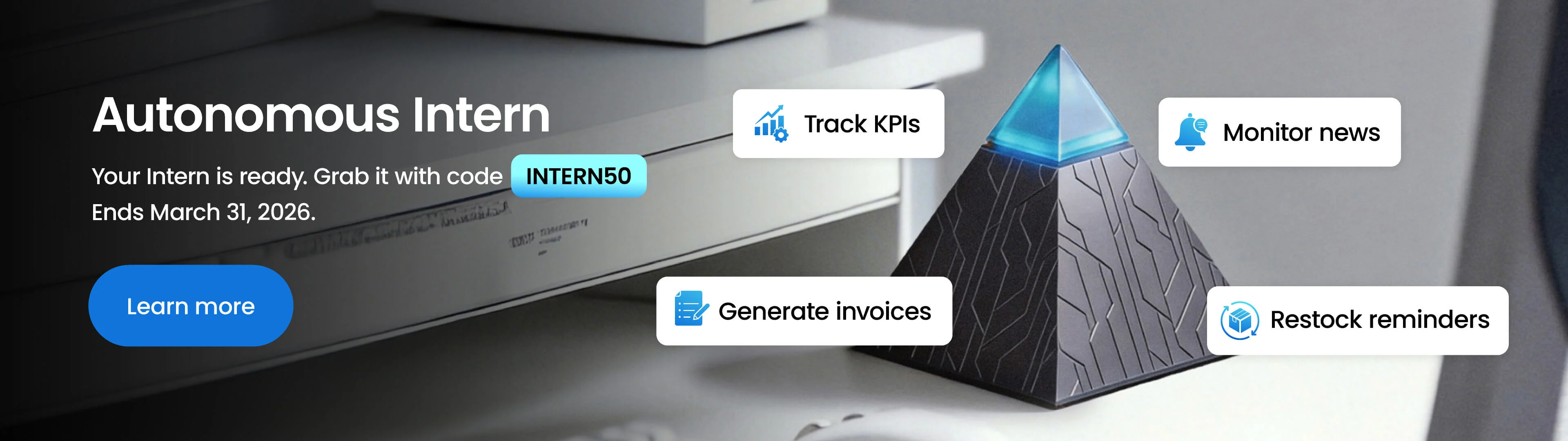
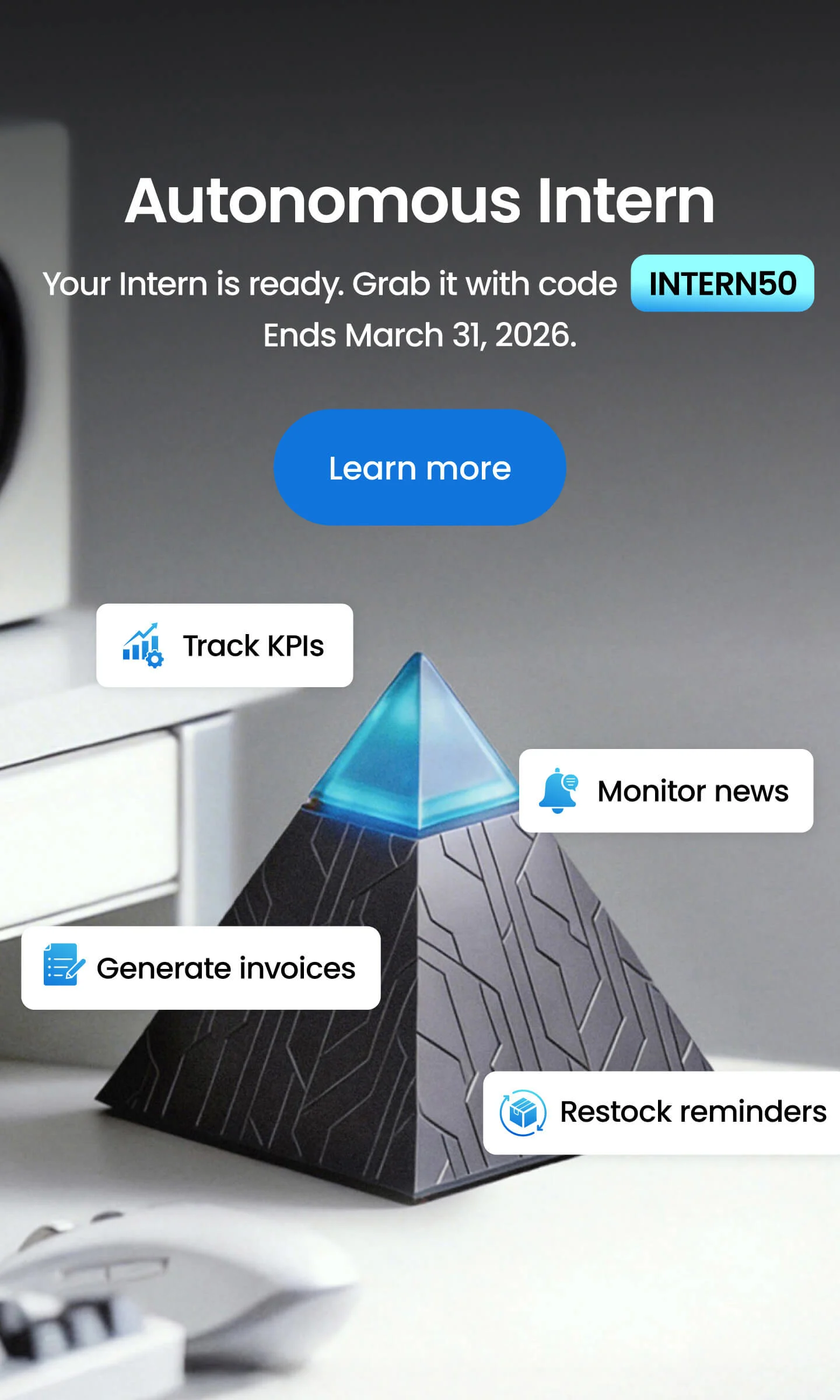
Autonomous Intern is an AI device built around this control model. Connected to a home device network, it accepts text-based instructions and executes the corresponding actions across device categories — without requiring app switching, routine setup, or ecosystem-specific commands.
Across a standard smart home setup, that covers:
- Speakers — play, pause, adjust, or personalize audio across rooms
- Lighting — set schedules, trigger scenes, adjust based on time or activity
- Security cameras — surface alerts, review footage, receive visitor notifications
- Pet devices — check pet camera feeds, trigger automatic feeders remotely
- Robot vacuum — initiate cleaning runs based on contextual input
- Thermostat — adjust temperature proactively based on schedule or instruction, one application of proactive AI in a home setting
The distinction from traditional platforms is not feature count. It is where the operational complexity sits — with the system rather than the user.

Setting Up Home Device Control — Where to Start
The right starting point depends on what you already have. Rather than a single setup path, home device control breaks into three practical tracks based on device count, brand mix, and how much configuration you want to take on.
Track 1 — Small Setup, Single Brand
For households with one to three devices from the same manufacturer, the setup is straightforward. Use the manufacturer's app to configure each device, then connect them to the voice assistant ecosystem that matches your phone — Google Home for Android, Apple Home for iOS, Amazon Alexa for either. Basic control and scheduling are available immediately with no additional hardware required.
Track 2 — Multiple Devices, Mixed Brands
Start with a protocol audit before choosing any platform. List every device you own and identify which wireless protocol each one uses — this information is on the product packaging or in the manufacturer's app settings. The goal is finding a control platform with the broadest protocol support across your specific device list.
For most households in this category, Google Home or SmartThings covers the majority of common devices without requiring advanced configuration. For users where local control and data privacy are priorities, Home Assistant provides the most complete solution, with the understanding that setup complexity is significantly higher.
Track 3 — No Configuration Overhead
For users who want full device control without building automation routines, learning platform logic, or managing protocol compatibility, an AI-native interface is the most direct path. Devices are connected once through their existing apps, and all ongoing control happens through natural language — functioning effectively as an AI secretary for the home, with no dashboards, routine builders, or syntax requirements.
Autonomous Intern operates on this model, handling device control across lighting, climate, security, and appliances through text-based instructions.
Whichever track applies, the underlying principle is the same: match the control method to the complexity of the setup, not the other way around.
FAQs
What is home device control?
Home device control is the ability to monitor and operate connected home devices — lights, thermostats, locks, cameras, and appliances — from a centralized interface, either locally or remotely. It ranges from basic app-based control of individual devices to fully automated smart home systems that manage multiple devices across different brands from a single platform.
What devices can be controlled in a smart home?
Most connected household devices can be incorporated into a smart home device control setup, including lights, thermostats, door locks, security cameras, doorbells, robot vacuums, speakers, blinds, and kitchen appliances. Compatibility depends on which wireless protocol the device uses and whether that protocol is supported by the chosen control platform.
How does smart home device control work?
Smart home device control works by connecting devices to a shared network — via Wi-Fi, Zigbee, Z-Wave, or Matter — and managing them through a hub, app, voice assistant, or AI interface. Commands travel from the control interface to the device either through a cloud server or directly over the local network, depending on the platform.
Do I need a smart home hub to control my devices?
A dedicated smart home hub is not required for basic home device control. Voice assistant ecosystems like Google Home, Amazon Alexa, and Apple HomeKit manage devices without hub hardware. A hub becomes necessary when running large mixed-protocol setups or when local control — independent of cloud connectivity — is a priority.
How do I control all my smart home devices in one place?
Controlling all smart home devices from a single interface requires a platform that supports the protocols used by your specific devices. Google Home, Amazon Alexa, Apple HomeKit, and SmartThings each aggregate devices from multiple brands into one app — the right choice depends on which devices you own and which ecosystem your phone operates in.
What is the easiest way to control smart home devices?
For most users, a voice assistant ecosystem is the most accessible entry point — Google Home for Android users, Apple Home for iOS, and Amazon Alexa for the broadest device compatibility across both. For users who want device control without building routines or learning platform logic, AI-native interfaces handle control through natural language instructions without configuration overhead.
Can I control smart home devices from different brands in one app?
Yes. Platforms including Google Home, Amazon Alexa, Apple HomeKit, and SmartThings support multi-brand device control within a single interface. Cross-brand compatibility depends on shared protocol support — devices using Matter have the broadest cross-platform compatibility of any current standard.
What is the best smart home control system for beginners?
For beginners, voice assistant ecosystems offer the most accessible entry into smart home device control, with straightforward setup and broad device support. Google Home suits Android users, Apple Home suits iOS users, and Amazon Alexa works across both — the right choice depends on existing devices and preferred ecosystem rather than any platform being objectively superior.
Is it worth setting up a smart home control system?
A smart home control system adds practical value when it reduces friction in daily tasks — managing lighting, climate, and security from one place rather than multiple apps. The investment in time and hardware is proportional to setup complexity; simpler setups using existing voice assistant ecosystems require minimal overhead and deliver immediate convenience for most households.
Can AI control smart home devices?
Yes. AI-native control systems accept natural language input and translate it into device commands without requiring users to configure automation routines or learn platform-specific syntax. This approach handles contextual, conversational instructions — determining the appropriate device action based on intent rather than requiring precise command phrasing.
Conclusion
Home device control has no single right answer — the best setup is the one that matches your devices, your household, and how much complexity you want to manage. For some, a voice assistant ecosystem is enough. For others, a dedicated hub or local control platform makes more sense. And for those who want device control without the configuration overhead, AI-native interfaces are a practical and increasingly capable alternative.
The technology is moving toward less friction, not more. Understanding the options available today puts you in a better position to build a setup that works now and scales as your home evolves.

Bleiben Sie mit uns in Verbindung!
Abonnieren Sie unsere wöchentlichen Updates, um über unsere neuesten Innovationen und Community-Neuigkeiten auf dem Laufenden zu bleiben!
Interesse an einer Linkplatzierung?

Sag es weiter