What Is OpenClaw? The OpenSource AI Agent, Explained

.webp)
OpenClaw is a free, open-source AI agent that runs on your own hardware, acts through the chat apps you already use, and remembers what it did last time. That is the short version of what is OpenClaw - and it is why the project became the most-starred agent repository of early 2026. The longer version matters more, because the capability is real and the setup is not trivial.
The maintainer said it plainly: if you can't run a command line, this is far too dangerous to run yourself. This article covers what OpenClaw is, how it works under the hood, where self-hosting breaks, and who can realistically use it.
What OpenClaw actually is
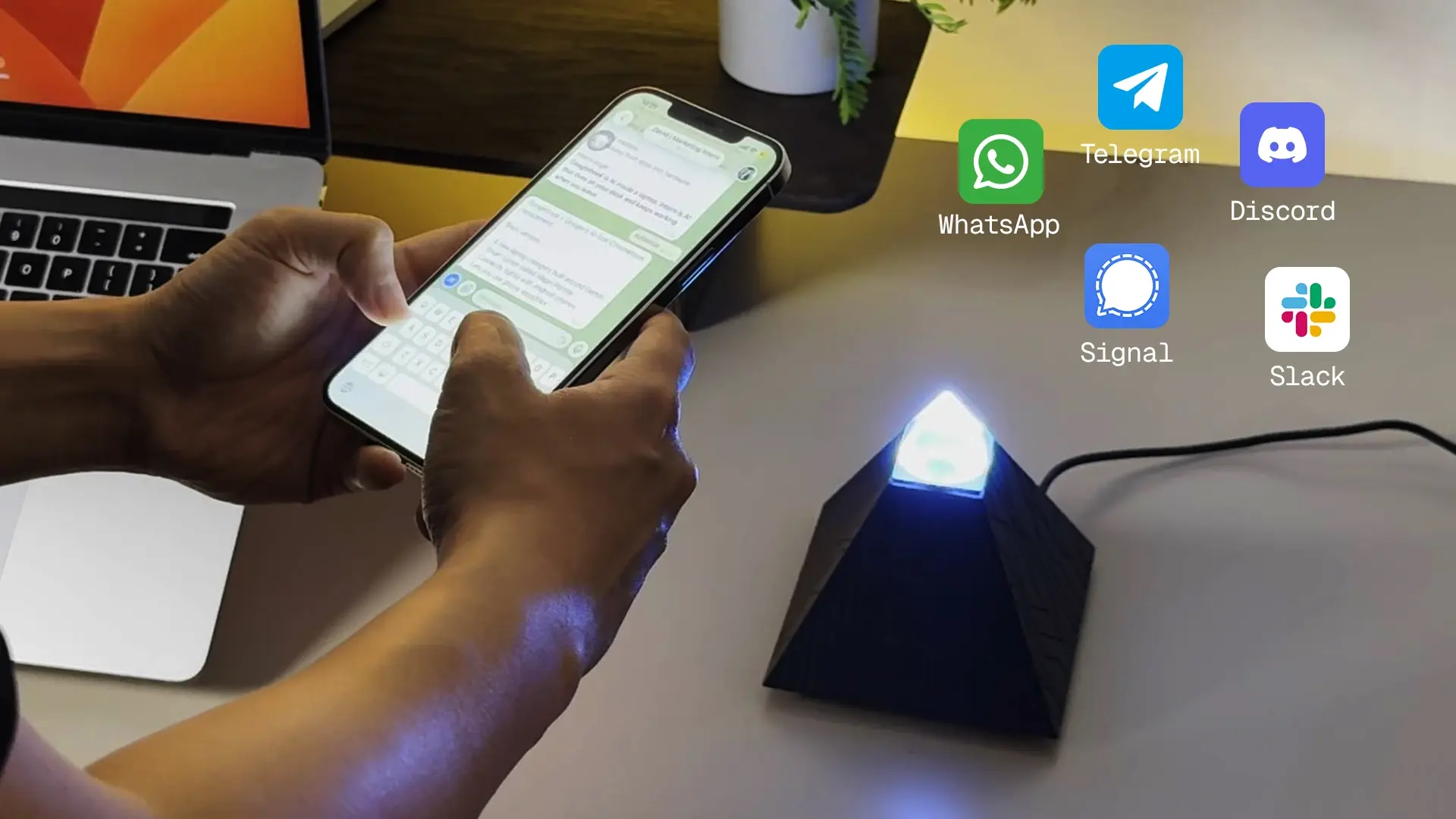
OpenClaw is an autonomous agent, not a chatbot. The difference is that it doesn't wait for a prompt - it runs on a schedule, takes actions on your behalf, and keeps a memory of past work across sessions. You reach it through WhatsApp, Telegram, Slack, or one of 20+ supported channels, so there is no separate dashboard to open.
Three properties set it apart from a hosted assistant:
- It acts, not just answers. Built-in abilities include running shell commands, controlling a browser, and managing files. It executes tasks end to end rather than describing how.
- It remembers. History and configuration live on your device and persist to disk, so the agent survives restarts and gets more accurate the longer it runs.
- It runs where you put it. The software is MIT-licensed and runs on macOS, Windows, and Linux. Nothing is managed on someone else's server by default.
Capabilities extend through skills - modular add-ons cataloged in a community registry called ClawHub. A skill can add email workflows, calendar management, or an API integration, and the agent can pull one in when a task needs it.
How OpenClaw works
A single background process called the Gateway does the work. When a message arrives from, say, Telegram, the Gateway normalizes it, loads the right session's memory and skills, and passes the full context to whatever language model you've connected. The model decides what to do, the Gateway executes those actions through skills, and the result comes back in the same chat thread. That loop - receive, reason, act, respond, remember - runs for every message.
The model is interchangeable. OpenClaw is model-agnostic: it works with Claude, GPT, Gemini, or an open-weights model served locally through a runtime like Ollama. Swapping models doesn't mean reconfiguring the rest of the stack. If you run the model locally, no conversation data leaves the machine at all.
Sessions are isolated per channel and per user, so a Slack thread and a Telegram chat don't bleed into each other. The Gateway also exposes a local dashboard for monitoring conversations and managing skills without editing config files by hand.
Why OpenClaw matters right now
OpenClaw arrived at the moment agent technology got useful enough to matter while staying simple enough to run without enterprise infrastructure. Local-first, open-source, and messaging-native had all existed separately before - no single project had shipped them together in a form an individual could actually run. Adoption spread faster than the docs could keep up, from solo developers to corporate Slack workspaces within months.
It is not a replacement for Claude or ChatGPT as a reasoning tool. Its edge is execution and persistence across sessions, not answer quality. That is a narrow but genuinely new position in the AI agent landscape.
The reality of running OpenClaw yourself
This is the part most guides skip, and it is where most attempts stall. Running OpenClaw well is an operations job, not a one-time install.
What the setup requires.
OpenClaw needs Node.js 22 or later - older versions fail in ways that are hard to trace back to Node. You need a machine with continuous uptime, because the Gateway is a persistent process; any interruption drops active sessions and stops scheduled tasks. Before the agent sends a single message, you're configuring API keys, gateway tokens, and per-channel credentials across separate files. Discord alone requires bot-intent configuration in its Developer Portal before the agent can read a message.
Where deployments break.
Config schemas change between releases without migration paths, so an upgrade can leave an agent that worked yesterday unable to start today. The default memory store writes to a single file without journaling - an interrupted write from a power cycle can corrupt it and require manual repair. Left unmanaged, the memory store also grows until it fills the disk.
The security exposure.
On a default install the Gateway binds to all network interfaces, not localhost, so it's reachable from outside the machine. API keys sit unencrypted in the config file. ClawHub skills run as third-party code with whatever permissions they declare, and there is no central vetting before a skill is published. Cisco security researchers tested a third-party skill and confirmed it performed data exfiltration and prompt injection with no user-facing sign it had happened.
The ongoing load.
Releases are frequent, and several have been direct responses to disclosed vulnerabilities - so updating is a security requirement, not routine maintenance. There is no built-in health monitoring, so a downed Gateway is usually discovered only when a task fails silently.
For developers, this load is expected and manageable. For the broader audience OpenClaw appeals to - people who just want tasks handled - it is the reason most attempts end before the agent's first message. If you do want to self-host, the full OpenClaw setup process walks through it, and the hardware requirements determine how reliable the result is.
OpenClaw without the setup: what a dedicated device changes
Everything above assumes you're running OpenClaw yourself. A pre-configured device removes that assumption. The idea is direct: ship the full stack - Gateway, model connections, messaging integrations - already installed on dedicated hardware. You plug it in, connect Wi-Fi, and text the agent through the apps you already use.
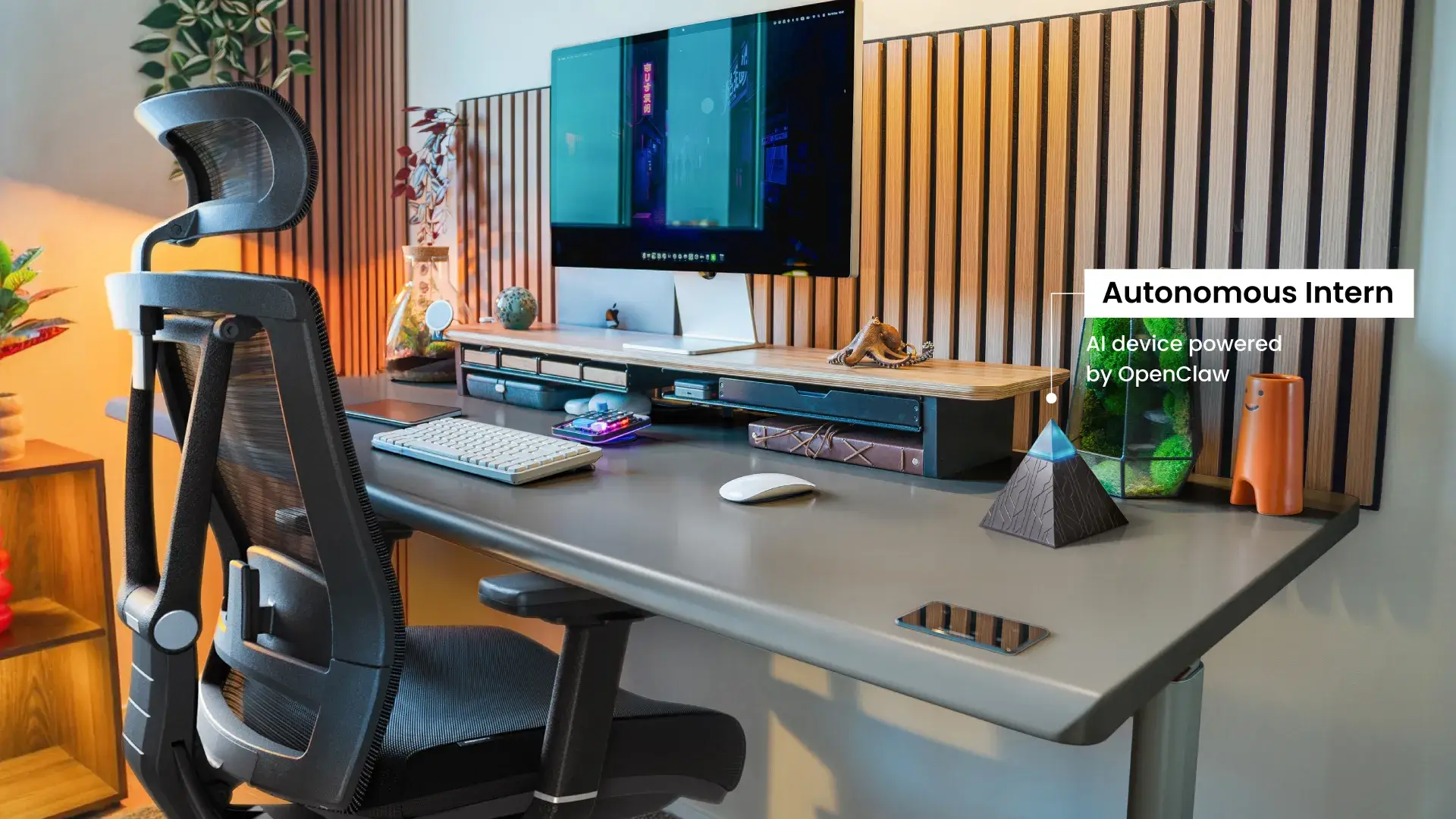
The Autonomous Intern is built on that premise. It's a standalone unit that sits on your desk, joins your network over Wi-Fi, and needs nothing installed on your work machine. It handles tasks by text and by voice through an onboard dual-microphone array (up to about 3 meters) and a built-in speaker, and it runs the OpenClaw stack alongside the Hermes framework out of the box.
On privacy, the honest picture is this: credentials, session data, and files are handled on the device rather than a remote server, and because nothing installs on the host machine, it fits SSO and managed-device environments without IT approval. What is not automatic is full offline processing - that depends on the model you load. Point it at a cloud model like Opus or Sonnet and reasoning happens in the cloud; load a small local model and it stays on the device. The device removes the setup work; it doesn't change the physics of where a large model runs.
The tradeoff is control versus overhead. A self-hosted install allows deeper configuration - custom skills, specific models, network routing. A device abstracts that in exchange for a deployment path with no technical prerequisites. Both run the same OpenClaw engine; the difference is who owns the infrastructure.
Who should use OpenClaw
Profile | Best path | Why |
Developers / power users | Self-host | Full control over models, skill permissions, session routing, and network exposure; skills can be written and loaded without ClawHub. |
Solopreneurs / small business | Either - device removes the barrier | Recurring work (inbox, invoicing, scheduling, research) maps directly to what an agent handles; persistent memory cuts repeat instructions. |
Non-technical professionals | Dedicated device | Concrete tasks (data pulls, expense reports, cross-time-zone scheduling) need a working agent, not infrastructure management. |
Anyone wanting zero oversight | Neither yet | OpenClaw acts on your behalf; it needs deliberate configuration of what it can access. Its value scales with how carefully it's set up. |
FAQs
What is OpenClaw in simple terms?
It's an open-source AI agent that runs continuously on your own hardware and acts through your chat apps - executing tasks, keeping memory across sessions, and connecting to your tools. It differs from a chatbot by acting without a new prompt each time.
How does OpenClaw work?
A background process (the Gateway) listens for messages, routes each to your chosen language model, executes the model's decided actions through skills, and replies in the same thread - persisting memory to disk between runs.
Is OpenClaw free?
The software is MIT-licensed and free. You may still pay for model API usage, hosting, or hardware, depending on how you run it.
Is OpenClaw hard to install?
For most people, yes. It requires Node.js setup, credential configuration across files, and keeping a persistent process alive and patched. That difficulty is why pre-configured options exist.
Can OpenClaw run fully offline?
Only if you pair it with a local model runtime like Ollama. With a cloud model connected, reasoning happens in the cloud even though orchestration stays local.
Is OpenClaw safe to run?
It can be, with care. It executes commands and runs third-party skills, so secure deployments restrict permissions, review skills, and run on a dedicated machine rather than a primary workstation.
What hardware runs OpenClaw best?
A small always-on machine - a Mac Mini, a mini PC, a Raspberry Pi, or a dedicated device - keeps the Gateway running without tying up your main computer. The right pick depends on whether you run models locally or in the cloud.
Conclusion
OpenClaw marks a real shift: not a tool you query, but an agent that works on your behalf across the apps you already use. The capability is genuine, and so is the gap between what it can do and what most people can set up and maintain alone. For developers, self-hosting gives full control. For everyone else, the setup and security overhead is the barrier - which is the specific problem a pre-configured device is built to remove. Either way, what OpenClaw makes clear is that persistent, autonomous agents are no longer a research idea. The open question is which deployment path fits your comfort level and how much of the infrastructure you want to own.
References
- OpenClaw project repository and documentation, github.com/openclaw/openclaw
- "ClawMobile: Rethinking Smartphone-Native Agentic Systems," arXiv:2602.22942 (OpenClaw Gateway architecture)
- "Caging the Agents: A Zero Trust Security Architecture for Autonomous AI in Healthcare," arXiv:2603.17419 (OpenClaw workspace/permissions model)
- Cisco security research, OpenClaw third-party skill exfiltration test, 2026
- TechRadar, "Best hardware options for deploying OpenClaw," techradar.com/pro/best-hardware-options-for-deploying-openclaw