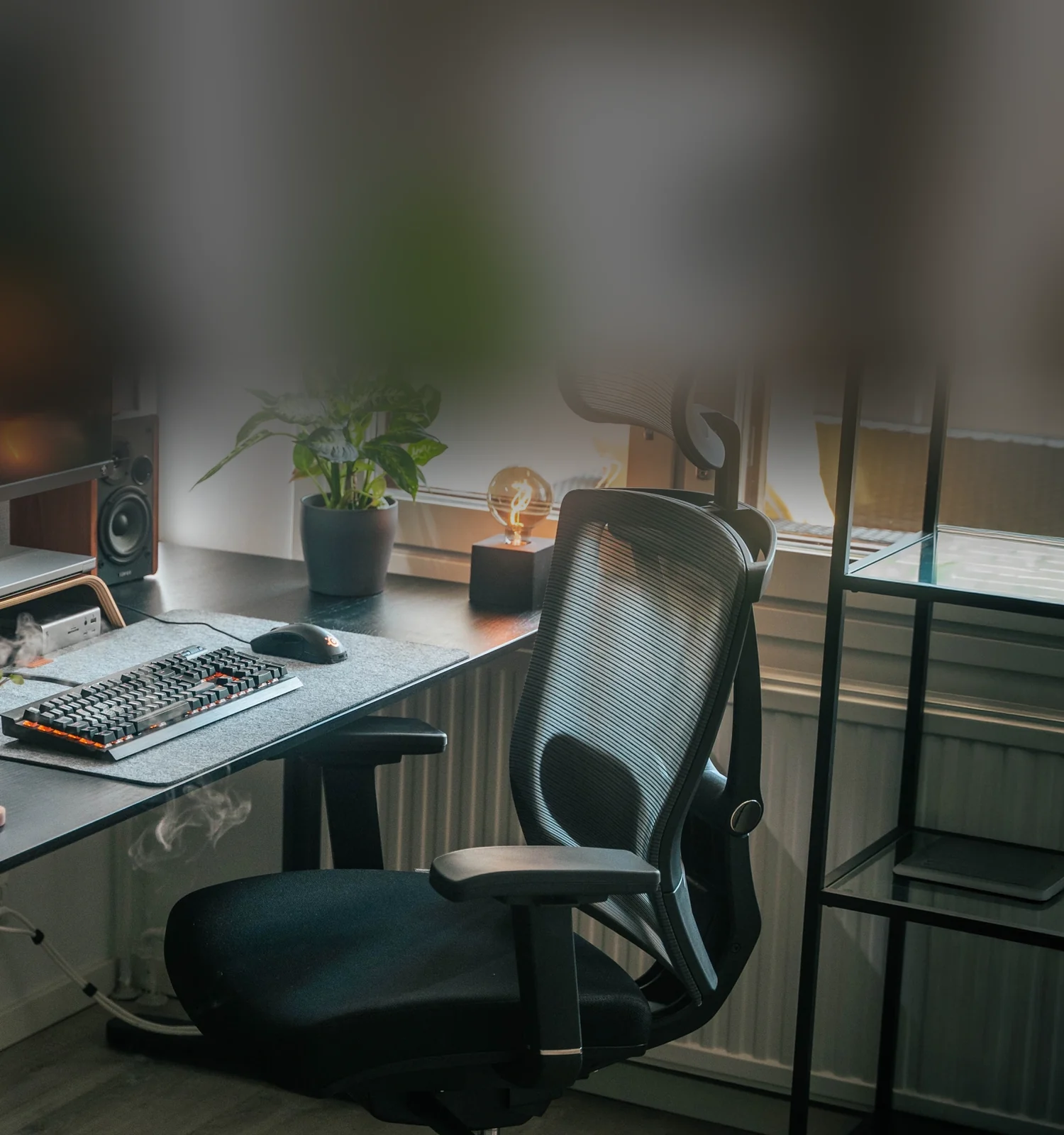
Black Friday Week
Chair flash deals, 50% off. Limited quantity.
Drops at 12 AM and 12 PM ET, then every 2 hours.
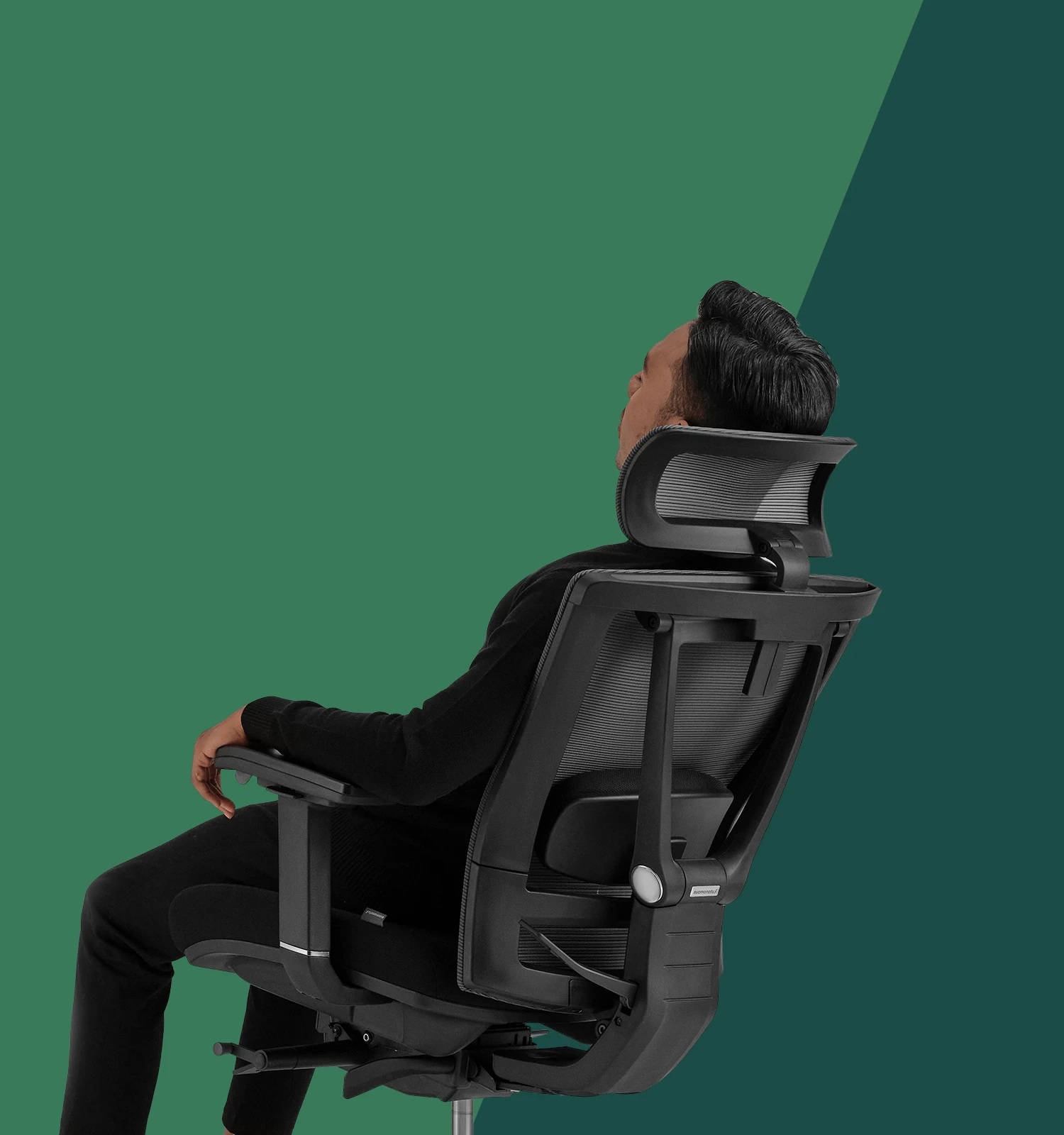
ErgoChair Pro
$30 off for Black Friday.
Built for 12-hour sessions.
Stool vs Chair: Difference Between a Chair and a Stool
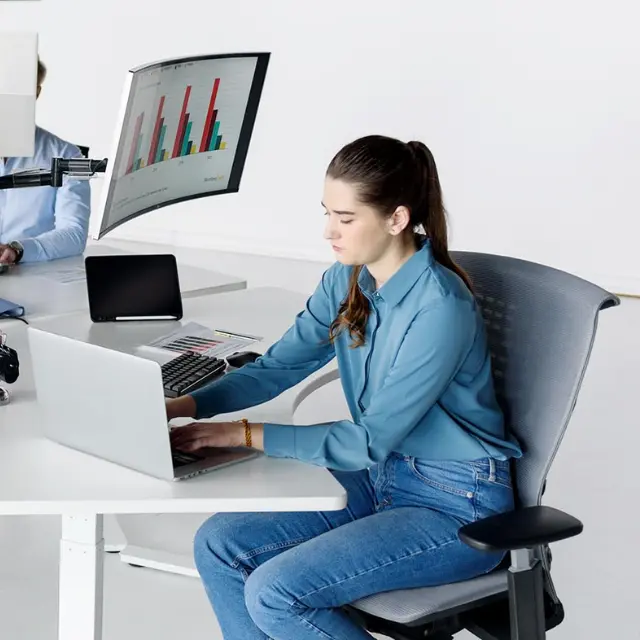
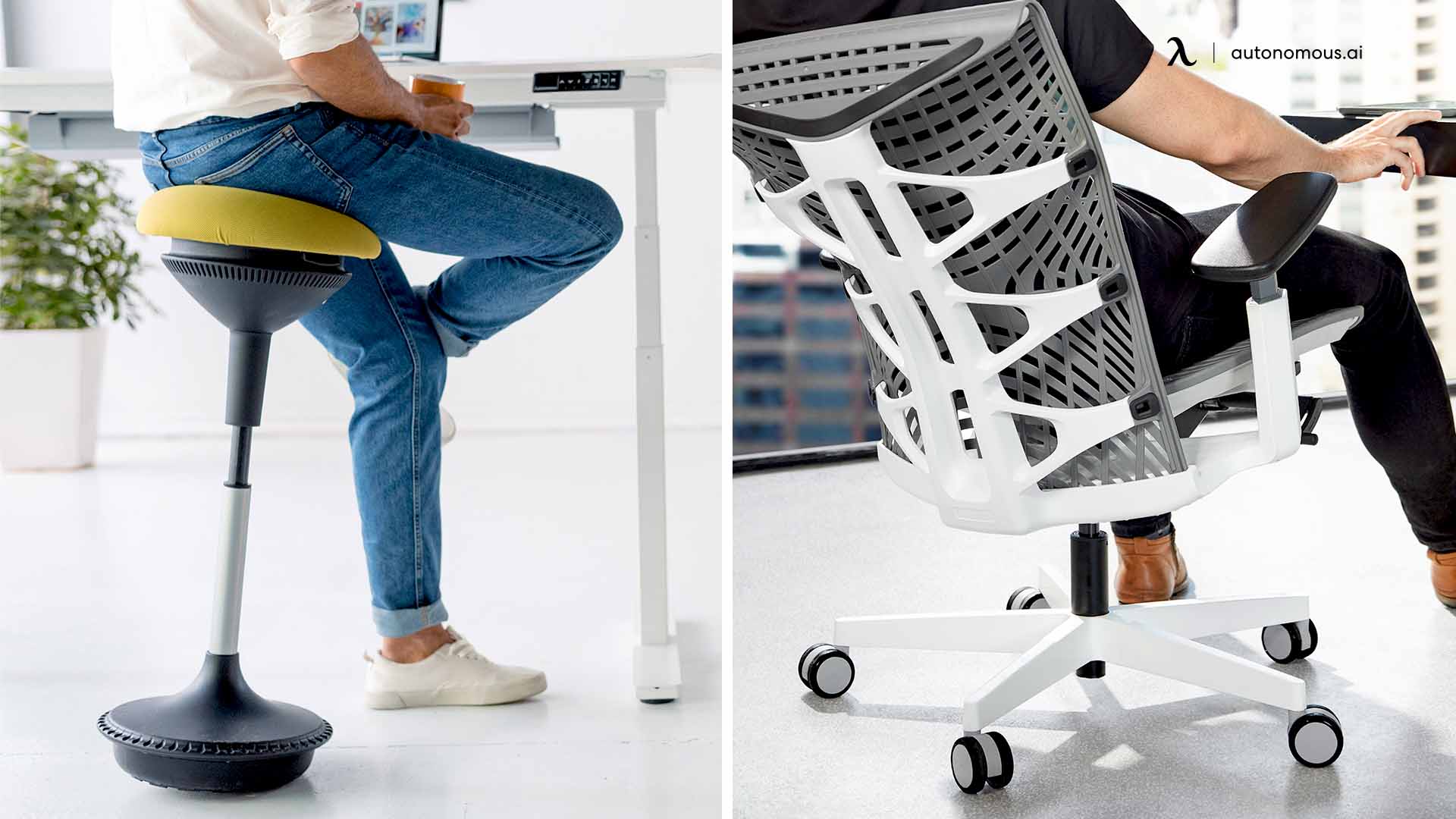
The difference between a chair and a stool is the back: a chair has a backrest and usually armrests, while a stool has neither, only a seat raised on legs or a single post. That one part decides what each is good for. A backrest lets your back muscles rest against something, so a chair suits long desk hours. A stool keeps you upright on your own muscles, so it suits short perches and high counters.
At a standing desk or counter, the short answer is a perching stool for short spells and a chair for long work. Size any stool so its seat sits 10 to 12 inches below the work surface. Below: the full stool vs chair comparison, what studies say about posture, the main stool types, and what to check in a chair for long hours. For full desk days, the ErgoChair Pro is discounted in the Black Friday chair sale, which takes up to 10% off.
The Difference Between a Chair and a Stool at a Glance
A stool trades back support for height, a smaller footprint and more movement, and a chair trades footprint for support you can lean on. The table sums up the differences that matter at a desk.
| Feature | Stool | Chair |
|---|---|---|
| Backrest | None (some bar stools add a low back) | Yes, often with lumbar support |
| Armrests | None | Usually |
| Typical seat height | Any height, often sized for counters and bars | Sized for a standard desk |
| How you sit | Upright on your own muscles, often perched | Back against the backrest, can recline |
| Comfortable session | Short spells, breaks from standing | Full workdays |
| Footprint | Small, slides under a counter | Larger, with a five-star base |
The short version: if you will sit for more than an hour at a time, pick the chair. If you sit in short bursts or work at counter height, a stool can be the better fit.
Can a Stool Be Considered a Chair?
No, not in everyday or furniture terms: both are seats, but a stool is the kind with no back and no arms. Wikipedia defines a stool as a raised seat, usually on three or four legs, with neither armrests nor a backrest, and dictionaries describe a chair as a seat for one person with a back.
A few products blur the line. A bar stool with a low back is still sold as a stool because of its height. A drafting chair is a tall task chair with a backrest and a foot ring, so it counts as a chair. A kneeling "chair" has no backrest, so it works more like a stool. A quick check: if you can lean back against it and let go, it behaves like a chair.
Is Sitting on a Stool Better Than a Chair?
Sitting on a stool is better than a chair only for short sessions; for long seated hours, a chair with a backrest is the better choice. A stool makes your trunk muscles hold you upright the whole time. That keeps you moving, which feels fine for a short spell, but the muscles tire and most people start to slump or lean on the desk.
Most of the research on backless sitting tested exercise balls, not stools. Kingma and van Dieën (2009) had 10 women type for an hour on an office chair and on a ball. The ball gave 33% more trunk motion, but average lower-back muscle activity was 78% higher and the spine compressed more. Gregory and colleagues (2006) put 14 people on each seat for an hour and found small differences in muscle activity and posture, plus more discomfort on the ball.
The link to stools is one study: McGill and colleagues (2006) compared a ball with a plain stool and found no meaningful difference in muscle activity, spine posture or spine load. So the ball results are a fair guide to any backless seat, but there is no direct all-day stool trial behind them. Cornell's ergonomics group concludes that ball chairs should not replace a good ergonomic office chair.
OSHA's computer workstation guidance makes the chair side of the case: a backrest should support the lower back's natural curve, and seats with four or fewer legs or casters can tip. Try this check: sit through one 60-minute work block on your stool. If you end up propped on your elbows or rounding your upper back, your back is asking for a backrest.
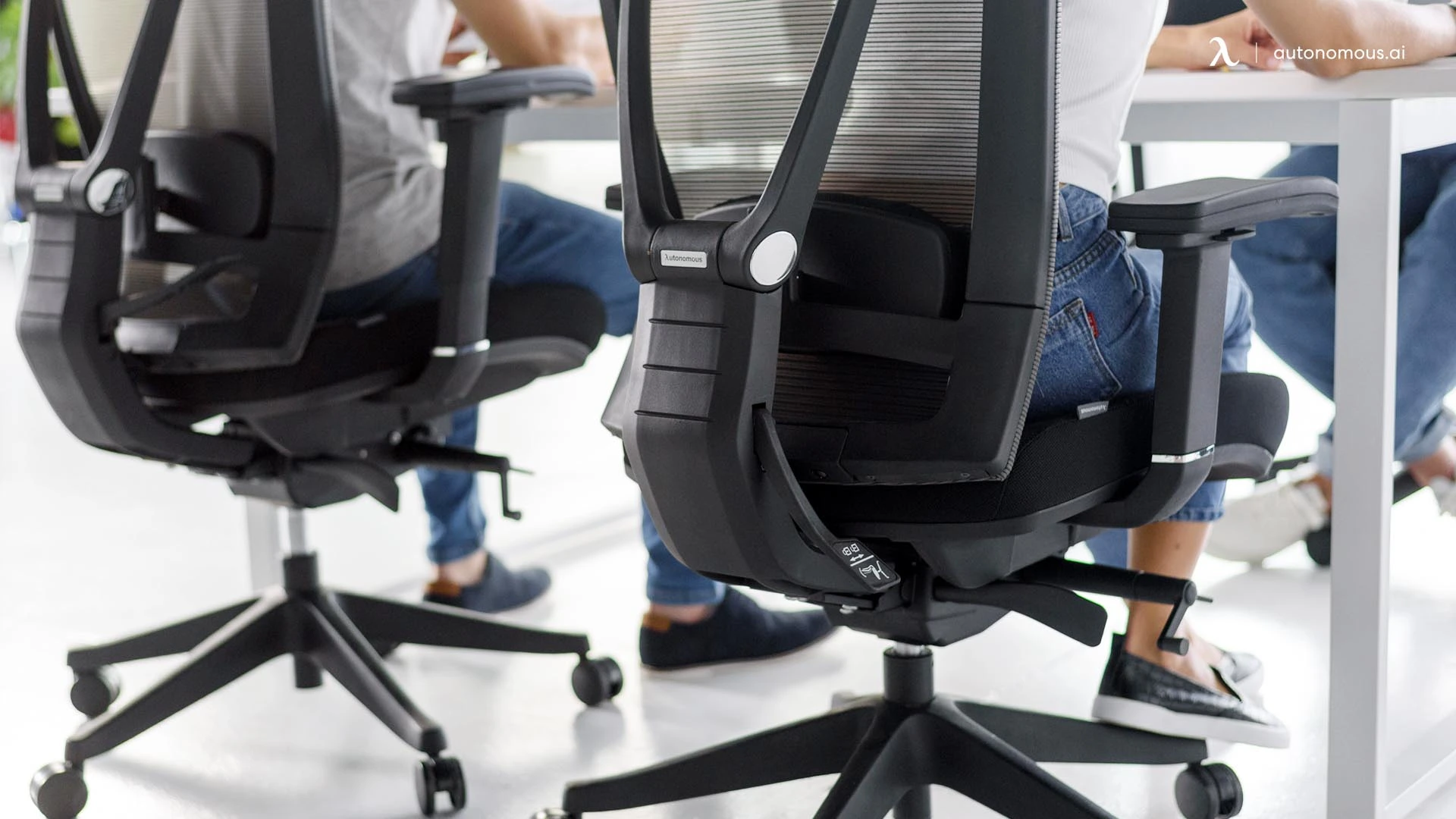
Does Sitting on a Stool Improve Posture?
Sitting on a stool does not improve posture by itself; it changes which muscles hold you up. Without a backrest, you either sit tall using your trunk muscles or slump, and over a long day most people slump. The studies above found more muscle work on backless seats, not better spine posture.
The shape of the stool makes a difference. Saddle and perching stools tilt your thighs down, which opens the hip angle and makes it easier to keep the lower back's natural curve, the idea behind a saddle seat for posture. That only lasts while your muscles hold it. A flat bar stool with dangling feet does the opposite and pushes most people into a C-shaped slouch.
If you want a stool for posture, use it as a break, not a replacement. Alternate it with standing and with a chair, the pattern behind active sitting, and keep both feet on the floor or a foot ring.
Types of Stools and What Each Is For
Stools differ mainly in height and seat shape, and each type fits one job. Size a stool to the surface first: the usual rule is 10 to 12 inches between the top of the seat and the top of the surface, so a 36-inch counter takes a 24 to 26-inch stool and a 42-inch bar takes a 30 to 32-inch stool.
| Stool type | Seat shape | Best for | Limit |
|---|---|---|---|
| Bar or counter stool | Flat, fixed height | Kitchen counters, bars | No adjustment, feet often dangle |
| Drafting stool | Flat, gas lift, foot ring | High work tables, labs | No back for long sessions |
| Perching or leaning stool | Small, tilted forward | Breaks at a standing desk | Holds part of your weight only |
| Saddle stool | Horse-saddle shape | Dental and studio work, open hip angle | Feels odd at first, firm |
| Kneeling stool | Seat plus shin pads | Short upright sessions | Pressure on the shins |
| Wobble or active stool | Round seat on a rocking base | Fidgeting, short tasks | No back, tiring over hours |
Most ergonomic perching stools tilt the seat forward so your hips sit above your knees, and they take part of your weight while a standing desk stays up. Kneeling seats suit short sessions, and the benefits of kneeling chairs come with the same no-backrest catch.
An ergonomic saddle chair opens the hip angle the same way, usually on a gas lift so you can match it to your desk.

Drafting Stool vs Office Chair
A drafting stool raises you to a high table, and an office chair supports you at a standard desk; for long hours, the office chair wins. If your surface is high and you sit for hours, a drafting chair gives you the tall seat and foot ring plus a backrest. Most types of drafting chairs pair a tall gas lift with an adjustable foot ring, and a counter-height office chair covers the space between desk and bar height.
Stool or Chair With a Standing Desk
A standing desk works best with a chair for the seated blocks and a perching stool for breaks while the desk stays up. A stool alone means you never sit back. The stools for a standing desk that fit this job are the perching kind, which hold you half-standing at a height no regular chair reaches.
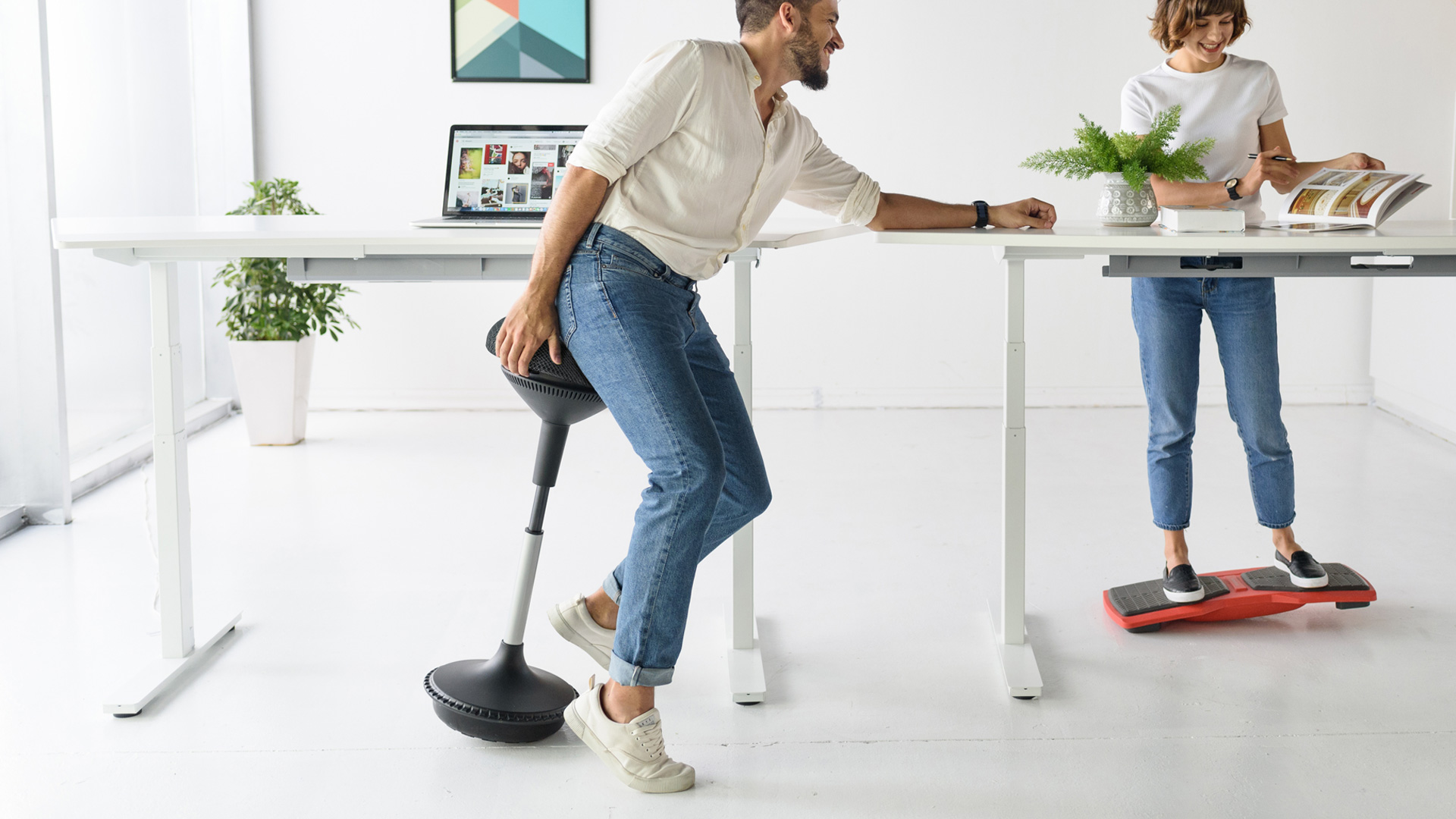
A height adjustable standing desk makes the switch a button press. Set the desk to elbow height first, the starting point of any ideal standing desk setup, then size the stool to it; in a tight room, a small standing desk leaves space for both seats.
What to Check in a Chair for Long Desk Hours
A chair for long hours needs a backrest that supports your lower, mid and upper back, a seat you can size to your legs, and a recline that moves with you. Cornell's chair checklist is a good test to run in a store or during a trial:
- Seat width: at least one inch wider than your hips and thighs on each side.
- Seat depth: you can sit back against the lumbar support without the seat edge pressing behind your knees, which is what an office chair with adjustable seat depth fixes.
- Lumbar: adjustable up and down if more than one person uses the chair, the main trait of an ergonomic chair for lower back pain. If your pain sits higher, look at a desk chair for upper back pain with a taller back.
- Armrests: height and width you can change while seated, like an office chair with adjustable arms.
- Recline: the back should follow you, not lock upright. A reclining ergonomic chair with an office chair headrest or an ergonomic chair with footrest lets you rest without leaving the seat.
- Cushion: judge comfort after 60 to 120 minutes, not two minutes. Low-density foam flattens with daily use, and the seat cushion is one of the office chair parts you can usually replace.
When a Chair Wins: ErgoChair Picks for Long Desk Work
If most of your day is seated, these three ergonomic chairs cover adjustable lumbar, a flexing back and a taller seat. All three are discounted in the Black Friday chair sale, which takes up to 10% off with free shipping and no code, and keeps the 30-day trial and free returns.
ErgoChair Pro: for adjustable lumbar support
The ErgoChair Pro suits someone who wants to set the lumbar where their lower back curves: the pad slides 6 inches, with 9 degrees of freedom, synchro-tilt, a 112° recline, 3D armrests and a seat that tilts forward 5°. It holds 300 lb, has a lifetime warranty and a 4.6 rating from 3,398 reviews. The limit: owners report the armrests do not lock on slide or swivel, and the seat tops out at 22 inches, too low for a counter-height desk.
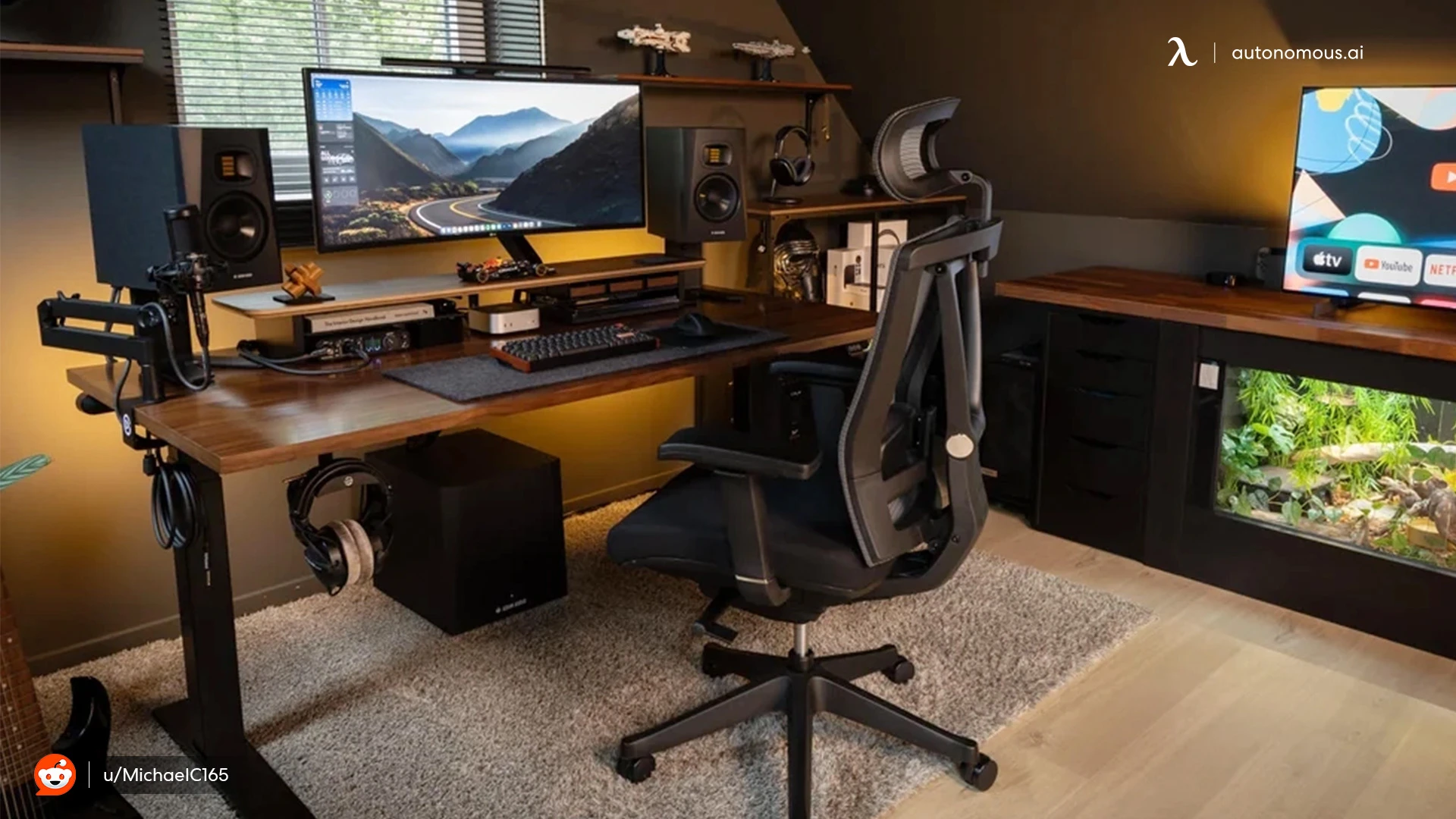
The adjustment video shows how the seat, armrests and headrest set up.
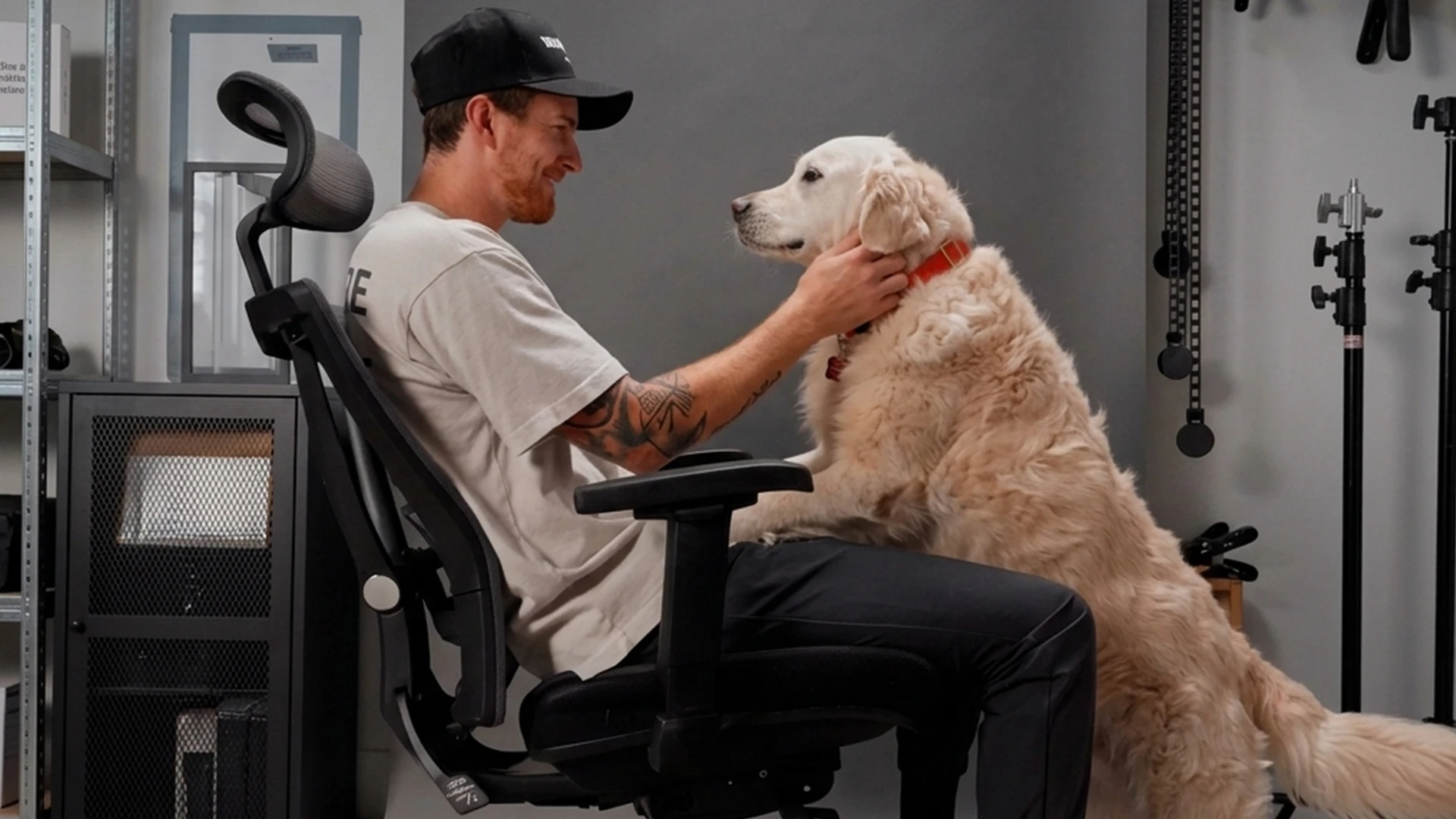
Two owners describe it this way.
ErgoChair Ultra 2: for a back that moves with you
The ErgoChair Ultra 2 suits someone who shifts around a lot but wants a back behind them: its flexing TPE backrest with 62 pressure nodes bends with your spine, with synchro-tilt, a 115° recline and 4D armrests that pivot. It holds 320 lb, has an 18 to 23-inch seat range, a lifetime warranty and a 4.5 rating from 379 reviews. The limit: there is no lumbar dial, so support comes from the flexing layer, not a pad you position.
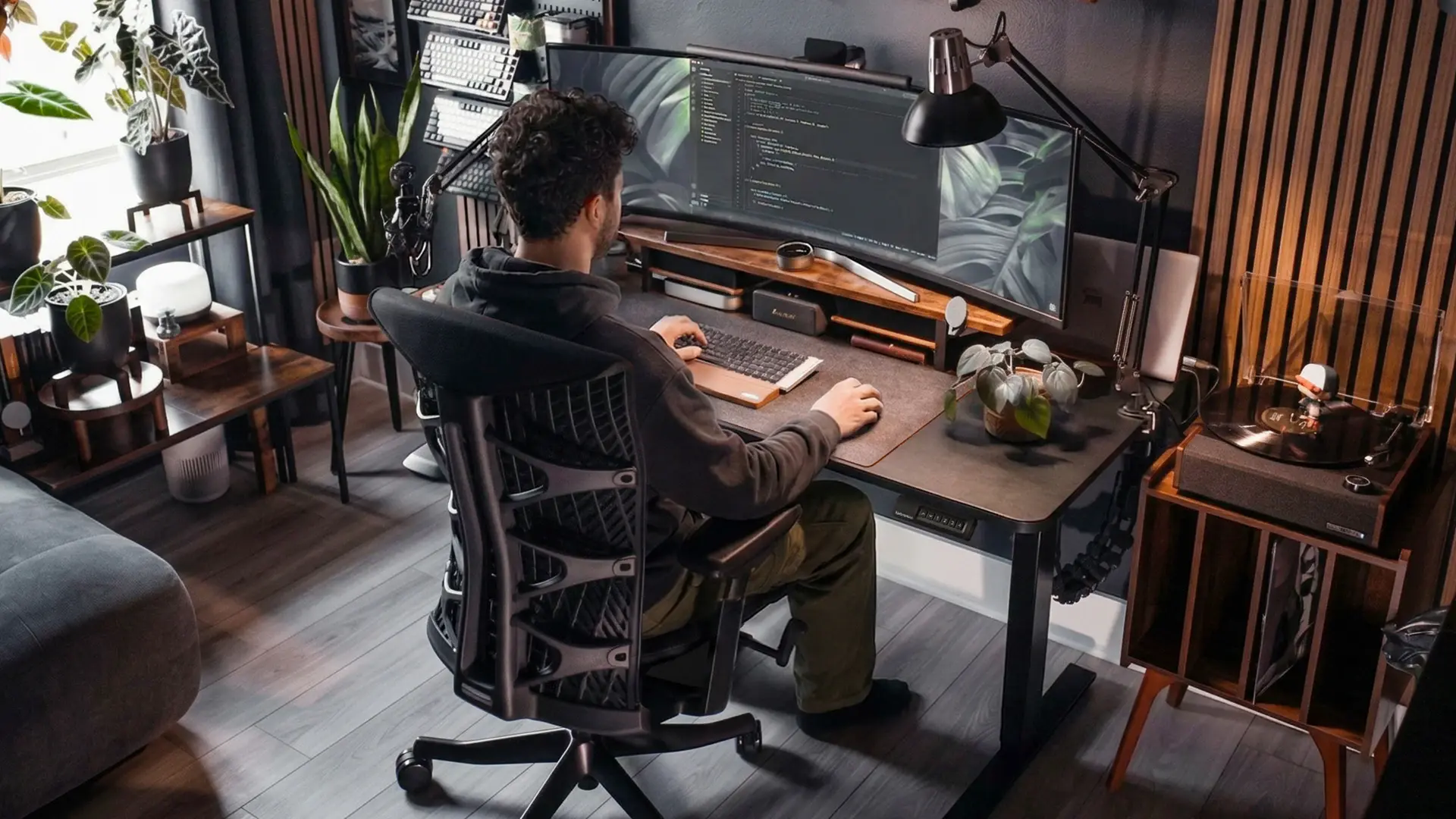
This clip shows the Ultra 2's adjustments in use.
ErgoChair Core: for a taller seat and deep recline
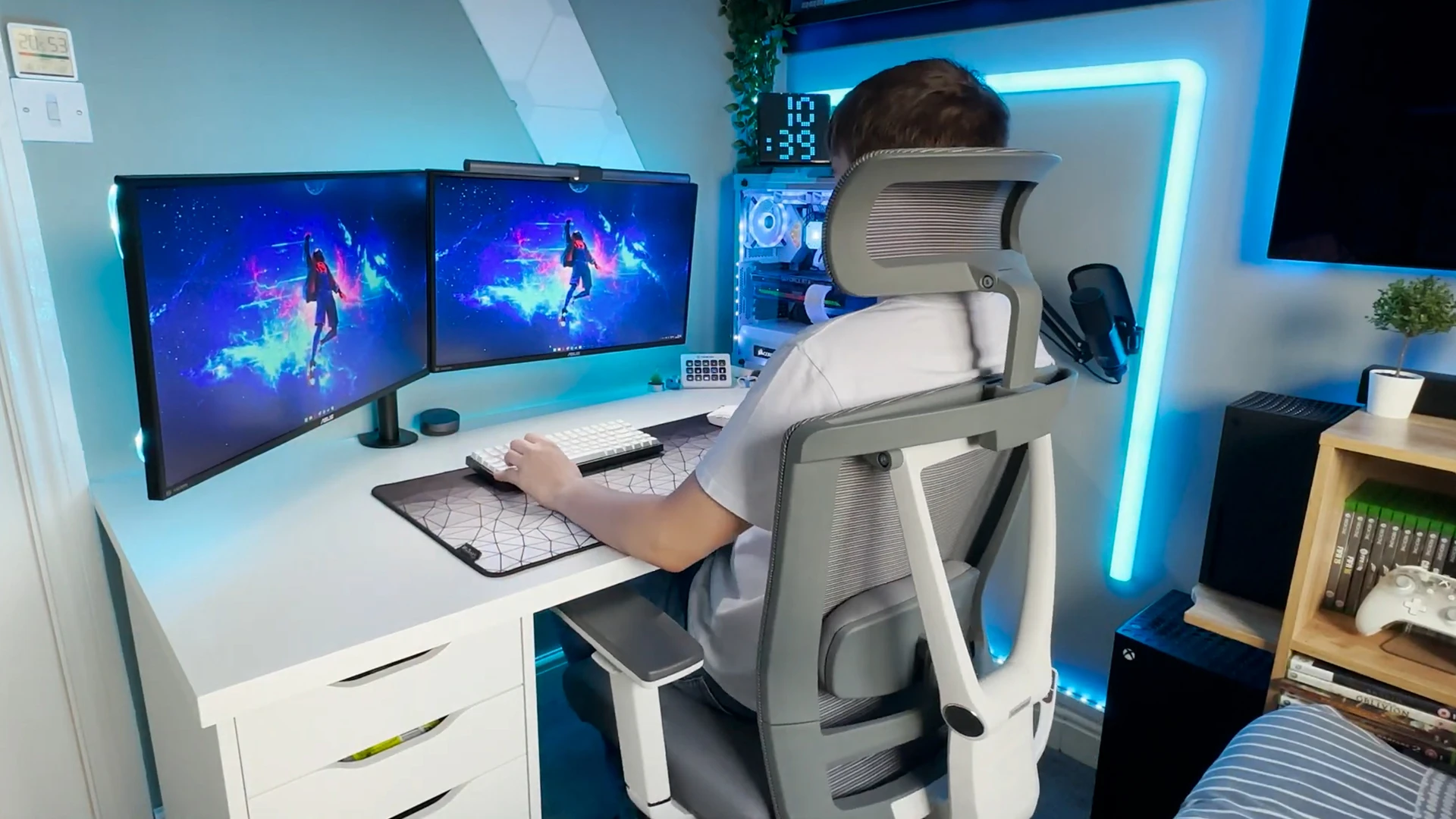
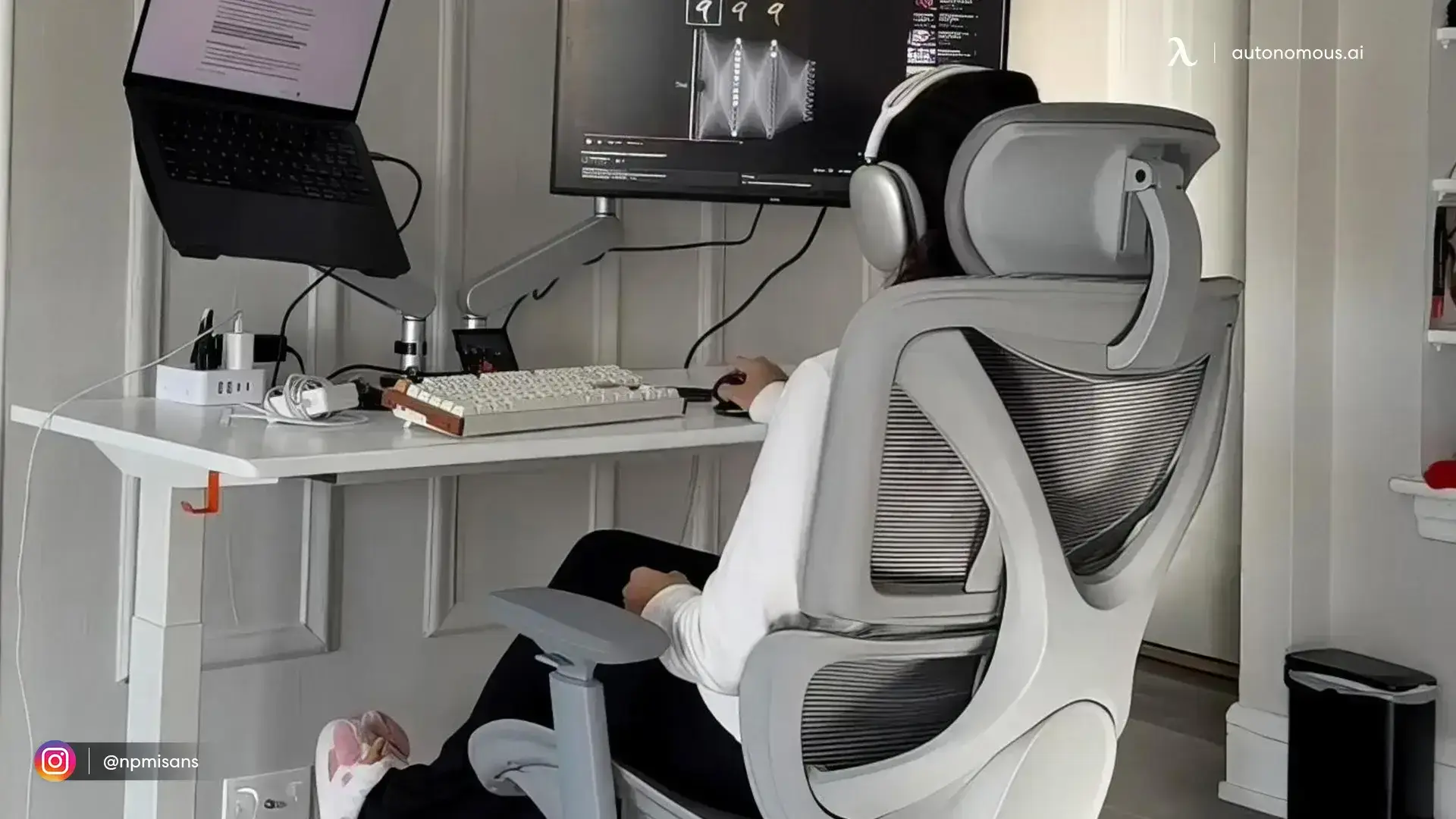
The ErgoChair Core suits a slightly higher desk or a smaller budget: its seat runs from 20 to 23.8 inches, the tallest of the three, with a dual backrest, a headrest, 3D armrests and a 130° recline (90° upright plus 40° of tilt). The limits: it holds 242.5 lb, carries a 2-year warranty and has no lumbar dial. It has a 4.1 rating from 51 reviews.
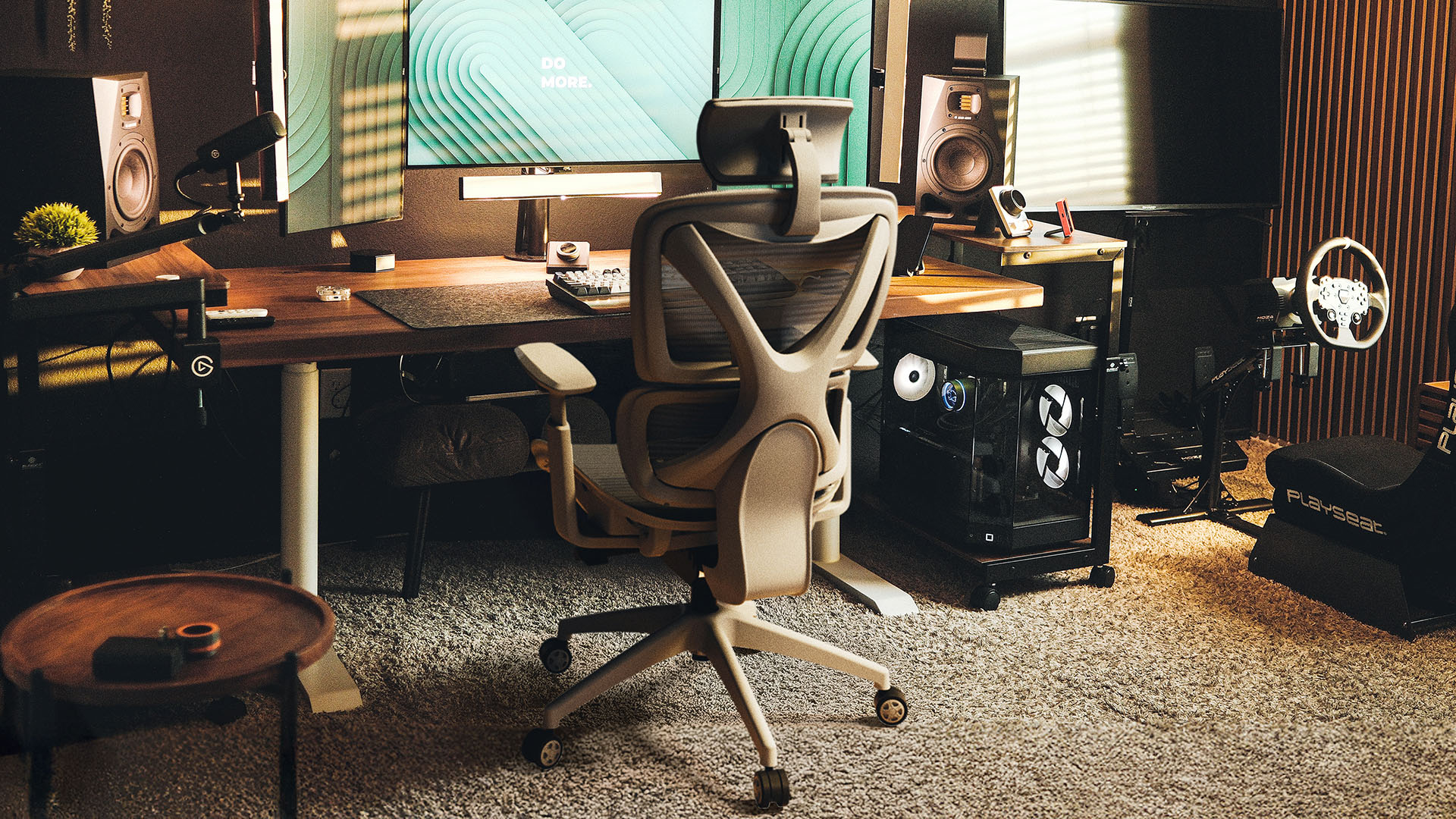
Here is the Core in a home office, with its headrest set for upright work.
FAQs
Do stools count as chairs?
No, stools do not usually count as chairs. Both are seats, but a chair has a backrest and usually arms, while a stool has neither. Tall seats with a low back are still sold as stools because of their height, and a kneeling chair works more like a stool since it has no back.
Is sitting on a stool better than a chair?
Sitting on a stool is better only for short sessions, such as breaks from standing or quick tasks at a counter. For an hour or more, a chair with a backrest is better, because a stool keeps your back muscles working the whole time and most people slump as they tire.
Does sitting on a stool improve posture?
Sitting on a stool does not improve posture on its own. It makes your trunk muscles hold you upright, and studies on backless seats found more muscle work and more discomfort, not better spine posture. Saddle and perching stools help keep the lower back's curve, but only while your muscles hold it.
Can I use a stool at my desk for long hours?
A stool is a poor choice for long hours at a desk. With no backrest, your back muscles carry your upper body all day, which leads to fatigue and slouching. Use a chair with lumbar support for the long seated blocks and keep the stool for short perches.
Is a stool or a chair better for a small space?
A stool is better for a small space. It has a smaller footprint, slides under a counter or desk, and has no armrests to catch on the desk edge. If you sit for most of the day, a compact task chair without a headrest is the better trade than a stool.
What makes a stool ergonomic?
An ergonomic stool adjusts in height so its seat sits 10 to 12 inches below your work surface, and it has a forward-tilting or saddle seat that opens the hip angle, plus a foot ring when your feet cannot reach the floor. Even then it has no backrest, so it is not a full-day seat.
What height stool do I need?
You need a stool whose seat sits 10 to 12 inches below the top of your work surface. That means a 24 to 26-inch stool for a 36-inch counter and a 30 to 32-inch stool for a 42-inch bar. Add a foot ring if your feet do not reach the floor.
Is Black Friday a good time to buy an office chair?
It is for the ErgoChair line: the Autonomous Black Friday chair sale takes up to 10% off the ErgoChair line with free shipping and no code, the same amounts run through Cyber Monday, and the 30-day trial and free returns still apply.
Conclusion
The difference between a chair and a stool comes down to the back: a chair has one and usually arms, and a stool has neither. That makes the stool the right seat for short perches, counters and breaks at a standing desk, and the chair the right seat for full workdays. If you sit for more than an hour at a time, buy the chair first and add a stool later if you want to move more.
References
- Cornell University Ergonomics Web. Ball chairs and exercise balls as office seating.
- Kingma I, van Dieën JH. Static and dynamic postural loadings during computer work in females: sitting on an office chair versus sitting on an exercise ball. Applied Ergonomics, 2009.
- McGill SM, Kavcic NS, Harvey E. Sitting on a chair or an exercise ball: various perspectives to guide decision making. Clinical Biomechanics, 2006.
- Gregory DE, Dunk NM, Callaghan JP. Stability ball versus office chair: comparison of muscle activation and lumbar spine posture during prolonged sitting. Human Factors, 2006.
- Cornell University Ergonomics Web. Ergonomic chair checklist.
- OSHA. Computer workstations eTool: chairs.
- Wikipedia. Stool (seat).

Black Friday Week
Desk flash deals, 50% off. Limited quantity.
Drops at 12 AM and 12 PM ET, then every 2 hours.
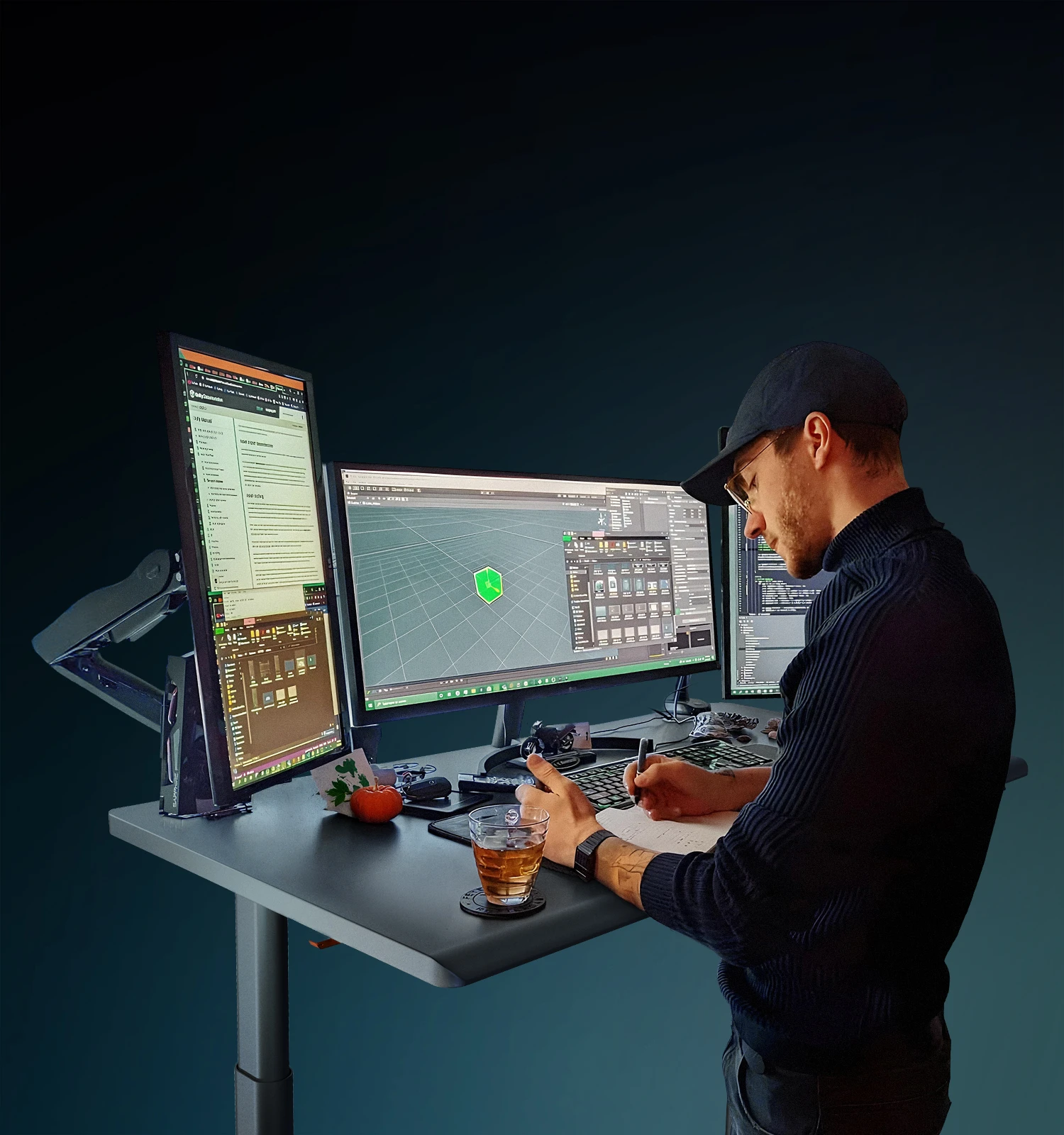
Desk Pro
Black Friday: $30 off.
So 12 hours isn’t 12 hours sitting.