Creative Workspace Ideas That Go Beyond Decor (2026)

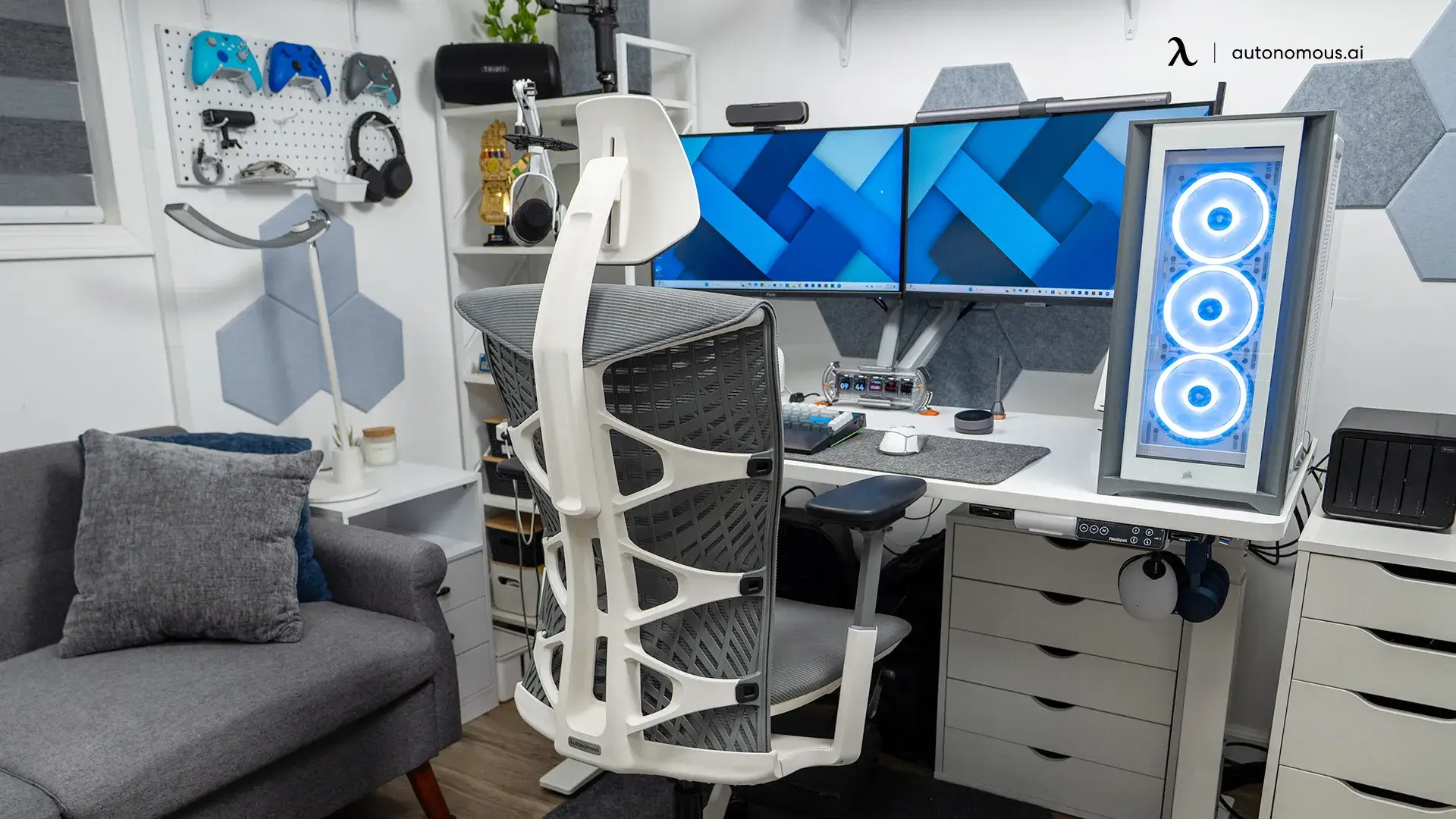
Table of Contents
- What is a Creative Workspace?
- Why a Creative Workspace Matters
- How to Build a Creative Workspace
- 1. Build a Biophilic Foundation
- 2. Layer Your Lighting
- 3. Anchor with Ergonomic Foundations
- 4. Use Color Intentionally (Not Decoratively)
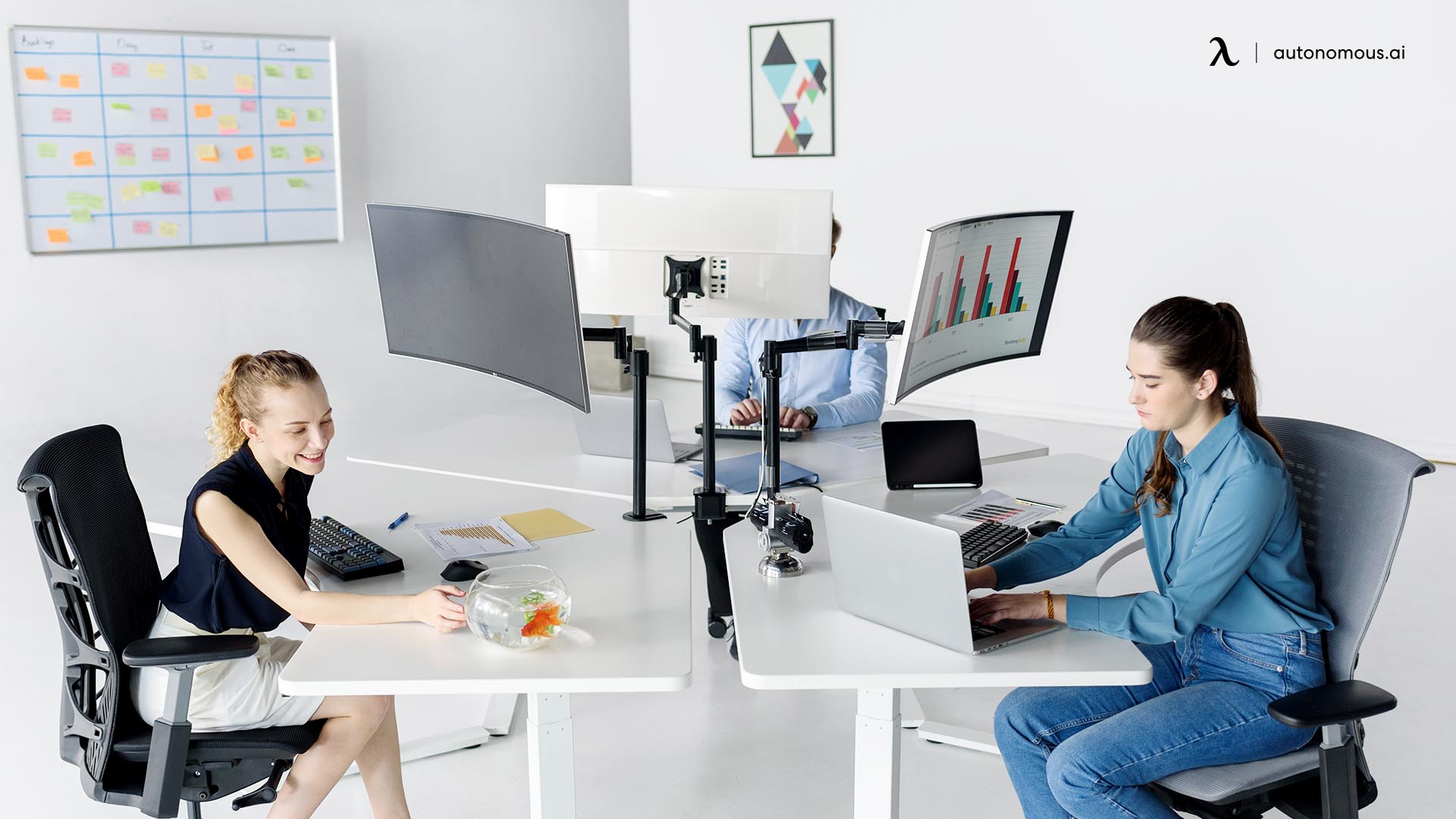
- 5. Zone Your Space for Different Modes
- 6. Personalize with Art and Inspiration Boards
- 7. Add a Visible Thinking Surface
- 8. Treat Sound and Air Quality
- 9. Integrate AI and Smart Hardware
- 10. Make Elements Movable and Reconfigurable
- 11. Build a Recharge Ritual Into the Space
- FAQs: Creative Office Design Ideas
- Conclusion
Your workspace shapes your work more than you think. Most "creative workspace" advice stops at decor — a plant here, a poster there — and skips the layers that actually move the needle: how you light a room, where you put the chair, how the space sounds, what your tools quietly do for you in the background.
This guide takes the longer view. Eleven ideas, built to layer, designed for the way creative work actually happens — focus, exploration, and the recovery in between.
What is a Creative Workspace?
A creative workspace is a physical environment designed to support the mental states creative work needs — focus, exploration, and recovery — through layered control of light, layout, sound, ergonomics, and tools.
It's broader than a desk and some decor. A regular office is built for tasks. A studio is built for production. A creative workspace sits between the two: a place that shifts with what your brain needs at different points in the day.
That distinction matters. Most creative office design ideas treat the home office as a surface to dress up. The better approach treats it as a system you can tune. Light moves with the time of day. The chair supports long sessions without fighting your back. The space gives you somewhere to think, somewhere to make, and somewhere to step away.
Why a Creative Workspace Matters
A well-designed creative workspace changes three things you can actually measure: how fast ideas come, how long you can stay focused, and how much usable work you finish in a day.
The research lines up around a few specific levers.
Light. A 2018 Cornell University study led by Dr. Alan Hedge tracked 313 office workers and found that workers with optimized natural light reported an 84% drop in eyestrain, headaches, and blurred vision — symptoms that quietly drain creative output through the afternoon.
Plants and natural materials. The most cited research here is Nieuwenhuis et al. (2014), published in the Journal of Experimental Psychology: Applied. The team tracked real offices in the UK and Netherlands before and after introducing greenery. Productivity rose around 15%, with workers reporting stronger concentration and engagement. A separate eight-month study by Roger Ulrich at Texas A&M found that people working near plants generated more ideas and produced more original solutions in problem-solving tasks.
Ceiling and spatial cues. Meyers-Levy and Zhu (2007), published in the Journal of Consumer Research, showed that higher ceilings prime more abstract, exploratory thinking, while lower ceilings sharpen focus on detail work. The takeaway isn't to renovate — it's that the space sends signals, and you can use them.
Air. Harvard's COGfx study (Allen et al., 2016) found that cognitive scores nearly doubled when workers moved from conventional offices into well-ventilated ones. Effects were measurable even below the 1,000 ppm CO₂ industry standard. Cracking a window is closer to a productivity tool than a comfort one.
None of this means a creative office environment has to be expensive or elaborate. The biggest gains come from a few right calls — daylight, plants, ergonomic furniture, better air — not from spending more.
 How to Build a Creative Workspace
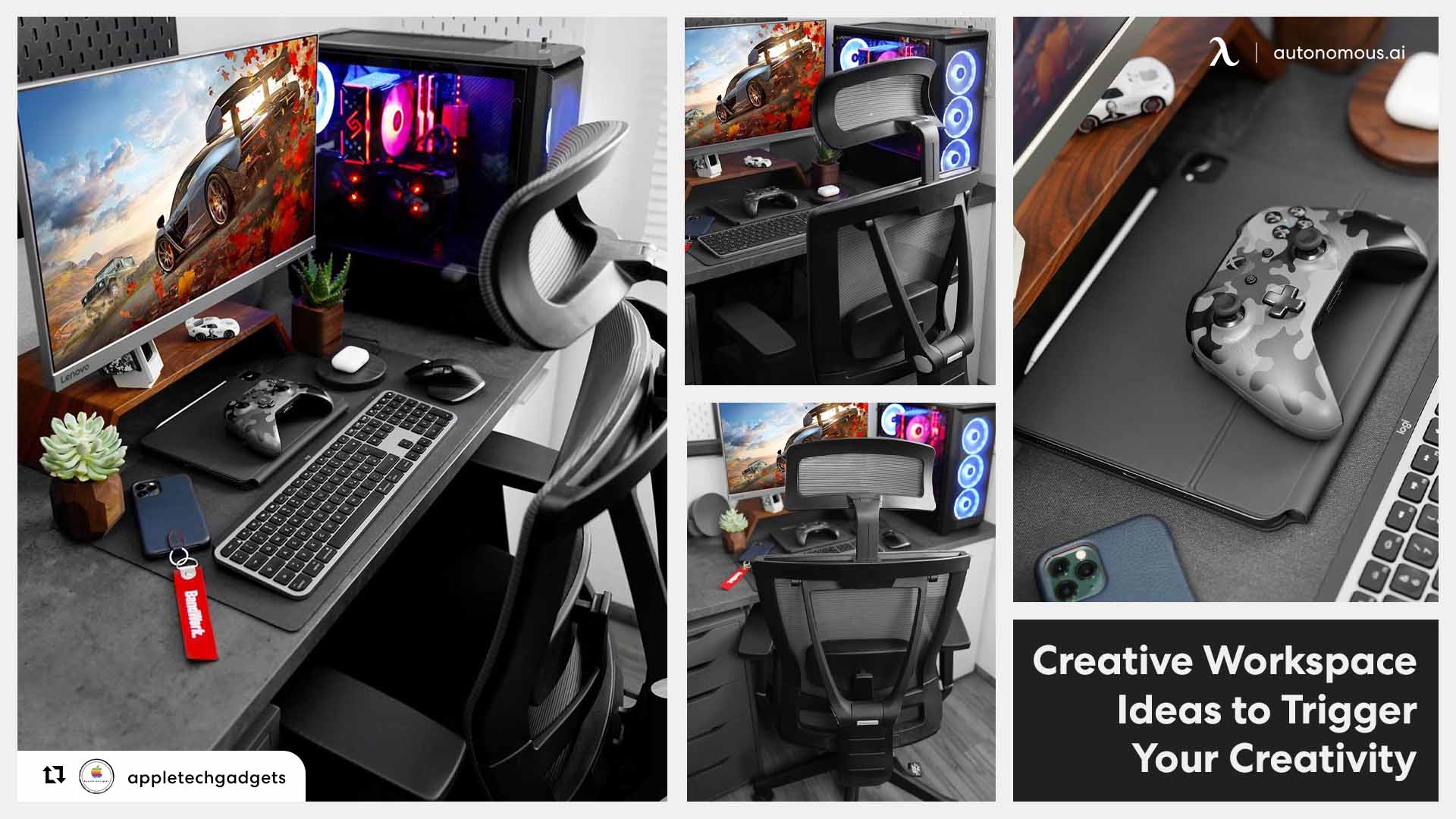
These creative office decoration ideas turn a workspace from a room into a system — light, layout, ergonomics, sound, and the tools you work with. The first few are foundations that everything else sits on top of. Each idea is tagged for who it fits (home office setup, team, or both) and the effort involved (quick win, weekend, or planned upgrade). You don't need all eleven. You need the right four or five, in the right order for your work.
1. Build a Biophilic Foundation
Biophilic design is the practice of weaving nature into a workspace — through plants, daylight, natural materials, and water — to support how people focus, think, and recover. It's the foundation idea for a reason: most of the research from the previous section points back to it. Plants, light, and natural views aren't decor choices. They're the levers that move the numbers.
It works on three layers:
Direct nature is the obvious version: plants, real daylight, fresh air, a small water element if the space allows. This is the layer with the strongest evidence behind it, and the layer most people already start with.
Indirect nature is the materials and patterns that reference nature without being it — wood over laminate, stone or ceramic accents, linen and wool over synthetics, artwork drawn from leaves, branches, or water. It carries the biophilic effect into surfaces you touch all day, not just the corner where the plants live.
Spatial nature is how the space itself feels: an open view to look across (prospect) paired with a smaller, enclosed spot to settle into (refuge). A workspace that offers both gives you somewhere to think wide and somewhere to settle in.
Of the three, plants are still the simplest place to start — and the most common place people get it wrong by buying the plant before checking the light. Match the plant to the light you actually have:
- Low light: Snake plant, ZZ plant, pothos, philodendron
- Medium light: Monstera, peace lily, rubber plant
- Bright light: Fiddle leaf fig, succulents, citrus
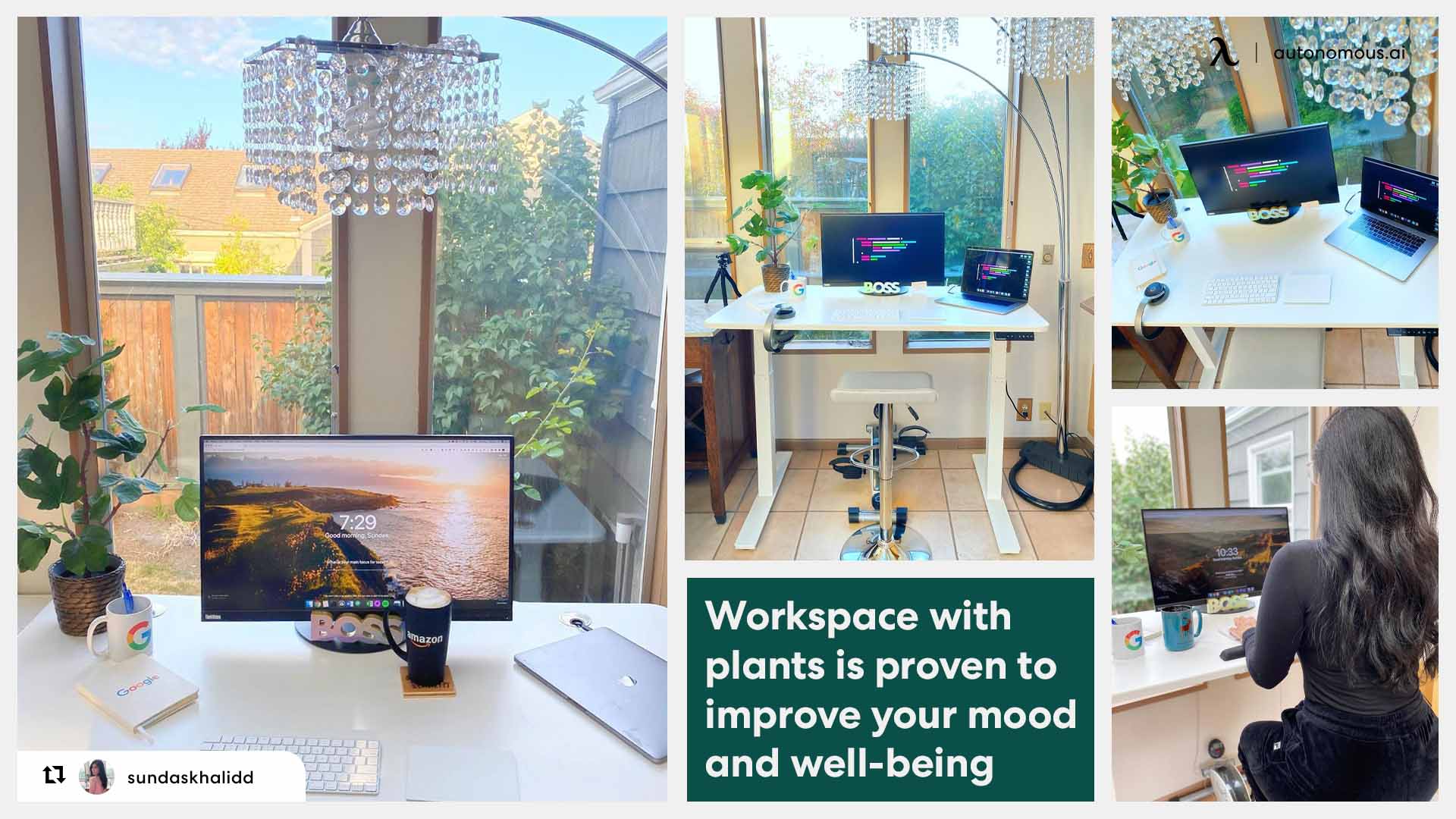
You don't need a jungle. Three plants in your direct line of sight is enough to register the cognitive effect — one floor plant near the desk, one trailing vine on a shelf or wall, and one smaller piece within arm's reach of where you sit. A living wall looks dramatic on Pinterest, but a thoughtfully clustered three does the same work for a fraction of the cost.
If you're leaning further into a green-led palette across the room, our dark green home office decor ideas walks through paint, wood, and accent pairings that hold the mood together once the plants are in.
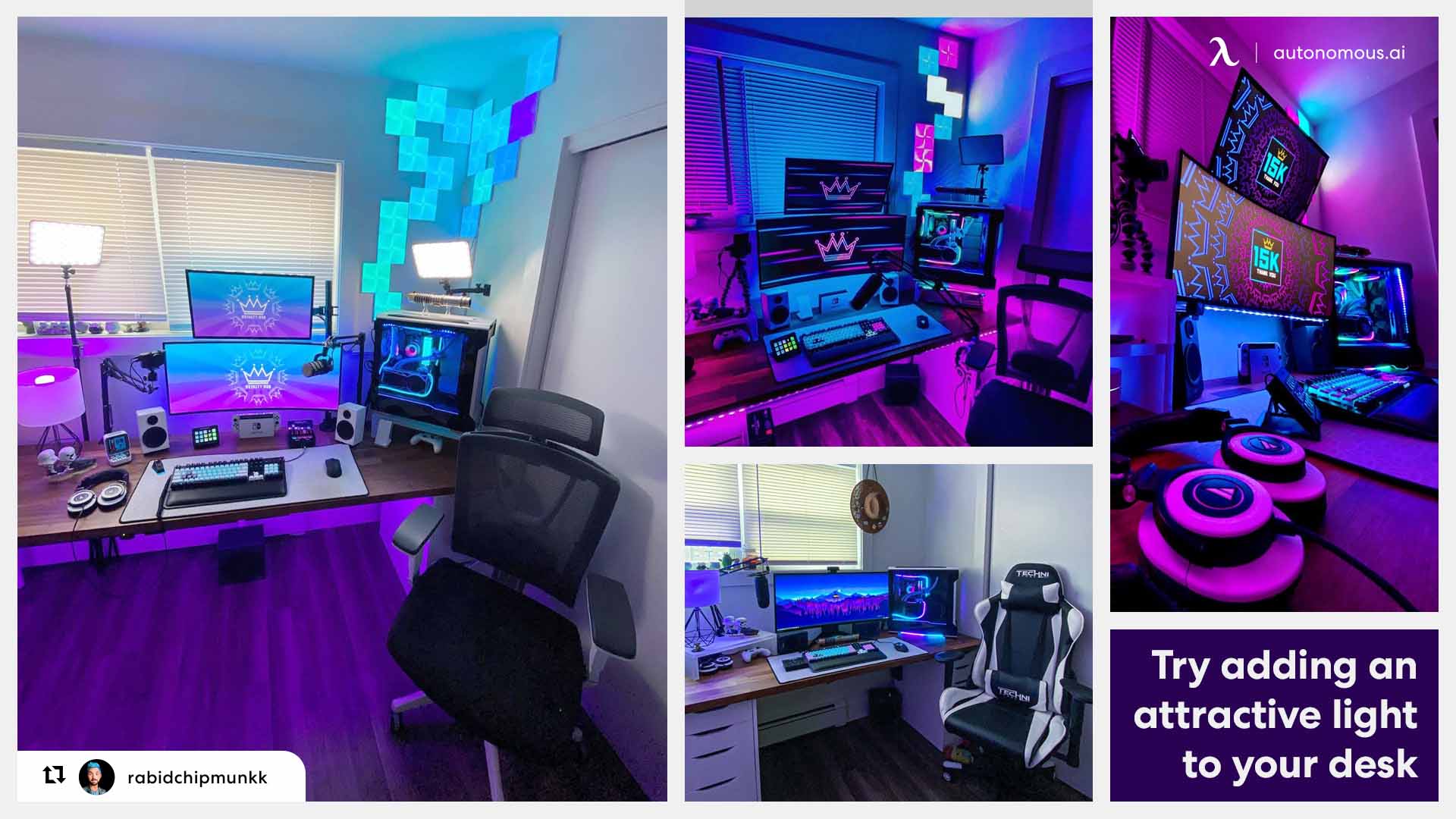
2. Layer Your Lighting
Good workspace lighting isn't one bright source overhead — it's four layers working together: natural light as the base, ambient light filling the room, task light on what you're working on, and accent light shaping the mood.
Most home offices skip three of the four. A ceiling light and a laptop screen do most of the work, which is why so many setups feel flat by 3 p.m. and exhausting by 6. Layering fixes that.
Natural light is the base layer. If your desk can sit within ten feet of a window, that's the single biggest move you can make. Position the desk perpendicular to the window when you can, so light falls across the work surface rather than into your eyes or onto your screen as glare.
Ambient light fills the room when daylight isn't enough. A single overhead fixture is rarely sufficient on its own. A floor lamp in the opposite corner, or a pair of wall sconces, evens out the shadows and stops the room from feeling like a tunnel during evening work.
Task light is the desk lamp doing the actual work — illuminating the keyboard, the notebook, the surface in front of you. The two specs that matter are color temperature and color accuracy.
Accent light is the final layer and the one most often skipped. A bias light strip behind the monitor reduces the contrast between a bright screen and a dark wall, which prevents eye strain on long sessions. A small lamp on a shelf or a warm bulb in a corner adds depth so the room doesn't read as one flat plane.
The simplest way to bring all four together is smart bulbs on a circadian schedule — cool and bright in the morning, neutral through midday, warm in the evening. The lighting moves with the day so you don't have to think about it.
 3. Anchor with Ergonomic Foundations
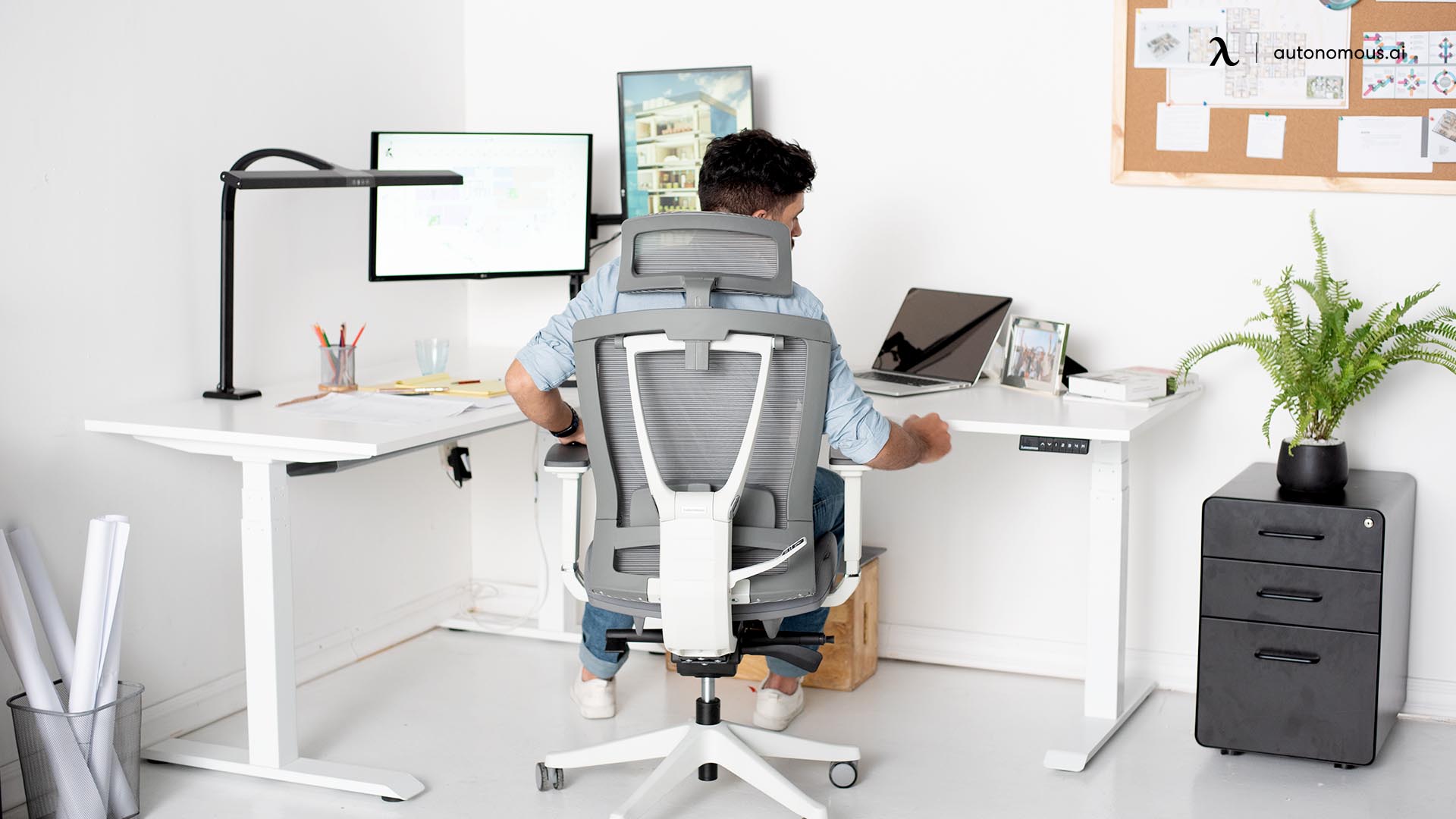
Ergonomic foundations are the physical setup that lets you work for hours without your body fighting you — desk height, monitor position, chair fit, and keyboard angle. Get these right once, and they keep paying off every day. Get them wrong, and no amount of biophilic design or layered lighting will make up for the back pain that ends your session at 2 p.m.
This is the layer most "creative workspace" articles skip past, which is why it's third on the list, not eleventh. Plants and mood lighting matter, but they don't matter if you can't sit in the chair long enough to use them.
The four things to anchor:
Element | What to aim for |
Desk height | Elbows at ~90° when typing, forearms parallel to the floor. For most people, that's 28–30" seated; standing height varies by your own height (a sit-stand desk solves the math) |
Monitor position | Top of the screen at or just below eye level, roughly arm's length away. Center monitor straight ahead, not off to the side |
Chair fit | Feet flat on the floor, thighs parallel to the ground, lower back supported by the lumbar curve of the chair, not the cushion |
Keyboard and mouse | Same height as your elbows. Mouse close enough that your shoulder isn't reaching for it. Wrists neutral, not bent up or down |
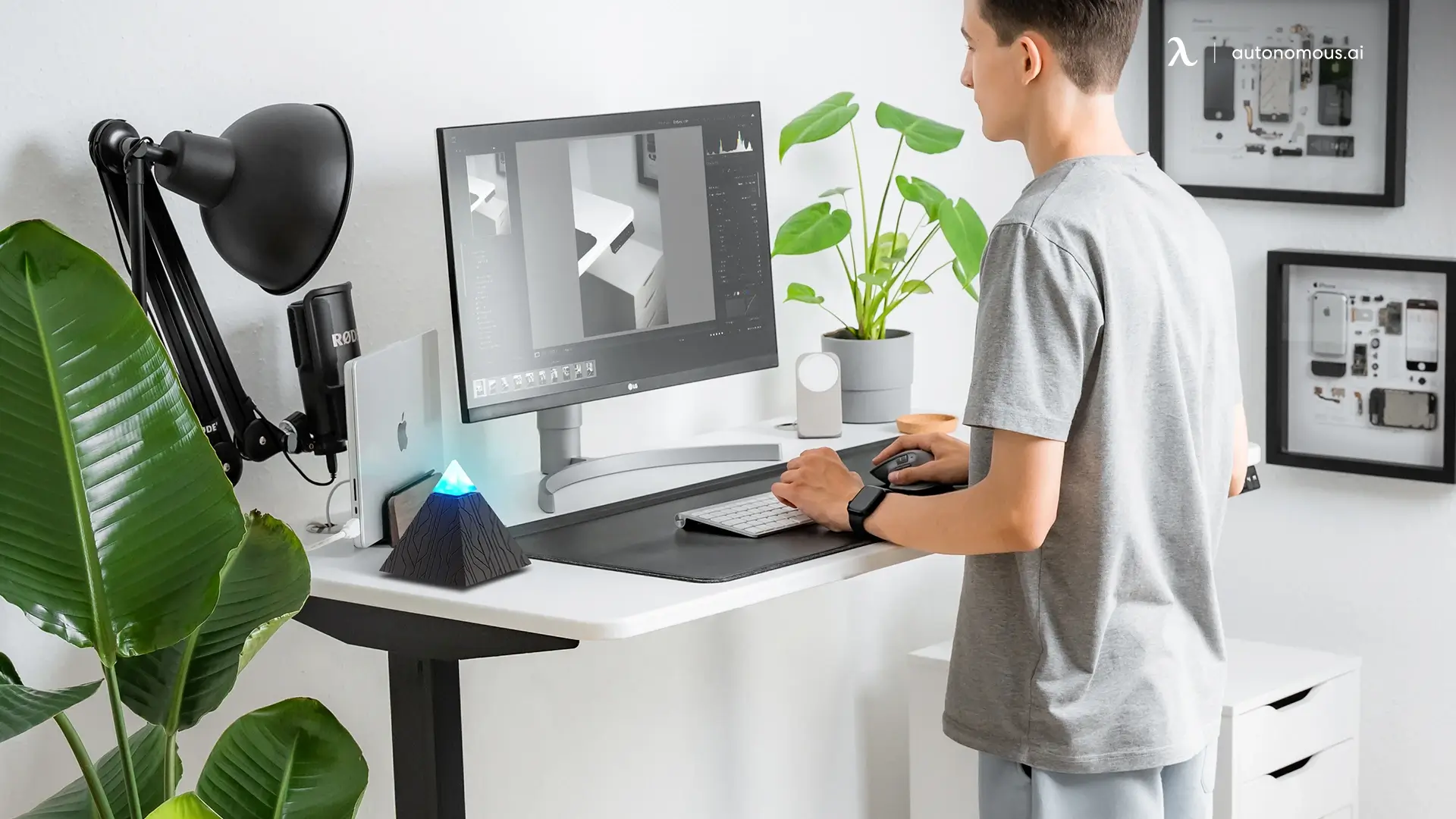
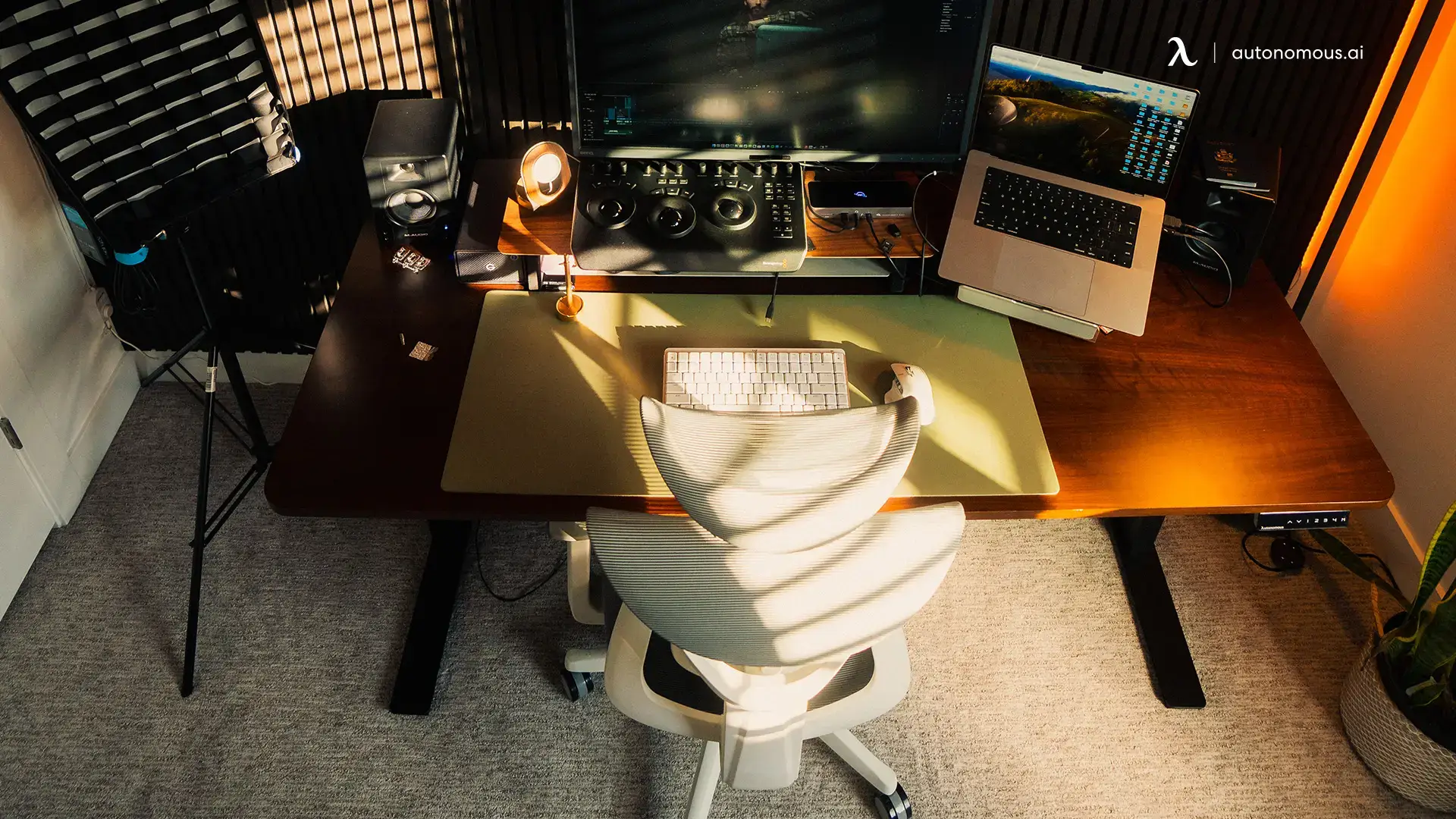
A sit-stand desk solves more than one problem at once. It lets the same surface fit your seated and standing posture without compromise, and the act of switching positions every 30 to 60 minutes is itself a creativity input — movement breaks up stuck thinking. The Autonomous Desk Pro covers most home setups. The chair is where most people underspend and regret it. A task chair under $200 will hold up for a year and then start failing in the lumbar support, which is exactly the part you can't see failing — you just notice your back hurts more on Thursdays. A proper ergonomic chair like the ErgoChair Pro is built around adjustable lumbar, seat depth, and armrest geometry that holds up across years of daily use.
4. Use Color Intentionally (Not Decoratively)
Color in a creative workspace is a cognitive tool, not a style choice. The right palette in the right zone shifts how you think — calmer in some areas, sharper in others. The wrong palette makes a room look creative without doing any of the actual work.
That maps cleanly onto how a workspace actually gets used:
Zone | Color family | What it supports |
Focus zone | Blue, green, soft neutrals | Sustained attention, calm thinking, long sessions |
Recharge zone | Warm whites, soft beige, muted earth tones | Mental break, lower stimulation, recovery |
Collaboration / brainstorming | Warm accents — terracotta, mustard, deep red | Energy, conversation, idea generation |
Detail or precision work | Red accents (small doses) | Accuracy, error-checking, finishing tasks |
Two things matter more than the hue itself.
Saturation — muted, desaturated tones hold up over long hours; high-saturation walls fatigue the eye and start fighting you by the afternoon.
Where the color sits — a full saturated wall hits differently than the same color on a chair, a rug, or a single piece of art. Most workspaces are better off with a quiet base palette and color brought in through smaller, swappable elements.
The mistake is treating "creative office" as a license for visual noise. A wall of bright primary colors photographs well and works against you in practice. Pick one dominant tone for the base, one secondary for accents, and let the rest stay quiet.
5. Zone Your Space for Different Modes
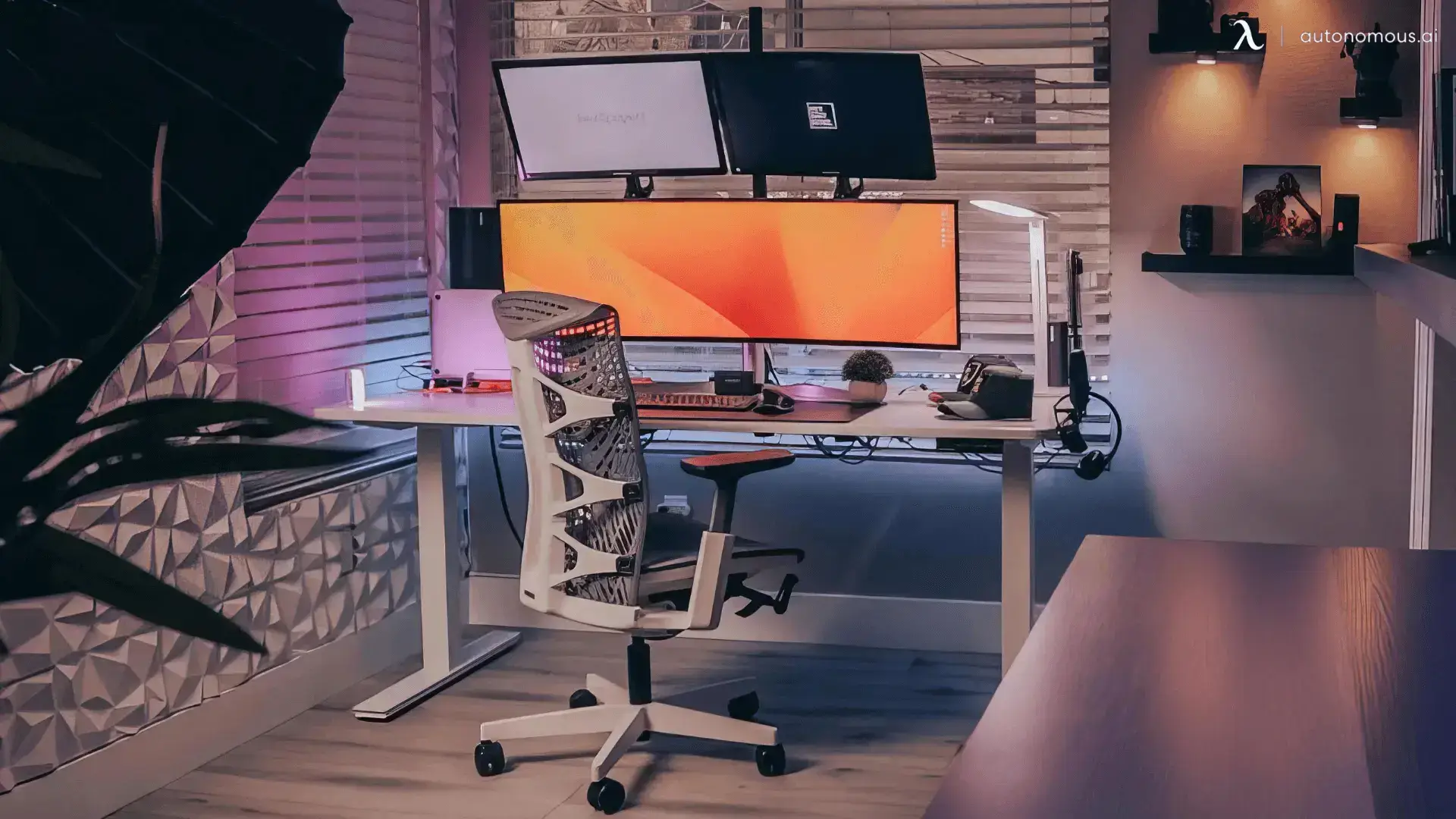
Zoning is the practice of dividing a workspace into distinct areas for distinct mental modes — focus, exploration, and recharge — so the space itself helps you switch between them. One chair facing one screen for every kind of work is the single most common reason home offices feel stuck.
Creative work isn't one mode. It moves between three:
Focus mode is the heads-down work — writing the draft, cutting the edit, debugging the code. It needs a single primary surface, minimum visual clutter, cooler light, and a good chair. This is the zone most home offices already have.
Exploration mode is the messier thinking — sketching ideas, mapping a project, working through something you don't yet understand. It rewards a different posture and a different surface. A standing position at a whiteboard, a second chair facing a notebook instead of a screen, a corner with index cards on the wall. The shift in posture is part of the shift in thinking.
Recharge mode is the deliberate step away — not scrolling, not "almost working," but actually disengaging so the mind can reset. A soft chair facing away from the desk. A reading corner. A spot with no screens within reach. Recharge isn't a reward for finishing focus work; it's an input that makes the next focus session possible.
You don't need three rooms. In a small home office, three zones can fit inside ten square feet — the desk is zone one, a standing surface or wall-mounted whiteboard two feet away is zone two, an armchair in the opposite corner is zone three. The point isn't square footage. It's that the physical move between zones is what cues the mental switch.
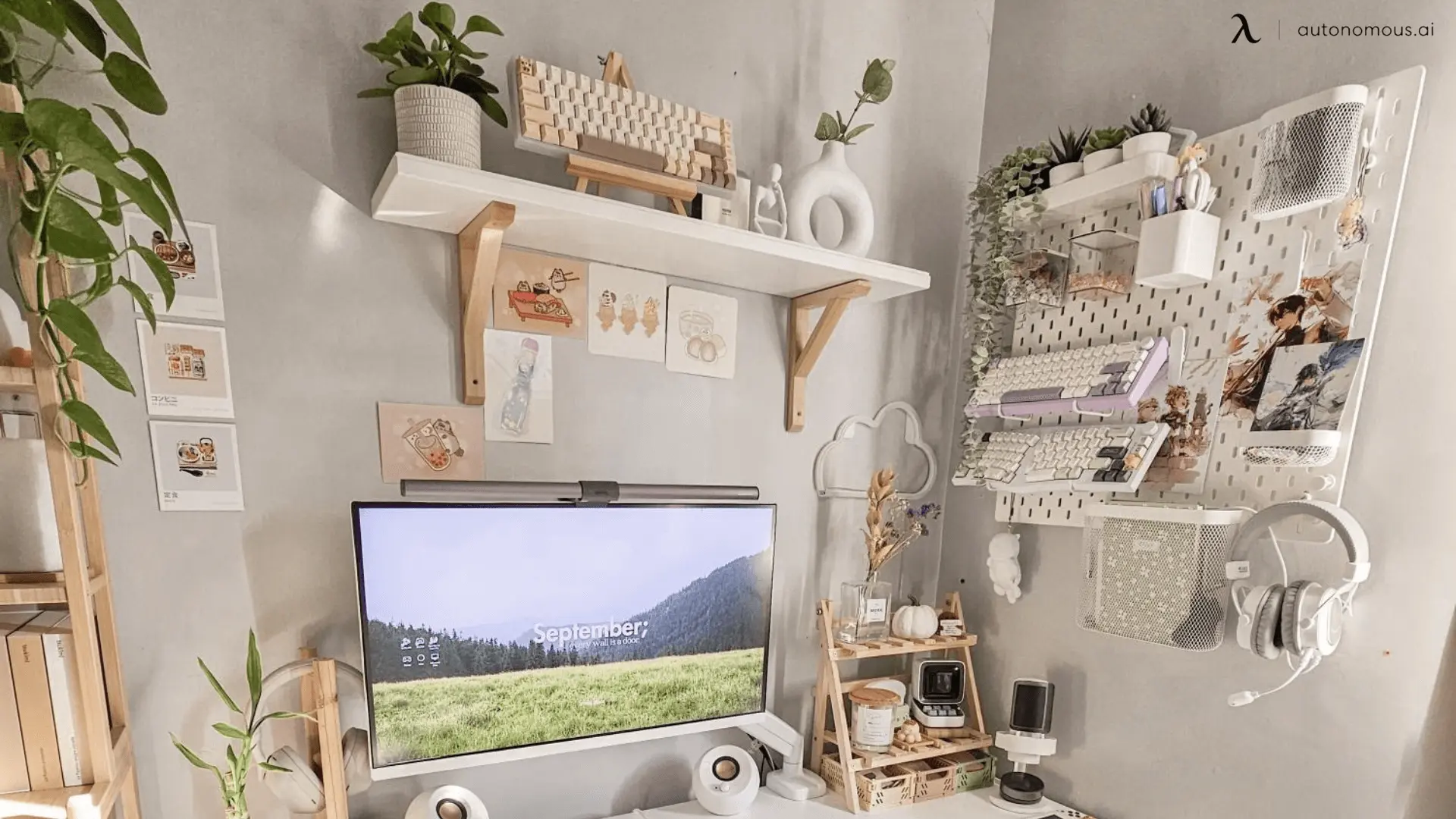
6. Personalize with Art and Inspiration Boards
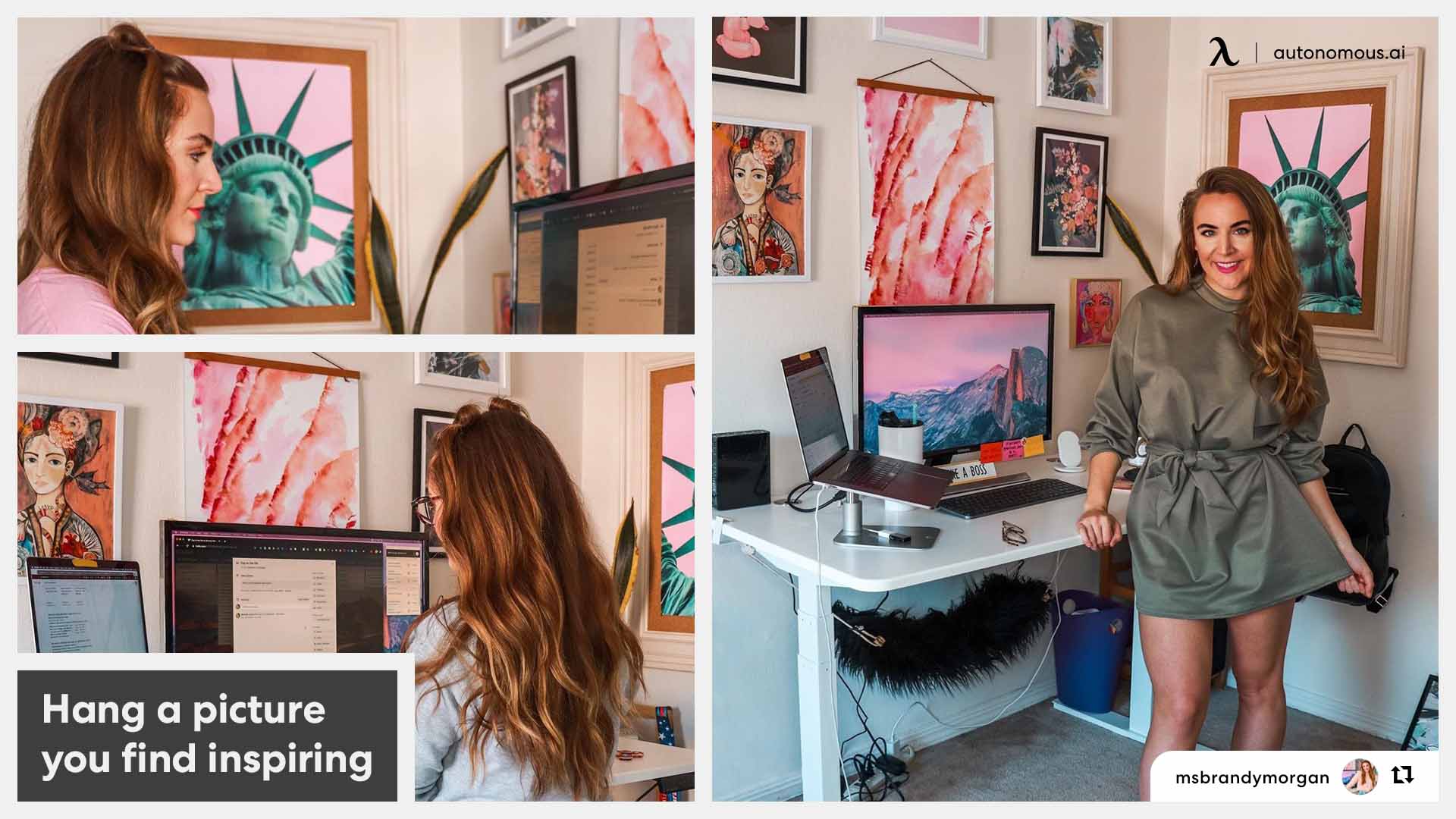
Inspiration boards and personal art aren't decoration — they're priming surfaces. What you put in your line of sight quietly shapes what your brain reaches for when it needs an idea. Most creative office decoration ideas treat art as the finishing touch; the more useful framing is to treat it as a daily input.
The cognitive piece is straightforward. The brain associates ideas through proximity and repetition. A wall of references in your peripheral vision keeps those references warm — easier to recall, easier to combine, easier to remix into the work you're doing now. A blank wall does the opposite. It gives the brain nothing to riff against.
Three formats do most of the work, and most creative workspaces benefit from a mix of them:
- Inspiration board — best for active projects and fast rotation. Needs maintenance, or it stops registering.
- Framed art and prints — best as long-term anchors, pieces that hold meaning over years. Static, so they won't shift with the work.
- Digital boards — best for volume and cross-project research libraries. Out of sight when the laptop is closed.
The maintenance rule is the part most people miss. A board you put up in 2022 and never touched has stopped working. The brain filters out anything stable in the visual field after a few weeks — that's how attention works. Refresh the board monthly. Pull what's gone cold. Add what you've been collecting since the last rotation. The act of curating it is itself a creative input.
Placement matters too. The board should sit in your peripheral vision when you're at the desk — close enough to register without you turning to look. Behind the monitor, on the wall to your side, or directly above the desk all work. Behind your back doesn't.
 7. Add a Visible Thinking Surface
A visible thinking surface is any large, writable space — a whiteboard, glass board, paint-on wall, or wall-mounted display — that lets you externalize ideas where you can see them while you work. It's the second most useful surface in a creative workspace after the desk itself.
Writing or sketching something down does two things a screen can't. It moves the idea out of working memory, which frees that memory for the next thought. And it makes the idea spatial — you can see it from across the room, point at it, redraw a connection between two parts. Screens hide ideas behind tabs. A wall surface keeps them in the open.
The four common formats:
Surface | Best for | Notes |
Standard whiteboard | General use, mounting flexibility, low cost | Ghosting builds up over time; shadow-board markers help |
Glass board | Cleaner aesthetic, no ghosting, durable | More expensive; needs proper wall anchoring |
Whiteboard paint | Large thinking surface, no frame | Permanent; best for dedicated workspaces |
Digital display | Remote collaboration, save and replay sessions | Requires a screen always on; higher setup cost |
The size guide is simple: bigger than you think, mounted lower than feels right. A 4x3 foot board feels generous in the catalog and small in practice once you start mapping anything. Mount the bottom edge around 36" off the floor so you can write standing without reaching up — reaching kills the impulse to write.
Placement follows the same rule as the inspiration board. The thinking surface should sit in your peripheral vision from the desk, ideally on a wall you can stand at without rearranging anything. Behind you doesn't work. Out of the room doesn't work. The friction of getting to it is the difference between a wall that gets used and a wall that becomes expensive decoration.
8. Treat Sound and Air Quality
Sound and air are the two parts of a workspace you don't see, and the two that quietly cap how long you can think well. Most creative office design ideas treat them as afterthoughts. The research from the previous section says they belong near the foundation.
Sound has two dimensions worth handling. The first is acoustic treatment — how the room itself behaves. A bare-walled home office bounces sound around, which makes calls sound thin and recorded work sound amateur. Soft surfaces fix it: a rug under the desk, a bookshelf along one wall, fabric panels behind the camera, even heavy curtains. You don't need a studio booth. You need enough soft material to break up the echo.
The second dimension is what you choose to listen to while working. The research isn't unanimous, but it points in a useful direction:
- Silence suits detail-heavy and language-based work — editing, writing, debugging, anything where small distinctions matter.
- Brown noise or low ambient (around 50 dB) suits sustained focus when the room itself is unpredictable — kids, traffic, shared walls.
- Moderate ambient noise (around 70 dB, the volume of a quiet café) suits divergent, exploratory thinking.
Air is the other invisible lever. A closed home office with one person inside crosses the 1,000 ppm threshold within an hour or two. The fixes are unglamorous and effective — crack a window when the weather allows, run a HEPA purifier in dense or polluted areas, and consider a small CO₂ monitor (under $100) if you work long sessions in a closed room. You can't fix what you can't see, and CO₂ is invisible until you measure it.
9. Integrate AI and Smart Hardware
A modern creative workspace works better with a small layer of AI and smart hardware quietly running in the background — not replacing the way you work, but removing the friction that gets between you and the work itself. The goal isn't a smart room. It's fewer interruptions per hour.
Three small layers cover most of the value:
- AI assistants for delegated busywork:
Most creative hours leak into structured tasks that don't actually require creative thought — meeting notes, research summaries, inbox triage, social drafts, repeat scheduling. An AI assistant configured for the work you do most often takes that load off the desk. The principle is to delegate the work that's repeatable, not the work that's yours.
- Small smart gadgets that earn their place:
A few low-cost devices remove daily friction without adding complexity. The ones worth considering: smart bulbs for the layered lighting, Hydrate AI for hydration and break reminders, or AI Intern for handing off recurring role-based work. Skip the gadgets that solve problems you don't have. The test is simple: does the device remove a daily friction, or does it add a daily decision?
- Voice or shortcut-triggered modes:
The most useful smart-workspace move isn't buying anything new — it's chaining the things you already have into modes. A single command (voice or keyboard shortcut) that switches the lights to focus temperature, mutes notifications, opens the right windows, and starts a timer. Most platforms (macOS Shortcuts, Apple Home, Google Home, Home Assistant) handle this without code. Set it up once, and the daily switch from "starting work" to "in work" stops being a series of small decisions.
10. Make Elements Movable and Reconfigurable
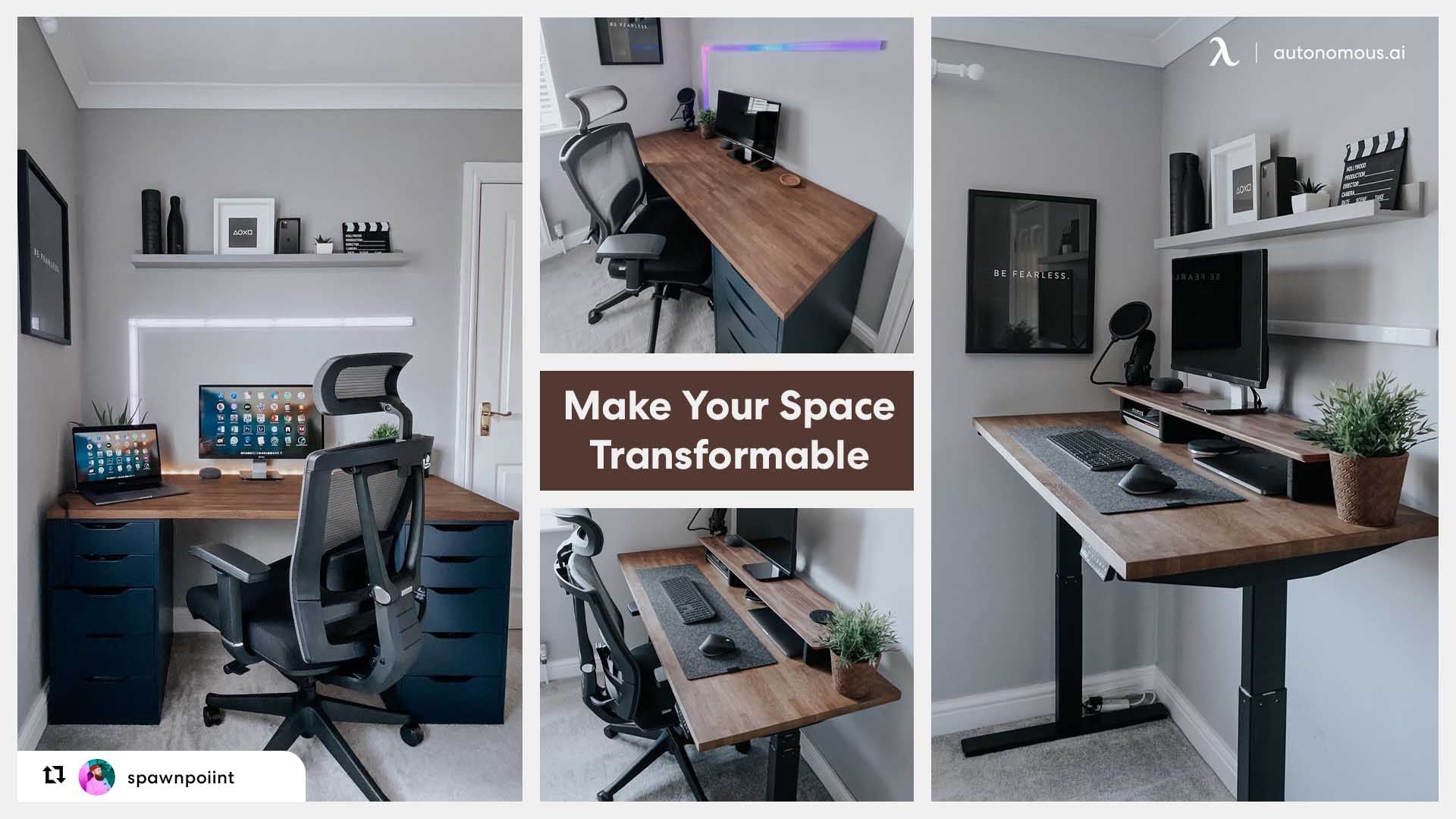
A reconfigurable workspace is one where the major elements — the desk, the chair, the side surface, the lighting — can be moved or repositioned without effort. The point isn't constant rearrangement. It's that the room can shift when the work shifts.
Creative work isn't static. A project that needs heads-down focus in week one might need wall-space and standing thinking in week two, and a cleared surface for client review in week three. A desk setup built around fixed positions forces you to do all three at the same desk in the same chair, which dulls the cues that helped you switch modes in the first place.
Three moves cover most of the value:
- Casters on heavy items. A side table or filing unit on locking wheels takes seconds to reposition. Most flat-pack furniture accepts standard caster mounts; the upgrade costs under $30.
- Modular shelving. Shelves you can reconfigure (track-and-bracket systems, modular cubes) let storage shift as projects change. Built-in shelving locks the layout.
- Lightweight secondary surface. A small folding table, a lap desk, or a standing tray gives you a second working surface that disappears when you don't need it. Useful for switching between zones inside a small footprint.
11. Build a Recharge Ritual Into the Space
A recharge ritual is a small, repeated action that physically and mentally separates working from not-working. It's the part of a creative workspace that's least about the room and most about how you use it.
Three patterns work for most setups:
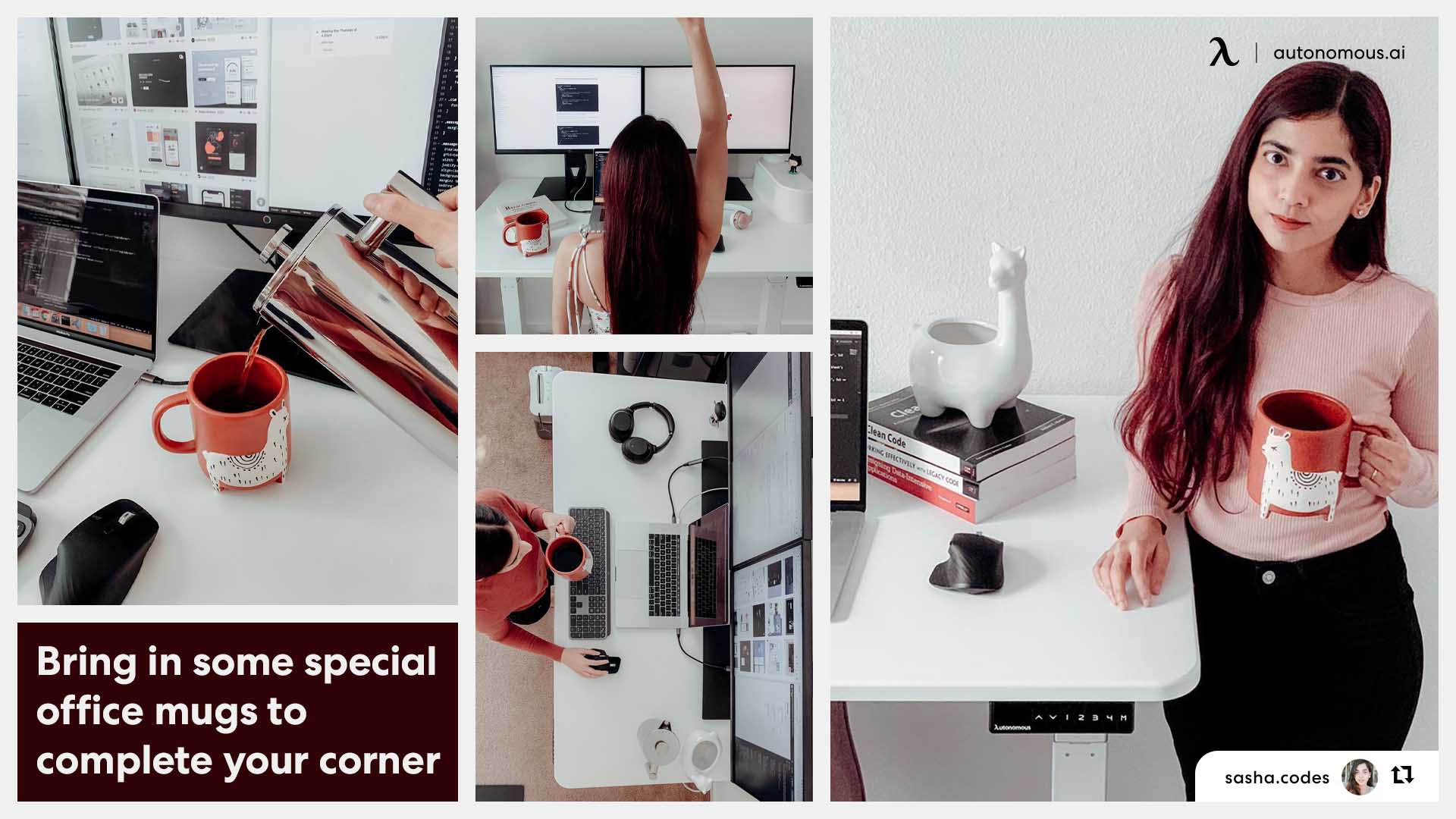
- A dedicated coffee or tea corner, separate from the work surface. The physical move from desk to corner is what does the cueing — same room, different spot, different mode. A small kettle, a single shelf for cups and tea, and a chair that doesn't face the screen is enough.
- A reading or thinking chair placed where it can't see the monitor. Five minutes here resets more than fifteen minutes of "almost working" at the desk. Pair it with the recharge zone from idea #5.
- Start and end rituals. One small action that signals the workday is starting (making coffee, opening the notebook, lighting a specific lamp) and one that signals it's ending (closing the laptop in a specific spot, switching off the desk light). The actions don't have to be elaborate. They have to be consistent.
If the space doesn't allow physical separation between work and recharge — small apartments, shared rooms — an Autonomous WorkPod may be the longer-term answer. The whole point of stepping into a different structure is that the move itself does the cueing for you.
The ritual is small. The compounding effect over months of work isn't.
 FAQs: Creative Office Design Ideas
What makes a workspace creative?
A creative workspace is a setup designed to support focus, idea generation, and recovery through layout, lighting, ergonomics, and tools. It isn’t defined by decor, but by how well it improves concentration, reduces fatigue, and helps you produce better work.
How is a creative workspace different from a regular office?
A regular office is built for task execution, while a creative workspace is designed for thinking and problem-solving. It includes multiple zones for focus, exploration, and recharge, allowing you to shift modes instead of staying in one fixed setup.
How do I make my workspace more creative?
Start with high-impact fundamentals: natural light, ergonomic seating, layered lighting, and a functional work surface. Then improve performance by:
- Zoning the space for focus, exploration, and recharge
- Reducing friction with better tools (adjustable desk, storage, cable management)
- Improving sound and air quality
Decoration should come last.
How can I decorate my office to make it more creative?
Use decor to support thinking, not distract from it. Place inspiration boards or personal visuals within your peripheral vision and refresh them regularly. Apply color by zone — calmer tones for focus, warmer accents for collaboration — and avoid clutter that creates visual fatigue.
What are some creative office lighting ideas?
Layer four sources rather than relying on one overhead fixture: natural light as the base, ambient fill from a floor lamp or sconces, a task lamp on the work surface, and accent lighting like a bias light behind the monitor. Smart bulbs on a circadian schedule automate the shift across the day.
What plants work best in a creative workspace?
Match the plant to the light you have. Snake plant, ZZ plant, pothos, and philodendron handle low light. Monstera, peace lily, and rubber plant prefer medium light. Fiddle leaf fig, succulents, and citrus need bright light. Three plants in your direct line of sight is enough to register the cognitive effect.
How can I improve creativity in my office layout?
Divide your workspace into zones that match how your brain works:
- Focus zone: desk + primary screen for deep work
- Exploration zone: whiteboard or standing area for ideas
- Recharge zone: separate seating away from screens
The physical shift between zones helps trigger a mental reset. Use modular furniture or adjustable desks to make transitions easier.
How do I make a small office space more creative?
Even small spaces can support multiple work modes. Use:
- Desk as the focus zone
- Wall-mounted board for idea capture
- A separate chair or corner facing away from screens for recharge
Maximize vertical storage and use lightweight, foldable, or adjustable furniture to keep the space flexible without feeling crowded.
What furniture do you need for a creative workspace?
A creative workspace should include a few core pieces that support different types of work:
- An ergonomic chair to reduce fatigue during long sessions
- An adjustable desk to switch between sitting and standing
- A secondary surface or whiteboard for idea exploration
- Storage to keep tools accessible without clutter
These elements create a setup that supports both focus and flexibility, rather than locking you into one position or workflow.
Is a standing desk better for creative work?
A standing desk can improve creative work by reducing physical fatigue and helping you stay mentally engaged. Switching between sitting and standing throughout the day keeps energy levels more stable and supports longer focus sessions. It also works well in exploration zones where movement and posture shifts can help with idea generation.
Conclusion
A creative workspace isn't about making a room look creative. It's about building a system — light, layout, ergonomics, sound, and a small layer of smart tools — that quietly supports the work instead of getting in the way.
You don't need all eleven ideas. You need the right four or five, in the right order for the work you actually do. Start with the foundations: real light, plants in your line of sight, a chair that holds up, and one zone to think away from the screen. The rest layers in over time.