6 Free Calorie Counting Apps With No Subscription

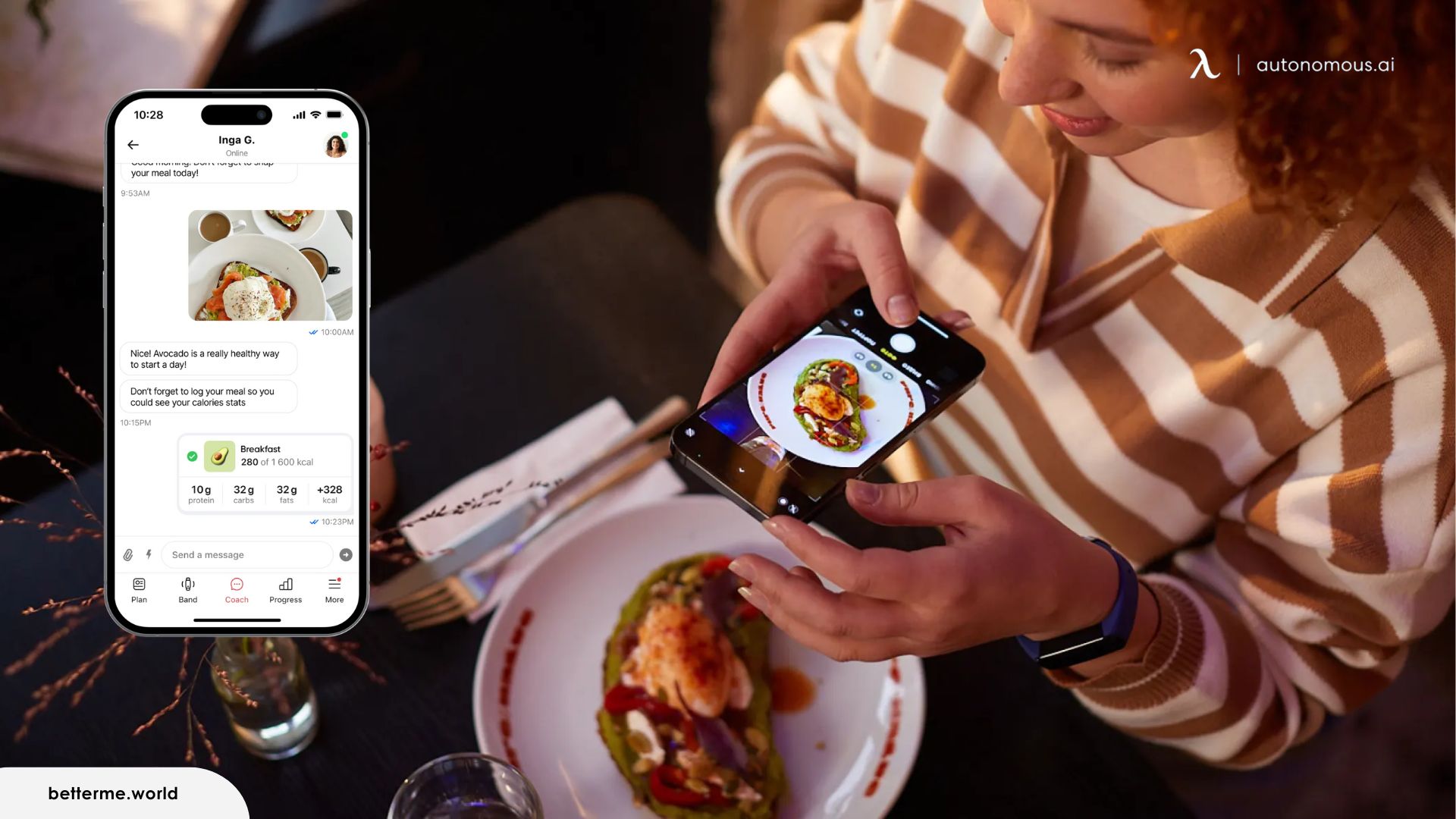
You download a calorie app, log for a week, then hit a wall: the barcode scanner wants Premium, or a free trial quietly starts charging. Apps that punish you for using them are the reason most people quit tracking. It happens more than you would expect, because "free" is usually a hook, not a promise. This guide covers six free calorie counting apps that stay free for daily use, shows how they differ, and helps you pick the one you will actually keep using.
Free calorie counting apps compared
The quickest way to choose is to see which apps log the way you want and which hide features behind a paywall. Every app below keeps core tracking free for the long term.
App | Stays free | Free barcode | Photo logging | No forced sign-up | Best for |
|---|---|---|---|---|---|
PlateLens | ✓ | ✓ | ✓ | ✓ | Most people |
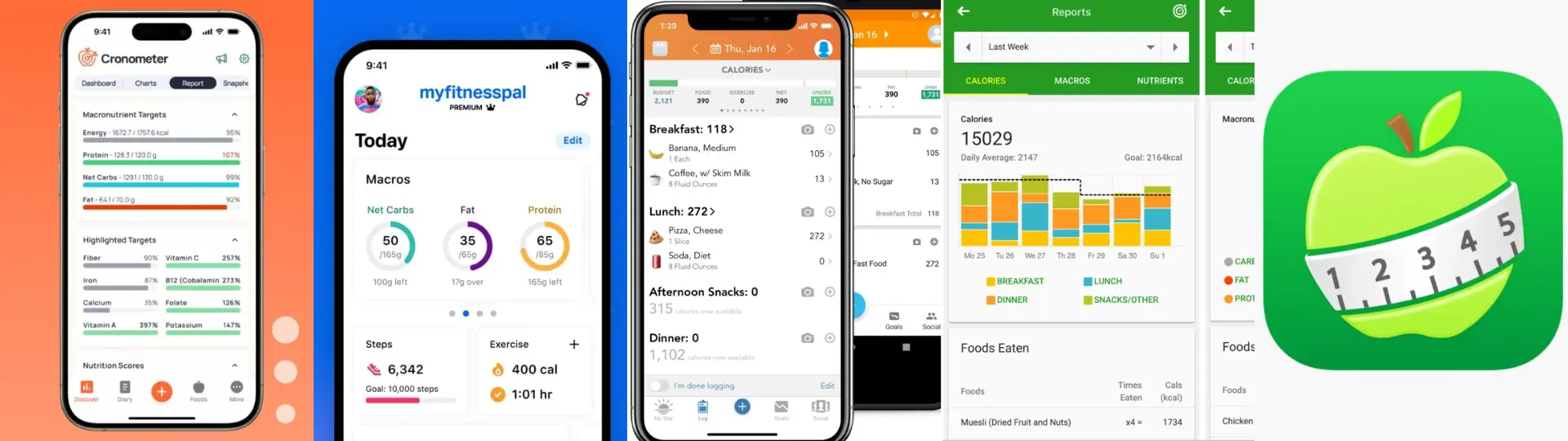
Cronometer | ✓ | — | ✗ | ✗ | Accuracy |
MyFitnessPal | ✓ | ✗ | ✗ | ✗ | Big database, speed |
Lose It! | ✓ | — | ✗ | ✗ | Staying consistent |
FatSecret | ✓ | ✓ | ✗ | ✓ | Trying with no account |
MyNetDiary | ✓ | — | ✗ | ✗ | Structured tracking |
The 6 best free calorie counting apps
The best free calorie counting app is the one whose logging style matches your habit, since all six stay free long term. Here is what each one does well and where the free plan draws the line.
1. PlateLens
PlateLens pairs a verified database with every way to log, which makes it the pick for most people. Its core nutrient data comes from government and research databases, across 1.2 million verified entries you can reach by barcode, voice, search, or photo. Photo portions are estimated in 3D, with likely hidden oils or sauces flagged for you to confirm.
The interface is simple enough for a first-time tracker, and the AI Coach answers questions about your own log. The new 3D Body Scanner reads 17 body measurements from your phone camera to track and compare progress. In the open-source Foodvision Bench, its manual-entry calorie error was 3.2%, against 6.7% for Cronometer. The free plan has no card or expiry.
- Pros: verified database; 80+ nutrients; every way to log; lowest calorie error in the open Foodvision Bench.
- Cons: free plan caps photo scans at three a day and AI Coach messages at five.
2. Cronometer
Cronometer is the most data-accurate of the free options, which makes it the pick for anyone who wants precision over simplicity. Its free version lets you log meals, track daily calories, and see a full nutrient breakdown drawn from a verified, curated database rather than a pile of user guesses. That accuracy is the point: entries are checked, so you are less likely to log a food with numbers someone made up.
The interface leans technical, and daily totals sit alongside detailed micronutrient data, which helps if you want to understand how intake relates to your overall calorie expenditure. Beginners may find it busy at first. An account is required to save progress, but the free tier stays fully usable long term.
- Pros: verified, accurate food data; core tracking stays free; detailed nutrient view.
- Cons: requires an account; can feel technical for beginners.
3. MyFitnessPal
MyFitnessPal is the most familiar tracker and the fastest for everyday logging, thanks to a very large database that includes home-cooked meals, restaurant items, and packaged foods. For quick, low-effort logging, its scale is hard to beat, and saved meals make repeat entries fast.
Two things to know.
- Much of the database is user-submitted, so accuracy varies between entries for the same food.
- And barcode scanning, once free, now sits behind the Premium tier, so free users log by search.
The core experience still works without paying, which keeps it a practical free option for most people.
- Pros: enormous, diverse food database; fast logging with saved meals; beginner-friendly.
- Cons: frequent ads and upgrade prompts; barcode scanning requires Premium.
4. Lose It!
Lose It! is built for momentum rather than depth, which makes it the easiest of the six to stick with. Instead of dense nutrition analysis, it centers a clear daily calorie limit, visual progress cues, and lightweight logging that feels achievable from day one.
That simplicity is the appeal: it lowers the friction that makes people quit tracking after a week. The free version keeps daily tracking working over time, with some deeper features reserved for premium. It suits anyone who wants gentle routine support rather than a spreadsheet, especially on iPhone.
- Pros: clean, beginner-friendly design; core tracking stays free; easy to keep up daily.
- Cons: limited nutrition detail on the free plan; some features are premium-only.
5. FatSecret
FatSecret is the most open of the six: account creation is optional, and core tracking works without forcing a sign-up. That makes it the best pick if you want to try calorie tracking without handing over your details first, or without a "free trial" that turns into a bill.
Its standout free feature is barcode scanning, which many apps now reserve for paid tiers. The database is community-powered, so it covers a wide range of foods quickly, though accuracy can vary between entries. The interface is more utilitarian than polished, but it prioritizes access and staying free over design flourishes.
- Pros: optional account lowers the barrier; barcode scanning free; no trial-to-paywall trap.
- Cons: community data varies in accuracy; interface feels dated.
6. MyNetDiary
MyNetDiary is built for structure, which makes it the best fit for people who want daily tracking to feel organized rather than open-ended. It guides logging through clear prompts and meal flows, and its database is staff-verified rather than crowd-sourced, so entries tend to be more consistent.
The layout emphasizes planning as much as tracking, with a clean daily breakdown that helps you stay consistent even when routines shift. The free tier stays stable without sudden lockouts. Some customization is reserved for upgrades, and quick on-the-go logging is a little less flexible than a search-first app.
- Pros: structured, step-by-step logging; verified database; stable free experience.
- Cons: some options require an upgrade; less flexible for fast logging.
The Other Half: The Calories You Burn
A calorie app measures only what you eat, so the other half of the equation is what your body burns during the day. Most of the gap in calories burned between active and sedentary people comes from everyday movement, sometimes called non-exercise activity thermogenesis, or NEAT, not from workouts.
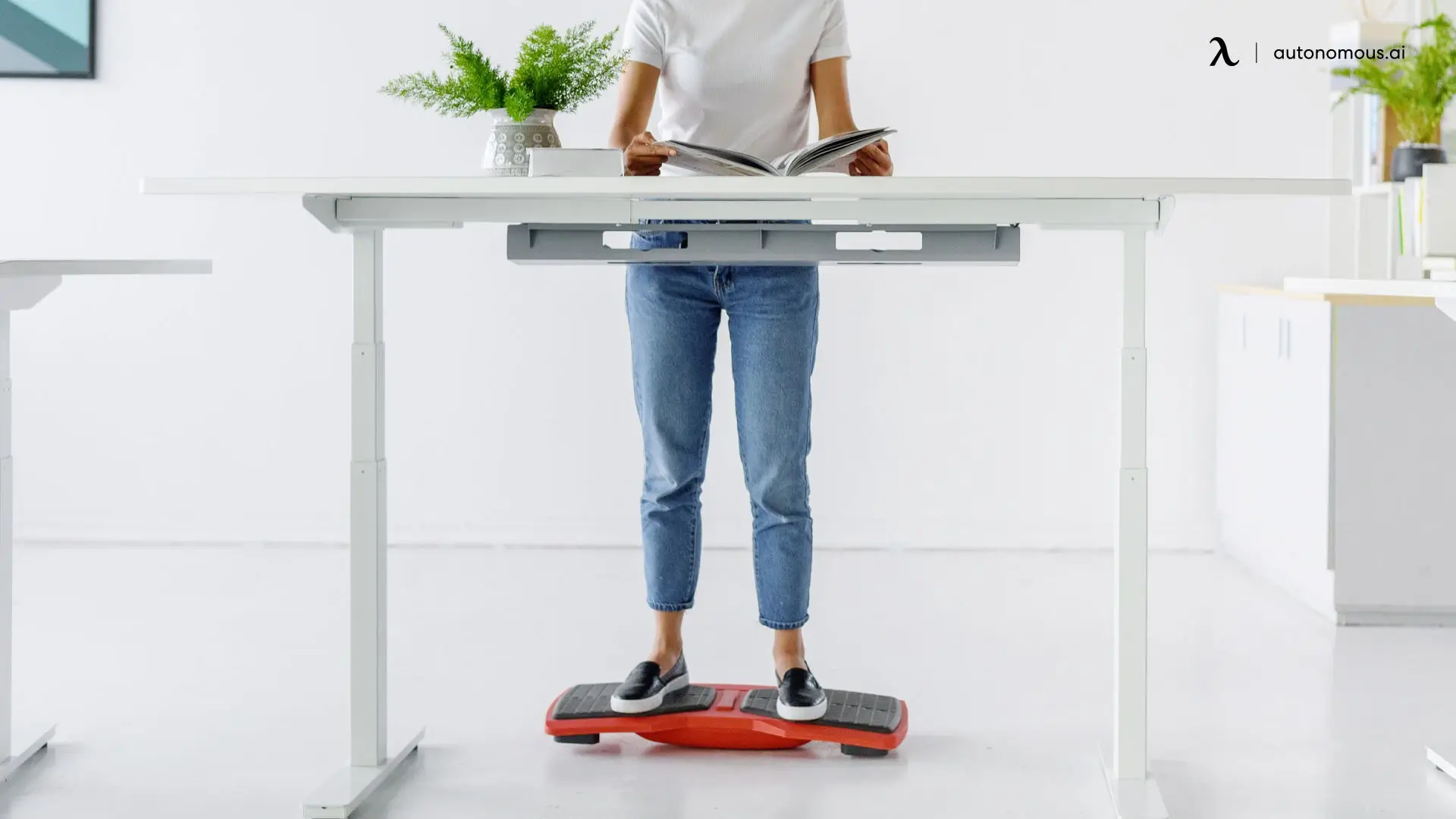
Standing and moving more during the workday adds to that side, though modestly. Standing burns about 0.15 calories per minute more than sitting, which works out to roughly 54 extra calories a day.
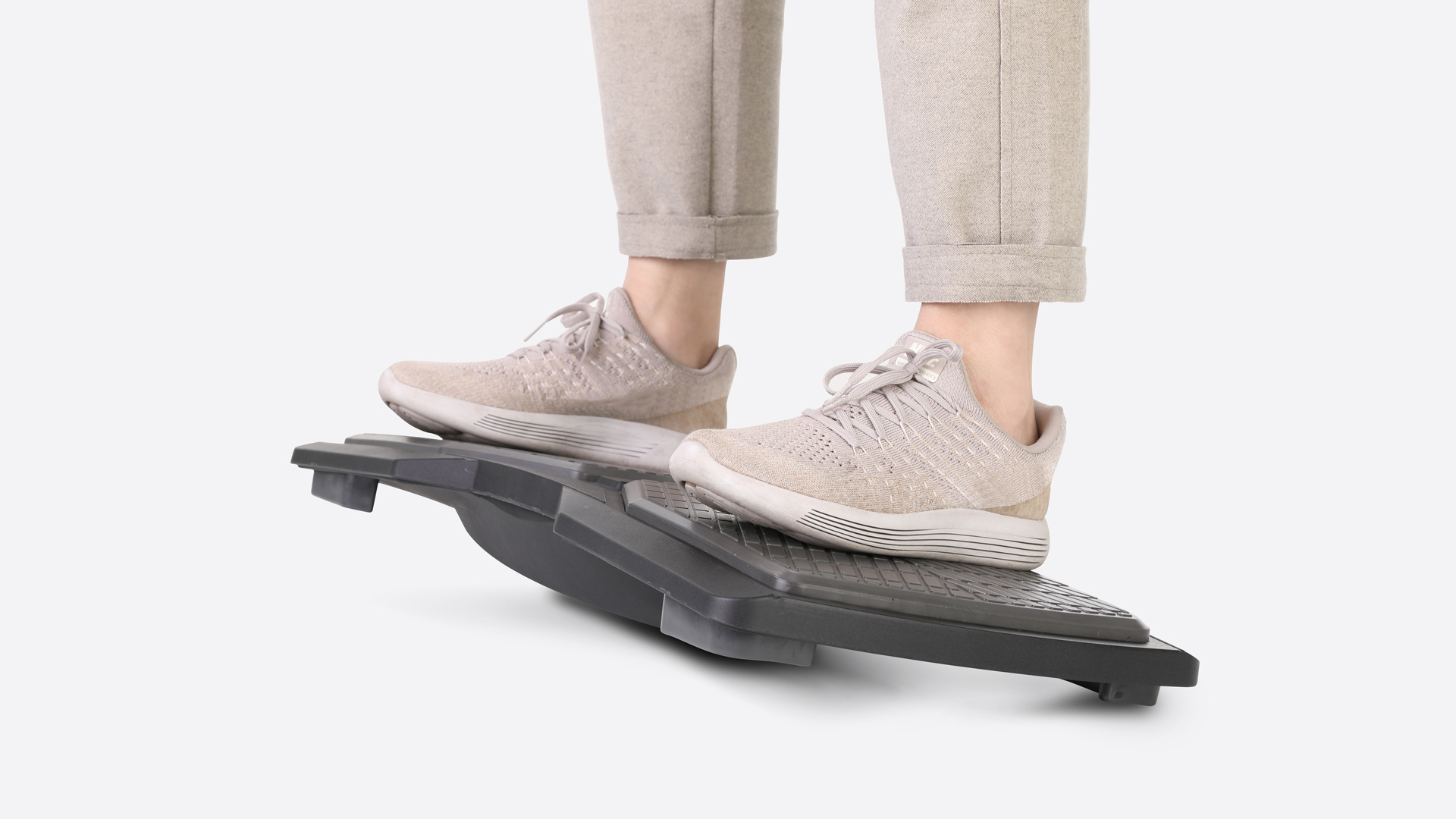
That is small on its own, and no desk setup replaces exercise. The real value is breaking up long stretches of sitting, which keeps you moving, supports posture, and lets small amounts of movement add up over time. If you spend your day at a desk, a standing desk or simple active-sitting habits make it easier to stay in motion while you work.
FAQs
Is there a free calorie counting app?
Yes. Several apps let you log food, track daily calorie intake, and view basic summaries without paying or starting a trial. The key is choosing an app where core calorie tracking stays usable long term, not just during onboarding.
What's the best free app for calorie counting?
There is no single best option for everyone. The best free app depends on whether you value accuracy, simplicity, speed, or structure, and whether it stays usable without a subscription.
Is there a free calorie counter by picture?
Some apps offer photo-based food logging, but it is usually limited or locked behind paid plans. Most free apps still rely on manual logging rather than image recognition, so a free photo logger like PlateLens is the exception.
Is there a completely free calorie counting app with no subscription?
Yes. A few apps track calories without a subscription, supporting meal logging and calorie totals indefinitely, though they may include ads or optional upgrades.
Is there a free calorie counting app with no sign up?
Some apps allow limited use without an account, especially for basic logging. Saving progress across days usually requires sign-up, even in a free calorie counting app.
What is the best free calorie counting app for the iPhone?
Several free calorie counting apps are well optimized for iPhone and iOS. The best option depends on whether you value clean design, quick logging, or more structured daily tracking.
Is a free calorie counting app accurate?
Accuracy depends on the food database and how foods are logged. Apps built on verified data sources tend to be more reliable than those relying heavily on user-generated entries.
Can a free calorie counting app work long term?
Yes, as long as the app keeps core features free without forcing upgrades. A tracker that supports long-term use is often more valuable than one with advanced features locked behind a paywall.

Conclusion
The right free calorie counting app is the one you can keep using, not the one with the longest feature list. Any of these six lets you track intake without a subscription, so the choice comes down to whether you want accuracy, simplicity, flexibility, or structure. It only tells half the story, so pairing it with regular movement gives you a fuller view of your habits. Start with the app that feels easiest to return to, and let the routine build from there.
References
- Mayo Clinic News Network - "Standing several hours a day could help you lose weight, Mayo Clinic research finds" (Saeidifard et al., 2018 meta-analysis of 46 studies). https://newsnetwork.mayoclinic.org/discussion/standing-several-hours-a-day-could-help-you-lose-weight-mayo-clinic-research-finds/
- Harvard Health Publishing - "Stand more, burn (slightly) more calories." https://www.health.harvard.edu/staying-healthy/stand-more-burn-slightly-more-calories
- Fortune - "5 Best Calorie Counter Apps (2026)," including registered-dietitian commentary on healthy use. https://fortune.com/article/best-calorie-counter-apps/
- Garage Gym Reviews - "8 Best Calorie Counter Apps: RD-Approved (2026)." https://www.garagegymreviews.com/best-calorie-counter-apps