AI Agents vs. AI Assistant: What's the Real Difference?

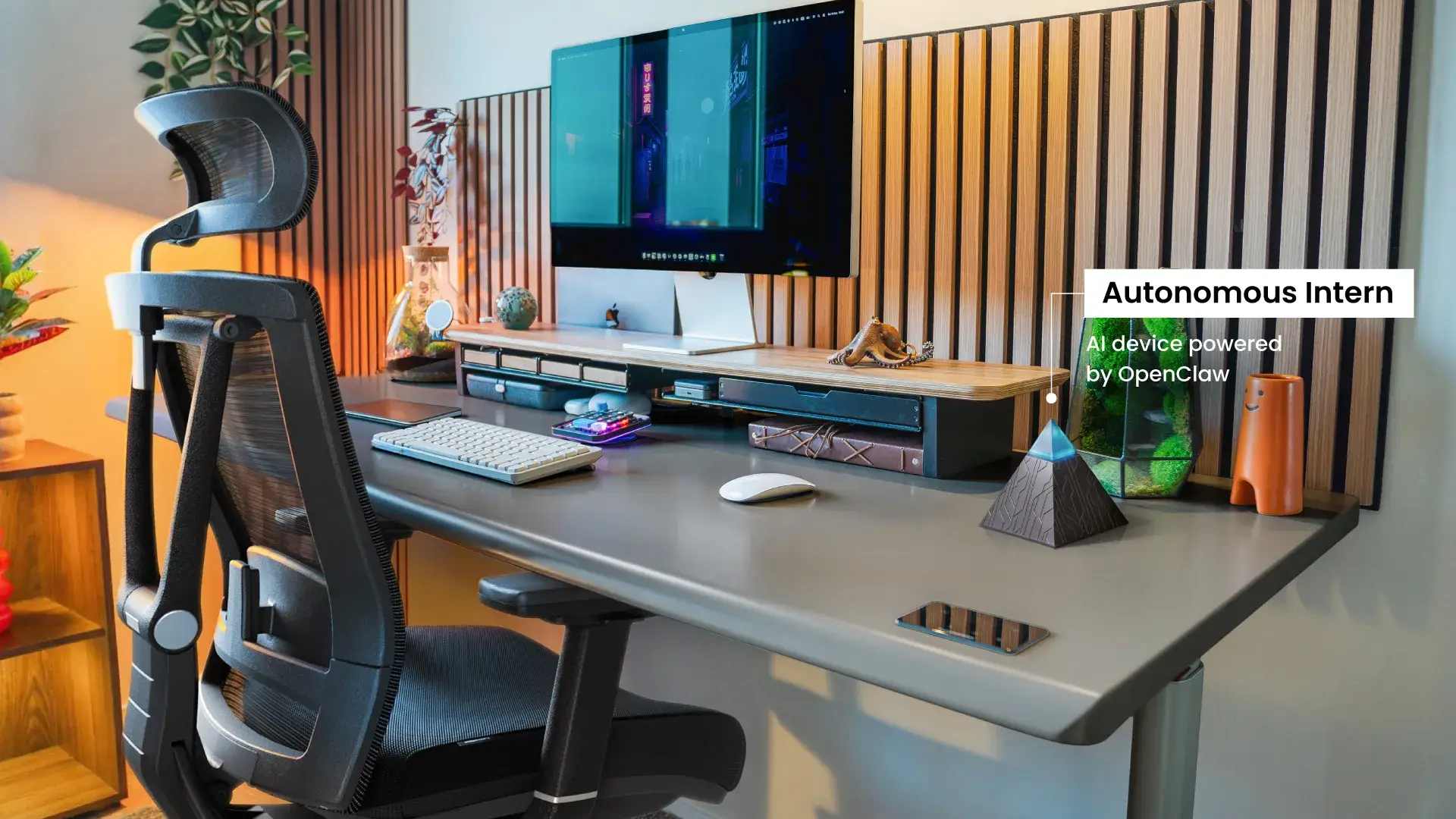
Table of Contents
Every AI tool seems to carry the label "agent" now — Siri, ChatGPT, custom-built workflow bots, and fully autonomous enterprise systems all get grouped under the same term. That loose language makes the real distinction easy to miss.
AI agents vs. AI assistants are not just a matter of vocabulary: it describes two fundamentally different operating models, each suited to different kinds of work. This article breaks down how they differ, where each performs best, and how to decide which one your workflow actually needs.
The Core Difference in One Line
An AI assistant responds when you ask. An AI agent keeps working after you stop asking.
Both are built on large language models. Both understand natural language inputs. But the operating model diverges sharply from there. An AI assistant is request-driven — it completes what you ask, returns the output, and stops. An AI agent is goal-driven — given an objective, it plans the steps required to reach it, executes those steps using available tools, and only stops when the work is done or it hits a boundary it can't resolve alone.
In the AI agents vs. AI assistant comparison, the distinction isn't about which is more advanced. It's about who controls the sequencing. With an assistant, you do. With an agent, the system does — within whatever guardrails you've defined.
What Is an AI Assistant?
Put simply, an AI assistant is software that responds to your input, completes a defined task, then waits. The interaction is a loop: prompt, response, stop.
The most widely used examples — Siri, Alexa, Google Assistant, ChatGPT in standard mode — all follow this pattern. Each session is independent. The assistant doesn't retain what happened last time unless memory features are explicitly enabled, doesn't act on your behalf between conversations, and doesn't move to the next step until you ask it to.
That reactive structure is well-suited to work where human judgment drives each decision. A product manager asking an assistant to summarize user feedback before a meeting retains full control over how that information gets used. In specialized contexts, this reactive model extends further — an AI-powered legal assistant surfacing case precedents on demand, or an AI financial assistant retrieving portfolio data mid-meeting. The human interprets and decides; the assistant retrieves and presents.
A support agent using an assistant to draft a response still reviews and sends it manually. The assistant accelerates a step; it doesn't own the process.
Where this model reaches its limit is in work that is sequential, repetitive, or multi-system. If completing a task means reading data from one tool, acting on it in another, logging the result in a third, and repeating that cycle daily — an assistant handles none of that autonomously. Each handoff requires a human prompt. The tool is capable; the workflow still depends entirely on the person operating it. For businesses looking to go further, private AI assistants offer a more integrated model — purpose-built for organizational workflows rather than general on-demand use.

What Is an AI Agent?
An AI agent receives a goal and determines how to reach it. That single shift — from responding to instructions to pursuing an objective — is what separates agents from assistants at an architectural level.
Where an assistant returns information for you to act on, an agent acts directly. It identifies what steps are required, sequences them, calls on external tools to execute each one, and handles the transitions between steps without waiting for human input. A task like "process all new customer onboarding requests that came in this week" doesn't require the agent to be walked through each action. It reads the intake data, triggers the relevant workflows, updates the necessary records, and flags anything it can't resolve — completing the full sequence from a single instruction.
Three capabilities make this possible:
Tool use with write access. Agents don't retrieve information and hand it back. They operate on systems — reading, writing, triggering, and updating across platforms. The difference between an assistant telling you what to do and an agent doing it.
Persistent memory. Agents maintain context across sessions. They build on previous task outcomes, incorporate feedback over time, and refine their approach based on what has and hasn't worked — rather than starting from scratch with each interaction.
Self-directed task sequencing. Given an end state, an agent breaks the work into subtasks and executes them in order. It determines what step two requires without being told, adjusts when a step fails, and continues toward the objective rather than stopping and waiting.
The tradeoff is control. An agent operating without well-defined boundaries can pursue a goal through unintended paths, compound errors across a chain of actions, or generate outputs that are technically correct but contextually wrong. The architecture assumes you've set guardrails before deployment — not after something goes wrong.
For teams running agents in sensitive environments, how data is handled during autonomous execution is a separate consideration — one covered in depth in the context of private AI deployments.

AI Agents vs. AI Assistants — Head-to-Head Comparison
The key difference between AI agents vs. AI assistants lies in autonomy and execution. AI assistants respond to user prompts and stop after each interaction, while AI agents can independently plan and complete multi-step tasks toward a defined goal. In short, assistants help you think, while agents help you act.
The distinction between AI agents vs. AI assistants becomes clearer when mapped across the dimensions that directly affect how you work: what triggers the system, how far it goes without you, and what happens when something goes wrong.
Dimension | AI Assistant | AI Agent |
Activation trigger | Requires a user prompt | Goal-based, self-initiating |
Memory capability | Session-level or none | Persistent across sessions |
Tool access & execution | Information retrieval | Read/write access across systems |
Task complexity | Single-step | Multi-step, multi-system |
Human involvement | Required at every action | Required at setup and exceptions |
Common limitations | Misinterprets vague prompts | Can pursue goals through unintended paths |
Best use cases | Drafting, Q&A, research, analysis | Workflow automation, monitoring, execution |
Examples | ChatGPT, Siri, Alexa, Gemini | AutoGPT, OpenClaw, Autonomous Intern |
In simple terms, AI assistants are reactive tools for single tasks, while AI agents are proactive systems designed to execute complete workflows.
Two key differences in AI agents vs. AI assistants are worth unpacking further.
Memory is where most people underestimate the difference. An AI assistant operating without memory treats every session as a blank slate — context you provided yesterday doesn't carry forward unless you restate it. An agent with persistent memory builds a working model of your preferences, prior tasks, and outcomes over time. For recurring workflows, that accumulation matters: the agent's second month of operation is measurably more calibrated than its first.
Tool use highlights the execution gap. Retrieval and execution are fundamentally different capabilities. An AI assistant that surfaces the right information still requires a human to act on it — open the CRM, update the record, send the message. An AI agent with write access closes that gap by executing actions directly. The task is completed end-to-end, not left as a follow-up step.
When to Use an AI Assistant
The right question isn't which is more advanced — it's which fits the work. An AI assistant is the better choice when human judgment is load-bearing at each step.
- High-judgment, variable tasks:
Drafting a client proposal, adjusting tone for a sensitive communication, interpreting ambiguous data — these require contextual decisions that change each time. An assistant surfaces what you need; you determine what to do with it.
- Low-frequency, one-off work:
Tasks that run occasionally and change significantly each time carry too much variability to hand off to an agent without disproportionate setup. The assistant's simplicity is the advantage here.
- Content creation and review pipelines:
Generating first drafts, summarizing documents before a meeting, producing research briefs for human review — work that feeds into a human decision rather than replacing one.
- Real-time support scenarios:
A support rep pulling order history mid-call, a manager asking for a quick competitive data point, a writer refining a paragraph on the fly. Speed and control matter more than continuity.

When to Use an AI Agent
Agents earn their setup cost when the work is defined, repeatable, and multi-system.
- Triggered, recurring workflows:
A new lead enters the CRM, a support ticket exceeds response threshold, inventory drops below a set level — when the trigger and the response sequence are both predictable, an agent handles execution without human coordination at each step.
- High-volume, high-frequency tasks:
A follow-up sequence running fifty times a day, daily inbox triage, weekly reporting across multiple data sources — operationally expensive to run through a human-driven loop, well-suited to autonomous execution.
- Multi-system operations:
Any task that requires moving data or triggering actions across more than one platform — reading from a CRM, updating a spreadsheet, sending a Slack notification, logging a record — benefits from an agent's write access and sequencing capability. Manual handoffs between systems are where errors accumulate.
- Always-on monitoring:
Anomaly detection, threshold alerts, compliance checks, security monitoring — work that needs to run continuously and respond immediately, independent of business hours or human availability. This is also where proactive AI architecture becomes relevant — systems designed to act on conditions rather than wait for instructions.
One condition applies regardless of use case: agents need defined guardrails. Autonomy without clear success criteria and exception-handling produces drift — the agent completes the task while missing the intent behind it.
The Hybrid Model — Agents and Assistants Working Together
Most real-world AI deployments don't run on one model exclusively. The more functional architecture combines both — assistants handling the conversational, judgment-intensive layer while agents manage execution in the background.
This isn't a compromise. It's how the two models complement each other structurally. An assistant is well-positioned for the parts of a workflow that require human input, interpretation, or approval. An agent is well-positioned for the parts that don't. Splitting the work along that line produces better outcomes than forcing either model to cover the full range.
A practical example: a sales team uses an AI assistant to draft outreach copy — because tone, positioning, and messaging require human review before anything goes out. Once approved, an agent handles distribution, response tracking, CRM logging, and follow-up sequencing. The human stayed involved where their judgment added value. The agent handled volume and continuity where it didn't.
This combined approach has a formal name in enterprise deployments: human-in-the-loop (HITL). Rather than running agents fully autonomously, HITL architecture routes specific decision points — anything outside defined parameters, high-stakes actions, ambiguous inputs — back to a human for approval before the agent proceeds. It's the middle ground between an assistant that waits for every instruction and an agent that acts without any oversight.
For businesses evaluating AI adoption, HITL is worth understanding as a default posture rather than a fallback. Fully autonomous agents carry real operational risk when deployed at scale without sufficient testing. Starting with tighter human oversight and expanding agent autonomy incrementally — as reliability is demonstrated — is a more defensible path than the reverse. This incremental approach is also relevant to how teams build toward a productive work environment with AI — layering tools deliberately rather than deploying everything at once.
The AI agents vs. AI assistant framing is useful for understanding the technology. In practice, the question is less often "which one" and more often "where does each one belong in this workflow."

Autonomous Intern: Where AI Agents Meet Assistants
The AI agents vs. AI assistant distinction is useful on paper. In practice, most people hit a different problem: assistants are too passive for the work they want to offload, but setting up an autonomous agent — configuring a cloud server, managing a VPS, handling infrastructure — requires more technical overhead than the time savings justify.
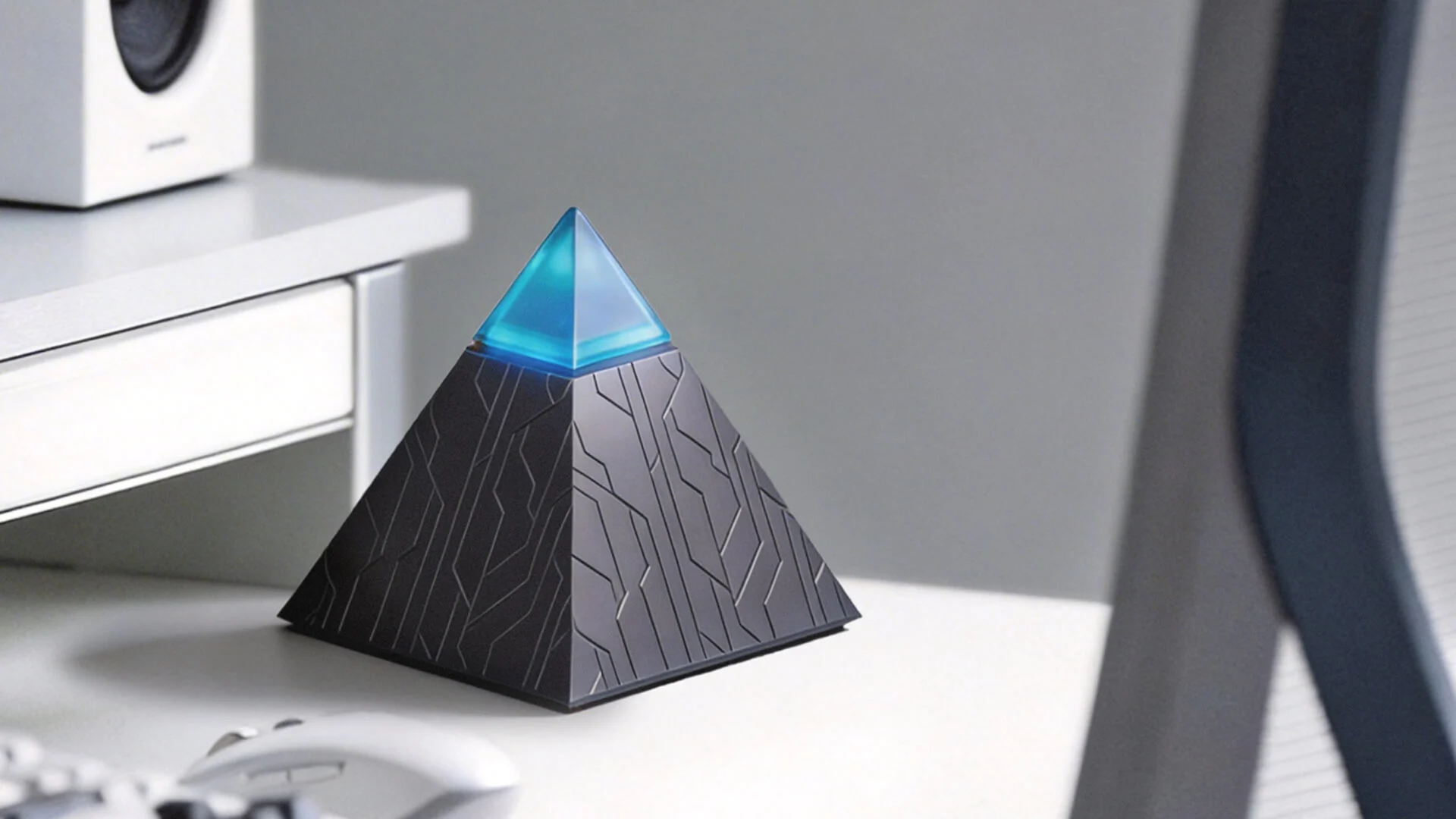
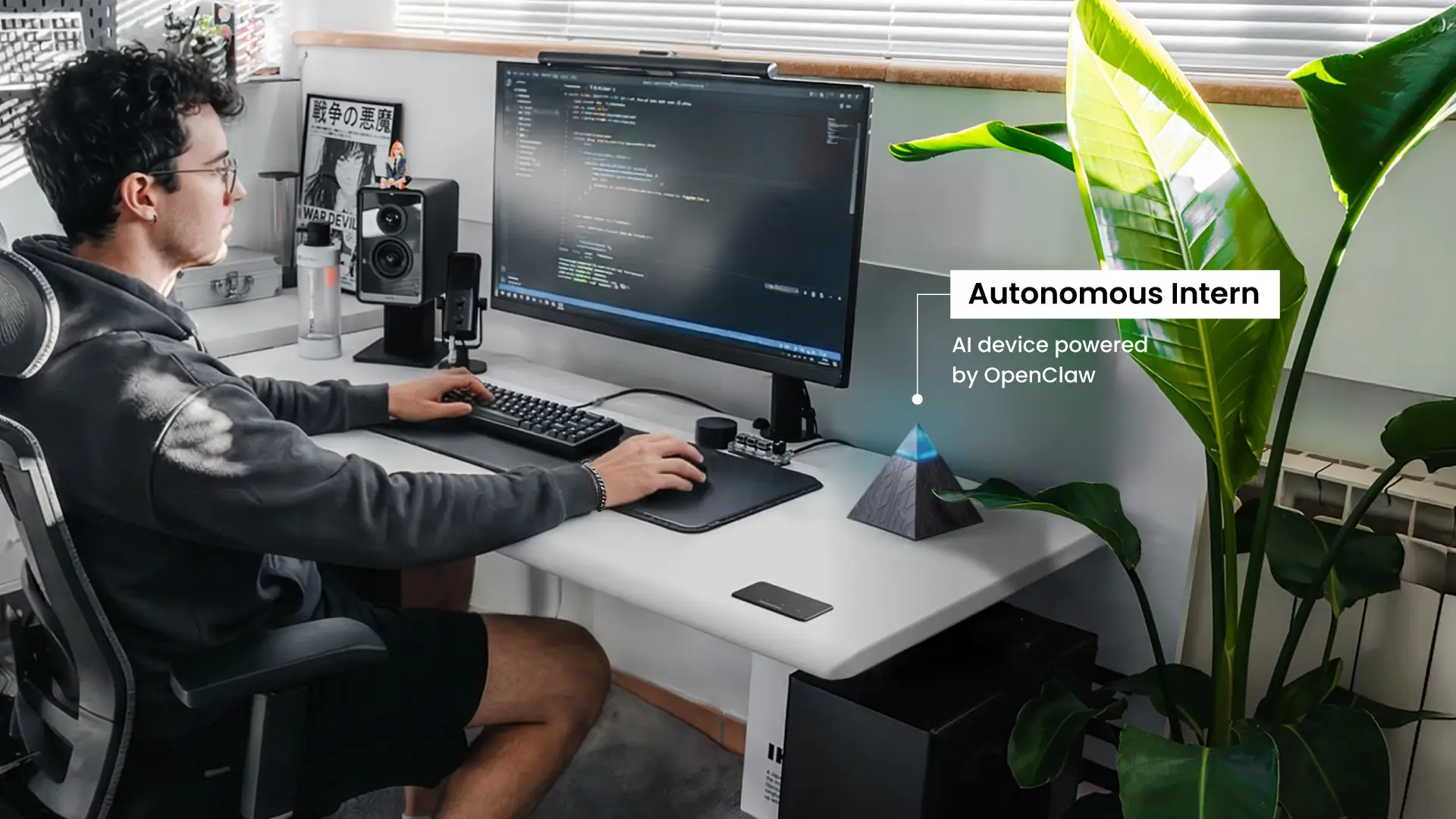
Autonomous Intern is built around that gap. It's a personal AI device that runs OpenClaw locally, sits on your desk, and operates 24/7 without the setup complexity of a self-hosted agent or the data exposure of a cloud-dependent assistant. For those evaluating how to run AI locally without a VPS or cloud dependency, Intern's architecture addresses that directly.
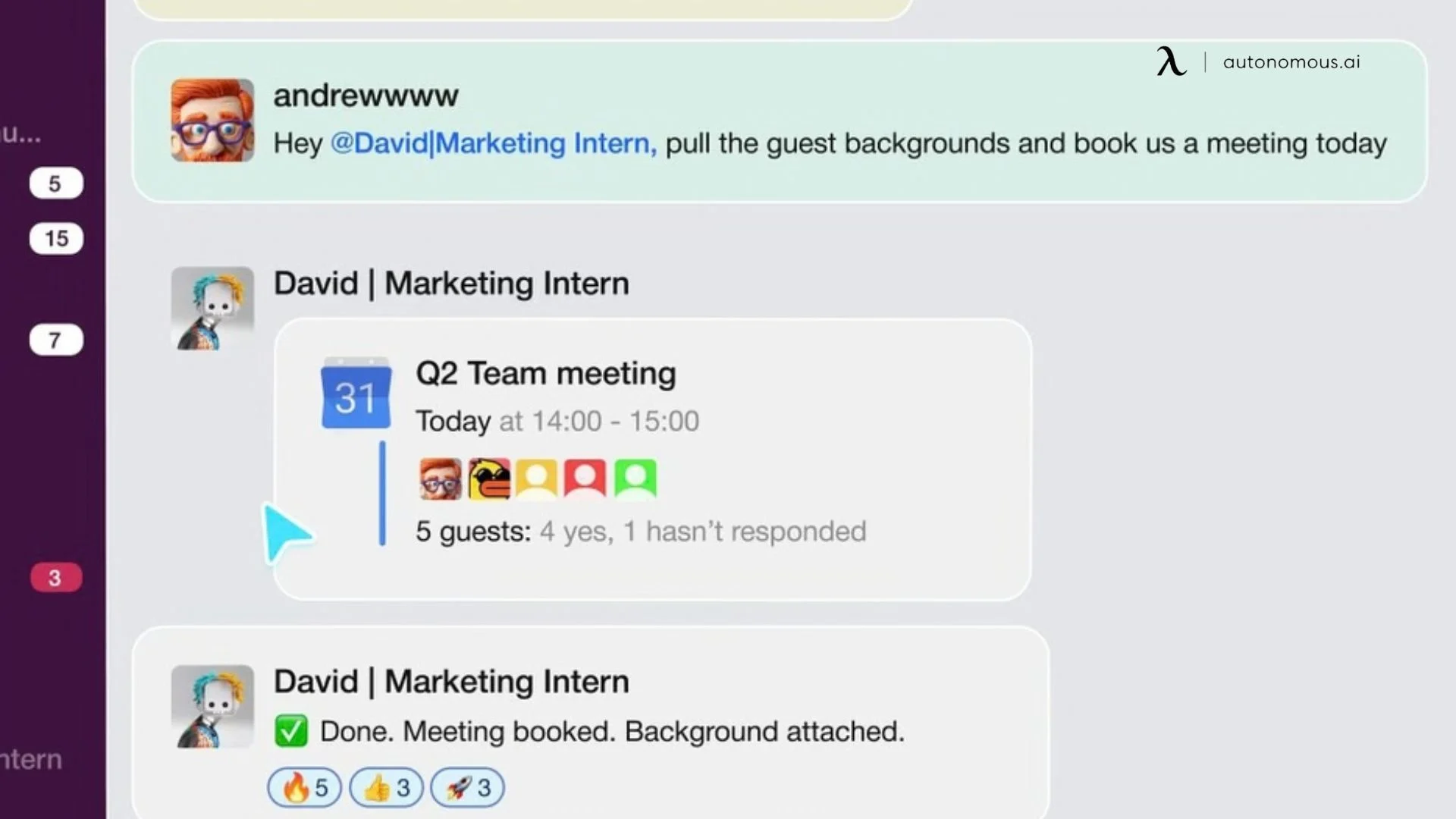
Rather than opening a dedicated interface, you direct this personal AI assistant through messaging platforms you already use — WhatsApp, Telegram, Slack, Discord, or iMessage. The interaction stays in the same threads where your work already happens. What runs in the background is where the agent-class behavior shows:
- Persistent memory. Context accumulates across sessions rather than resetting. The system becomes more calibrated to how you work over time — day two is measurably different from day one.
- Autonomous task execution. Intern runs scheduled tasks and cron jobs without prompting — inbox management, lead screening, meeting scheduling, news monitoring, OKR tracking, multi-step workflows across platforms.
- Local data processing. Everything stays on the device. Conversations and task data don't route through external servers, which removes a risk that cloud-dependent assistants carry by default.
- Extensible skill set. Intern can adopt community-built skills, run custom ones, or write its own plugins — meaning its capabilities expand as your workflows do.
For professionals who've understood the agent-assistant distinction and want to act on it without building anything from scratch, Autonomous Intern is the shortest path between that decision and a working setup.
FAQs
What is the main difference between AI agents and AI assistants?
The main difference between AI agents vs. AI assistants is autonomy. AI assistants respond to prompts and stop after each task, while AI agents are goal-driven systems that plan, act, and continue working until an objective is completed. The distinction is not intelligence but execution—assistants require step-by-step input, whereas agents operate independently.
Is ChatGPT an AI agent or an AI assistant?
In its default interface, ChatGPT is an AI assistant. It responds to prompts, does not retain persistent memory across sessions by default, and requires user input for each action. While it can simulate agent-like behavior through tools or integrations, its standard use is reactive rather than autonomous.
Is Siri an AI agent or an AI assistant?
Siri is an AI assistant. It follows a prompt-response model, executing predefined tasks based on user commands. It does not independently pursue goals, maintain long-term memory, or manage multi-step workflows without user direction.
What are some examples of AI agents vs. AI assistants in real use?
Common AI assistant examples include Siri, Alexa, Google Assistant, and ChatGPT — tools that respond on demand. AI agents, by contrast, operate continuously in workflows—examples include automated lead follow-up systems, inbox triage automation, fraud detection engines, and devices like Autonomous Intern that execute multi-step tasks without requiring a new prompt for each action.
Can an AI assistant become an AI agent?
Yes, an AI assistant can evolve into an AI agent with the right architecture. This typically requires persistent memory, access to external tools with write capabilities, and the ability to plan and execute multi-step tasks autonomously. Whether this is possible depends on the platform and integrations, as not all assistants are designed for agent-level behavior.
Which is better for business — an AI agent or an AI assistant?
Neither is inherently better — it depends on the use case. AI assistants are ideal for tasks requiring human judgment, such as drafting, reviewing, and analysis. AI agents are better suited for automated workflows that run across systems without manual input. Most businesses achieve the best results by using both together.
Are AI agents more expensive than AI assistants?
In most cases, yes. AI agents typically require more computational resources, infrastructure, and setup compared to AI assistants. They also involve ongoing costs for monitoring and maintenance. However, they can deliver higher ROI when used for high-volume or repetitive workflows that would otherwise require significant manual effort.
Do AI agents replace AI assistants?
No, AI agents do not replace AI assistants. They serve different roles. AI assistants support real-time human decision-making, while AI agents automate execution across systems. In practice, they are often used together, with assistants handling interaction and agents handling background workflows.
What should I look for when choosing between an AI agent and an AI assistant?
The key factor is what happens after the AI produces an output. If a human needs to review or decide the next step, an AI assistant is the better choice. If the task continues automatically without human involvement, an AI agent is more appropriate. Choose based on where human input is required in your workflow.
Are AI agents more powerful than AI assistants?
AI agents are not necessarily more powerful, but they are more autonomous. AI assistants can be equally capable in reasoning or generation, but they require user input at each step. AI agents extend that capability by independently executing tasks across multiple steps and systems.
When should I use an AI agent instead of an AI assistant?
You should use an AI agent when a task involves multiple steps, repeats frequently, or needs to run without constant human input. AI assistants are better for one-off tasks that require human judgment, while AI agents are better for automating workflows end-to-end.

Conclusion
The AI agents vs. AI assistant distinction comes down to one practical question: does the work require human direction at each step, or does it need to run without it?
Assistants are the right tool when judgment, context, and human approval are part of the value. Agents are the right tool when the workflow is defined, repeatable, and better served by uninterrupted execution — from inbox and calendar management handled by an AI secretary to fully autonomous multi-system operations. Most real workloads need both — the assistant handling what requires human input, the agent handling what doesn't.
Understanding where that boundary sits in your own workflow is more useful than debating which technology is more advanced. The tools are only as effective as the clarity of the work you hand them.