Is a Zero-Gravity Chair Ergonomic?
.webp)
Table of Contents
The idea of a zero-gravity chair sounds inherently ergonomic. Reclined 8 hour desk chair, legs elevated, pressure reduced - on paper, it feels like the ultimate solution for back pain and long sitting hours. That’s why terms like ergonomic zero gravity chair, office zero gravity chair, and even zero g computer chair are becoming more common in home office and ergonomic gaming setups.
But comfort and ergonomics are not the same thing.
Many zero gravity chair reviews focus on how relaxed the chair feels, especially for people dealing with lower back discomfort. At the same time, others question whether a reclining zero gravity chair can truly support productivity, posture alignment, and long-term health - especially when used at a desk.
So the real question isn’t whether zero-gravity chairs are comfortable. It’s whether they meet the actual standards of ergonomics.
What Is a Zero-Gravity Chair?
A zero-gravity chair is designed to position the body in a reclined posture where weight is evenly distributed across the back, hips, and legs. The concept is inspired by seating positions studied by NASA, where astronauts are placed in a reclined posture during launch to minimize gravitational stress on the spine.
In practical terms, a zero-gravity position typically involves:
- A recline angle of roughly 120–135 degrees
- Knees elevated slightly above heart level
- Reduced pressure on the lower back and spinal discs
This posture is what most reclining zero gravity chairs aim to replicate, whether they are outdoor loungers, indoor recliners, or office-oriented designs.
Benefits of Zero Gravity Chairs
Zero-gravity chairs perform well in several areas that overlap with ergonomic principles:
- Reduced spinal compression
Reclining shifts body weight away from the lumbar spine. Studies comparing upright sitting to reclined postures consistently show lower disc pressure in reclined positions.
- Even weight distribution
By spreading body weight across a larger surface area, pressure points at the hips and tailbone are reduced.
- Muscle relaxation
A reclined posture reduces continuous muscle engagement in the lower back and shoulders, which can help with fatigue over long periods.
This is why many guides to the best zero gravity chair for back pain focus on reclined seating rather than upright task chairs.
Where Zero-Gravity Chairs Fall Short Ergonomically
Despite these zero-gravity chair benefits, most zero-gravity chairs struggle with key ergonomic requirements:
- Limited task support
Typing, mousing, and monitor alignment become difficult when the body is reclined. Armrests often fail to align properly with desk height.
- Reduced movement
Many designs encourage static lounging rather than posture variation, which can lead to stiffness over time.
- Poor desk integration
Even a well-designed zero g computer chair often requires compromises in keyboard position, mouse control, or screen height.
In short, zero-gravity chairs support comfort and recovery better than they support active work.
Zero-Gravity Chair vs Recliner
Aspect | Zero-Gravity Chair | Recliner |
Primary purpose | Reduce spinal pressure and distribute body weight | Provide comfort and relaxation |
Recline design | Engineered to balance back and leg elevation | Back reclines independently of leg rest |
Body alignment | Maintains a neutral, supported posture | Alignment varies and is often uneven |
Pressure distribution | Evenly spread across back, hips, and legs | Concentrated on lower back and seat |
Ergonomic intent | Designed with posture and circulation in mind | Designed mainly for comfort |
Use during work | Possible for calls or light tasks | Not suitable for work |
Typical environment | Home office, recovery, hybrid setups | Living room or lounge space |
A zero-gravity chair is designed to reduce physical strain through posture and weight distribution, while a recliner focuses on comfort without ergonomic structure. They may look similar, but they serve very different purposes.
Zero-Gravity Chair vs Ergonomic Office Chair
A zero-gravity chair is designed to unload the spine and encourage relaxation. An ergonomic office chair is built for sustained desk work, where posture, movement, and alignment matter more than recline.
The best desk chair for back pain typically falls into the ergonomic office chair category, not the zero-gravity category. These chairs are designed to manage spinal load while keeping the body upright enough for typing and screen use.
Similarly, the best office chair for posture focuses on active lumbar support and posture correction rather than full-body recline. This approach supports long work sessions without locking the body into a single position.
An office chair with headrest often bridges comfort and function by supporting the neck while preserving desk compatibility. For users who want occasional leg support without losing work efficiency, an office chair with leg rest offers a middle ground between upright seating and full recline.
Category | Zero-Gravity Chair | Ergonomic Office Chair |
Primary posture | Reclined, weight-distributed | Upright with dynamic movement |
Spine pressure | Very low due to recline | Moderate, managed through lumbar support |
Adjustability for work | Limited for desk tasks | High and task-focused |
Desk and keyboard use | Awkward or restricted | Designed for full desk compatibility |
Movement encouragement | Minimal, more static | Encourages posture changes |
Best use case | Recovery, long calls, relaxation | Typing, focused work, long productivity sessions |
Ergonomic role | Comfort and spinal relief | Active support and work efficiency |
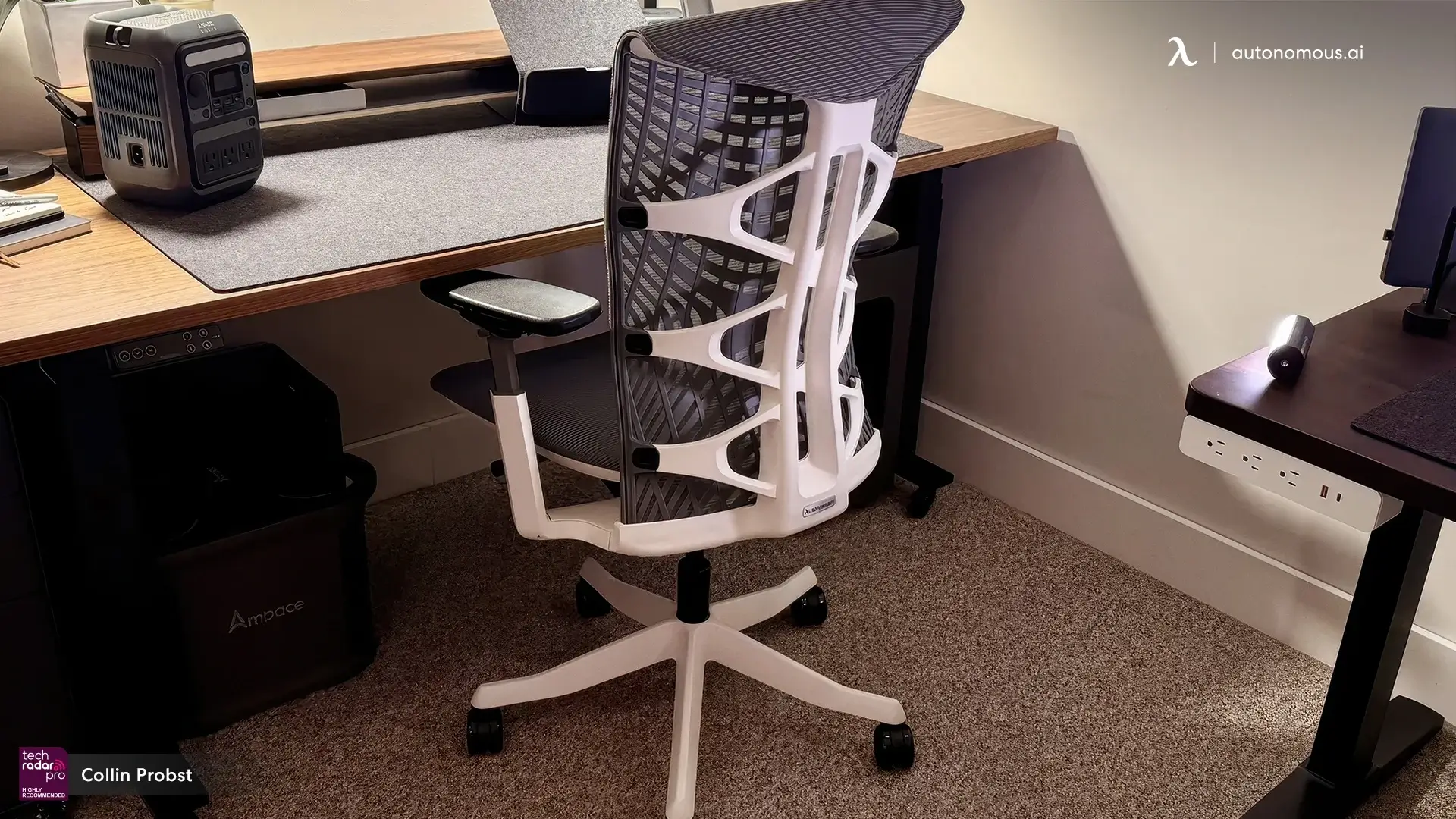
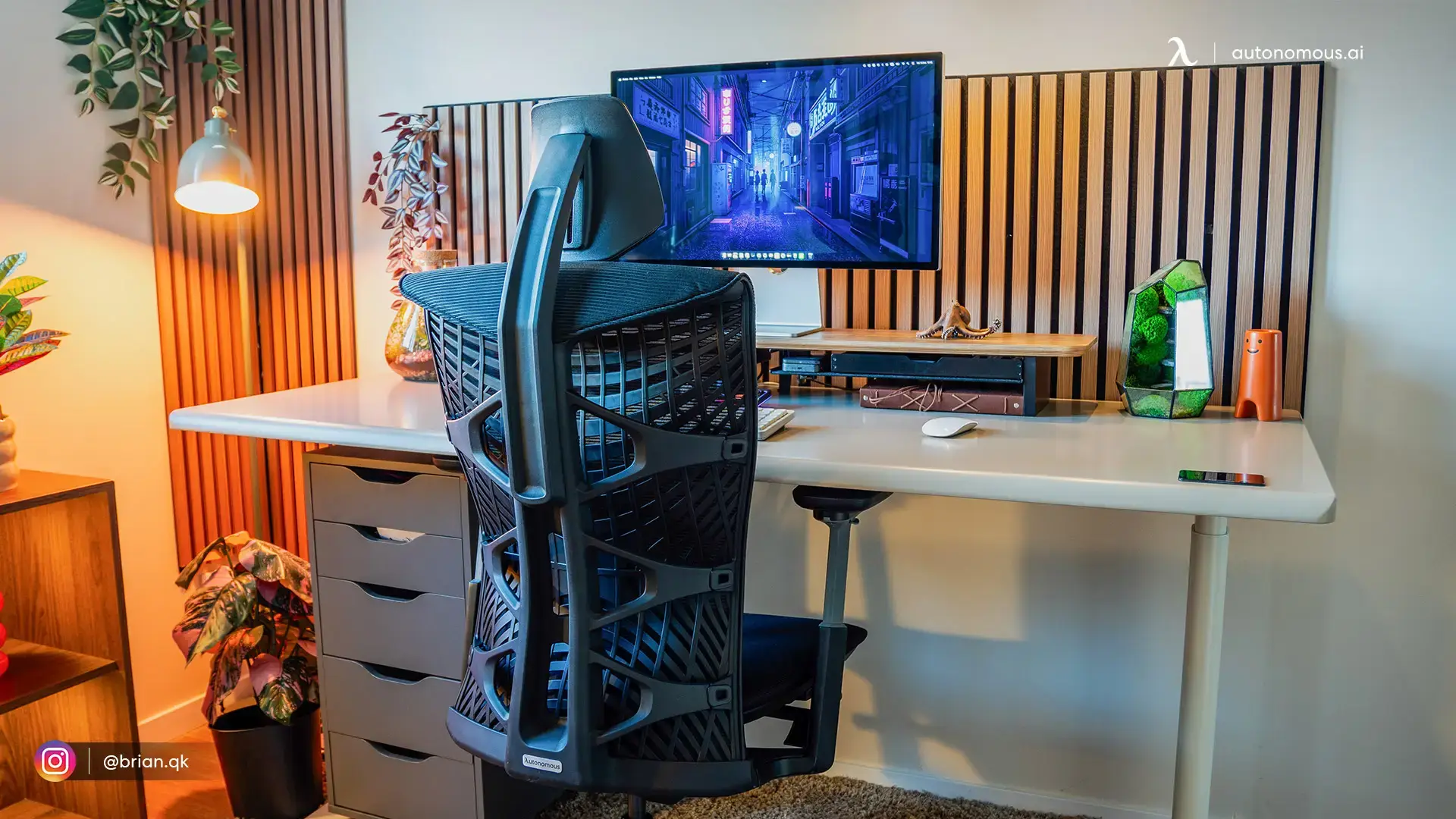
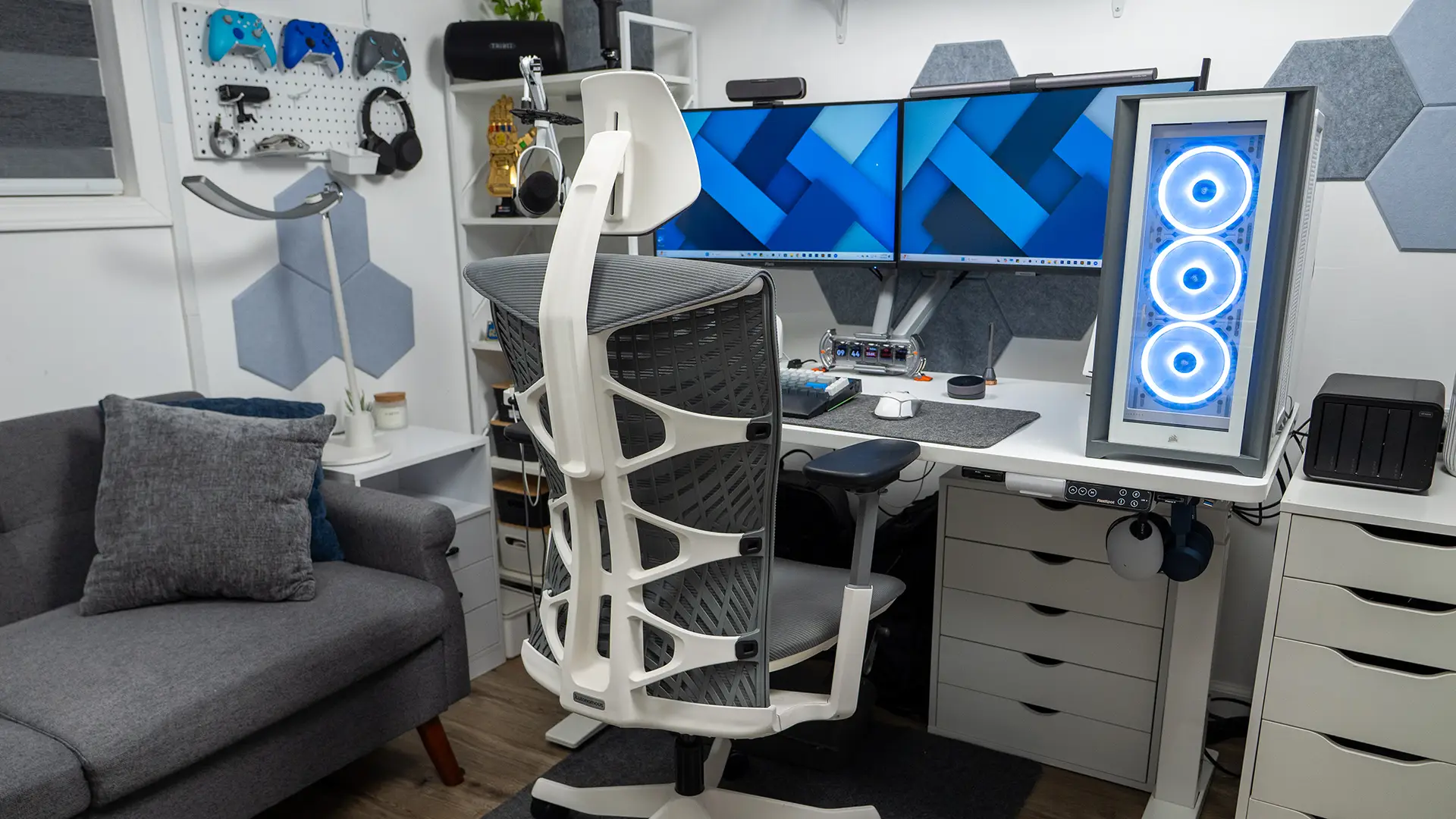
In that context, Autonomous’s ErgoChair Ultra 2 fits squarely into the ergonomic office chair category. It’s designed for posture support, frequent movement, and long desk sessions - while a zero-gravity chair remains better suited for recovery, calls, or rest between work blocks.

Zero-Gravity Chair Reviews: What Real Products Do Well
1. ErgoQuest
ErgoQuest takes a systems-first approach. Rather than adding a deep recline to a standard chair, it integrates the recliner directly into the workstation itself. The chair, leg rest, desk surface, and monitors are all designed to move together.
What stands out in practice:
- Motorized recline and leg support
- A fixed recline angle around 120 degrees through the hips
- Desk and monitor placement that stays usable while reclined
Why it matters: ErgoQuest shows that zero-gravity seating works best when the workspace adapts to the body - not the other way around.
2. Altwork
Altwork is often associated with the “full zero-gravity office” idea. The body is reclined, legs elevated, and the desk surface floats above the user, keeping the keyboard and mouse stable even at steep angles.
Notable characteristics:
- Even weight distribution across the body
- Magnetic desk surface to prevent input devices from slipping
- Screens positioned for relaxed, reclined viewing
Why it matters: Altwork proves that working in a zero-gravity position is possible - but it requires a large footprint, a high budget, and a willingness to commit fully to that posture.
3. Levus
Levus focuses on reducing strain on the back, neck, and eyes by minimizing the effects of gravity during work. Like the others, it doesn’t treat the chair as a standalone product.
Key observations:
- Reclined posture designed to reduce neck tension
- Monitor placement aligned with eye level while leaning back
- Emphasis on long-session comfort rather than quick movement
Why it matters: Levus reinforces the same idea seen across other designs: zero-gravity ergonomics only function properly when the entire setup is built around the recline.
FAQs
Is a zero-gravity chair actually ergonomic?
A zero-gravity chair can be ergonomic for spinal relief and relaxation. It reduces pressure on the lower back but does not fully support active desk work like typing or mouse use.
Are zero-gravity chairs good for back pain?
Yes, many people find a zero-gravity chair helpful for back pain because the reclined posture reduces spinal compression. It works best for recovery or intermittent use rather than all-day office work.
Can you work at a desk with a zero-gravity chair?
Working at a standard desk with a zero-gravity chair is difficult due to recline and arm positioning. Most setups require modified desks or integrated work surfaces to be practical.
What is the difference between a zero-gravity chair and an ergonomic office chair?
A zero-gravity chair prioritizes reclined comfort and pressure relief, while an ergonomic office chair is designed for upright, active work. They serve different purposes and are not direct replacements.
Is a zero-gravity chair good for long hours of sitting?
A zero-gravity chair is comfortable for long periods of passive sitting, such as calls or reading. For continuous typing or focused work, an ergonomic office chair is more suitable.
Do doctors recommend zero-gravity chairs?
Some healthcare professionals recommend zero-gravity positioning for reducing back pressure and improving circulation. However, they are usually suggested as a supplement, not a full-time work chair.
What angle is considered zero gravity?
A zero-gravity position typically reclines the body between 120 and 135 degrees, with the knees slightly elevated above the heart. This angle helps distribute body weight evenly.
Are zero-gravity chairs good for gaming?
Zero-gravity chairs can be comfortable for casual or controller-based gaming. They are less ideal for competitive gaming that requires precise mouse and keyboard control.
Can a zero-gravity chair replace an office chair?
In most cases, no. A zero-gravity chair works best as a secondary chair for comfort or recovery, not as a full replacement for an ergonomic office chair.
What should I look for in an ergonomic zero-gravity chair?
Look for adjustable lumbar support, lockable recline positions, and armrests that move with the chair. Poor adjustability is a common issue in low-quality designs.
Are office zero-gravity chairs worth it?
Office zero-gravity chairs can be worth it for users who spend long periods on calls or need back relief. They are less practical for users who do intensive desk work all day.
Why are zero-gravity workstations so expensive?
Zero-gravity workstations are costly because they integrate the chair, desk, and monitor positioning into a single system. This level of engineering is required to make reclined work functional and ergonomic.
Verdict: Is a Zero-Gravity Chair Ergonomic?
A zero-gravity chair is ergonomic in the right context - but not as a universal office solution.
It excels at:
- Spinal decompression
- Muscle relaxation
- Recovery and comfort-focused tasks
It struggles with:
- Active desk work
- Precision input
- Frequent posture changes
For most users, the most ergonomic setup combines:
- A traditional ergonomic office chair for focused work
- A zero-gravity chair for recovery, long calls, or rest
Used this way, a zero-gravity chair becomes a valuable ergonomic complement rather than a replacement.