10 Best L-Shaped Standing Desk for Stable Daily Use


Table of Contents
- What Makes a Good L-Shaped Standing Desk
- Top 10 L-Shaped Standing Desks
- 1. Autonomous Desk 2 L-Shaped
- 2. Flexispot Pro L-Shaped Standing Desk (E7L)
- 3. Vernal L-Shaped Standing Desk
- 4. Desky Softwood L-Shape Sit Stand Desk
- 5. VIVO Electric 71" × 71" Curved Corner Stand Up Desk
- 6. UPLIFT L-Shaped Standing Desk, 3-Leg
- 7. Stand Up Desk Store L-Shaped Programmable Electric Standing Desk
- 8. Vari L-Shape Electric Standing Desk
- 9. Hanover Standing Electric Desk with Triple Motor System
- 10. Progressive Corner Ryzer Standing Desk 78" × 60" Gray Oak
- How to Choose the Right L-Shaped Standing Desk
- FAQs
- Conclusion
A well-designed workspace changes how you work. It's not just about comfort, it's about focus, energy, and the freedom to move through your day without friction. The best L-shaped standing desks offer that possibility: generous surface area for multi-monitor setups, the flexibility to shift between sitting and standing, and efficient use of corner space that traditional desks waste.
The challenge is finding one that delivers on stability, build quality, and long-term value. We evaluated 10 models across these criteria to help you find the best L-shaped standing desk for your setup. Here's what we found.
What Makes a Good L-Shaped Standing Desk
A good L-shaped standing desk is defined less by size and more by how well it behaves once it’s fully loaded and raised. The extended surface, corner joint, and uneven weight distribution introduce challenges that don’t exist with straight desks. The best L-shaped standing desk designs solve those issues quietly, without forcing you to compensate in daily use.
- Stability is the first non-negotiable:
An L-shaped desk must stay rigid across both sides, especially at standing height. Wobble often starts at the corner joint or the far end of the return, where monitor arms and accessories tend to concentrate weight. Strong cross-support, a well-balanced standing desk frame, and synchronized lifting columns matter more here than raw lifting speed.
- Lift system balance matters more than motor count:
Some higher-end L-shaped standing desk reviews highlight triple motor configurations, and for good reason: three lifting columns can help distribute load more evenly across long spans.
That said, a triple motor L-shaped standing desk only performs well if the motors are properly synchronized and paired with a rigid frame. A poorly designed standing desk motor can still flex or drift over time.
- Usable depth beats advertised surface area:
Large desk dimensions look impressive on paper, but what matters is how much of the desk is comfortable to reach while standing. A good L-shaped standing desk provides enough depth on both sides to position monitors at a healthy distance without pushing keyboards or writing space too close to the edge.
- Cable management must work across two planes:
An L-shape doubles the challenge of keeping cables clean. Effective cable management solutions route power and data across the corner without sagging or tension when the desk moves. This is one of the details that separates thoughtful designs from rushed ones.
Top 10 L-Shaped Standing Desks
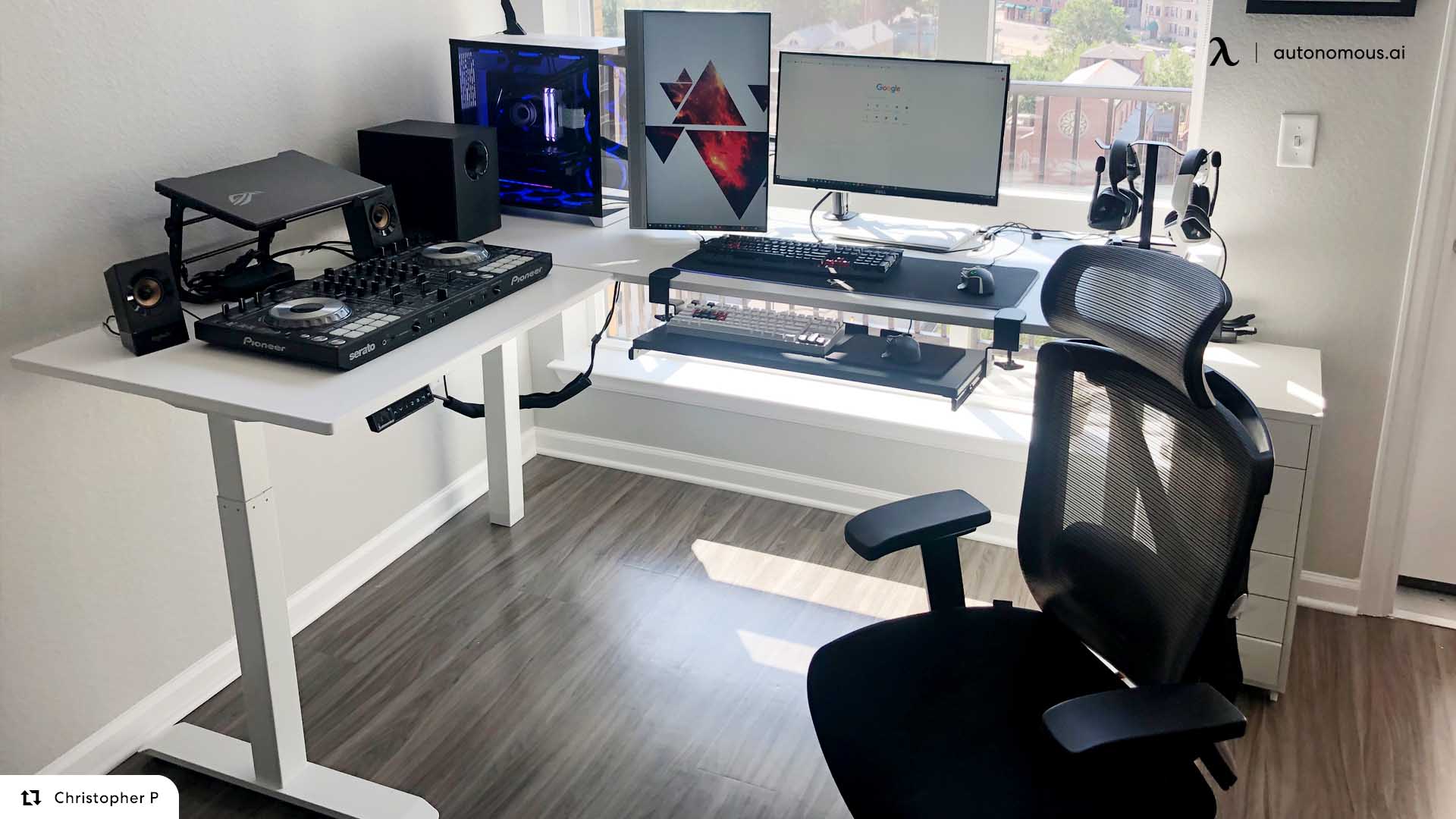
Choosing the best L-shaped standing desk comes down to how well it supports real, everyday work. Beyond the larger surface area, an L-shaped design changes how weight is distributed, how cables move, and how stable the desk feels once you're standing for hours at a time.
Some standing desks handle this well, staying level and predictable across both sides. Others feel solid at first but reveal flex, uneven lifting, or awkward reach over time. The desks below were selected for how they perform in daily use, not just how they look on a spec sheet or in product photos.
L-Shaped Standing Desk | Standing Stability | Surface & Layout | Best For |
Autonomous Desk 2 L-Shaped | Very stable, stays aligned under uneven loads | 77″ × 64″, left/right return | Everyday professional home offices |
FlexiSpot Pro L-Shaped (E7L) | Extremely solid, relies on mass over speed | Wide stance, heavy steel frame | Heavy, stationary setups |
Vernal L-Shaped Standing Desk | Stable when weight is balanced | Solid wood, unified corner plane | Design-focused or executive spaces |
Desky Softwood L-Shape | Moderate, load-dependent | Natural softwood surfaces | Aesthetic-driven workspaces |
VIVO 71″ × 71″ Curved Corner Desk | Adequate, alignment needs adjustment under load | Large corner footprint, curved edge | Budget buyers needing surface area |
UPLIFT L-Shaped Standing Desk (3-Leg) | Very stable, high load tolerance | Highly customizable, modular system | Users who want full customization |
Stand Up Desk Store L-Shaped | Stable for typical work | Multiple top options, quick setup | Fast assembly, minimal fuss |
Vari L-Shape Electric Desk | Stable for typing, flex when leaning | Up to 80″ × 80″, ergonomic edge | Long sessions, low arm pressure |
Hanover Triple-Motor L-Shape | Very stable, handles heavy loads well | Low minimum height, C-leg frame | Shorter users with heavy gear |
Progressive Corner Ryzer 78″ × 60″ | Stable but height-limited | Reversible corner layout | Average-height users who want flexibility |
1. Autonomous Desk 2 L-Shaped
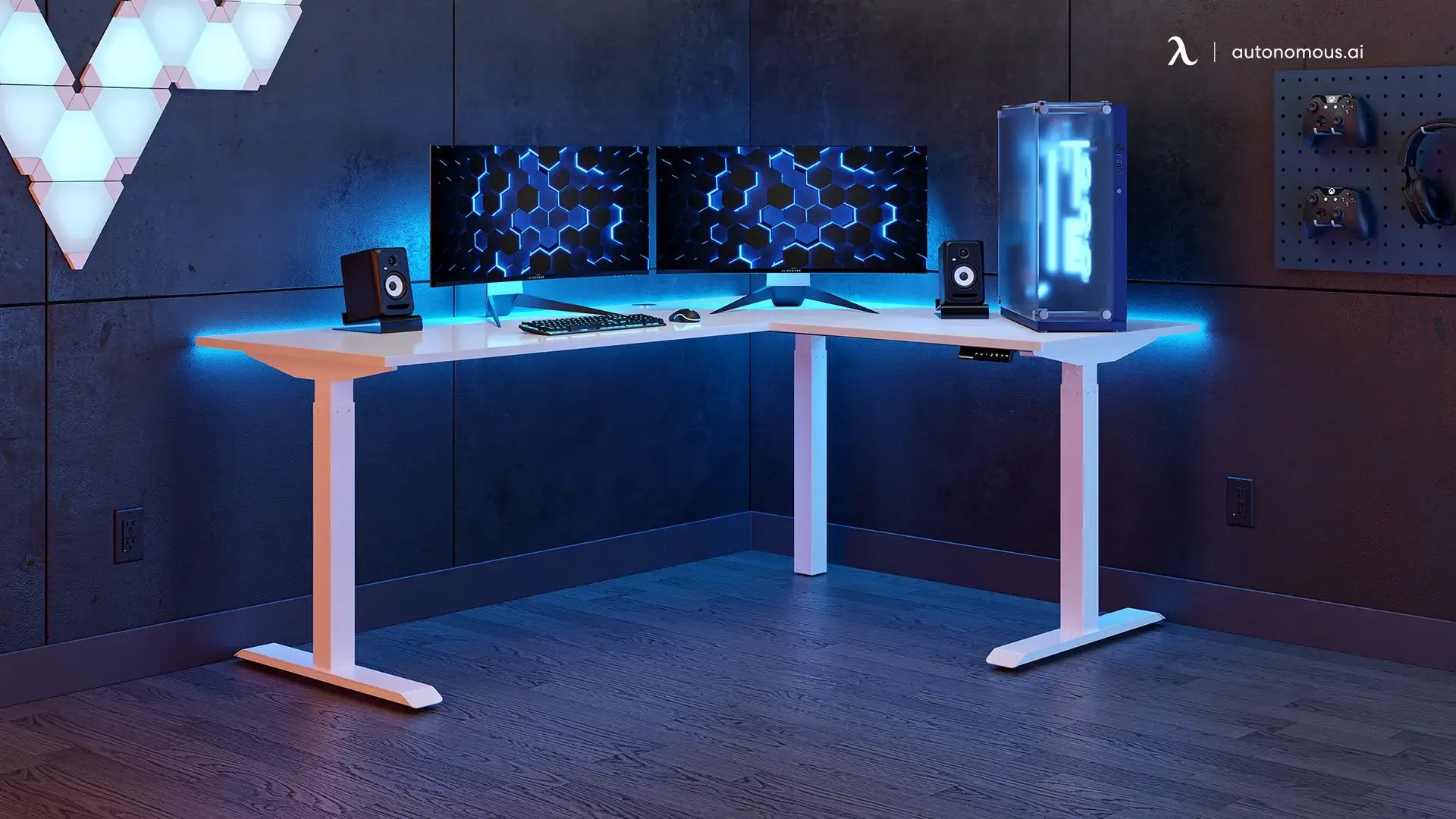
L-shaped frames place unique demands on lift systems. With weight distributed unevenly across three legs, even small motor misalignments can introduce racking — a subtle twisting that leads to wobble over time. The Autonomous Desk 2 L-Shaped addresses this directly with a triple-motor configuration, assigning one motor to each leg to keep the frame aligned throughout its height range, a key requirement for a stable standing desk in larger configurations.
In practice, height changes don’t interrupt workflow. Adjustments feel coordinated enough that monitors and accessories don’t need repositioning after a transition. This matters most in larger setups, like a properly configured triple monitor setup, where even minor lift inconsistencies can throw off alignment. Monitors stay level, keyboard height remains stable, and the corner section holds its shape when equipment is spread across the desk.
At 77" × 64", the desktop provides a meaningful workspace. There’s room not only for monitors but also for documents, peripherals, or secondary tasks without constant rearranging. The frame supports both left- and right-return configurations, making it easier to adapt to different room layouts or future changes.
Height adjustment ranges from 29.4" to 48", which works well for most users, though very tall users may find the upper limit slightly restrictive. The laminate surface is practical rather than luxurious; it won't feel like solid wood, but it cleans easily and resists wear.
Best for: Remote professionals and home office setups seeking dependable, everyday performance without paying for features they won't use.

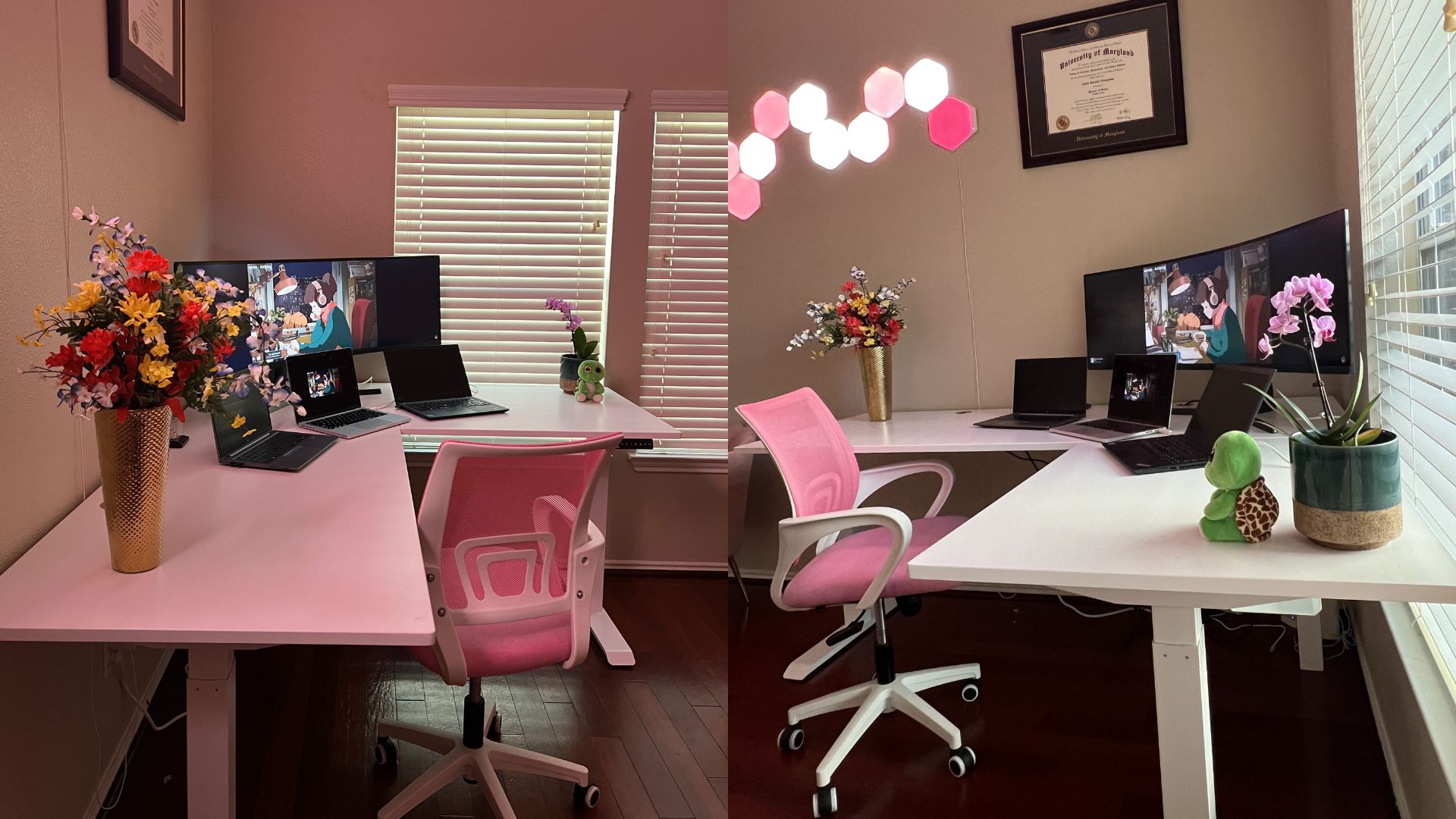
2. Flexispot Pro L-Shaped Standing Desk (E7L)
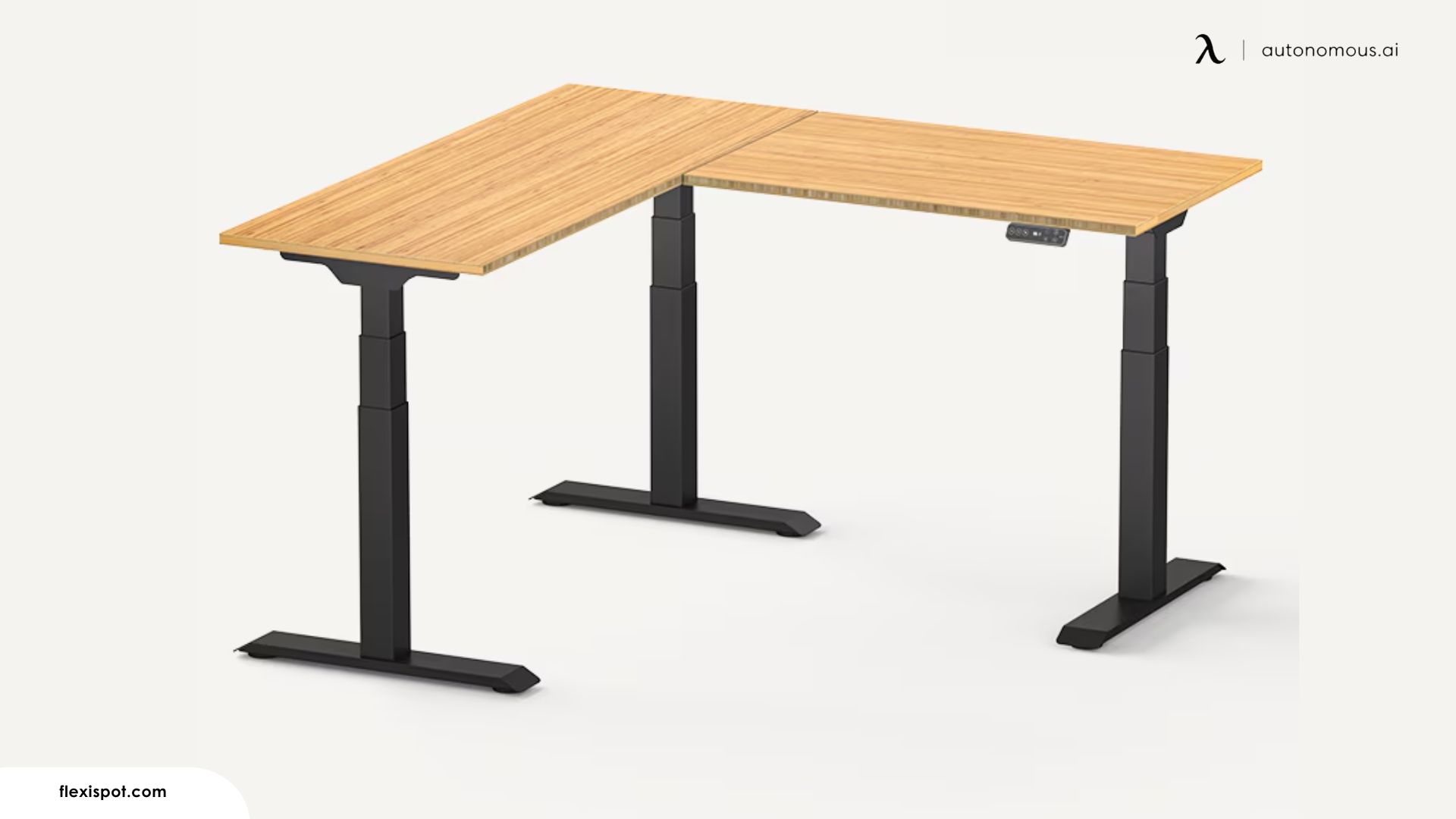
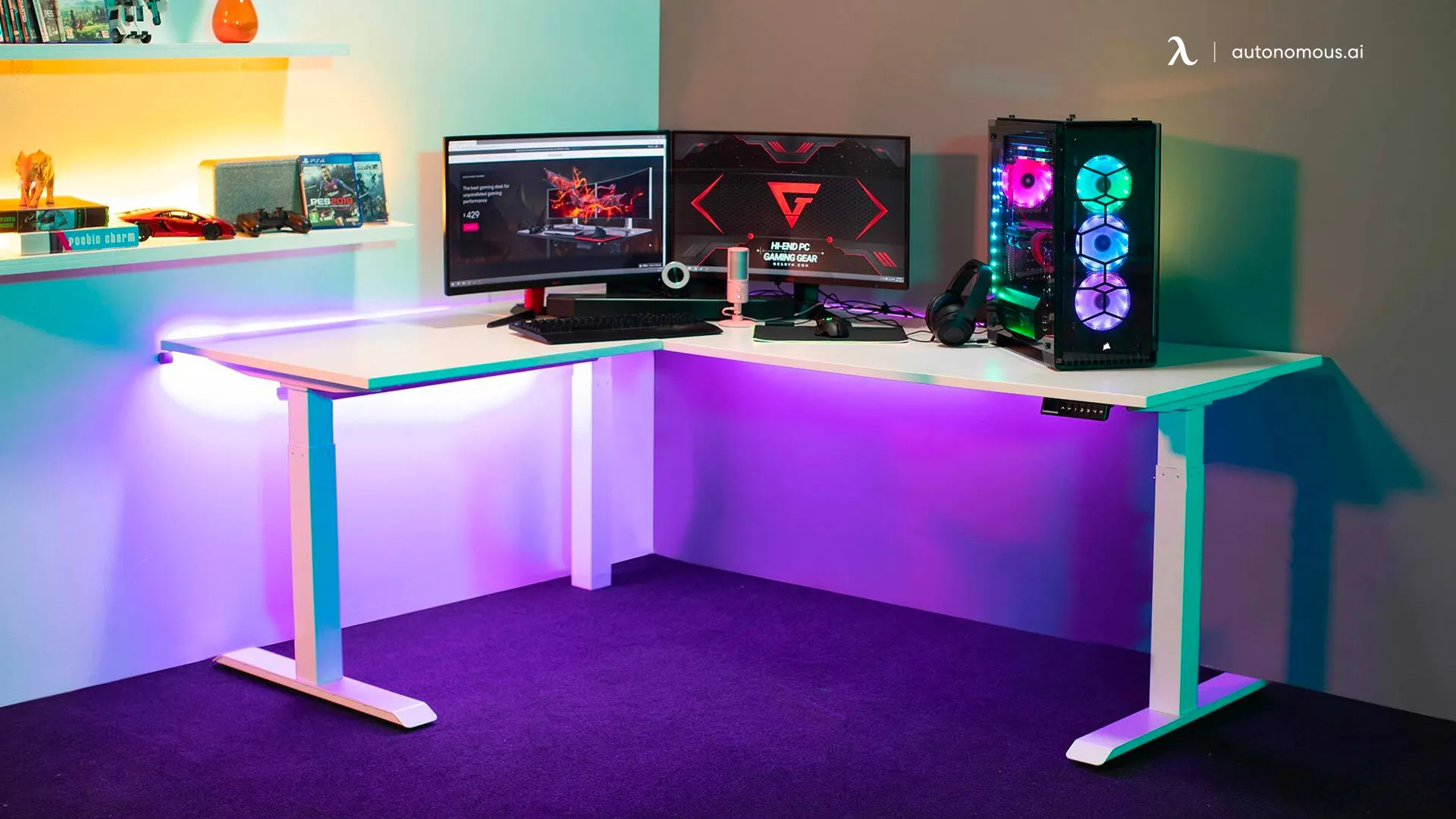
Heavy steel, wide stance, no wasted motion. The E7L doesn't try to be fast or feature-rich—it tries to stay put. Where other L-shaped standing desks rely on synchronized lift to manage stability, this one relies on mass. This places it closer in approach to a dual-motor standing desk than to motor-dense designs that compensate through synchronization.
In everyday use, the desk supports heavier, stationary setups without demanding careful weight placement. Once monitors and equipment are positioned, they tend to stay put, even when most of the load lives on one side of the L. Height transitions are smooth, though slightly slower and more deliberate than triple motor L-shaped electric standing desk systems. Users who switch positions occasionally won’t notice the difference; those who stand and sit repeatedly within short intervals may.
Best for: Users who prioritize stability and a solid, grounded feel over fast height changes or advanced lift systems, especially those running heavier, stationary setups in a dedicated home office.
3. Vernal L-Shaped Standing Desk
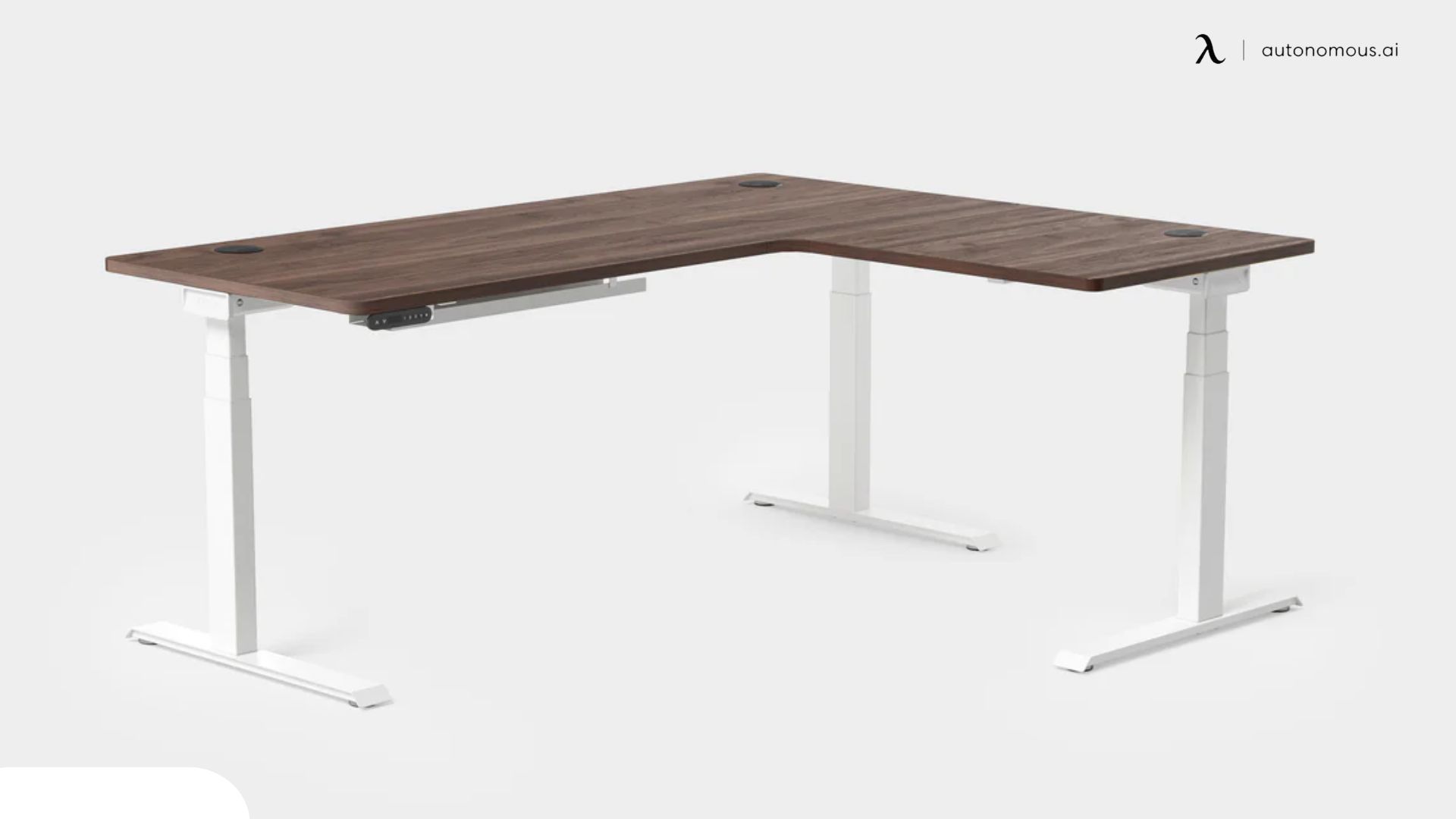
This L-shaped standing desk stands apart by treating the desk as furniture first and adjustable equipment second. The focus is less on motor configurations and more on how the desk looks, feels, and ages over time.
The solid wood and veneer options give the workspace a sense of continuity across the L, avoiding the segmented feel common in modular corner desks. The corner junction reads as a single, unified plane, which makes the desk feel intentional rather than assembled. This layout works particularly well for visually balanced setups like a L-shaped desk dual monitor setup, where symmetry and surface flow matter.
Height transitions are smooth and restrained. The lift doesn’t emphasize speed, but movement remains controlled and relatively quiet, even with heavier tops. Stability holds up well across typical working heights as long as weight is spread thoughtfully.
Best for: Users who care about surface quality, customization, and long-term aesthetics, and who want an L-shaped standing desk that blends into a living or executive workspace rather than standing out as equipment.
4. Desky Softwood L-Shape Sit Stand Desk
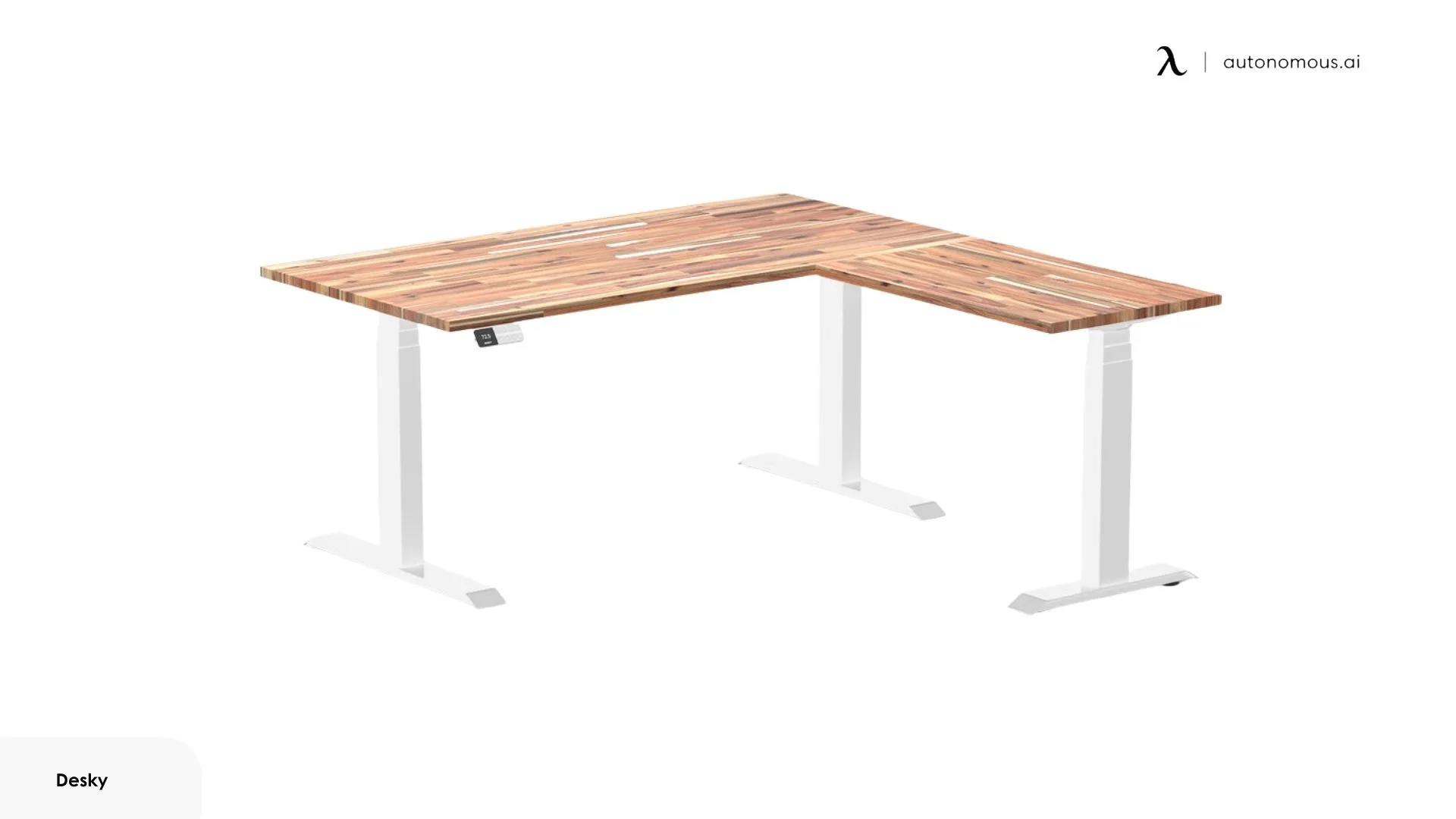
This desk uses a triple-motor frame paired with a solid softwood, American Rustic Pine or Acacia, with visible grain and a hand-finished texture. It reads more like furniture than office equipment, making it a strong fit for users drawn to an aesthetic standing desk rather than a purely utilitarian setup.
The frame handles up to 440 lbs in another paper. In practice, stability depends on load distribution; weight concentrated on one arm of the L will introduce more movement than a centered setup. For typical typing and screen work, movement stays within tolerable limits. Precision tasks that involve leaning or bracing against the surface make the desk’s lighter frame more apparent.
Lift speed suits occasional position changes. Users who alternate frequently may notice the transition time more than with performance-oriented frames. Cable routing relies on cutouts rather than enclosed trays, which keeps things simple but leaves more visible clutter if your setup runs a lot of peripherals.
Best for: Users who want a natural wood surface and need a higher-than-average standing position, and who don't mind being more deliberate with surface care.
5. VIVO Electric 71" × 71" Curved Corner Stand Up Desk
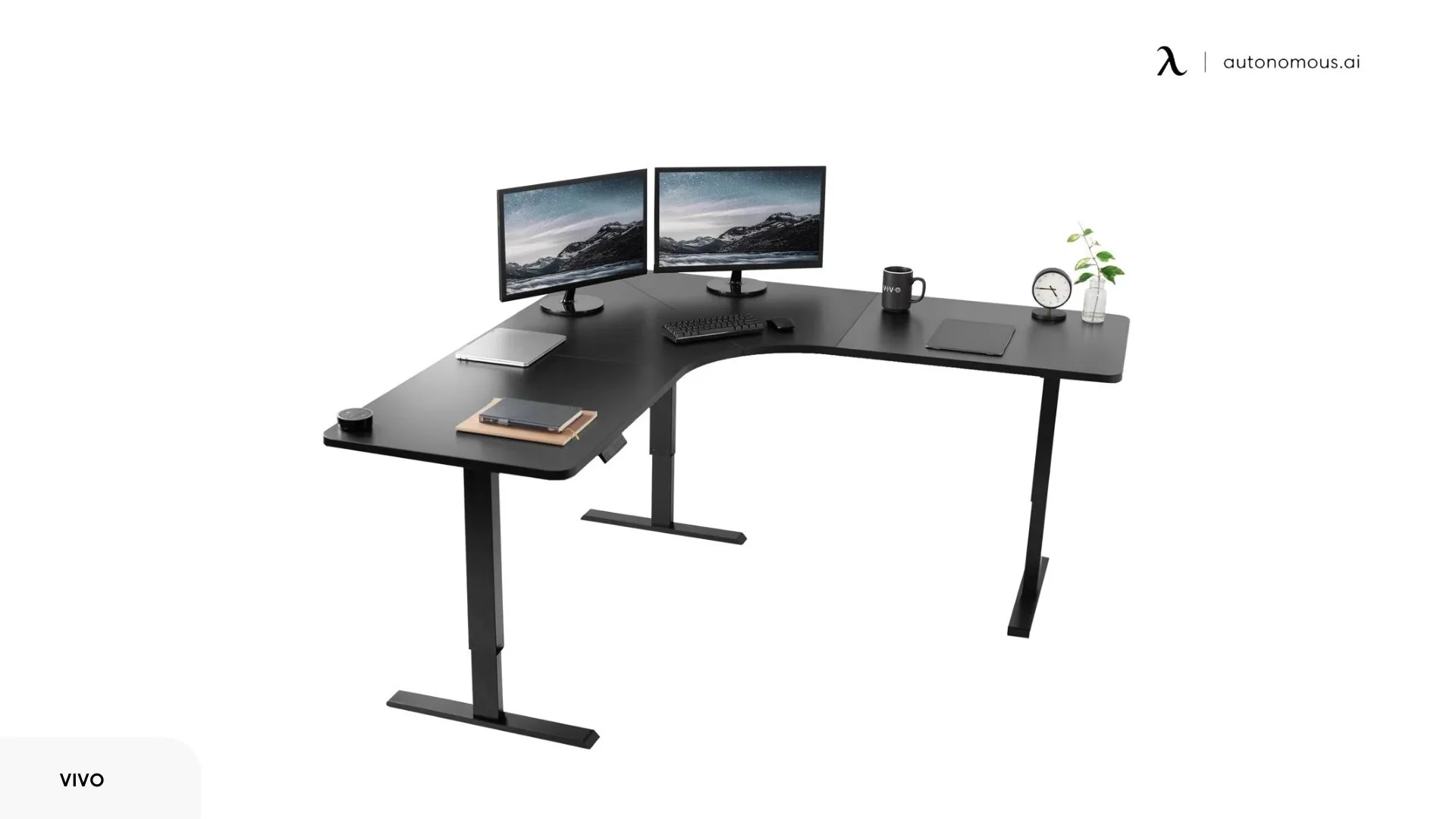
Most L-shaped standing desks start with the frame and build outward. This model starts with the footprint. At 71" × 71", it claims more corner real estate than most competitors in its price range, which matters if the primary goal is fitting multiple monitors, a laptop, and actual working documents on the same surface without stacking or overlapping.
The curved front edge softens the typical sharp L-corner, making it easier to pull a chair in close without catching a hard angle against your ribs. It's a small detail, but one that affects how the desk feels during long seated stretches.
The frame uses a multi-motor system across three legs, with a height range of 29.3" to 48.1". That lower limit sits higher than some alternatives, which may affect shorter users or those who prefer a lower seated position. Weight capacity tops out at 264 lbs, adequate for most corner desk setups, though users running heavy CRT-style monitors or multiple arms should do the math before loading everything on.
Best for: Buyers prioritizing surface area and budget over premium materials, who don't mind a more hands-on assembly process.
6. UPLIFT L-Shaped Standing Desk, 3-Leg
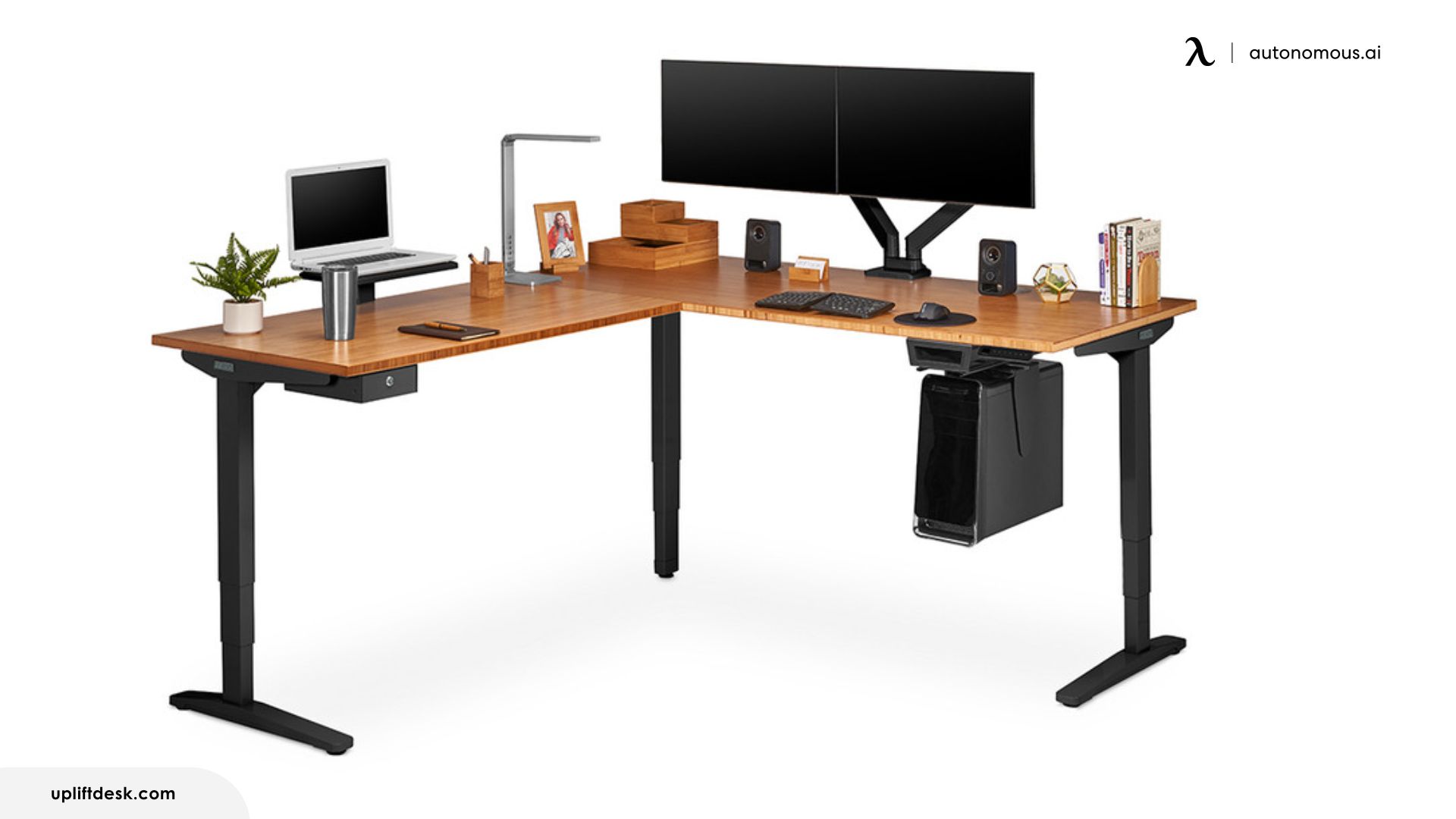
Where most L-shaped standing desks ship as a fixed configuration, the UPLIFT takes a different route: it's a system you assemble from choices. Desktop material, size, frame color, keypad type, and accessories are all selected before purchase. This works well for buyers who know exactly what they want; it can feel overwhelming for those who just need a desk.
The 3-stage legs offer a height range from roughly 25" to 51" (depending on desktop thickness), which covers most users comfortably, including taller ones who often run into limits on other desks. Lifting capacity sits at 535 lbs, high enough that weight is unlikely to be a constraint for typical office setups.
The frame includes 48 threaded mounting holes, so CPU holders, keyboard trays, monitor arms, and cable management attach directly to the steel rather than clamping onto the desktop. This contrasts with L-shaped standing desks with storage, which rely on integrated drawers or shelving. For users who want a heavily accessorized workspace, this simplifies installation and keeps things secure. For users who just want a desk, it's a structure they'll never use.
Best for: Users who value deep customization, want a modular accessory system, and don't mind investing time upfront to configure and build the desk they want.
7. Stand Up Desk Store L-Shaped Programmable Electric Standing Desk
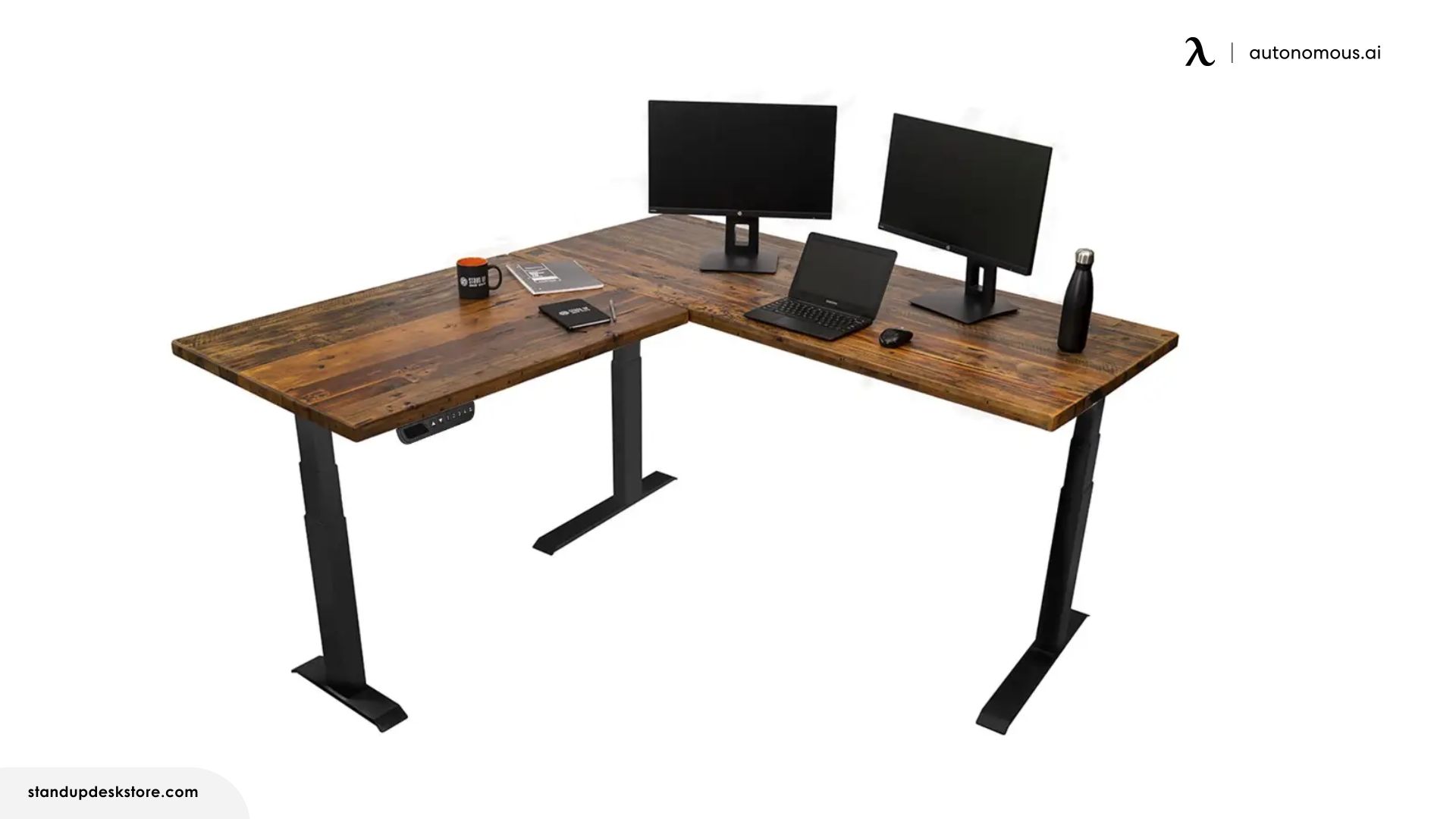
The frame ships folded. Unfold, attach feet, secure the top, done. Where most L-shaped standing desks demand an afternoon, this one aims for minutes.
The triple motor frame prioritizes controlled movement over quick transitions, which suits longer working intervals more than frequent posture cycling. Functional numbers, though not leading-edge. The 3-stage telescoping legs accommodate a wider height span than 2-stage designs, which helps taller and shorter users find comfortable positions at both ends.
For everyday typing and screen work, the desk performs as expected. Users running heavier monitor arms or applying pressure to the return may notice limits sooner than with higher-capacity frames.
Best for: Buyers who prioritize fast setup and want solid wood options and don't need the fastest lift speed or heaviest weight capacity.
8. Vari L-Shape Electric Standing Desk
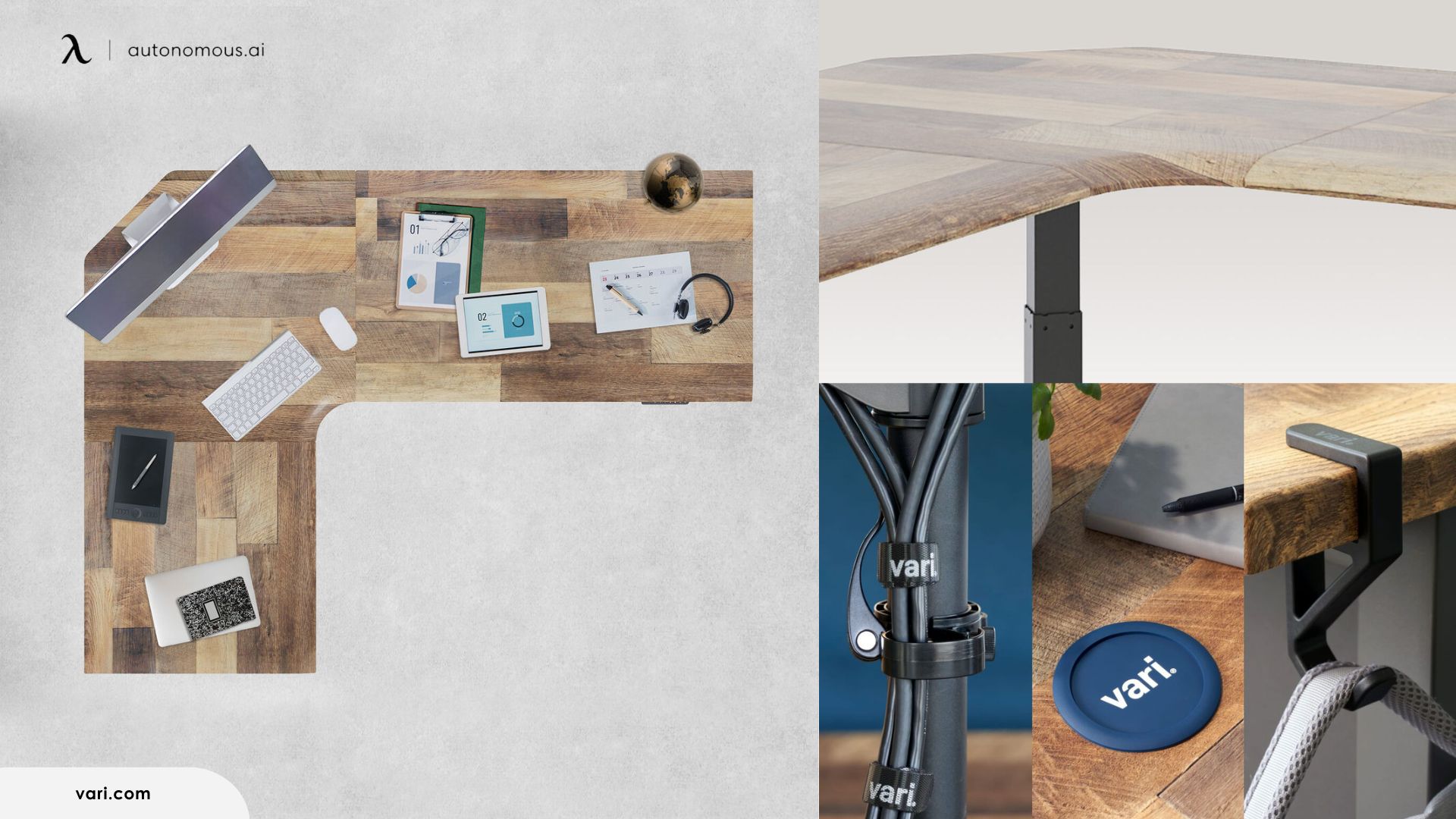
The front edge slopes downward instead of ending in a flat or beveled cut. In practice, it reduces the pressure on forearms and wrists when leaning against the desk, useful if you shift positions often or rest your arms on the surface while typing. This ergonomic shaping also works well in an L-shaped gaming desk setup where long sessions and frequent posture changes are common.
The frame runs three motors, one per leg, with a height range of 25" to 50.5" and a 200 lb capacity. Lift is quiet, not silent. Minor front-to-back movement becomes noticeable mainly when leaning into the desk, rather than during normal typing or mouse work.
Size is the main constraint. The 80" × 80" version weighs over 250 lbs assembled. Assembly requires two people and takes roughly an hour. Once placed, moving it is a project. The desk fits corners well, but measured carefully, several reviewers underestimated how much room it takes. The control pad mounts via a bracket that slides into place rather than screwing directly to the desk. It works, but has more play than fixed-mount alternatives.
Best for: Professionals who want a polished, durable desk with ergonomic details, and who don't plan to move it once it's set up.
9. Hanover Standing Electric Desk with Triple Motor System
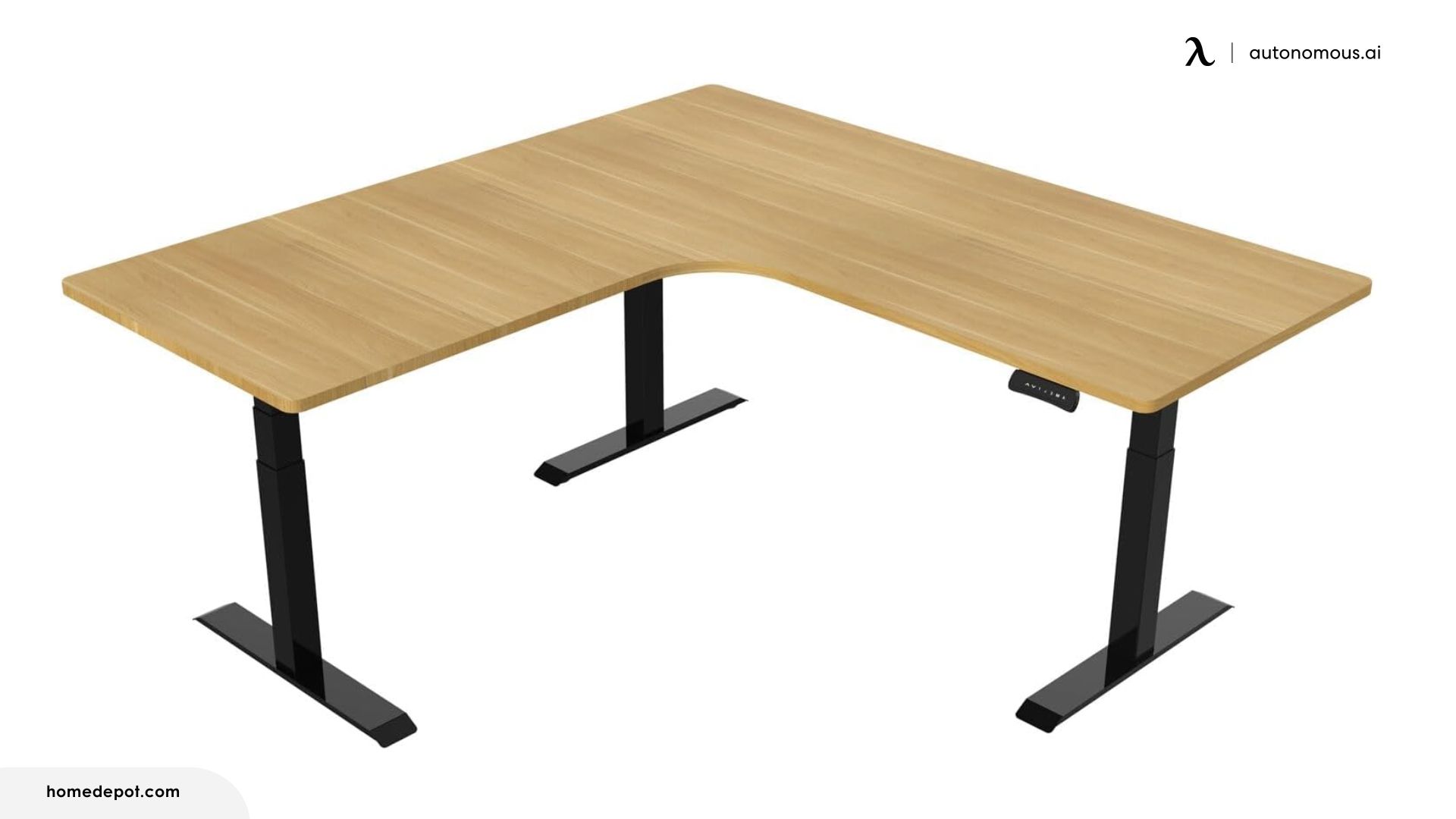
Weight capacity is the headline: 330 lbs, which sits well above the 200–265 lb range typical for this category. That number isn't theoretical, the triple motor system handles loaded setups without audible strain or slowdown, which matters if you're running multiple heavy monitors, audio interfaces, or other gear that accumulates weight faster than expected.
The C-leg design opens up floor space underneath, room for a filing cabinet, PC tower, or just legroom without bumping into crossbars. The 23" minimum height is unusually low for an L-shaped desk, which gives shorter users or those who sit in lower chairs a usable seated position that other desks can't reach.
Best for: Users with heavier-than-average equipment loads who buy through retailers with good return policies, in case the assembly lottery doesn't land in their favor.
10. Progressive Corner Ryzer Standing Desk 78" × 60" Gray Oak
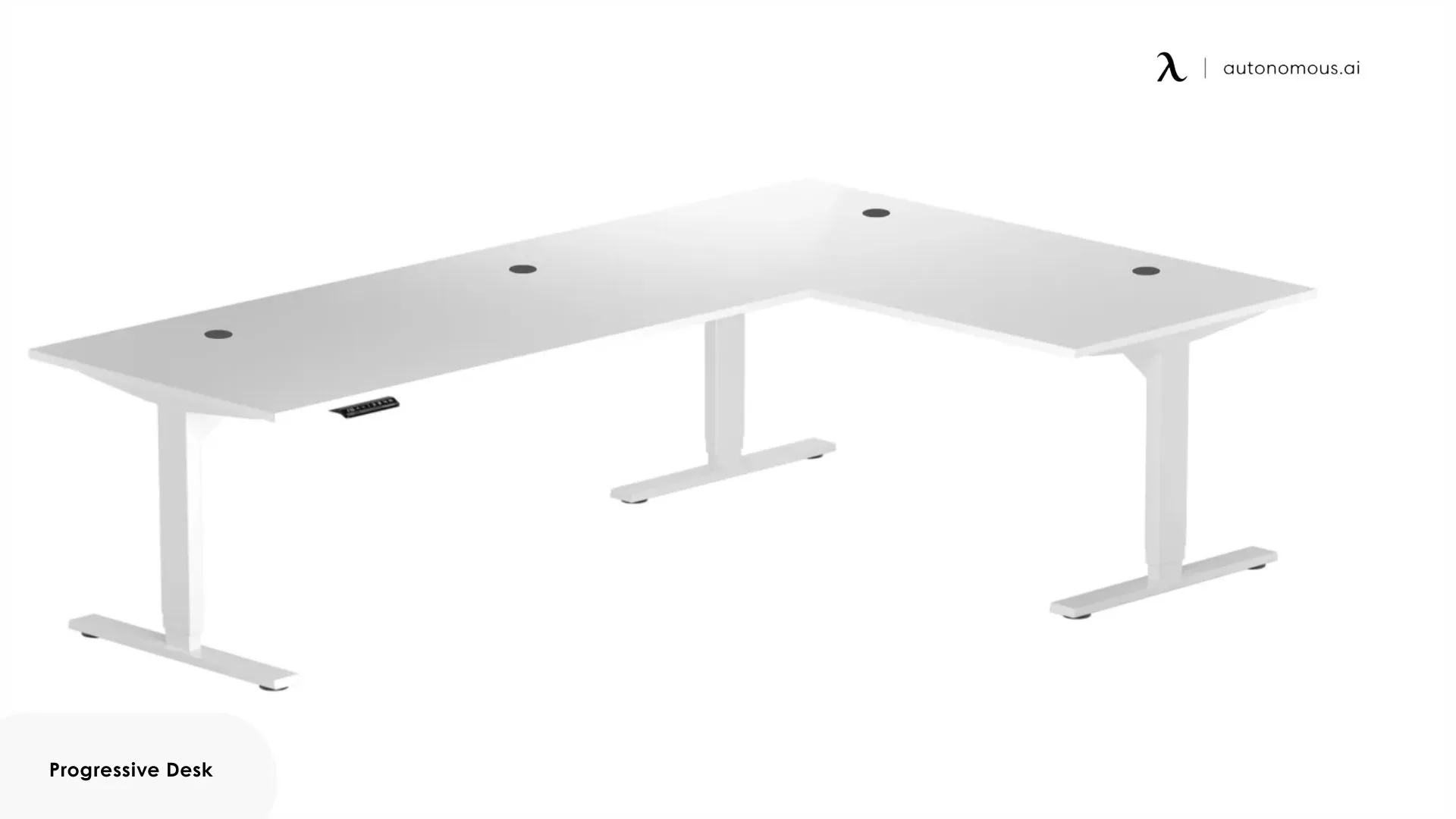
This desk fits a specific user: someone who isn't tall, wants a corner setup they can flip to either orientation, and cares more about the lift working smoothly than about the surface looking interesting.
The two-piece desktop joins at the corner and can be configured left or right without ordering different components, genuinely useful if you move or rearrange. Height changes complete without hesitation, even under load, which helps keep transitions predictable rather than rushed.
What they can't do is lift high enough. The desk stops at 49.1", which cuts off taller users before they reach a comfortable standing angle. If you're 5'8", you won't think about this. If you're 6', you'll think about it every time you stand.
Best for: Average-height users who want flexible orientation and dependable lift, and who'd rather have a desk that just works than one that makes a statement.
How to Choose the Right L-Shaped Standing Desk
Choosing the right L-shaped standing desk becomes less about chasing features and more about matching the desk to your space, body, and habits.
- Start with how you actually work, not how the desk looks
Most people don’t use both sides of an L equally. One side usually becomes the primary work zone, while the return supports reference screens, paperwork, or peripherals. Pay attention to which side you lean on, where your keyboard lives, and how often you rotate between tasks. Desks that feel “too big” on paper often work better than compact ones once real workflows settle in.
- Measure the room with movement in mind
An L-shaped standing desk changes how you move through a room. Doors, drawers, and chairs need clearance not just at sitting height, but when the desk is raised. Corners that look fine in a floor plan can become bottlenecks once a chair is pushed back or a standing mat is added. Tape the footprint on the floor before committing.
- Choose height range based on extremes, not averages
Published height ranges assume standard posture and desk thickness. If you’re tall, use monitor arms, or prefer a more upright standing position, the upper limit matters more than the middle of the range. If you’re shorter or use a low-profile chair, minimum height matters more than many buyers expect. Ignore averages, design for your endpoints.
- Be honest about how often you’ll adjust
Some people stand once or twice a day. Others change position every hour. If you’re in the first group, lift speed and keypad features matter less. If you’re in the second, convenience and responsiveness affect how often you actually use the standing function. The right desk supports your habits instead of trying to change them.
- Think about change, not just the first setup
Room layouts change. Jobs change. Equipment grows. Desks with reversible layouts or modular accessories adapt more easily over time. Fixed configurations may work perfectly now but become limiting later. If you expect your setup to evolve, favor options that leave room for adjustment.
FAQs
What is the best L-shaped standing desk?
The best L-shaped standing desk is one that stays stable when fully raised, supports uneven loads across both sides, and fits your room layout. Frame design and lift alignment matter more than surface size alone.
Are L-shaped desks more ergonomic?
Yes, L-shaped desks can be more ergonomic when set up correctly. The extended surface allows you to keep monitors, keyboards, and accessories within a natural reach zone, reducing repetitive twisting or overreaching.
Do L-shaped desks save space?
L-shaped desks can save space by making effective use of corners that are often underutilized. While they offer more usable surface area than straight desks, they do not always occupy more floor space when placed correctly.
Are L-shaped standing desks more stable?
L-shaped standing desks can be more stable than rectangular desks when they are well designed, as the three-leg structure spreads load across a wider base. Stability depends more on frame design, load distribution, and build quality than on shape alone.
Is a triple motor L-shaped standing desk better?
A triple motor L-shaped standing desk can improve lift alignment by powering each leg independently. This is especially helpful on wide desks or heavier setups, but motor synchronization and frame quality are equally important.
What size L-shaped standing desk should I get?
The right size depends on how you divide your work zones and how much depth you need while standing. Larger desks work best when one side is primary and the return supports secondary tasks.
Are L-shaped standing desks good for small rooms?
L-shaped standing desks can work in small rooms if the return depth and orientation are chosen carefully. Reversible left or right layouts help adapt the desk to tight spaces.
Can you reverse an L-shaped standing desk?
Some L-shaped standing desks are reversible, allowing the return to be installed on either side. Fixed-orientation desks should be matched carefully to your room layout before purchase.
Conclusion
The best L-shaped standing desk is not defined by how many motors it uses or how large it looks on paper. It’s defined by how well it holds up once your monitors, peripherals, and habits settle into place. Whether that means the rigidity of a 4-leg standing desk or the surface area of a large L-shaped standing desk, a good desk fades into the background, supporting your work without forcing you to think about balance, reach, or constant adjustment.
Across the desks covered here, the real differences come down to priorities: stability under uneven loads, usable surface depth, height range that fits your body, and how much flexibility you want as your workspace evolves. Some designs favor precision and lift alignment, others emphasize materials and long-term aesthetics, and a few focus on customization or ease of setup, where a large standing desk must manage both physical space and structural demands.
Done well, an L-shaped standing desk becomes less of a feature and more of a foundation for focused, comfortable work.