


15 Cool Gaming Desk Accessories That Actually Matter

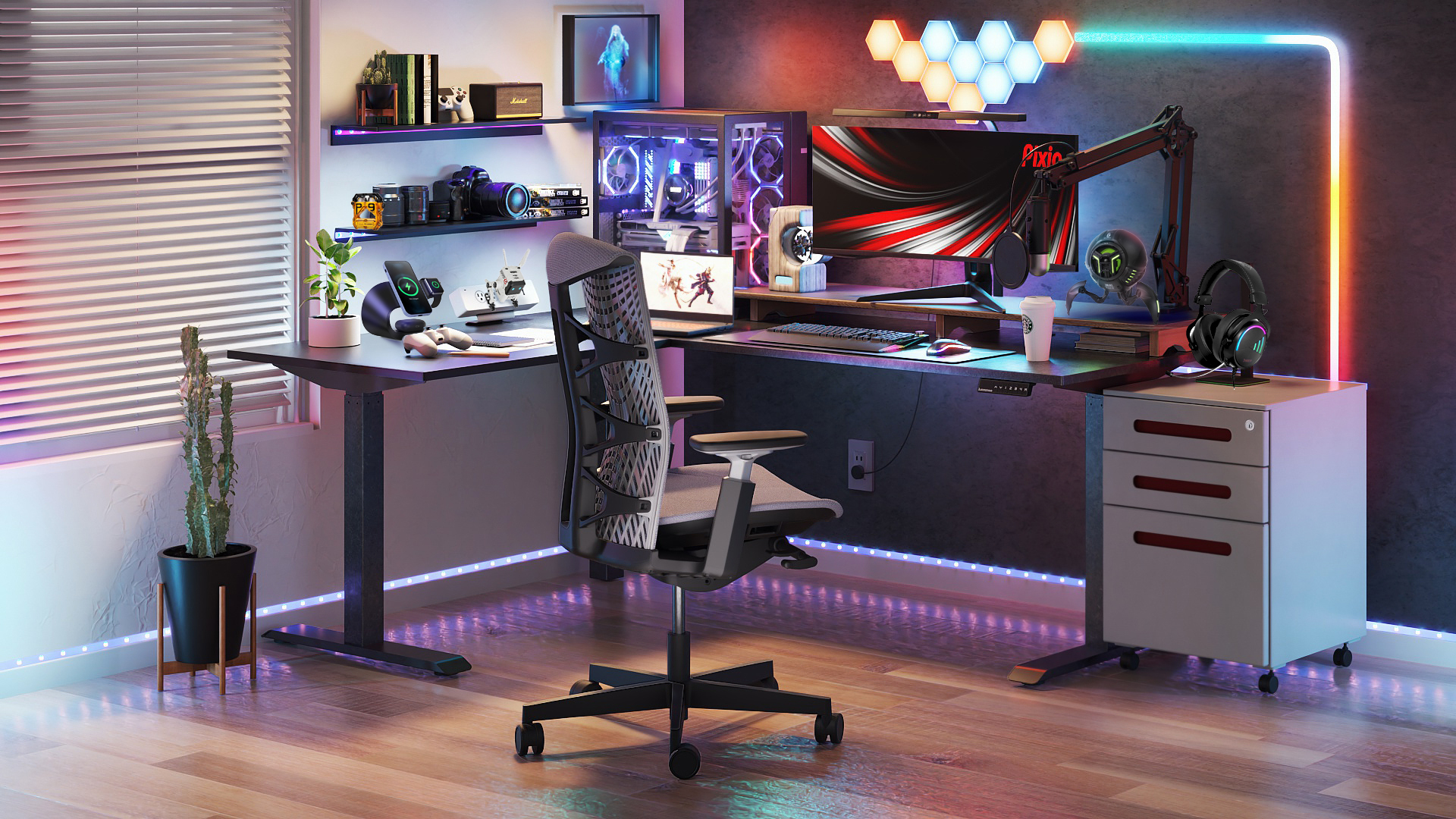
Table of Contents
- 1. Ergonomic Wrist Rest
- 2. Extended Desk Mat / Mouse Pad
- 3. Cooling Pad
- 4. Monitor Arm or Desk Mount
- 5. Monitor Light Bar
- 6. Cable Management System
- 7. USB Hub & Charging Station
- 8. Headphone Stand or Hook
- 9. Monitor Riser / Desk Shelf
- 10. Mechanical Gaming Keyboard
- 11. Wireless Gaming Mouse
- 12. Gaming Headset
- 13. Standalone Microphone & Boom Arm
- 14. LED Backlights & RGB Strip Lights
- 15. Stream Deck or Macro Pad
- FAQs
- Conclusion
A powerful PC means nothing if your desk is a mess of tangled cables, awkward monitor angles, and nowhere to rest your headset. The difference between a basic desk and a real gaming desk setup comes down to what surrounds your rig — not what's inside it.
This guide covers 15 essential gaming desk accessories that improve comfort, clean up your space, and make every session feel effortless. Whether you're building your first setup or upgrading a battlestation that's been growing for years, these are the pieces that pull everything together.
1. Ergonomic Wrist Rest
Four hours into a ranked session, your wrists shouldn't be the reason you stop playing. The constant pressure of resting on a hard desk edge while working a keyboard and mouse builds up quietly — and by the time you feel it, the strain has already settled in. Left unchecked, that repeated stress is how conditions like carpal tunnel syndrome develop.
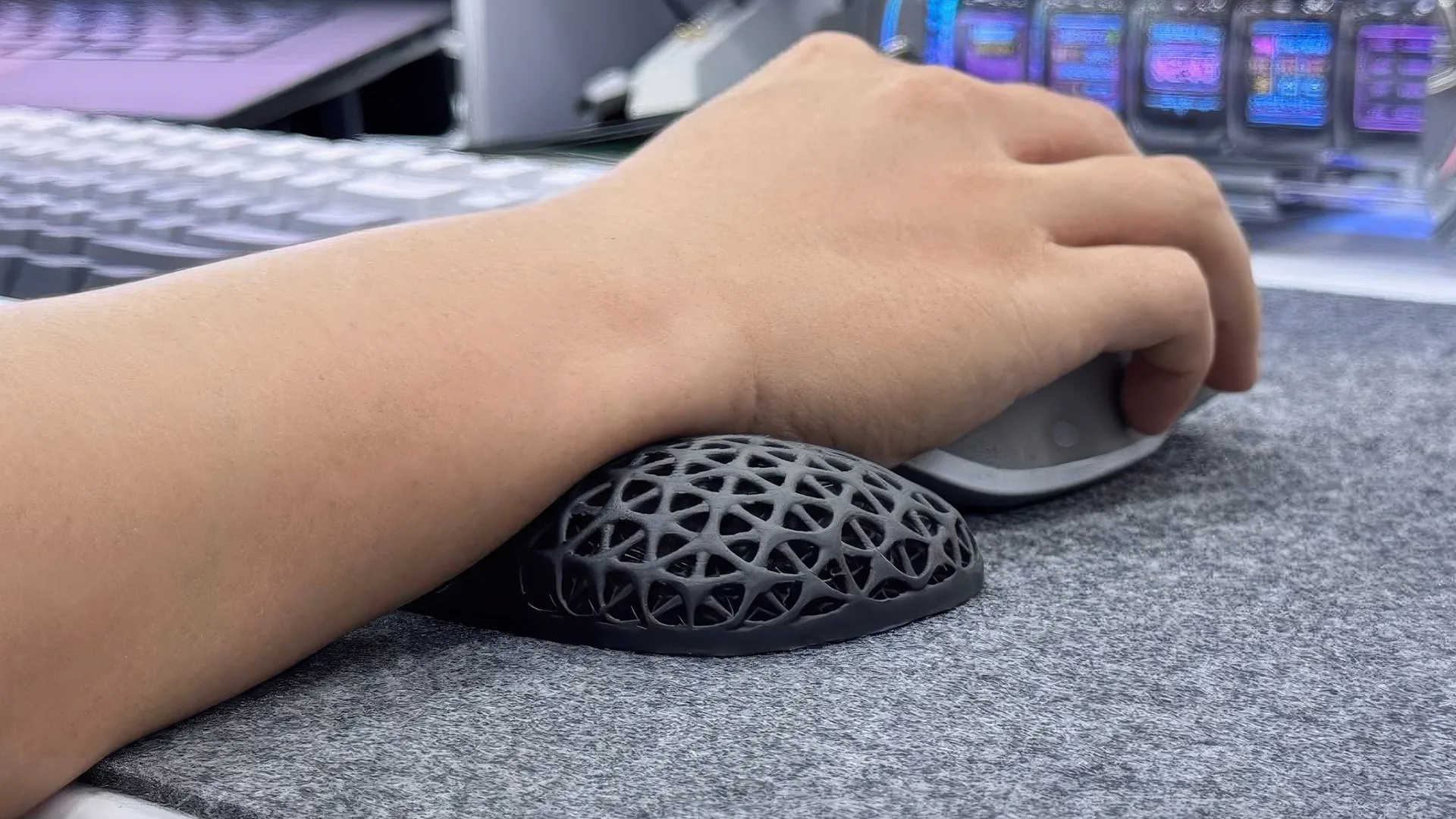
A wrist rest keeps your hands at a neutral angle throughout your session, distributing pressure evenly instead of concentrating it on the heel of your palm.
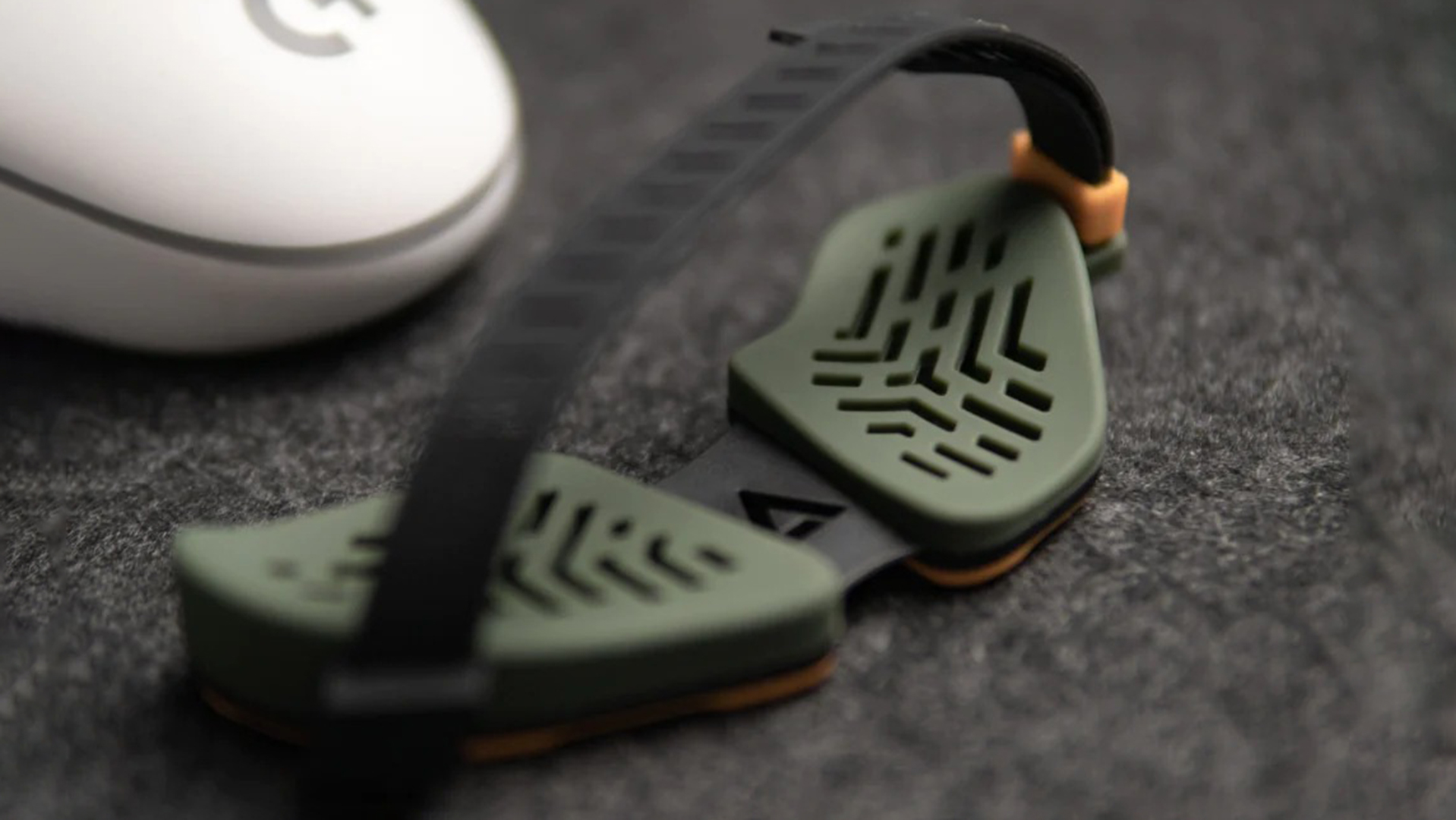
There are two types worth considering. Keyboard rests run the full width of your board and provide a padded landing zone that prevents your wrists from hyperextending when reaching across keys. Mouse rests are smaller and shaped to travel alongside your hand, providing continuous support without restricting the range of motion.
Material choice comes down to how you prioritize feel versus temperature. Memory foam is the most common fill — it conforms to the shape of your wrist under pressure and returns to form between sessions, which means it adapts to your natural resting position over time. Gel-filled rests stay cooler to the touch, which matters if your setup runs warm. You want structural support that holds your wrist in a healthy position, not a soft cushion that feels comfortable at a bad angle.
If your setup has a mechanical keyboard and a low-profile desk, this should be the first comfort upgrade you make.
2. Extended Desk Mat / Mouse Pad
A standard mouse pad covers a small rectangle of your desk and leaves the rest exposed. An extended desk mat covers the full working surface — and the difference is bigger than it sounds.
Your keyboard, mouse, and peripherals all sit on one unified layer that protects the desk from scratches, absorbs sound from mechanical key presses, and provides the full-sweep mouse space that low-sensitivity FPS players depend on. No more running out of pad in the middle of a flick shot.
Stitched edges prevent curling and fraying after months of daily use. Cloth surfaces offer a balanced mix of control and glide for most gaming styles. Hard mats prioritize speed and minimal friction, but wear down mouse feet faster.
Some newer mats integrate wireless charging zones directly into the surface — set your compatible mouse on a designated area and it charges passively. No cable, no dock, no interruption. For what is essentially a single flat surface, an extended desk mat quietly upgrades everything sitting on top of it. It's one of those cool gaming accessories that costs very little but improves your experience from the moment you set it down.

3. Cooling Pad
This one is strictly for laptop gamers — and if that's you, it deserves a spot near the top of your priority list.
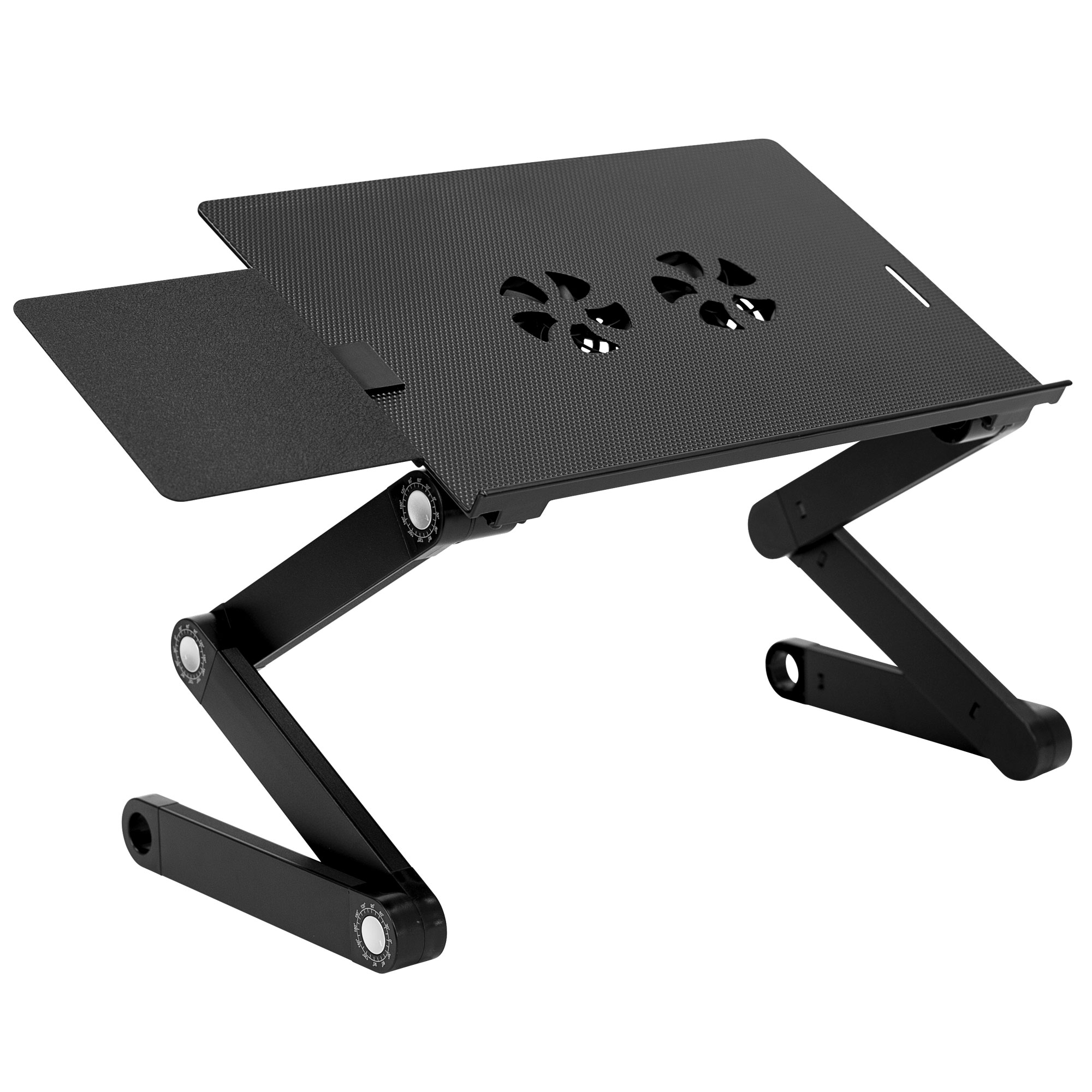
Gaming laptops generate serious heat under load. When internal temperatures climb too high, the CPU and GPU throttle their own performance to prevent damage — meaning frame drops during intense moments, increased input lag, and fans ramping up loud enough to bleed through your headset. A cooling pad sits underneath and actively pushes additional airflow across the bottom vents where heat accumulates. It's a small addition to your gaming furniture lineup that solves a problem no desk or chair can address on its own.
Beyond cooling, the elevated angle most pads create brings the screen closer to eye level and puts your wrists in a more natural typing position. This posture improvement that adds up over long sessions, making this one of the most practical desk accessories for gamers who rely on a laptop as their primary rig.
If you're building a laptop-based PC gaming setup, a cooling pad is one of the most practical desk accessories for gamers who rely on a portable machine as their primary rig.
4. Monitor Arm or Desk Mount
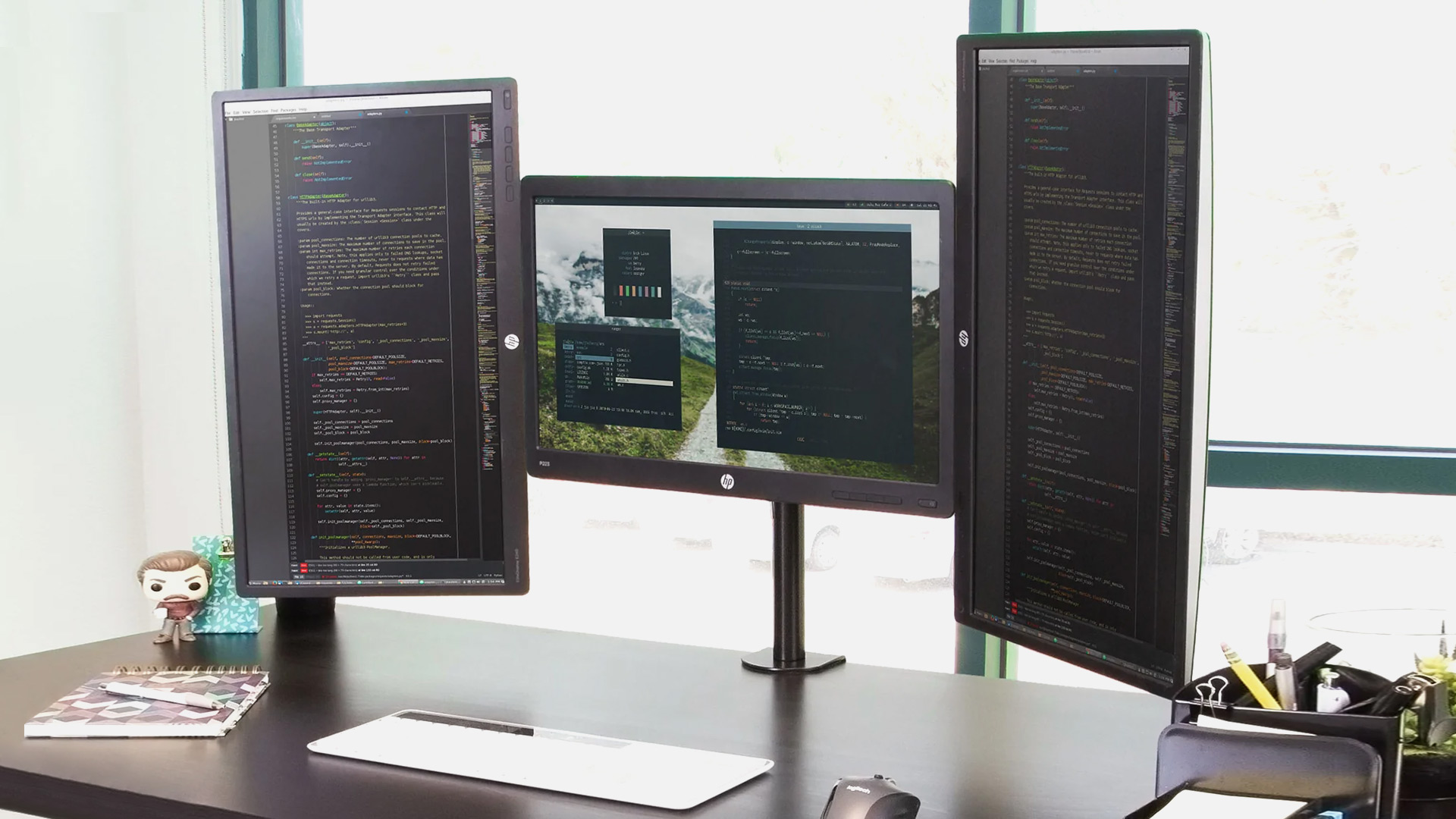
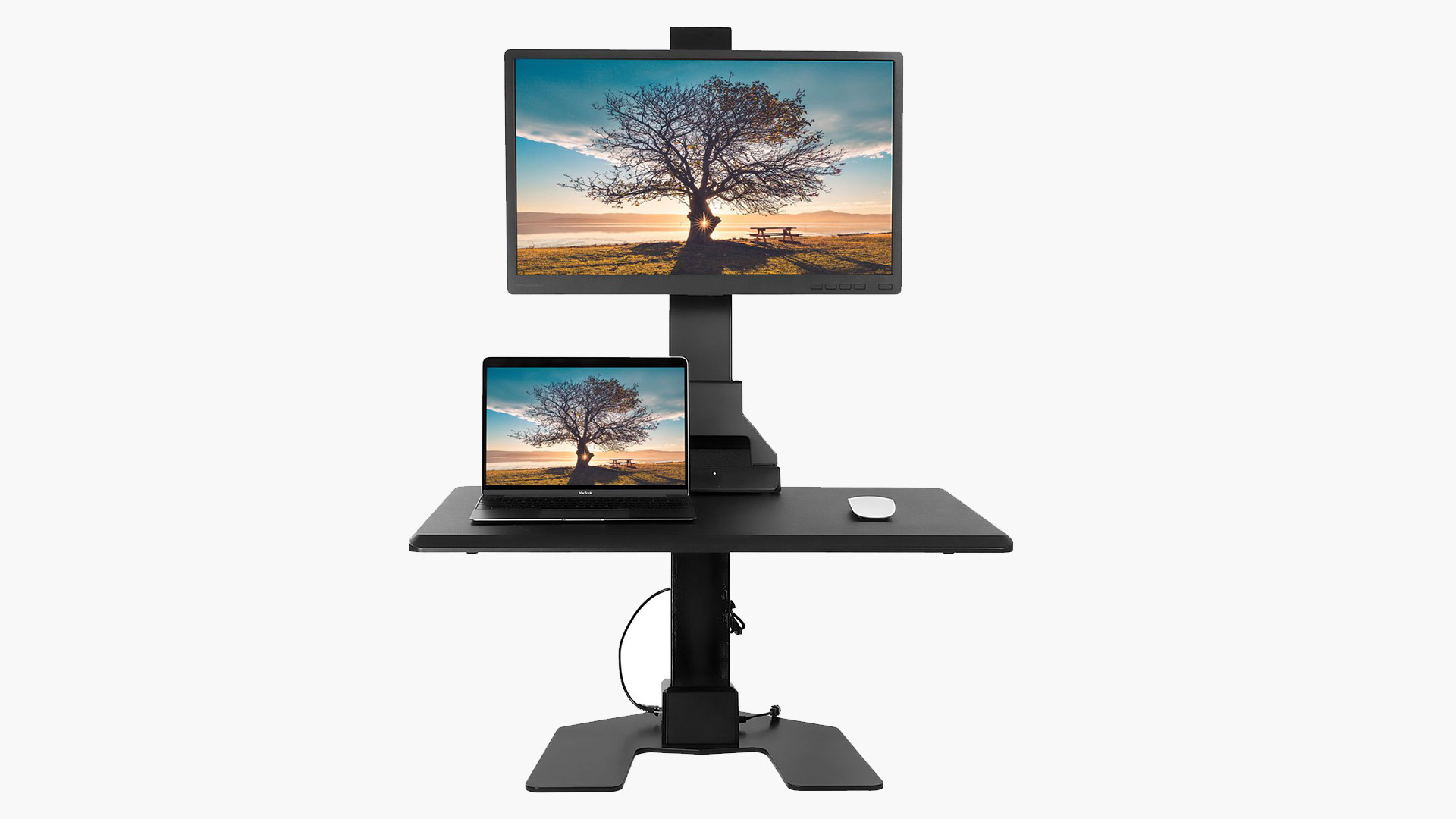
A monitor arm lifts your screen off the desk surface and puts it exactly where your eyes need it — eliminating the neck tilt and forward lean that come from using a stock monitor stand. It also reclaims a significant amount of desk space, giving you room for the accessories that actually matter.
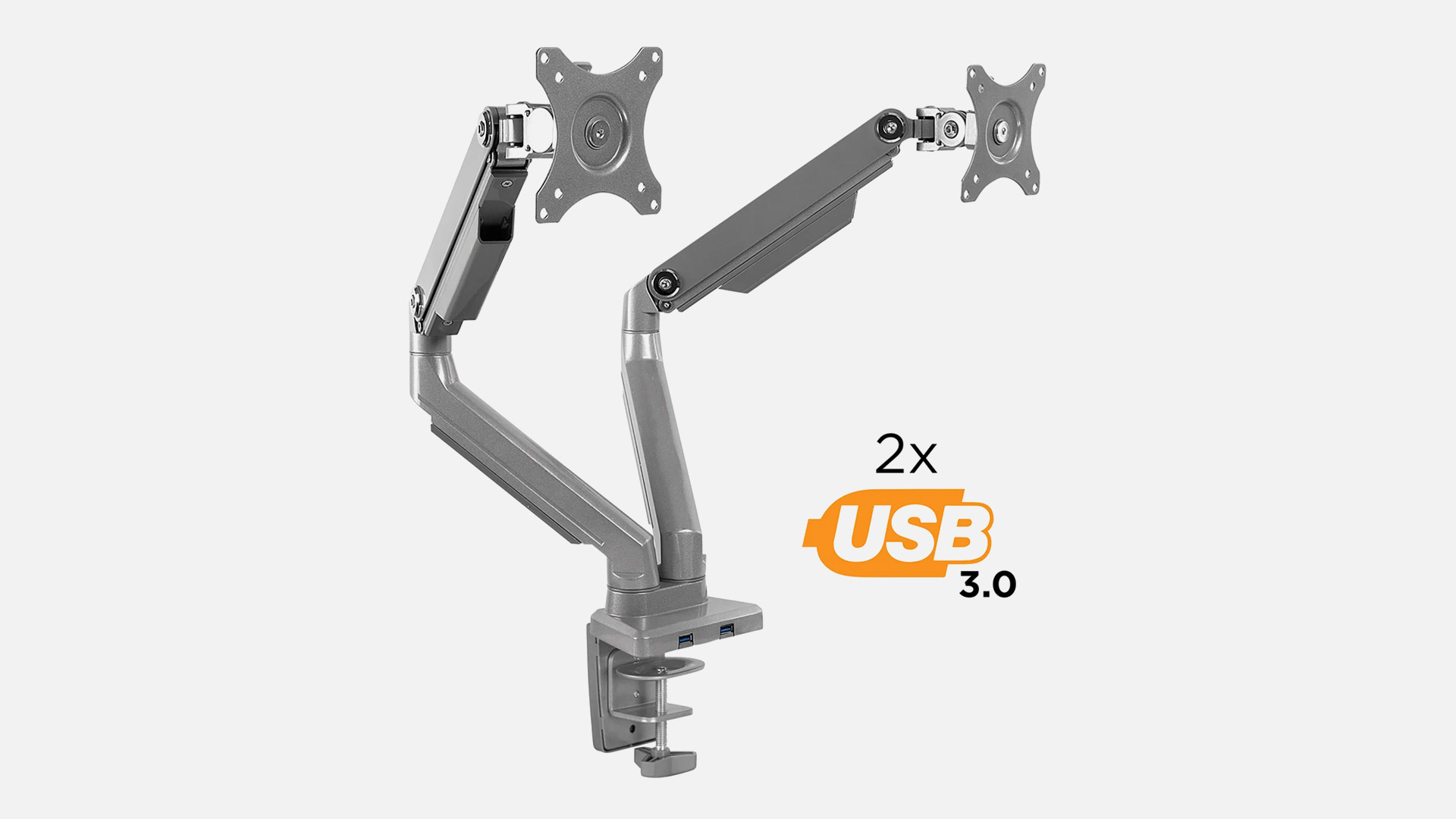
Gas-spring arms are the standard for smooth, one-handed repositioning — you push the screen where you want it, and it stays there. Spring-tension arms are cheaper but require a hex key to readjust, which means you set it once and leave it.
For gamers running a dual monitor gaming setup — one for gameplay, one for chat, stream dashboards, or a second input — a dual-arm mount keeps both screens aligned and independently adjustable without doubling the clutter on your desk. The reclaimed desk space alone is significant.
If you game on a standing desk, the clamp mount style becomes especially valuable. As the desk moves between heights, a good arm lets you micro-adjust screen position in seconds. This is the single biggest ergonomic upgrade most gamers can make and one of the best gaming accessories for PC setups, regardless of genre or budget.
5. Monitor Light Bar
A light bar mounts directly on the top bezel of your display and casts asymmetric light downward across the desk — illuminating your keyboard, mouse, and immediate workspace without throwing a single ray of glare onto the screen itself. That's something a desk lamp, ceiling light, or ring light can't do without compromising your view.
The functional benefit is eye strain reduction. When you're gaming in a dimly lit room — which most gamers are, especially during evening and late-night sessions — the high contrast between a bright monitor and a dark surrounding environment forces your eyes to constantly adjust. Over time, that leads to fatigue, dryness, and headaches that cut sessions shorter than they need to be. A light bar fills the ambient space around the screen with soft, adjustable illumination that bridges that contrast gap and lets your eyes relax.
Among the more understated gaming desk accessories, a light bar is consistently the one gamers say they should have bought months earlier.

6. Cable Management System
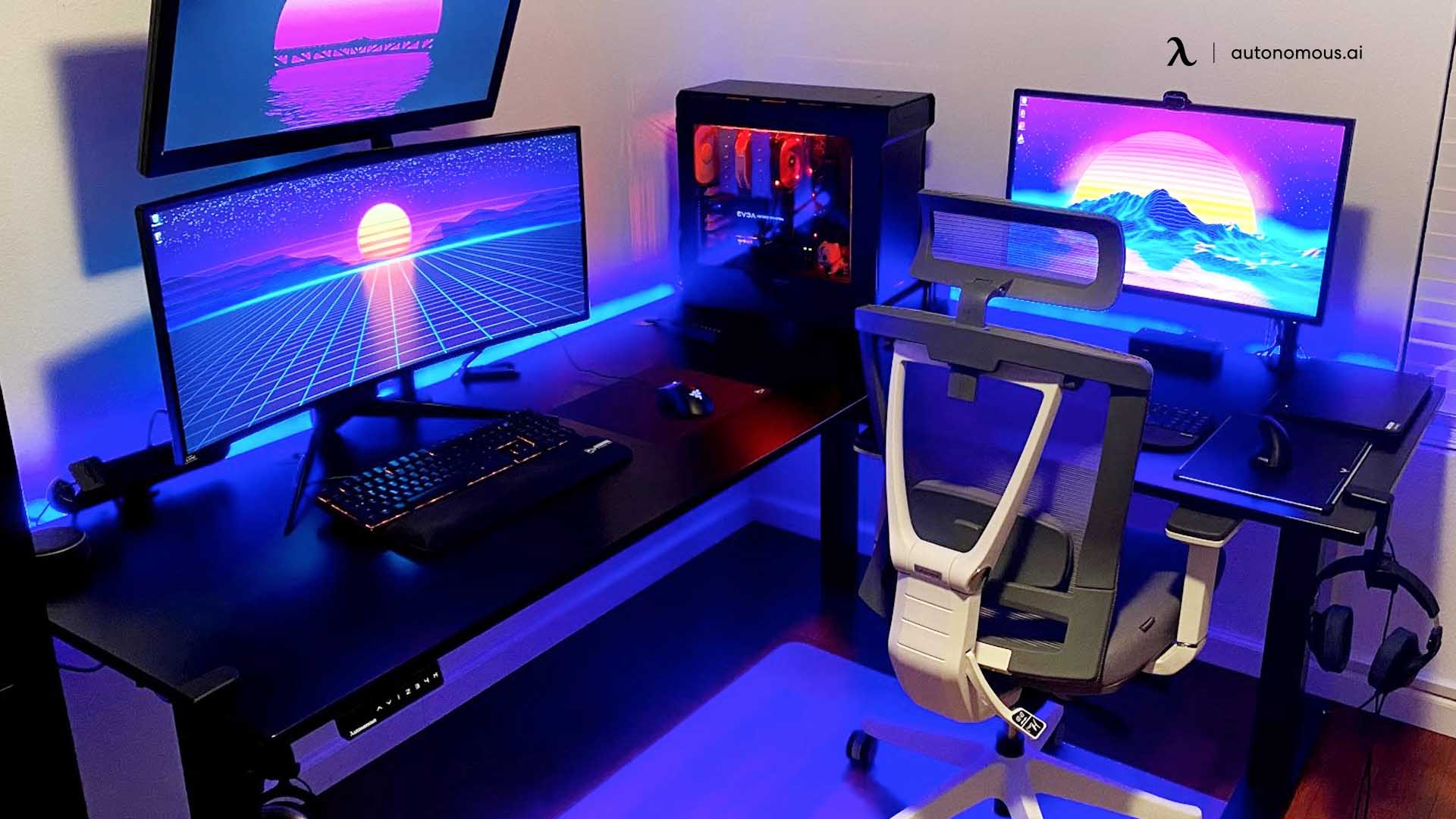
Every gamer's setup starts clean. Then you add a second monitor, swap in a new headset, run a longer charging cable, and suddenly the back of your desk looks like a knot of black spaghetti that you're afraid to touch because something might unplug.
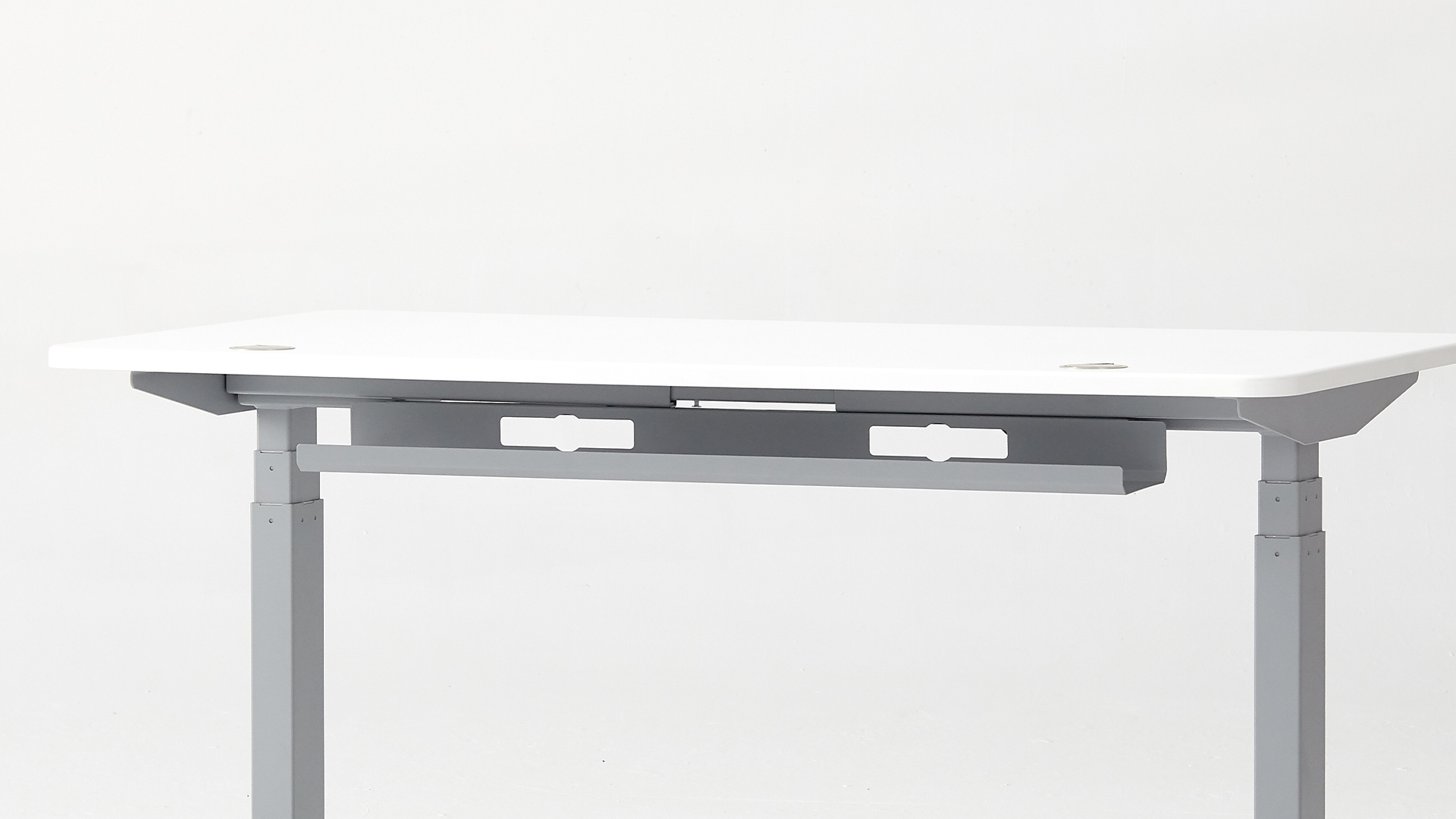
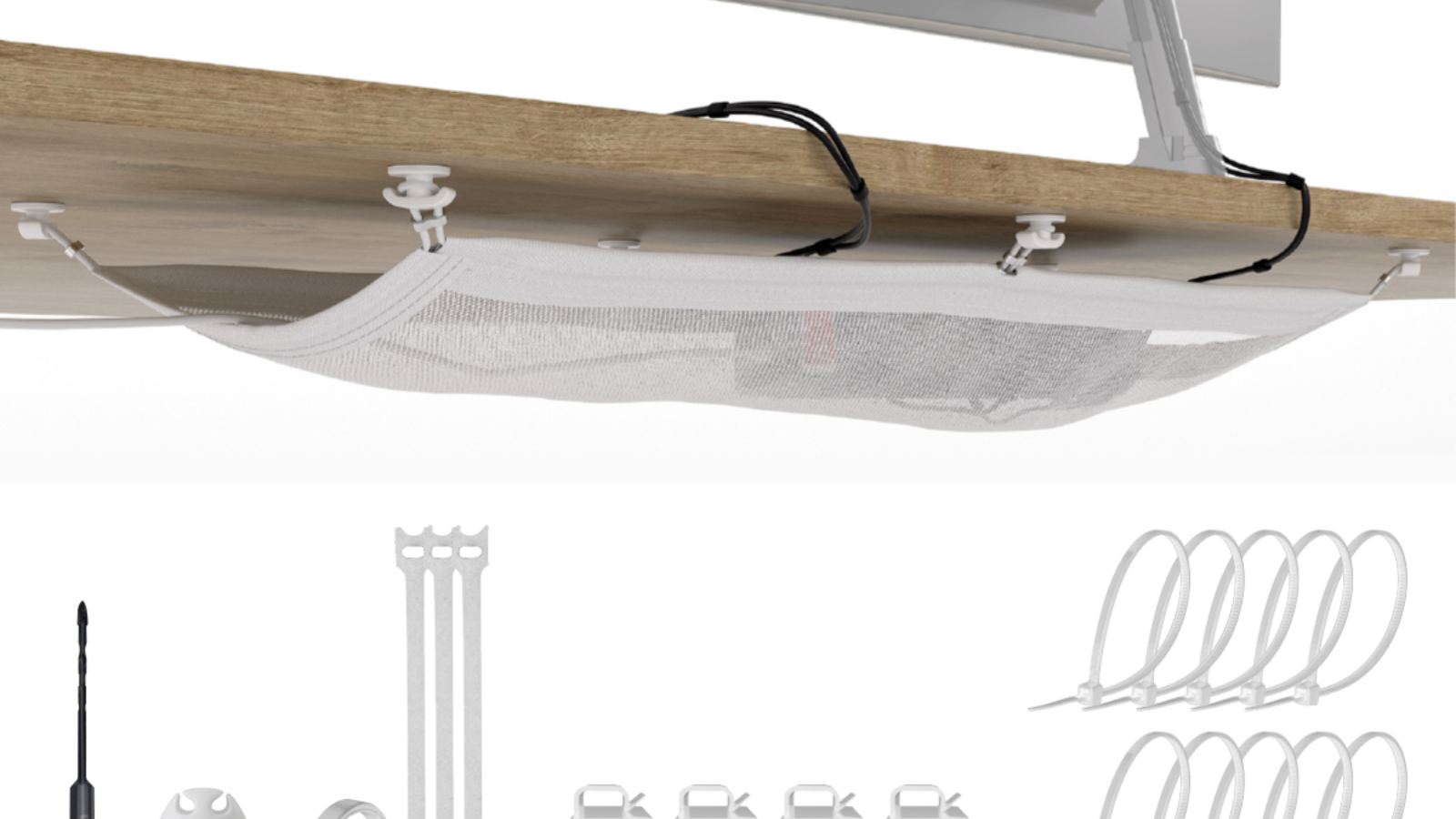
Cable management isn't glamorous, but it's the structural foundation of a setup that stays organized as it grows. The core system is simple: an under-desk cable tray catches the bulk, adhesive clips route individual runs along the desk frame, velcro ties group cables traveling together, and sleeves wrap multiple wires into a single sheathed run.
Cable routing gets more complex on larger surfaces like an L-shaped desk gaming setup, where cables need to travel longer distances and around corners — making trays, clips, and sleeves even more essential.
Beyond appearance, a clean layout means you can trace and swap peripherals without unplugging everything, dust doesn't accumulate in tangled bundles, and accidental disconnects mid-match stop happening.
7. USB Hub & Charging Station
Take a quick count of how many USB devices are part of your setup right now. Wireless mouse dongle, headset receiver, stream deck, external storage drive, phone charging cable, webcam, microphone, maybe an RGB controller. Now check how many open ports your PC or laptop actually has. For most gamers, the math doesn't work.
A USB hub bridges that gap by expanding a single port into seven to ten usable connections. The hub connects to your machine once, and everything else connects to it — keeping your cable runs shorter and your ports accessible instead of buried behind a tower or wedged into the side of a docked laptop. Desk-mounted or clamp-on hubs are the strongest choice here because they keep ports at arm's reach on the desk surface, which makes plugging and unplugging peripherals a two-second task rather than a reach-around-the-back ordeal.
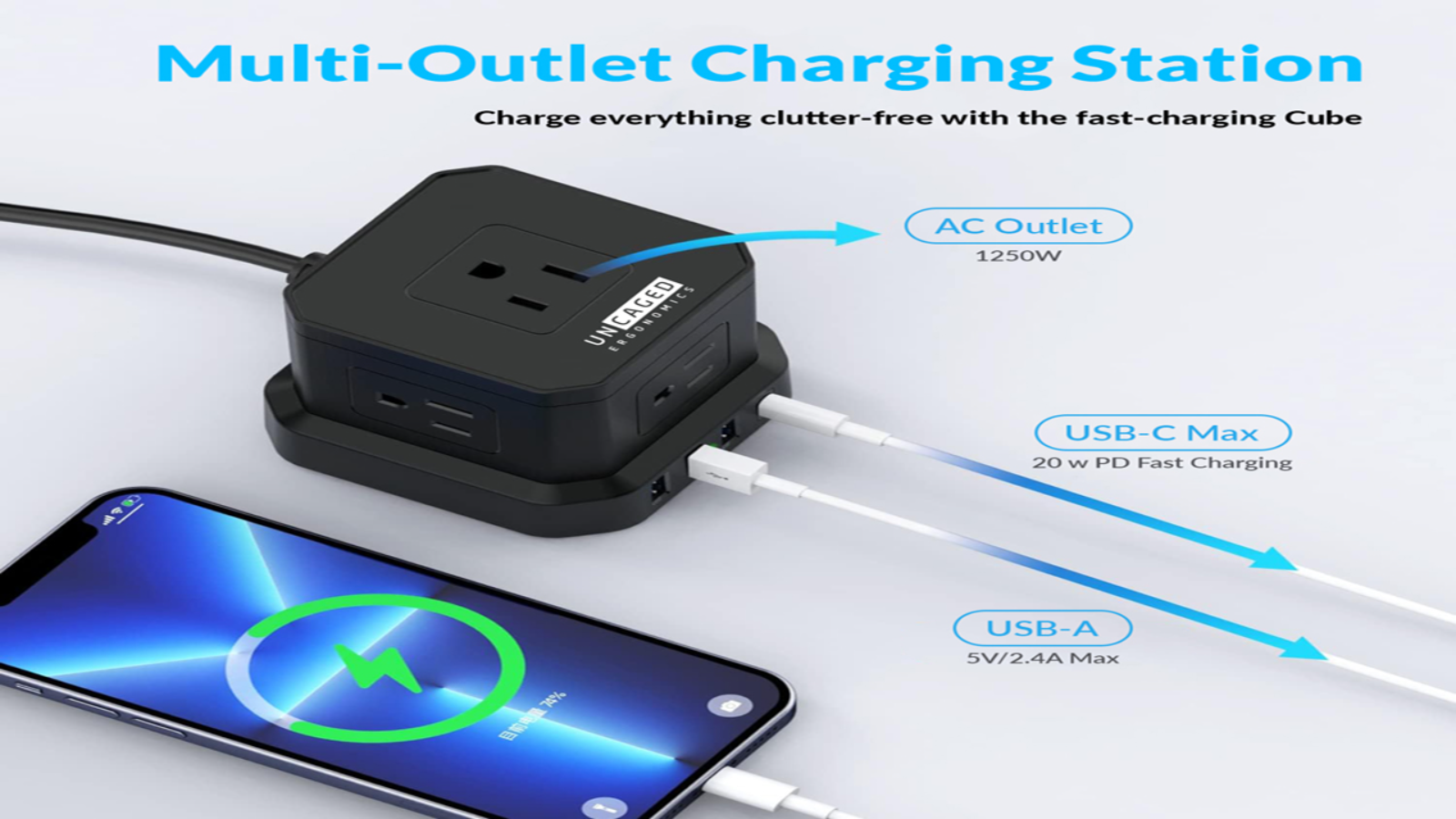
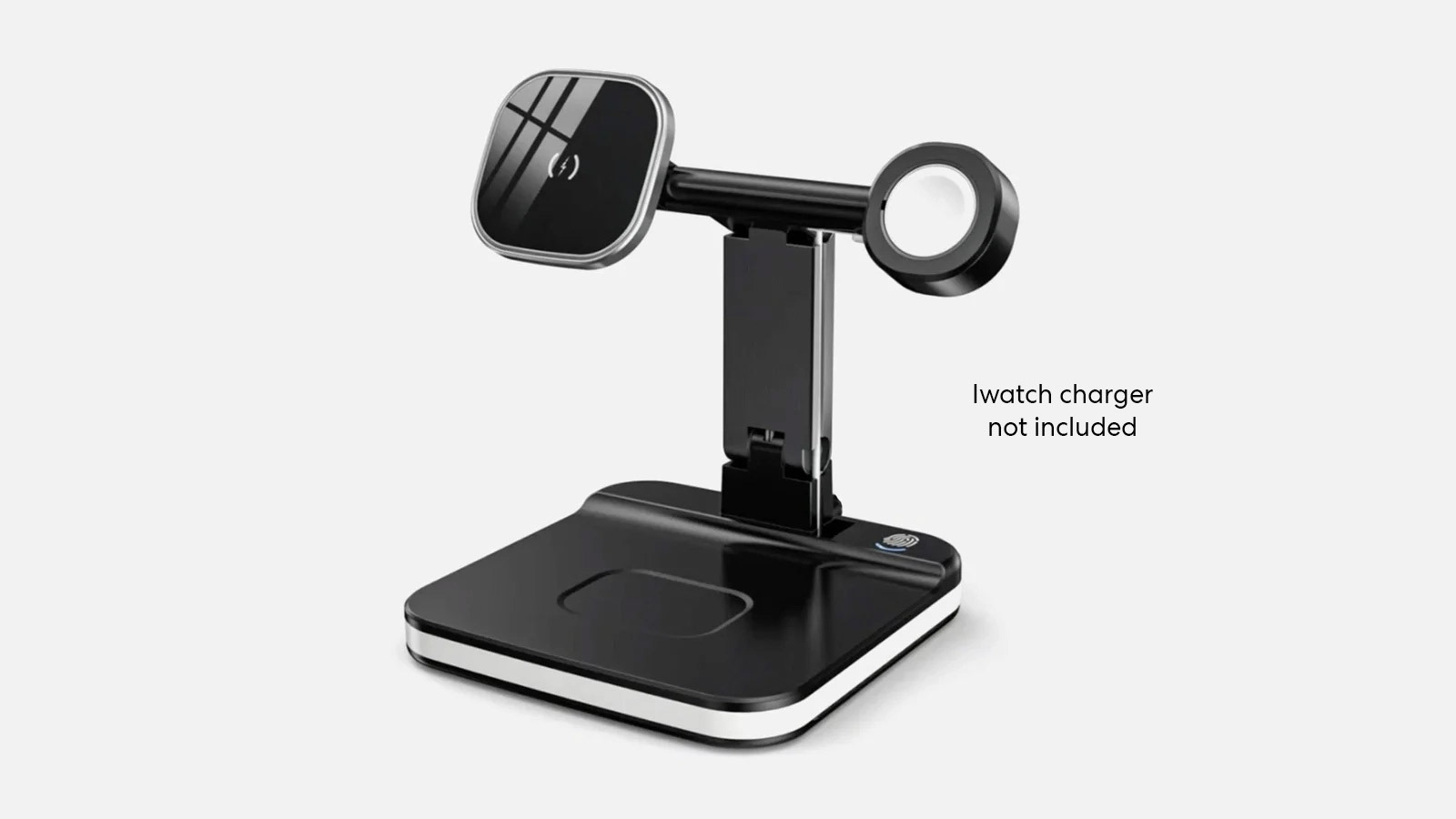
Pair a hub with a desk-clamp power strip that has built-in USB-A and USB-C slots, and you consolidate all charging in one spot — controllers, phone, earbuds — without a pile of wall adapters fighting for outlet space. Think of this combination as the power infrastructure of your desk. Sorting it out early means every accessory you add later already has a home and a power source waiting.
8. Headphone Stand or Hook
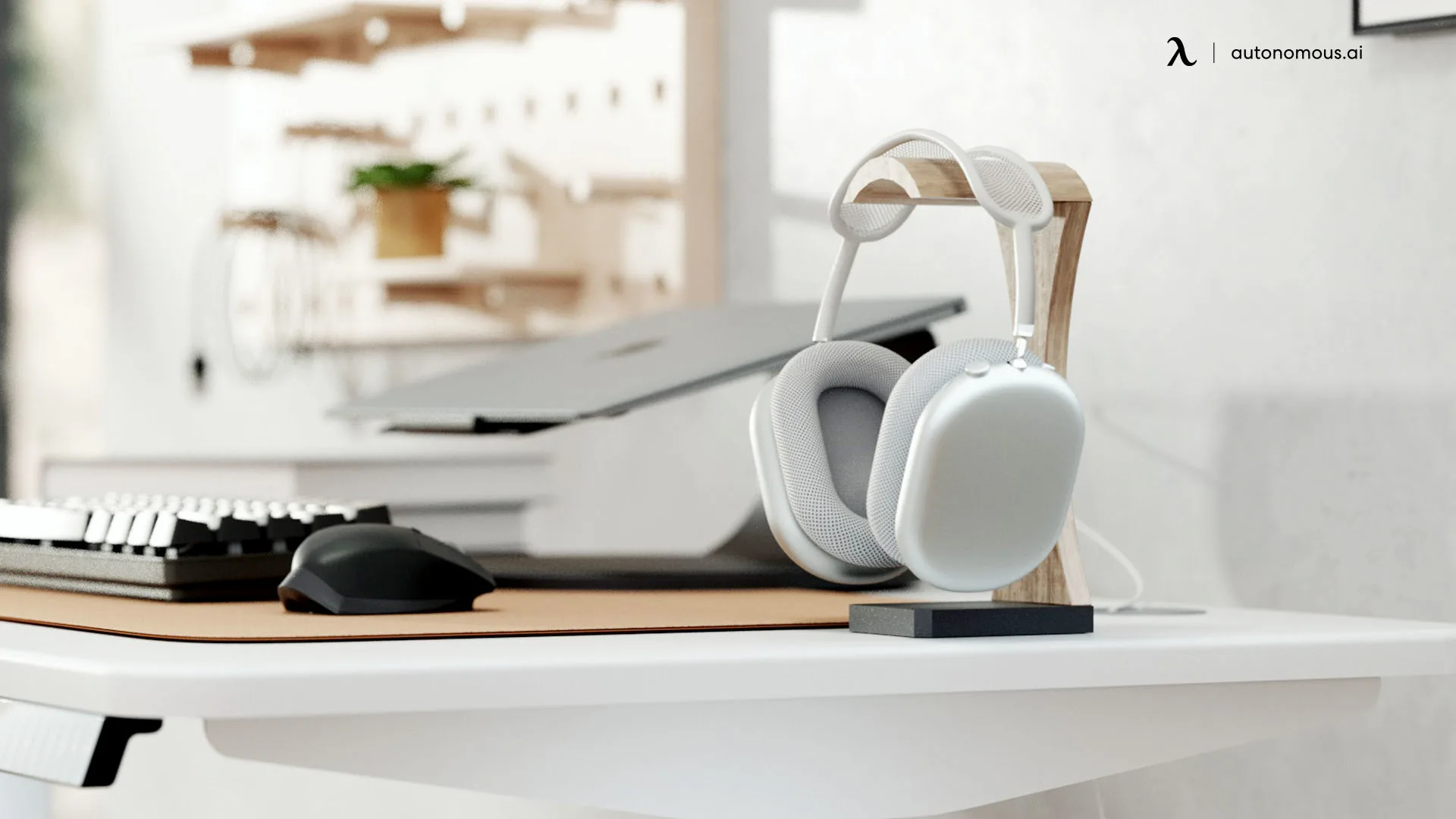
A gaming headset is the accessory you pick up and put down most often — and most gamers have no designated spot for it. Draped over a monitor, it stretches the headband. Tossed on the desk, it takes up active surface space. Hung on the desk corner, it eventually falls.
Freestanding stands sit beside your monitor and put the headset on display — some are minimal aluminum posts, others include USB passthrough ports or a built-in DAC for audio processing. Under-desk hooks are simpler — adhesive or clamp-mounted, out of sight, keeping the surface completely clear.
For the price and minimal footprint, a headphone stand is one of those unique gaming accessories that brings immediate visual order to a setup and protects gear you've invested real money in.
9. Monitor Riser / Desk Shelf
If a monitor arm feels like too much commitment, a riser delivers a meaningful ergonomic improvement with zero installation. Set it on the desk. Place the monitor on top. The height boost brings your screen closer to eye level and reduces the downward neck tilt that leads to poor gaming posture and stiffness during long sessions.
The real advantage is underneath. That elevated platform creates a compartment for your keyboard, controllers, or small items that would otherwise drift across your surface. Wood and bamboo risers blend naturally into most setups — especially a wood gaming setup where warm materials and clean lines set the visual tone. Steel mesh is lighter and promotes airflow. Some models integrate USB ports, phone holders, or small drawers, turning a simple platform into a compact organization hub.
If desk space is limited, a riser is one of the best gaming computer accessories for creating room instead of consuming it.
10. Mechanical Gaming Keyboard
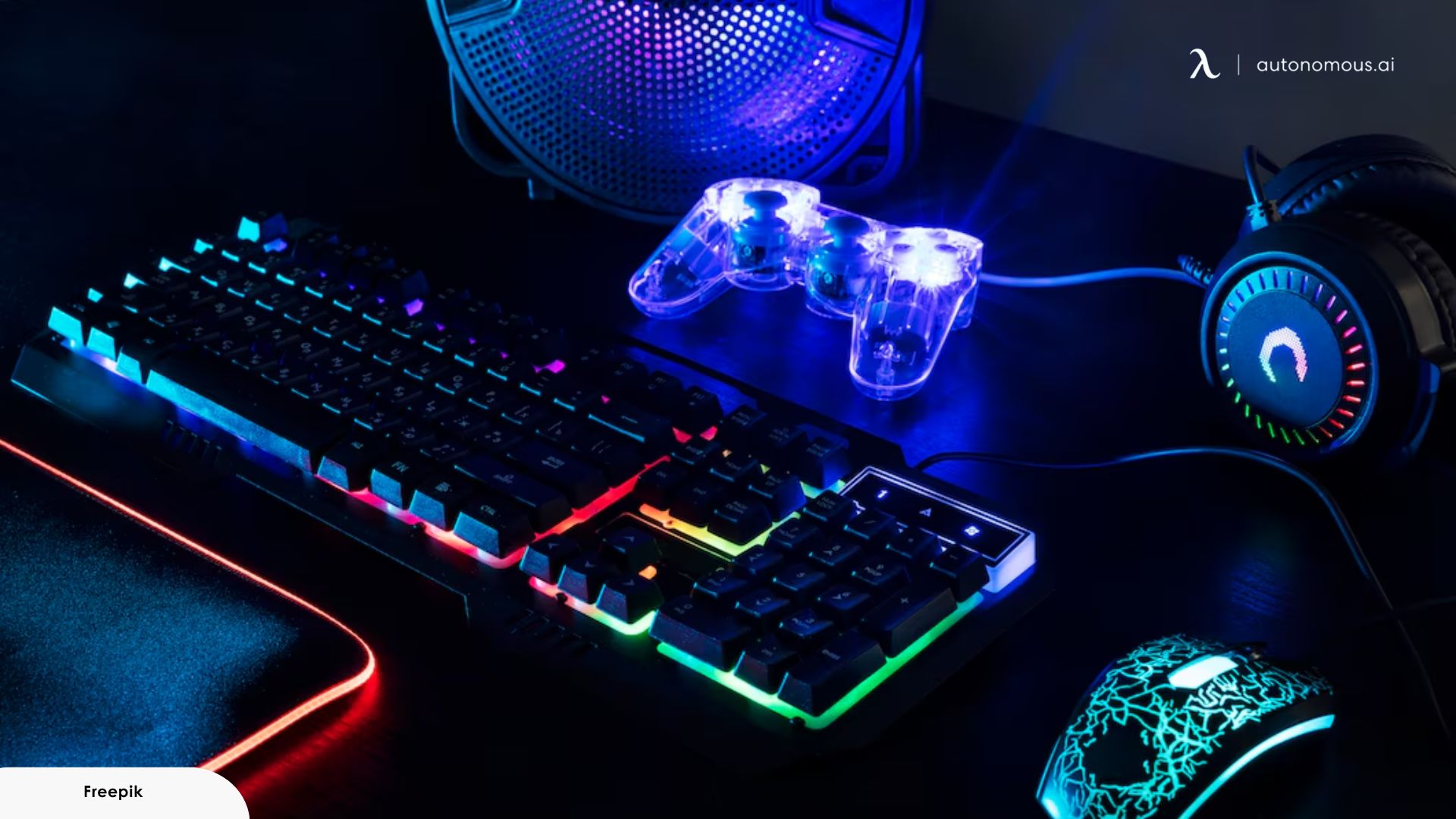
Mechanical keyboards aren't just louder — they're more precise. Each key uses an individual switch that registers input at a consistent actuation point, which means faster, more reliable keystrokes during gameplay compared to a membrane board.
The core advantage of a mechanical keyboard is consistency. Each key sits on its own switch that actuates at a fixed point every time. Your inputs register at the same moment in the keystroke cycle regardless of speed, simultaneous presses, or finger fatigue. In games where a few dozen milliseconds matter, that precision compounds into a real edge.
Board size has gameplay implications. Full-size layouts push your mouse hand further right, straining the shoulder and limiting horizontal mouse space. Tenkeyless and 65% boards bring your hands closer to center, giving low-sensitivity aimers the sweep room they need. Anti-ghosting and N-key rollover ensure every simultaneous keypress lands, even during complex ability combos.
A good mechanical keyboard is among the best gaming computer accessories that directly impacts how your inputs translate to in-game performance.
11. Wireless Gaming Mouse
Wireless gaming mice have closed the latency gap entirely. The best current models operate at a 1ms response time over 2.4GHz — functionally identical to wired. The difference now is freedom: no cable drag, no snag on the desk edge, and a cleaner setup overall.
Sensor precision, weight, and shape are the three things that actually affect gameplay. High-DPI sensors (26,000+) give you headroom to fine-tune sensitivity. Lightweight bodies (under 60g) reduce fatigue during long sessions. Shape is personal — palm grip, claw grip, and fingertip grip each favor a different mouse profile.
Programmable side buttons add efficiency for MMOs and MOBAs where ability binds stack up. And battery life on modern wireless mice sits comfortably at 70-100+ hours, so charging anxiety is no longer a real concern.
Paired with a proper extended desk mat and a clutter-free cable setup, a wireless mouse completes the input experience and earns its place among the coolest gaming PC accessories in daily rotation.
12. Gaming Headset
Spatial audio in a gaming headset is functional information delivered through sound. Directional footsteps, distant reloads, engine positions behind walls — these are environmental cues your screen can't communicate. In competitive play, that audio data converts directly into faster reactions and better positioning.
Comfort separates a headset you wear for one match from one you forget about after three hours. Lightweight builds under 300 grams reduce top-of-head fatigue. Mesh or fabric ear cups breathe better than synthetic leather over long sessions. An adjustable headband that distributes clamping force evenly prevents the pressure point that makes you want to pull them off mid-round.
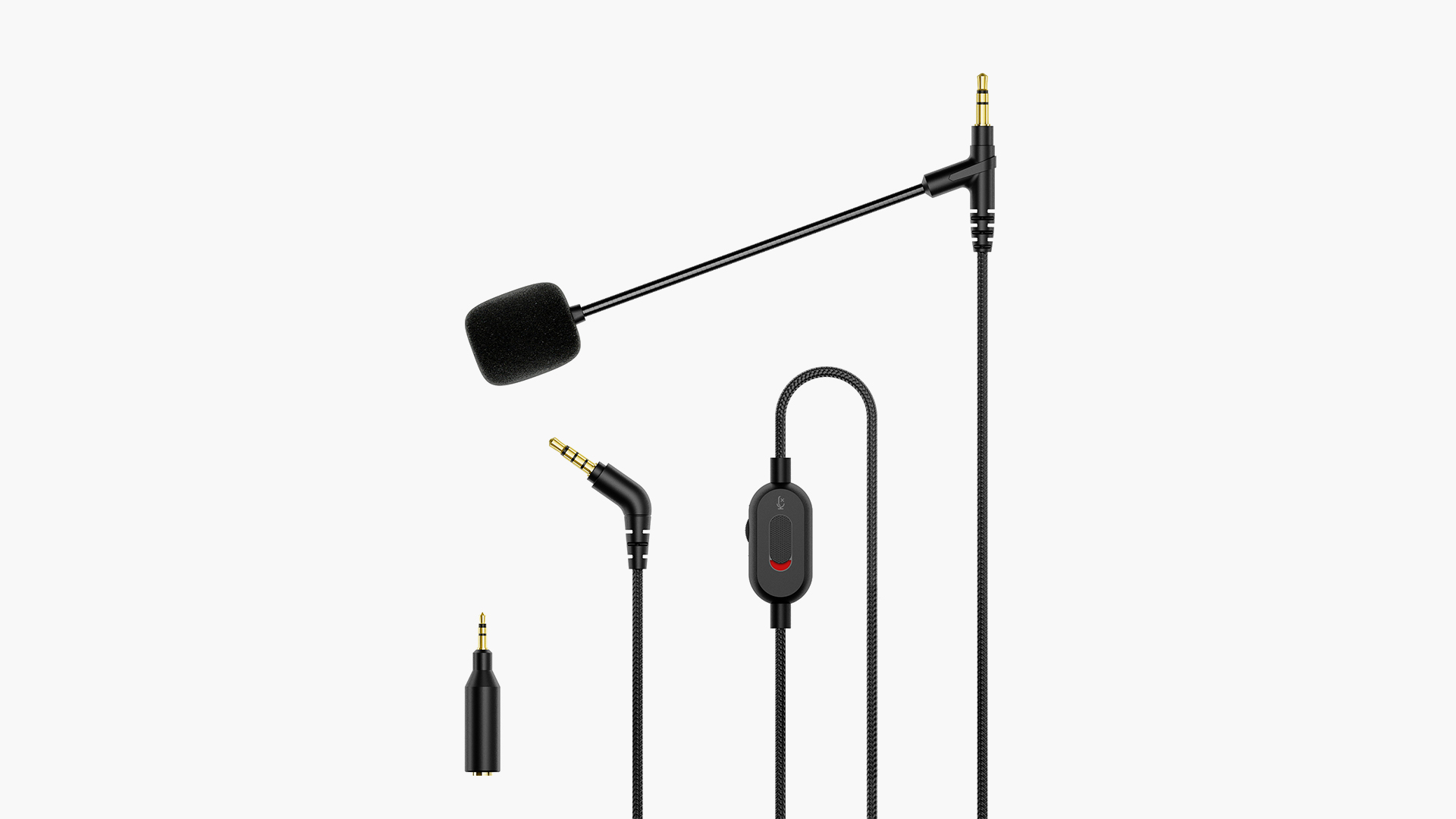
Integrated microphones range from flip-to-mute boom designs to detachable noise-canceling capsules. For casual comms, built-in works fine. If broadcast quality matters, pair the headset with a dedicated mic — which is what the next section covers.
13. Standalone Microphone & Boom Arm
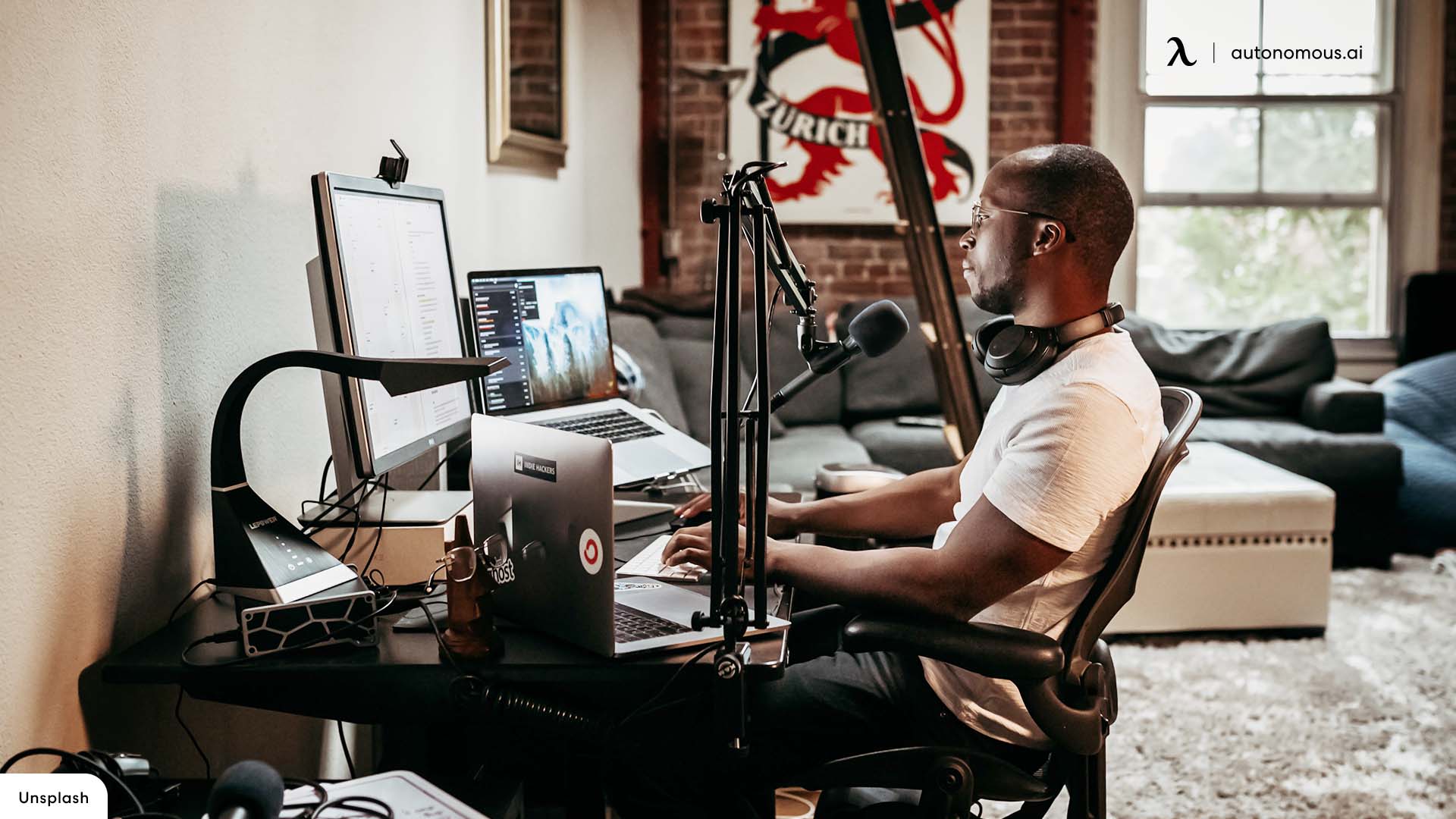
Your headset mic handles callouts. It doesn't handle streams, podcasts, or any situation where your voice is the primary audio. Dedicated mics capture richer sound with better noise rejection — your voice sounds fuller and background distractions stay out. If you're building a proper streaming desk setup, a standalone microphone is one of the first upgrades that your audience will actually hear.
USB condenser microphones are the most practical choice for gaming desks. They're plug-and-play, require no audio interface, and deliver broadcast-quality sound at mid-range price points.
The boom arm matters more than most people realize. A desk stand transmits every keystroke and mouse click as vibration noise directly into the mic. A boom arm suspends it at mouth level, isolated from the surface, and swings out of the way when not in use — reclaiming the desk space a fixed stand permanently occupies. Together, they form one of the most impactful cool gaming items for gamers who take audio seriously.
14. LED Backlights & RGB Strip Lights
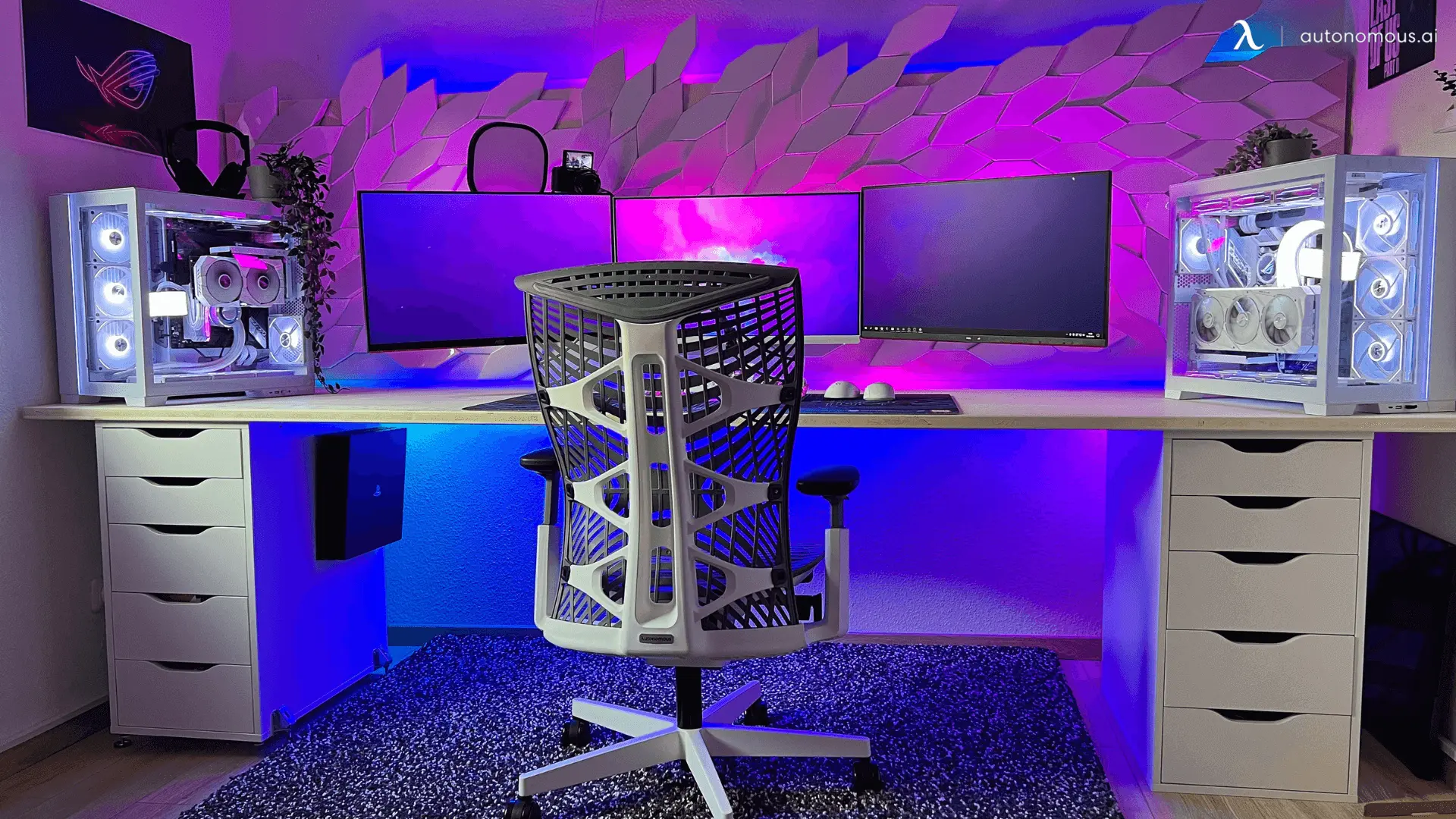
If the monitor light bar is the practical side of desk lighting, RGB strips are the expressive side. They don't illuminate your workspace — they set the mood around it.
LED strips behind your monitor wash color across the wall, giving your setup depth and dimension that overhead lights can't create. Strips along the underside of a shelf add underglow. Runs along the desk edge outlines the entire station in whatever palette fits your style.
Most strips use adhesive backing and include cut-to-length markings, so installation takes minutes and fits any surface. Extension connectors let you chain runs for more extensive coverage. The key is restraint — a well-placed strip or two creates atmosphere. Covering every surface in RGB creates a migraine.
This is where your setup stops looking like everyone else's. Among all the gaming desk accessories on this list, RGB is the one that makes the space feel yours.
/https://cdn.autonomous.ai/static/upload/images/customer/wei-biao-ti-2-0_1683345219.jpg)
15. Stream Deck or Macro Pad
A stream deck gives you a grid of programmable LCD buttons that execute custom actions with a single tap — scene switching, muting your mic, launching apps, adjusting audio levels, triggering sound effects, or controlling smart lights. For streamers, it eliminates the alt-tab fumbling that breaks the flow of a broadcast.
But stream decks aren't just for content creators. Gamers use them to build macro shortcuts, toggle overlays, open frequently used apps, or control music playback without leaving the game. A stream deck sits alongside other futuristic tech gadgets that feel unnecessary until you've used one — and then become impossible to remove from your workflow.
Macro pads serve a similar purpose in a more compact, mechanical form — fewer buttons, no LCD screens, but faster tactile response. Either format adds a layer of control that becomes hard to give up once it's part of your workflow.
As a power-user accessory, it's the final piece among desk accessories for gamers who want their setup to work as efficiently as they play.
FAQs
Are gaming desk accessories really necessary?
Gaming desk accessories aren’t required to play games, but they significantly improve comfort, posture, and efficiency during long sessions. Over time, they reduce fatigue, clutter, and setup friction, which directly impacts performance and enjoyment.
What are the must-have gaming desk accessories for beginners?
Essential gaming desk accessories for beginners include an extended mouse pad, ergonomic wrist rest, cable management system, and a headset stand. These basics immediately improve comfort and keep your desk organized without a large budget.
What gaming desk accessories improve ergonomics the most?
Monitor arms, wrist rests, and proper desk lighting are the gaming desk accessories that most improve ergonomics. They reduce neck strain, wrist pressure, and eye fatigue during extended gaming sessions.
How do I choose the best gaming desk accessories for my setup?
Choose gaming desk accessories based on desk size, monitor count, input devices, and how long you game per session. Prioritize ergonomics and cable management first, then add performance and aesthetic upgrades like lighting or macro pads.
Are gaming desk accessories different from regular desk accessories?
Yes. Gaming desk accessories are designed for longer use, faster inputs, and higher device density than standard desk accessories. They focus more on ergonomics, precision, airflow, and real-time accessibility.
What gaming desk accessories help with cable management?
Cable trays, adhesive clips, Velcro ties, and cable sleeves are the most effective gaming desk accessories for cable management. Together, they keep wires hidden, reduce dust buildup, and prevent accidental disconnections.
What gaming desk accessories are best for small desks?
For small desks, the best gaming desk accessories include monitor arms, under-desk headset hooks, compact USB hubs, and monitor risers with storage. These accessories create usable space instead of consuming it.
Do gaming desk accessories improve gaming performance?
Gaming desk accessories don’t increase FPS, but they improve consistency, comfort, and reaction efficiency. Better ergonomics, mouse space, and audio clarity reduce distractions and physical strain during gameplay.
What are the best gaming desk accessories for streamers?
Streamers benefit most from gaming desk accessories like stream decks, boom arms, standalone microphones, monitor arms, and proper lighting. These tools streamline controls, improve audio quality, and keep the desk camera-ready.
Conclusion
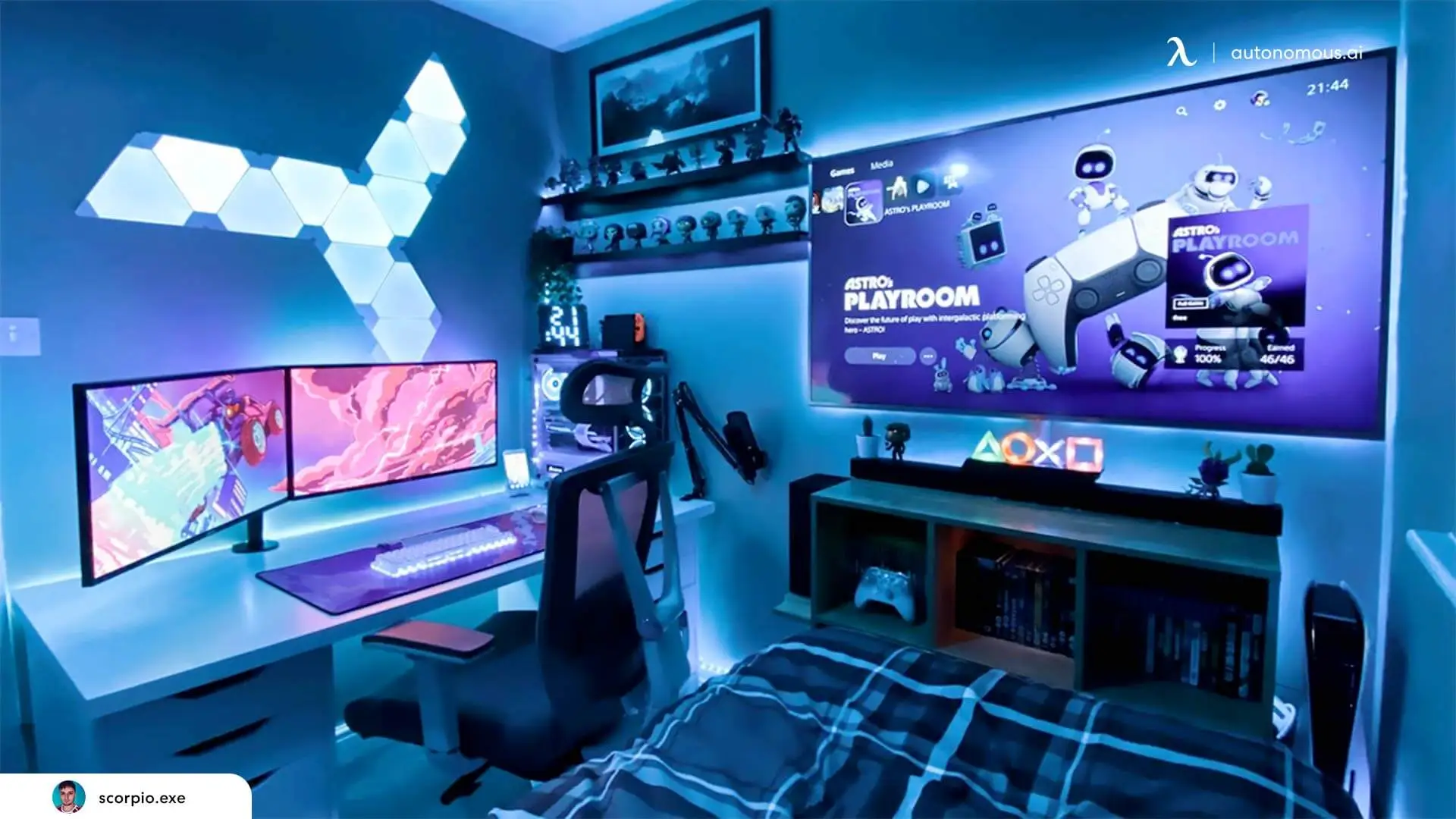
A great gaming setup isn't built in one purchase. It comes together over time — one well-chosen accessory at a time, each solving a specific problem or making the next session a little more comfortable than the last.
The fifteen gaming desk accessories on this list are ordered by impact for a reason. Start with what improves your comfort and organization, build outward toward input and audio, and finish with the atmosphere and workflow tools that make the space feel complete. Many of these picks double as cool office gadgets that work just as well during a workday as they do during a late-night session. And if you're looking to go beyond the essentials, there's a whole world of unique desk accessories that add personality to your station once the fundamentals are in place.
You don't need all fifteen on day one. You just need the right next one.